
Rip, extract and convert subtitles to .srt closed captions from .xml/dfxp/ttml and .vtt/WebVTT (e.g. Netflix, YouTube)
How to get .srt subtitles from streaming services
[Click here to convert your subs][Link]
Or follow the instructions below:
- Get the subtitles (
.xmldfxp or.vttfiles from Netflix, YouTube... streaming media services).
- Convert them into
.srtfiles (and/or shift timestamps).
Get the subtitles
From Netflix
> Note: There is a video-tutorial covering all instructions step-by-step in Youtube on how to to download and convert subtitles from Netflix using Windows and Google Chrome.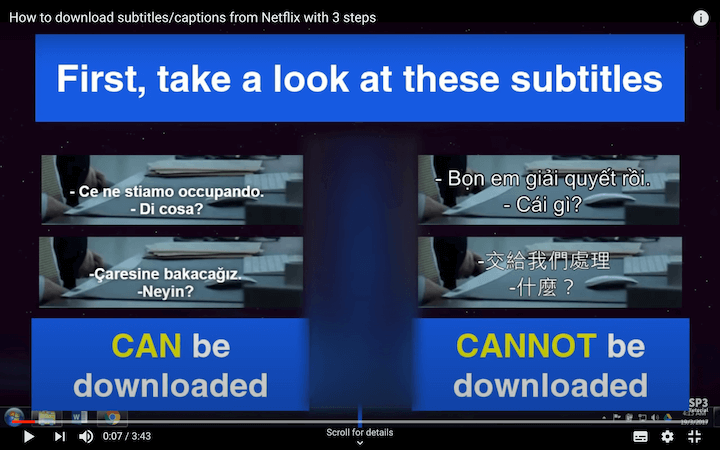
Get subtitles from Netflix: method 1
- You need one of the following web browsers:
- Install Tampermonkey, links below:
- Install Netflix - subtitle downloader script for Tampermonkey.
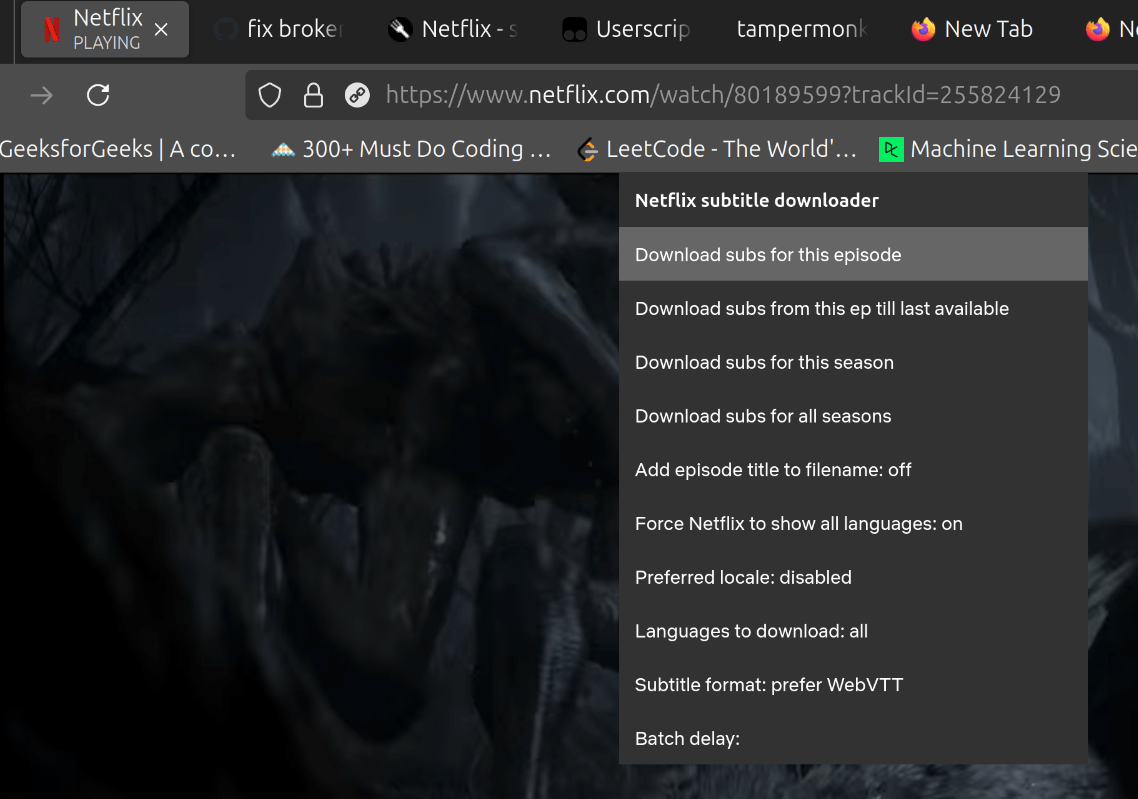
- To download the subtitles file from Netflix, open the episode in Netflix and download them by clicking on "Download subs from this episode" (see image below).
Get subtitles from Netflix: method 2
You need Google Chrome. not tested on other web browsers- Open devtools. This is usually accomplished by either:
Cmd + Alt + i.
- Pressing F12.
- Go to Network tab within dev tools.
- Load your movie/episode.
- Select the subtitle you want.
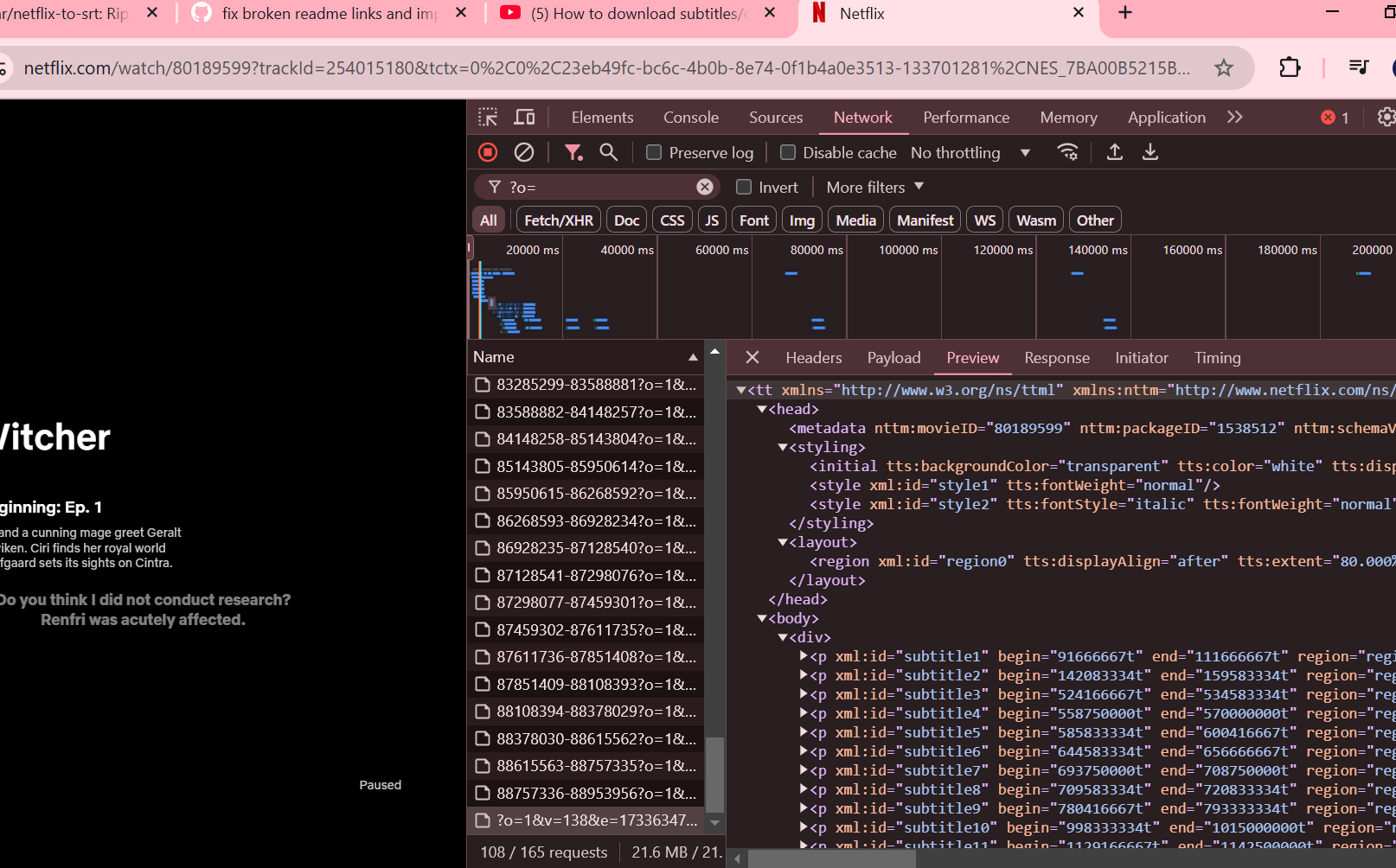
- In devtools sort by name and look for a file with
?o=at the beginning of the name (see image below).
Get subtitles from Netflix: method 3
The information is extracted from this post.You need FireFox and AdblockPlus Add-On. not tested on other browsers
- Start Netflix and your movie/episode (stream is active!)
- Start AdblockPlus, open blockable items
- Search: dfxp (e.g.
>> #.nflximg.com/#/#/########.dfxp?v=1&e=#########&t=######_#####&random=1234567890) - open the dfxp in a new window
- Save as
From YouTube
Note: One must ensure subtitles in the YouTube video (captions) are enabled before running commands below.
Get subtitles from YouTube: method 1
- Install youtube-dl (available for Windows, Mac and Linux).
- Download subs from the YouTube URL you like. E.g.
youtube-dl --all-subs "https://www.youtube.com/watch?v=VHNfvFOBC0A" - Subtitles should be downloaded in the same folder were the command was ran. E.g.
NameOfTheVideo VHNfvFOBC0A.ca.vtt, NameOfTheVideo VHNfvFOBC0A.tlh.vtt - If you are missing a language, check that it's actually available. E.g.
youtube-dl --list-subs "https://www.youtube.com/watch?v=VHNfvFOBC0A"
Get subtitles from YouTube: method 2
- Install youtube-dlp (available for Windows, Mac and Linux). It's a fork version of youtube-dl by Snap.
- Download subs from the YouTube URL you like. E.g.
yt-dlp --skip-download --write-auto-subs --sub-lang "en" "https://youtu.be/cVsyJvxX48A" - The above command will download YouTube subtitles in VTT format. Alternatively, one may use it's own integrated converter to get them in
srtformat right away. E.g.yt-dlp --skip-download --write-auto-subs --convert-subs srt --sub-lang "en" "https://youtu.be/cVsyJvxX48A - To download the video with audio and subtitles, simply omit the --skip-download option. E.g.
yt-dlp --write-auto-subs --sub-lang "en" "https://youtu.be/cVsyJvxX48A"
Convert them into .srt
Using your web browser
- Go to netflix-to-srt.pages.dev (or alternatively isaacbernat.github.io/netflix-to-srt-web).
- Upload the subtitles and click "convert".
- Enjoy! (And star the repo ⭐ if you liked it ;D).
Using Python
- Get python (If you have mac or linux you may skip this step).
- Clone this repository or download it as a ZIP file or download
tosrt.pyfile . - Run the script in the terminal (type
python tosrt.pyorpython3 tosrt.pyfrom the terminal on the folder you haveto_srt.py).
to_srt.py. - Or use -i INPUTPATH and -o OUTPUTPATH for custom file locations. - All .xml and .vtt files in the input directory will generate a converted .srt file on the output one. - Optional: Use
-d DELAYMSparameter when running the script to delay all the timestamps by the given number of milliseconds. Negative values shift timestamps backwards. Example:python tosrt.py -i samples/delays -o samples/delays -d -1500will take all the eligible files insamples/delaysand shift the resulting.srtsubtitles to be 1.5 seconds earlier than the original version. - Enjoy! (And star the repo ⭐ if you liked it ;D).
- Note: Tested on Python 3.10+ and newer (3.10 is the oldest still supported). Previous versions were compatible with Python 2.7 but it's not supported anymore.
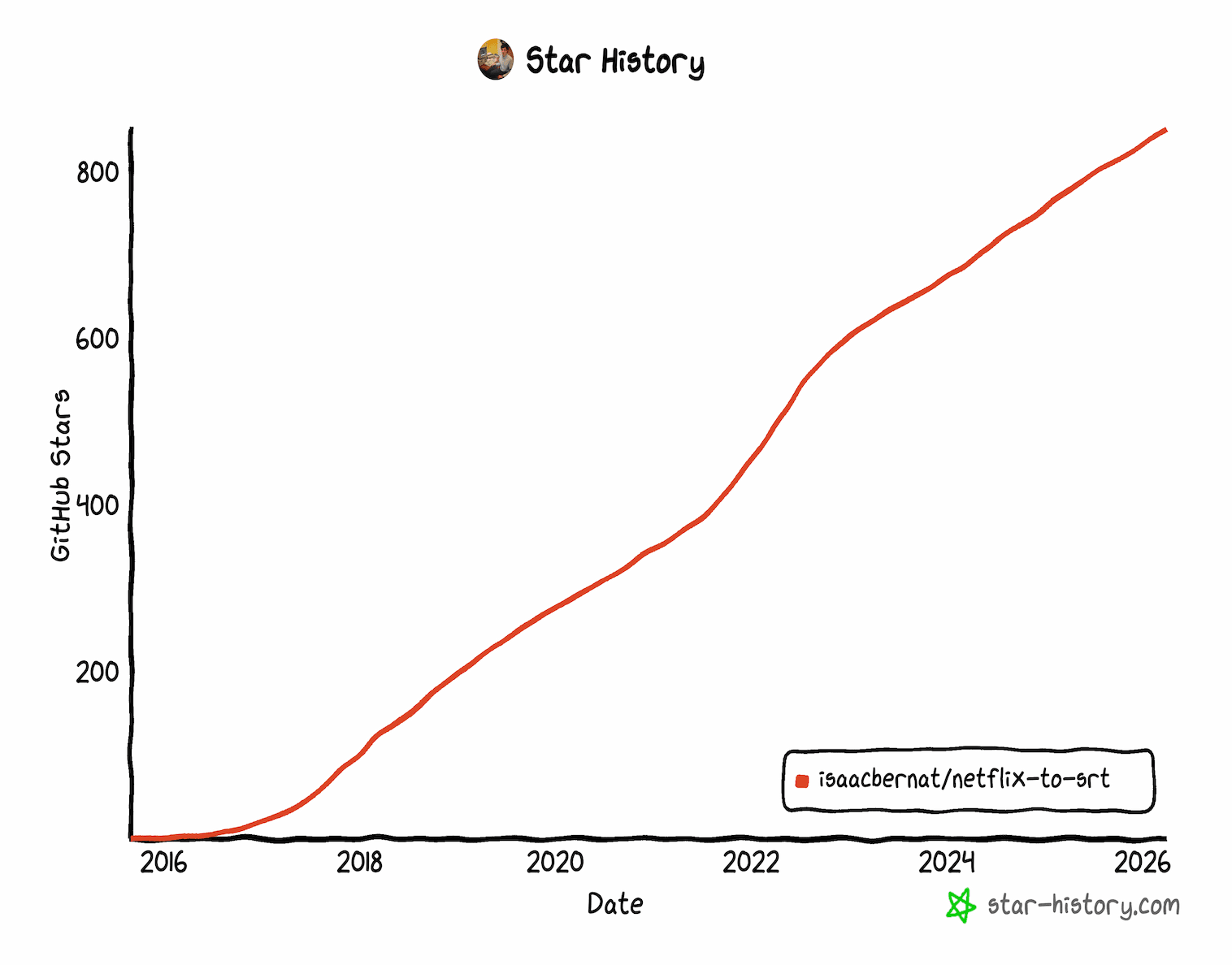
Star this repo
If you like this project, please star the repository ⭐. It's free and it helps get visibility and future improvements.- You may skip the following step if you are already logged in Github.
- Scroll to the top of this page or open it in a new tab/window and check the for a star icon (it's near the screen laterals)


- Thanks for your contribution!
Why this repository?
VideoLAN's VLC media player could not reproduce that kind of xml subtitles and I could not find any tool that could easily transform the xml files to a suitable format (e.g. SubRip (.srt)) in Linux or Mac, so I wrote this script and decided to share. I got a request for WebVTT (.vtt) and did the same. Other features like font colors and styles are partially supported. Feel free to create an Issue or Pull Request with improvement ideas.
Similarly, adjusting timestamps in 50ms increments was inconvenient using VLC's hotkeys (G, H and/or J) for large mismatches (e.g. 60 seconds because openings or summaries), so I added the -d DELAY_MS parameter so I could "advance" all the subtitles lines easily.
Requiring access to a terminal with Python installed was a limiting factor for many users. I added the javascript version so it may be run on any web browser. The JavaScript version is an isomorphic port optimized for zero-dependency execution in both browsers and Node.js environments.
Testing
Python tests
Run the Python test suite with verbose output (usepython3 instead of python depending on your OS alias):
python -m unittest discover -s tests -vNode.js tests
Run the JavaScript test suite (tests the web version inweb/script.js):
node --test tests/testtosrt.jsNote
In no way I am encouraging any kind of illegal activity. Please know your local laws and ask for written permissions from content owners (e.g. Netflix, YouTube) when necessary.Contributing
Contributions are welcome. Feel free to create a Pull Request. Your help will make this project even better for everyone.[Link]: https://netflix-to-srt.pages.dev/


