
iOS 360° panorama video player with Metal rendering support (formerly HTY360Player)
Fisheye
A 360-degree panorama video player library for iOS.
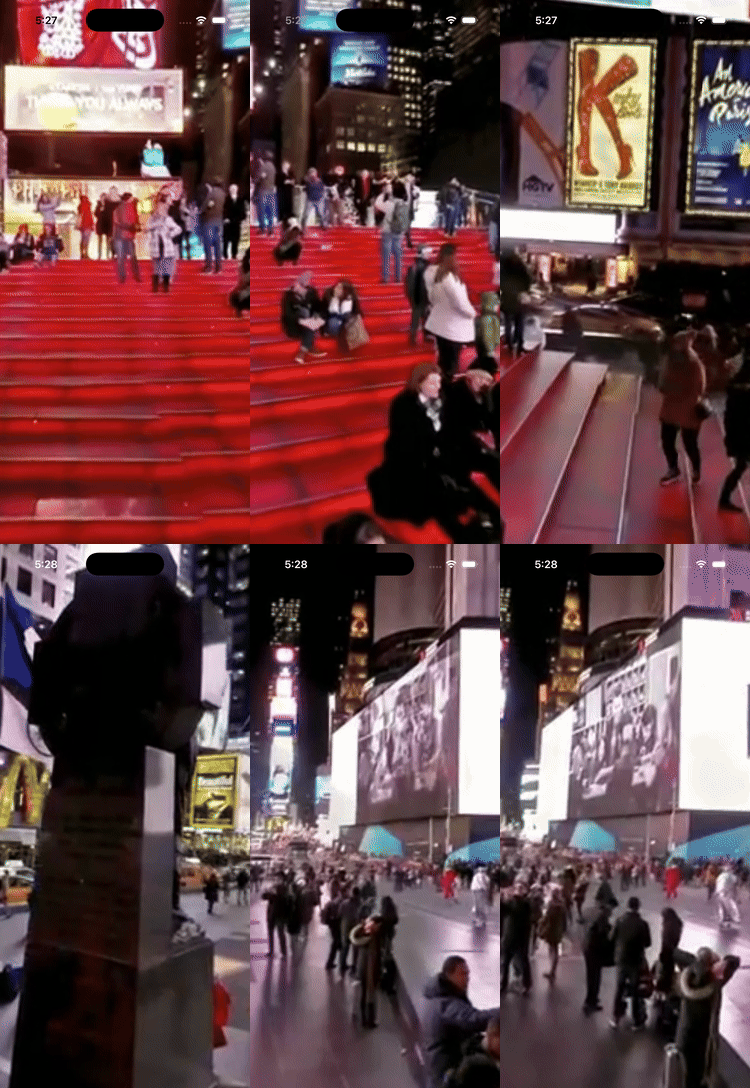
Features
- Play 360-degree panoramic videos
- Touch-based rotation for immersive viewing
- Easy-to-use
FisheyeViewAPI with SwiftUI support - Configurable field of view, frame rate, and touch sensitivity
- Metal-based rendering for modern iOS devices
- Pure Swift implementation
Requirements
- iOS 15.0+
- Swift 5.0+
- Xcode 14.0+
Installation
Swift Package Manager
Add Fisheye to your project using Swift Package Manager:
- In Xcode, go to File > Add Package Dependencies...
- Enter the repository URL:
https://github.com/user/Fisheye - Select the version you want to use
- Click Add Package
Package.swift:
dependencies: [
    .package(url: "https://github.com/user/Fisheye", from: "2.1.2")
]
Usage
SwiftUI
Fisheye provides first-class SwiftUI support with FisheyeSwiftUIView:
Basic Usage
import SwiftUI
import Fisheye
struct ContentView: View {     var body: some View {         if let videoURL = Bundle.main.url(forResource: "video", withExtension: "mp4") {             FisheyeSwiftUIView(videoURL: videoURL)                 .ignoresSafeArea()         }     } }
With Playback Control
struct ContentView: View {
    @State private var isPlaying = true
var body: some View {         VStack {             FisheyeSwiftUIView(videoURL: videoURL, isPlaying: $isPlaying)                 .frame(height: 400)
Button(isPlaying ? "Pause" : "Play") {                 isPlaying.toggle()             }         }     } }
Using ViewModifiers
struct ContentView: View {
    var body: some View {
        FisheyeSwiftUIView(videoURL: videoURL)
            .fieldOfView(75)
            .touchSensitivity(0.01)
            .sphereQuality(.high)
            .loopPlayback(true)
            .framesPerSecond(60)
            .ignoresSafeArea()
    }
}
Available sphere quality presets:
.low(50 slices).medium(100 slices).high(200 slices) - default.ultra(400 slices)
UIKit
Basic Usage
import Fisheye
import UIKit
class VideoViewController: UIViewController {     private var fisheyeView: FisheyeView!
override func viewDidLoad() {         super.viewDidLoad()
// Create FisheyeView         fisheyeView = FisheyeView(frame: view.bounds)         fisheyeView.autoresizingMask = [.flexibleWidth, .flexibleHeight]         view.addSubview(fisheyeView)
// Load and play a video         if let videoURL = Bundle.main.url(forResource: "video", withExtension: "mp4") {             fisheyeView.loadVideo(url: videoURL)             fisheyeView.play()         }     } }
Custom Configuration
let config = FisheyeConfiguration(
    fieldOfView: 90.0,        // Field of view in degrees
    framesPerSecond: 30,      // Target frame rate
    sphereSlices: 100,        // Sphere geometry detail
    touchSensitivity: 0.01,   // Touch rotation sensitivity
    loopPlayback: true        // Loop video playback
)
let fisheyeView = FisheyeView(frame: view.bounds, configuration: config)
Playback Control
fisheyeView.play()     // Start playback
fisheyeView.pause()    // Pause playback
fisheyeView.stop()     // Stop and release resources
fisheyeView.isPlaying  // Check playback state
Example Apps
The Example directory contains two complete example applications:
SwiftUI Example
See Example/FisheyeSwiftUIExample for a SwiftUI-based example demonstrating FisheyeSwiftUIView with playback controls and view modifiers.
- Open
Example/FisheyeSwiftUIExample/FisheyeSwiftUIExample.xcodeprojin Xcode - Build and run on an iOS simulator or device
UIKit Example
See Example/FisheyeExample for a UIKit-based example demonstrating FisheyeView integration.
- Open
Example/FisheyeExample/FisheyeExample.xcodeprojin Xcode - Build and run on an iOS simulator or device
Architecture
The library is structured as follows:
Sources/Fisheye/
├── Fisheye.swift              # Library entry point and version
├── Core/
│   ├── FisheyeView.swift      # High-level MTKView wrapper
│   └── FisheyeConfiguration.swift
├── SwiftUI/
│   ├── FisheyeSwiftUIView.swift    # SwiftUI wrapper with bindings
│   └── FisheyeViewModifiers.swift  # SwiftUI-idiomatic ViewModifiers
├── Rendering/
│   └── MetalRenderer.swift    # Metal-based rendering with YUV conversion
├── Geometry/
│   ├── Sphere.swift           # Sphere model
│   └── SphereGenerator.swift  # Pure Swift sphere generation
├── Video/
│   └── VideoPlayer.swift      # AVFoundation video playback
├── Utilities/
│   └── simd+Extensions.swift  # Matrix math helpers
└── Resources/
    └── Shaders.metal          # Metal shading language
Tutorial
For a detailed explanation of how the 360-degree video rendering works, see: How to Create a 360 Video Player with OpenGL ES 3.0 and GLKit in iOS
Note: This tutorial describes the OpenGL ES version (v1.x). Version 2.0+ uses Metal rendering but follows similar principles.
Contributing
- Fork it
- Create your feature branch (
git checkout -b my-new-feature) - Commit your changes (
git commit -am 'Add awesome feature') - Push to the branch (
git push origin my-new-feature) - Create a new Pull Request
License
Fisheye is available under the MIT license. See the LICENSE file for more info.
Third-Party Licenses
The sphere generation algorithm is based on code from the OpenGL ES 3.0 Programming Guide:
- Copyright (c) 2013 Dan Ginsburg, Budirijanto Purnomo
- Licensed under the MIT License


