
A flat, 80's neon inspired theme for JupyterLab.
Last updated Mar 17, 2026
162
Stars
11
Forks
8
Issues
0
Stars/day
Attention Score
45
Language breakdown
CSS 88.3%
Python 9.2%
TypeScript 2.5%
▸ Files
click to expand
README
Jupyterlab Neon Theme



A flat, 80's neon inspired theme for JupyterLab.
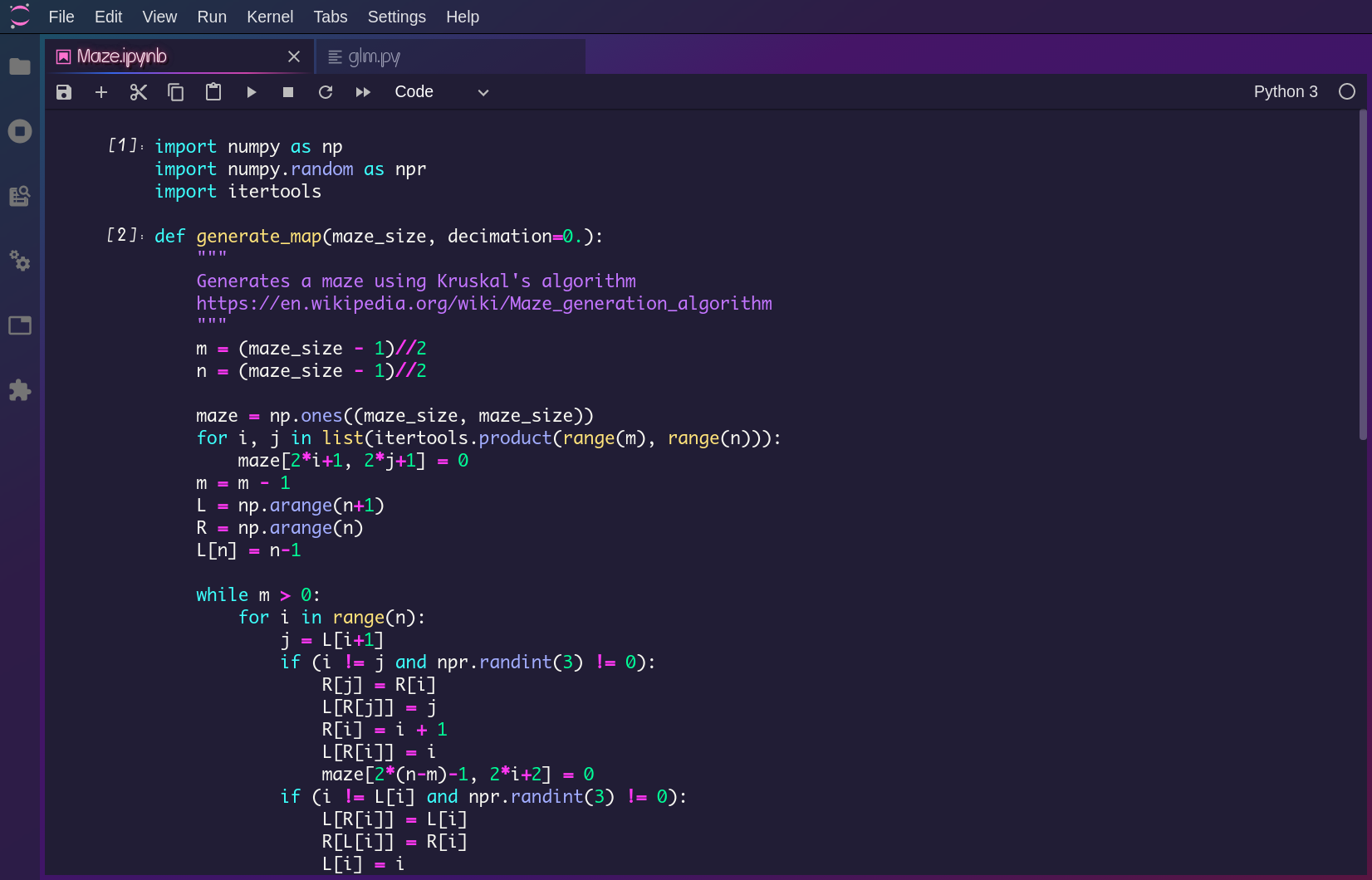
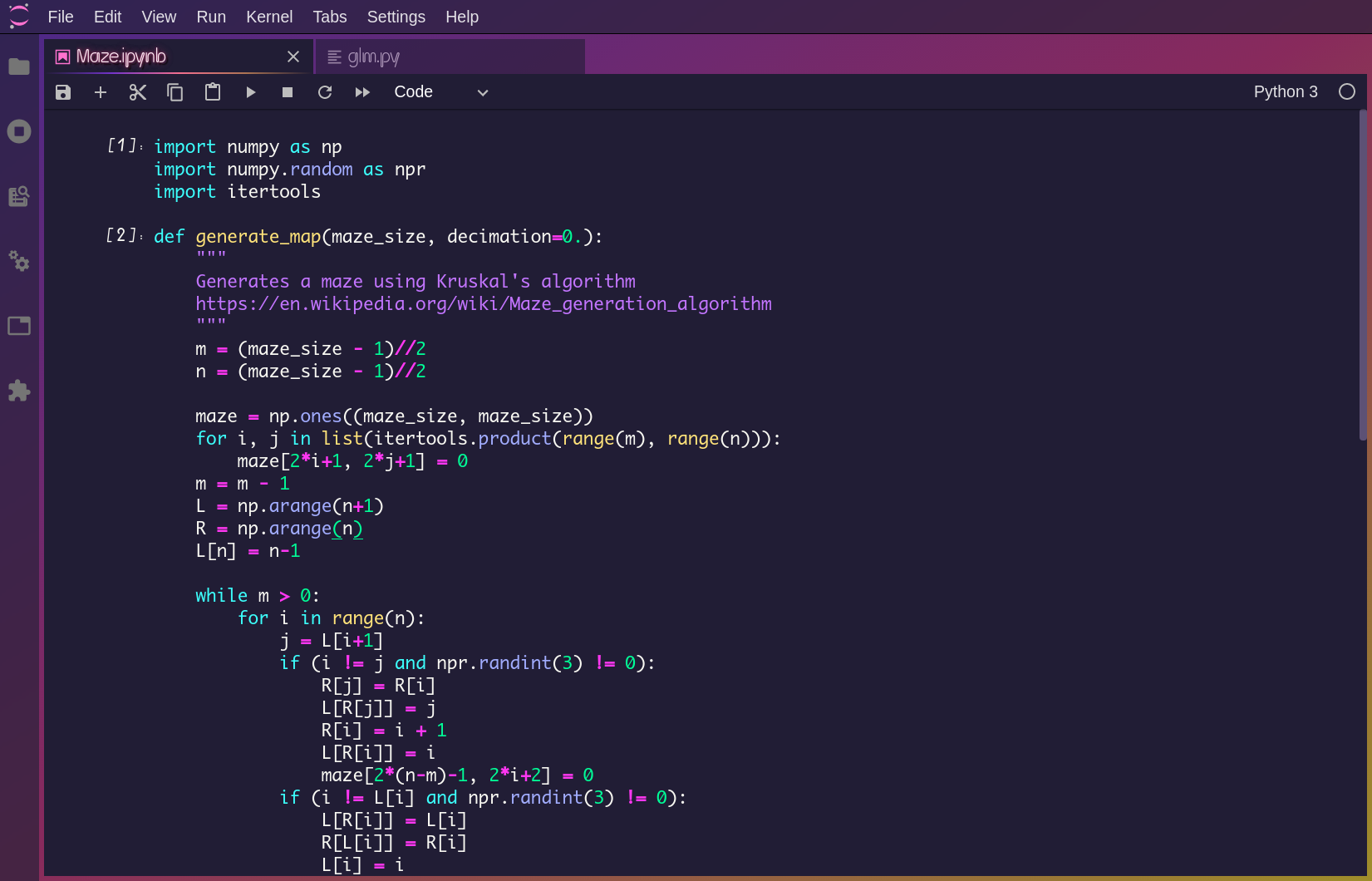
This theme is hightly inspired by artworks of 80's Neon, Synthwave and Cyberpunk. It is optimized for long-term use but colorful and cooool.
Big update
There is a big update for the color scheme since version 3.0.0. If you are old users and don't like the new style, please find the archive here. However, unfortunately it would not be maintained anymore.Bonuses
1. Search tool * Neon billboard
2. Collapser * Neon light 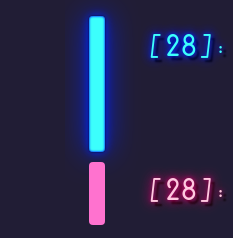
3. Scrollbar * FM-84's "Atlas" (only compatible with webKit browsers) 
4. Presentation mode (Top menu --> View --> Presention mode) 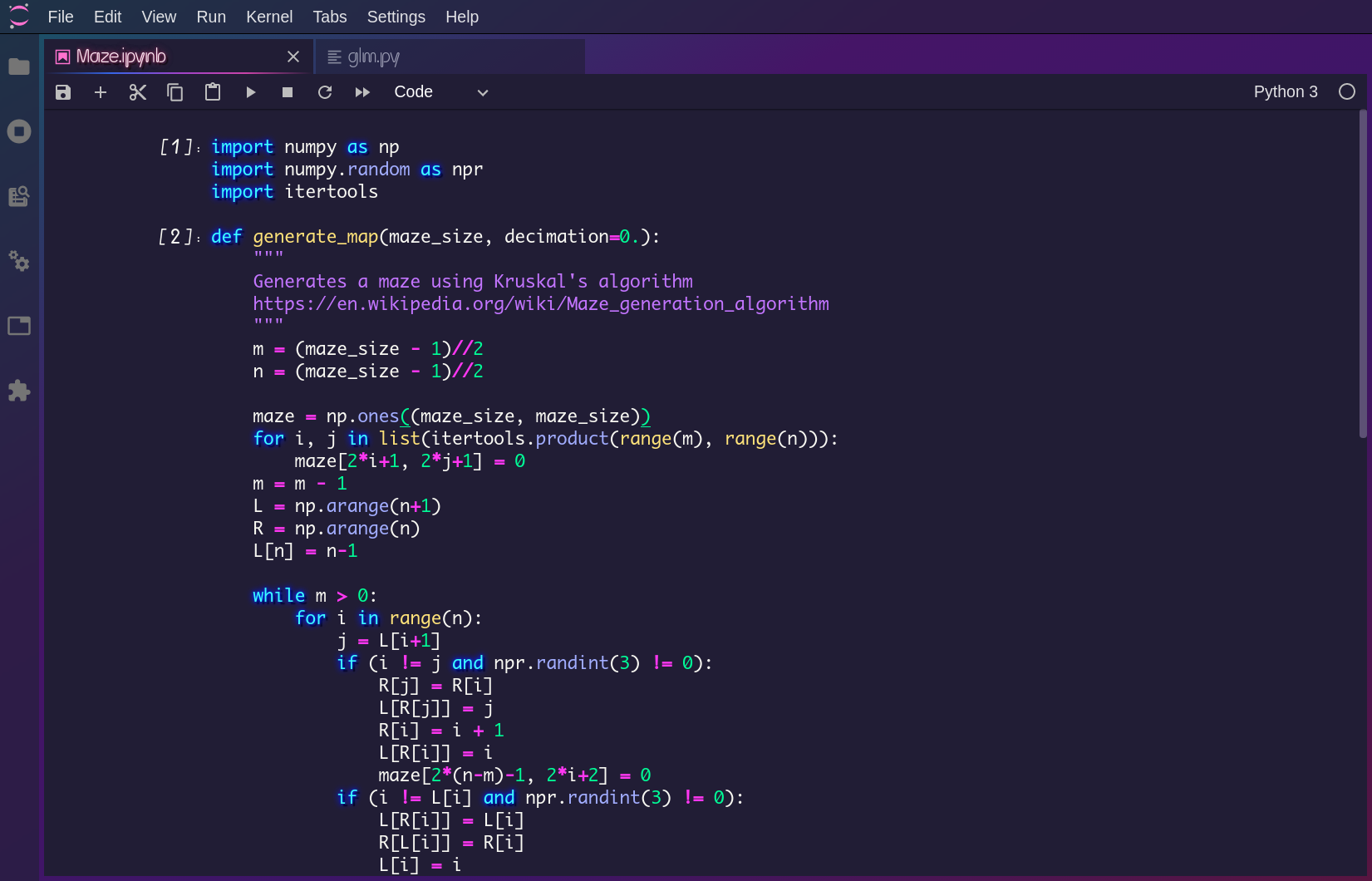
Customize
You may don't like the default background or the transparent UI, so codes concerning these controversial designs are separately put intocustom.css and detailly commented for you to customize.
After you edited css files, please follow instructions in the Development installation to reinstall.
1. Transparent left/top bar
PLease follow the comments to ajust the transparency.2. Background
Two gradient backgrounds, 'Neon Night' and 'Neon Sunset', are provided. The default style is 'Neon Night' and you can uncomment codes to employ 'Neon Sunset' style.To use an image as background, uncomment the corresponding part of codes, and change the url to the path of your image.
3. Fonts
To change fonts of editor and neon, firstly, add your font files tofonts directory and update fonts.css to register them. Then follow my comments to employ your registered fonts.
Compatibility
To support gradient scrollbars showed in screenshots, webKit browsers like chrome are required. Otherwise, please activate the Theme Scrollbars in the Top menu --> Settings --> JupyterLab Theme for dark scrollbars (except Edge). This color scheme is primarily designed for python and ipynb, so there may be issues in other situations. If any problem you find, please report it to me in the Github and I'll try to fix it as soon as possible.Prerequisites
- JupyterLab >= 3.0.0
conda install -c conda-forge nodejsPackage installation
- Using GUI
- Using the command
jupyter labextension install @yeebc/jupyterlabneonthemeDevelopment installation
For a development install (requires npm version 4 or later), clone this github repo and do the following in the repository directory:npm install
jupyter labextension link .To rebuild the package and the JupyterLab app:
npm run build
jupyter lab build
Contributing
I welcome any contribution to this theme. You can get more imfomation about the project structure of JupyterLab theme extensions from Official Document.Thanks
You may also like SynthWave '84, my favorite VS Code theme, with similar style and it is more compatible with HTML & CSS, JS.And Welcome to 1984.


