
Animated Loader or Animated Progress Dialog android code.
AnimatedLoadingIndicator

LoadingIndicator
This is a simple but effective animated Loading Indicator which can easily ready to use integrated few lines of code.
Android SDK version Support:
- Minimum SDK version is: 15
- Maximum SDK version is: 29
Demo
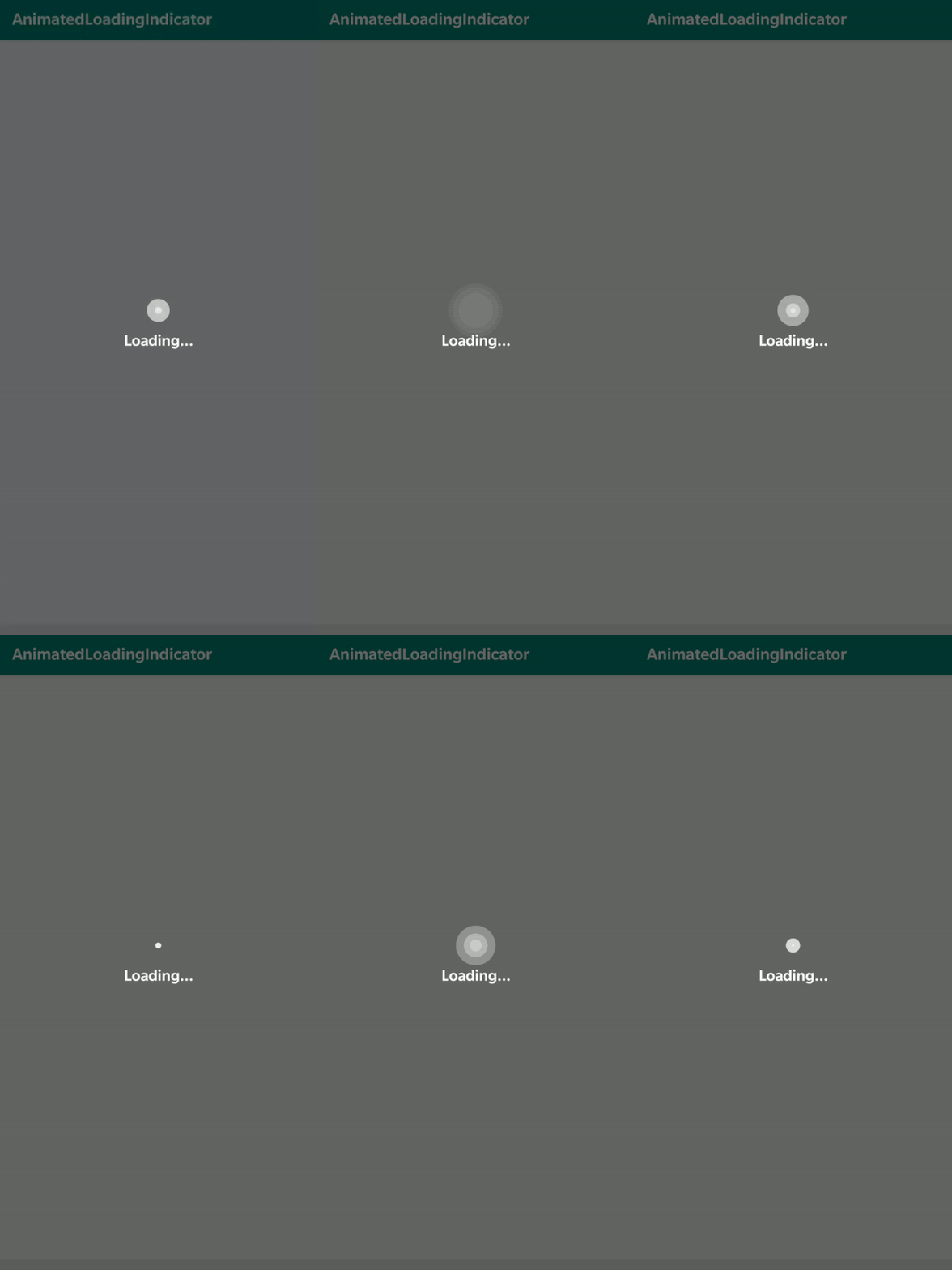
Android Gradle
LoadingIndicator library Installation
// Add it in your root build.gradle at the end of repositories:
allprojects {
		repositories {
			...
			maven { url 'https://jitpack.io' }
		}
	}
// Add AnimatedLoadingIndicator dependency
dependencies {
implementation 'com.github.yash786agg:AnimatedLoadingIndicator:v1.3'
}Code to add in your project file for Kotlin User
// Adding Progress Dialog
val progressDialog = Dialog(this) progressDialog.requestWindowFeature(Window.FEATURENOTITLE) progressDialog.setContentView(R.layout.customdialogprogress)
/ Custom setting to change TextView text,Color and Text Size according to your Preference/
val progressTv = progressDialog.findViewById(R.id.progress_tv) as TextView progressTv.text = resources.getString(R.string.loading)  progressTv.setTextColor(ContextCompat.getColor(this, R.color.colorAccent)) progressTv.textSize = 19F
progressDialog.window!!.setBackgroundDrawable(ColorDrawable(Color.TRANSPARENT)) progressDialog.setCancelable(false) progressDialog.show()
// Dismiss Progress Dialog
progressDialog.dismiss() or progressDialog.cancel()Code to add in your project file for Java User
// Adding Progress Dialog
Dialog progressDialog = new Dialog(this); progressDialog.requestWindowFeature(Window.FEATURENOTITLE); progressDialog.setContentView(R.layout.customdialogprogress);
/ Custom setting to change TextView text,Color and Text Size according to your Preference/
TextView progressTv = progressDialog.findViewById(R.id.progress_tv); progressTv.setText(getResources().getString(R.string.loading)); progressTv.setTextColor(ContextCompat.getColor(this, R.color.colorAccent)); progressTv.setTextSize(19F); if(progressDialog.getWindow() != null)     progressDialog.getWindow().setBackgroundDrawable(new ColorDrawable(android.graphics.Color.TRANSPARENT));
progressDialog.setCancelable(false); progressDialog.show();
progressDialog.dismiss(); or progressDialog.cancel();Prerequisites
- Android Studio 3.4
- Gradle version 3.4.2
- Android Device with USB Debugging Enabled
Built With
- Android Studio - The Official IDE for Android
- Gradle - Build tool for Android Studio
For more about programming, follow me on Medium
Also, Let’s become friends on Linkedin


