
STIX2 graph widget for Jupyter notebooks, powered by stixview library
jupyter-widget-stixview =======================

STIX2 graph widget for Jupyter notebook, powered by stixview library.
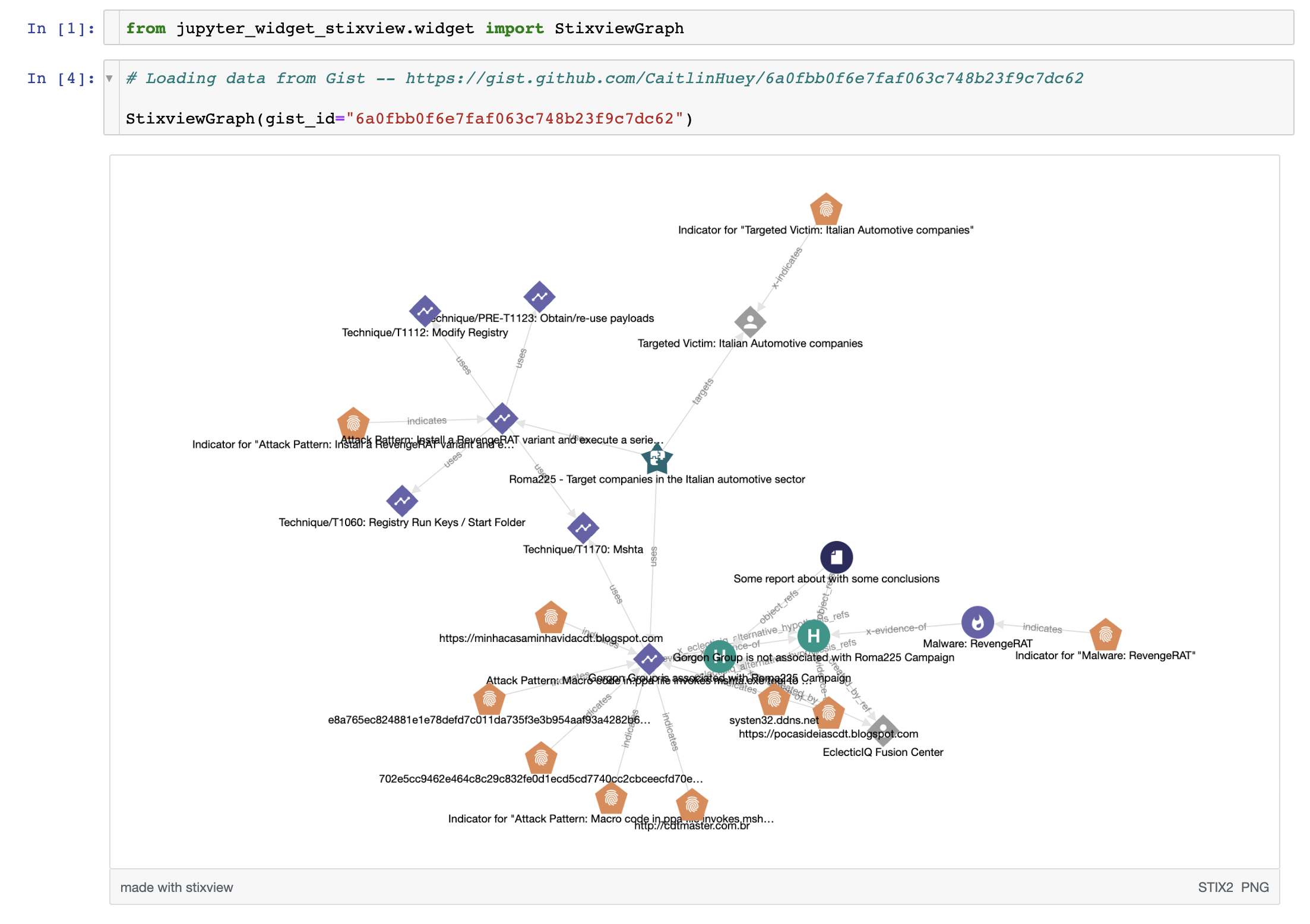
(see stixview-widget-showcase.ipynb for usage options)
Installation
To install use pip:
$ pip install jupyterwidgetstixview $ jupyter nbextension enable --py --sys-prefix jupyterwidgetstixview
To install for jupyterlab
$ jupyter labextension install jupyter-widget-stixview
For a development installation (requires npm),
$ git clone https://github.com/traut/jupyter-widget-stixview.git $ cd jupyter-widget-stixview $ pip install -e . $ jupyter nbextension install --py --symlink --sys-prefix jupyterwidgetstixview $ jupyter nbextension enable --py --sys-prefix jupyterwidgetstixview $ jupyter labextension install js
When actively developing your extension, build Jupyter Lab with the command:
$ jupyter lab --watch
This take a minute or so to get started, but then allows you to hot-reload your javascript extension. To see a change, save your javascript, watch the terminal for an update.
Note on first jupyter lab --watch, you may need to touch a file to get Jupyter Lab to open.
Troubleshooting
In case of an error like
jlpm: not found where a JupyterLab command is missing, make sure that the bin directory (of a Python virtual environment where jupyterlab is installed to) is on PATH.


