
📊📉 Embed Plotly Dash into your Flask applications.
Last updated May 25, 2026
491
Stars
152
Forks
20
Issues
0
Stars/day
Attention Score
72
Topics
Language breakdown
No language data available.
▸ Files
click to expand
README
Plotly Dash Flask Tutorial









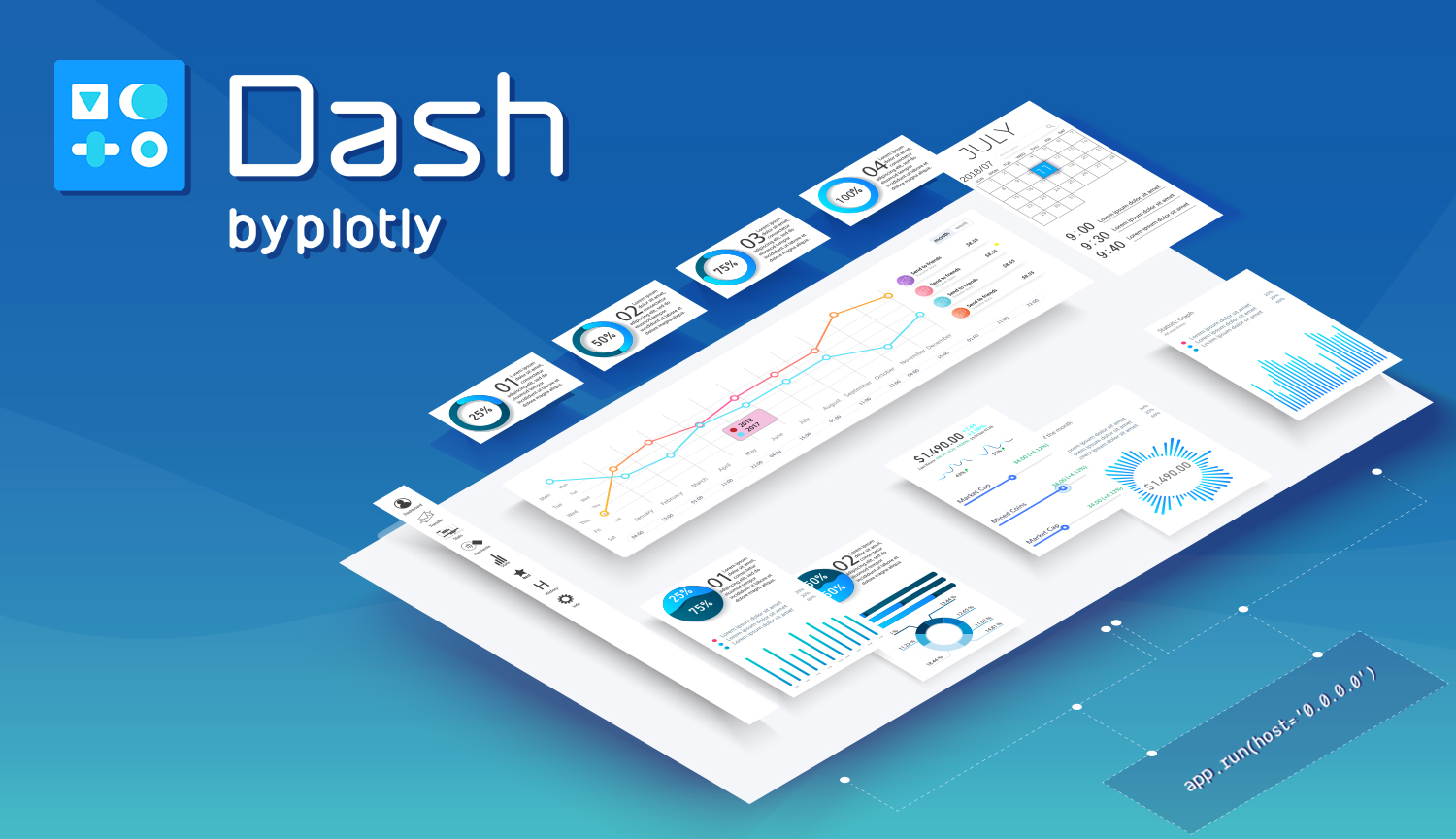
Make Plotly Dash part of your Flask Application by following this example.
- Tutorial: https://hackersandslackers.com/plotly-dash-with-flask/
- Demo: https://plotlydashflask.hackersandslackers.app/
Getting Started
Get set up locally in two steps:
Environment Variables
Replace the values in .env.example with your values and rename this file to .env:
FLASK_ENV: The environment in which to run your application; eitherdevelopmentorproduction.SECRET_KEY: Randomly generated string of characters used to encrypt your app's data.
LESS_BIN (optional for static assets)*: Path to your local LESS installation via which lessc.
ASSETS_DEBUG (optional)*: Debug asset creation and bundling in development.
LESSRUNIN_DEBUG (optional)*: Debug LESS while in development.
COMPRESSOR_DEBUG (optional)*: Debug asset compression while in development.
Remember never to commit secrets saved in .env files to Github.
Installation
Get up and running with make deploy:
$ git clone https://github.com/hackersandslackers/plotlydash-flask-tutorial.git
$ cd dashboard-flask-tutorial
$ make deploy
Hackers and Slackers tutorials are free of charge. If you found this tutorial helpful, a small donation would be greatly appreciated to keep us in business. All proceeds go towards coffee, and all coffee goes towards more content.


