
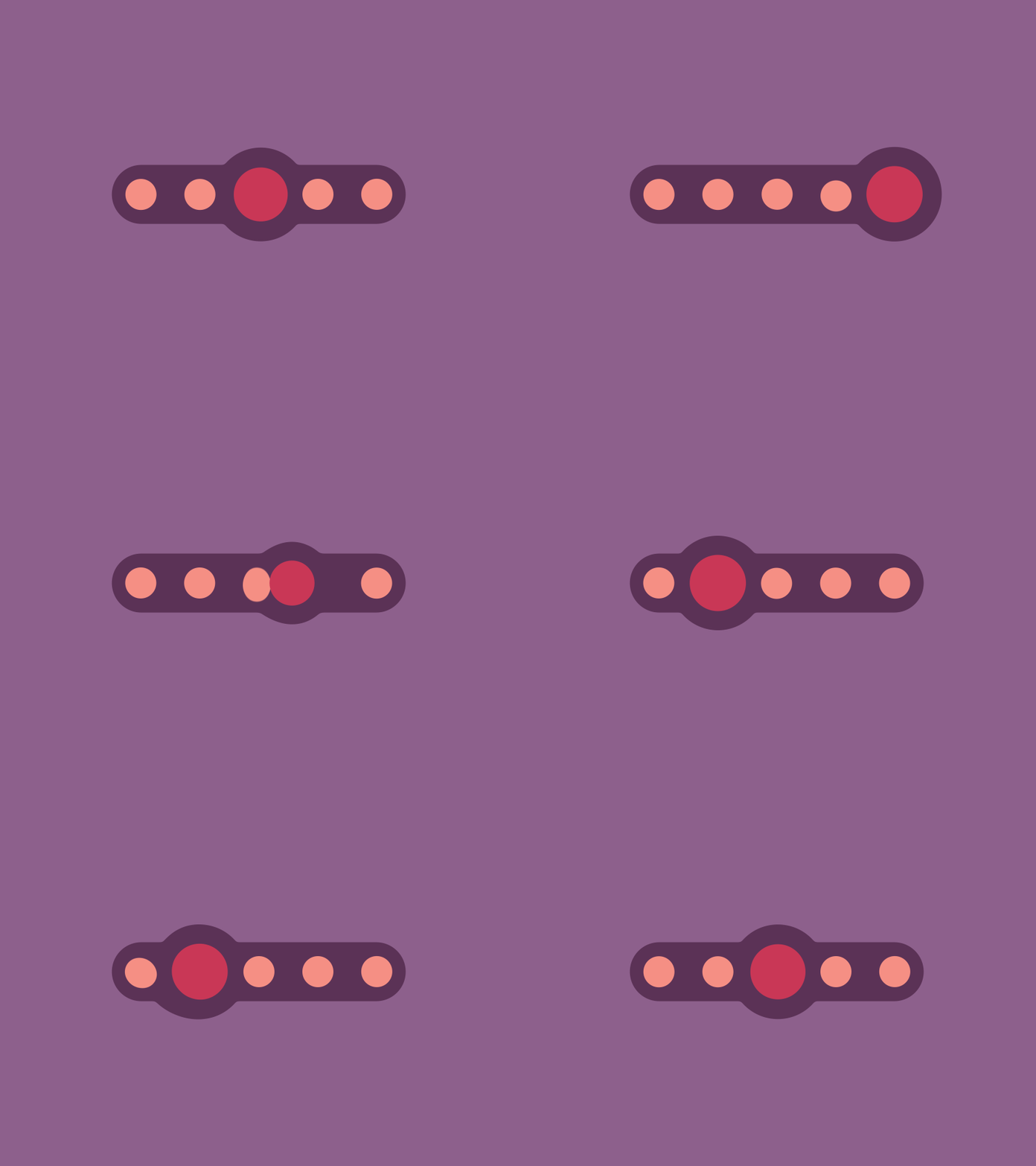
A rubber animation pagecontrol
TKRubberIndicator
A rubber animation pagecontrol




Requirements
- Swift 4.0
- iOS 8.0+
- Xcode 9.0
Installation
CocoaPods
You can use CocoaPods to installTKRubberPageControl by adding it to your Podfile:
platform :ios, '8.0'
use_frameworks!
pod 'TKRubberPageControl'
To get the full benefits import TKRubberPageControl wherever you import UIKit
swift
import UIKit
import TKRubberPageControl
Carthage
Create aCartfile that lists the framework and run carthage update. Follow the instructions to add $(SRCROOT)/Carthage/Build/iOS/TKRubberPageControl.framework to an iOS project.
github "tbxark/TKRubberIndicator"Manually
- Download and drop
in your project..swift - Congratulations!
Usage example
You can use closure or Target-Action to listen control event
class ViewController: UIViewController {
let page = TKRubberIndicator(frame: CGRectMake(100, 100, 200, 100), count: 6)
override func viewDidLoad() {         super.viewDidLoad()
self.view.backgroundColor = UIColor(red:0.553,  green:0.376,  blue:0.549, alpha:1)         page.center = self.view.center         page.valueChange = {(num) -> Void in             print("Closure : Page is \(num)")         }         page.addTarget(self, action: "targetActionValueChange:", forControlEvents: UIControlEvents.ValueChanged)         self.view.addSubview(page)
page.numberOfpage = 2     }
@IBAction func pageCountChange(sender: UISegmentedControl) {         page.numberOfpage = (sender.selectedSegmentIndex + 1) * 2     }     func targetActionValueChange(page:TKRubberIndicator){         print("Target-Action : Page is \(page.currentIndex)")     }
override func didReceiveMemoryWarning() {         super.didReceiveMemoryWarning()     } }
Base
|Key | Usage| | |---|---|---| |smallBubbleSize|未选中小球尺寸|unselect small ball size| |mainBubbleSize|选中大球尺寸|select big ball size| |bubbleXOffsetSpace|小球间距|The distance between the ball| |bubbleYOffsetSpace|纵向间距|bubble Y Offset Space| |animationDuration|动画时长|animation duration| |backgroundColor|背景颜色|control background color| |smallBubbleColor|小球颜色|unselect small ball color| |mainBubbleColor|大球颜色|select big ball color|
Release History
- 1.4.0
- 1.3.1
- 1.3.0
- 1.0.5
- 1.0.4
Contribute
We would love for you to contribute to TKRubberPageControl, check the `LICENSE file for more info.
Meta
TBXark – @tbxark – tbxark@outlook.com
Distributed under the MIT license. See LICENSE` for more information.
[swift-image]:https://img.shields.io/badge/swift-3.0-orange.svg [swift-url]: https://swift.org/ [license-image]: https://img.shields.io/badge/License-MIT-blue.svg [license-url]: LICENSE [travis-image]: https://img.shields.io/travis/dbader/node-datadog-metrics/master.svg?style=flat-square [travis-url]: https://travis-ci.org/dbader/node-datadog-metrics [codebeat-image]: https://codebeat.co/badges/c19b47ea-2f9d-45df-8458-b2d952fe9dad [codebeat-url]: https://codebeat.co/projects/github-com-vsouza-awesomeios-com


