
Rolling animation of numbers in SwiftUI.
AnimateNumberText
SwiftUI-Version





---
Support Double

Support Int
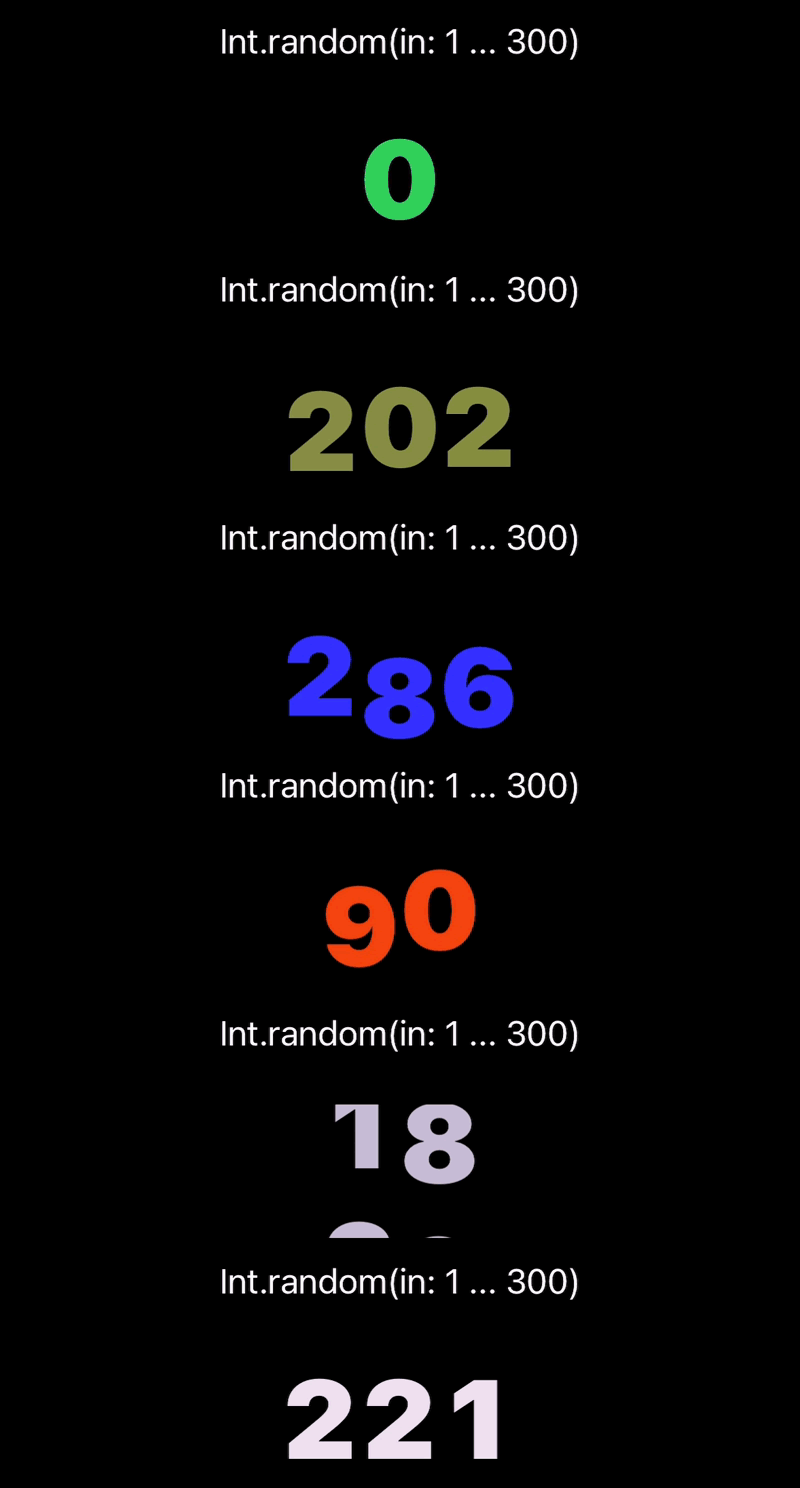
Support Minus

Support NumberFormatter

Support StringFormat

Example
import SwiftUI
import AnimateNumberText
struct ContentView: View {   @State private var value: Double = 58.090   @State private var textColor: Color = .green        var body: some View {     VStack {       AnimateNumberText(font: .system(size: 55),                         weight: .black,                         value: $value,                         textColor: $textColor)
Button("Change Value") {         value += 1         textColor = Color.random       }     }   } }
extension Color {   static var random: Color {     return Color(       red: .random(in: 0...1),       green: .random(in: 0...1),       blue: .random(in: 0...1)     )   } }
NumberFormatter Example
Without a custom formatter, AnimateNumberText keeps fractional digits from Double values and does not add grouping separators. Pass a NumberFormatter when you need currency, localized separators, or explicit fraction digit rules.
import SwiftUI
import AnimateNumberText
struct ContentView: View {   @State private var value: Double = 0   @State private var textColor: Color = .primary      var numberFormatter: NumberFormatter {     let numberFormatter = NumberFormatter()     numberFormatter.numberStyle = .currency     numberFormatter.locale = .current     numberFormatter.maximumFractionDigits = 1     return numberFormatter   }      var body: some View {     VStack {       AnimateNumberText(value: $value,                         textColor: $textColor,                         numberFormatter: numberFormatter)     }   } }
Read-only Value Example
Use a plain Double when the view only needs to display a value and the caller does not need binding-based updates. The default animation is used when animation is omitted.
AnimateNumberText(value: 10.23)StringFormat Example
Prefer a %@ placeholder such as "%@ ms" when wrapping the already formatted display string. Numeric placeholders such as "%.2f" and "%d" are applied to the original Double value for compatibility, but NumberFormatter remains the recommended path for currency, locale, and fraction digit rules.
import SwiftUI
import AnimateNumberText
struct ContentView: View {   @State private var value: Double = 0   @State private var textColor: Color = .primary      var body: some View {     VStack {       AnimateNumberText(value: $value,                         textColor: $textColor,                         stringFormatter: "%@ ms")     }   } }
Animation Example
The default animation uses .smooth(duration:), a critically damped spring that accelerates then decelerates while preserving in-flight velocity. Pass animation only when you want to control the smooth rolling duration or use the reel style.
AnimateNumberText(value: $value,
                  textColor: $textColor,
                  animation: .smooth(duration: 0.5))
Use .reel(spinningDuration:settleDuration:revolutions:) when each digit should spin through 0...9 before settling. Digit columns start together, alternate direction from left to right, and stop sequentially by the settle duration. spinningDuration is the time the first digit spins before settling.
AnimateNumberText(value: $value,
                  textColor: $textColor,
                  stringFormatter: "%@ ms",
                  animation: .reel(spinningDuration: 1.5,
                                   settleDuration: 0.25,
                                   revolutions: 1))
For values updated at high frequency, such as drag gestures or timers, throttle or debounce the bound value at the call site when every intermediate value does not need to be rendered.
Custom Font Clipping
Some script or brush fonts draw glyphs outside their measured digit column. Use glyphBleed to give each digit column extra clipping space without changing the default layout for regular fonts.
AnimateNumberText(font: .custom("SignPainter", size: 48),
                  value: $value,
                  textColor: $textColor,
                  glyphBleed: EdgeInsets(top: 2,
                                         leading: 4,
                                         bottom: 2,
                                         trailing: 4))
Documentation
Installation
Swift Package Manager
The Swift Package Manager is a tool for automating the distribution of Swift code and is integrated into the swift compiler.
Once you have your Swift package set up, adding AnimateNumberText as a dependency is as easy as adding it to the dependencies value of your Package.swift.
dependencies: [
    .package(url: "https://github.com/swift-man/AnimateNumberText.git", from: "0.7.2")
]


