
Make it easy to install various types of Kali Linux desktop environments, including XFCE , KDE , GNOME and more, within the Termux app using prooot-distro utility
Last updated Jun 15, 2026
91
Stars
20
Forks
0
Issues
0
Stars/day
Attention Score
23
Topics
Language breakdown
No language data available.
▸ Files
click to expand
README
Easily Install Full Kali Linux Verious Type Of Desktop in Termux



FEATURE:
- :speaker: Fixed Audio Output
- :globewithmeridians: 2 Browsers (Chromium & Mozilla Firefox)
- :tv: VLC Media Player and MPV media player (VLC Fully work)
- :books: Easy for Beginners
- :computer: Add new Application Menu
- :hammer: Install XFCE, LXDE, LXQT, KDE, or GNOME Desktop
- :art: More customization (new styles added and new fonts etc...)
INSTALLATION:
-pkg update -y && pkg upgrade -y
- pkg install wget -y
- wget https://raw.githubusercontent.com/sabamdarif/kali-proot/main/setup.sh
- chmod +x setup.sh
- bash setup.sh
- kali
- bash gui.sh
- Now select XFCE, KDE, LXDE, LXQT OR GNOME Desktop (any one)
DEMO IMAGES:
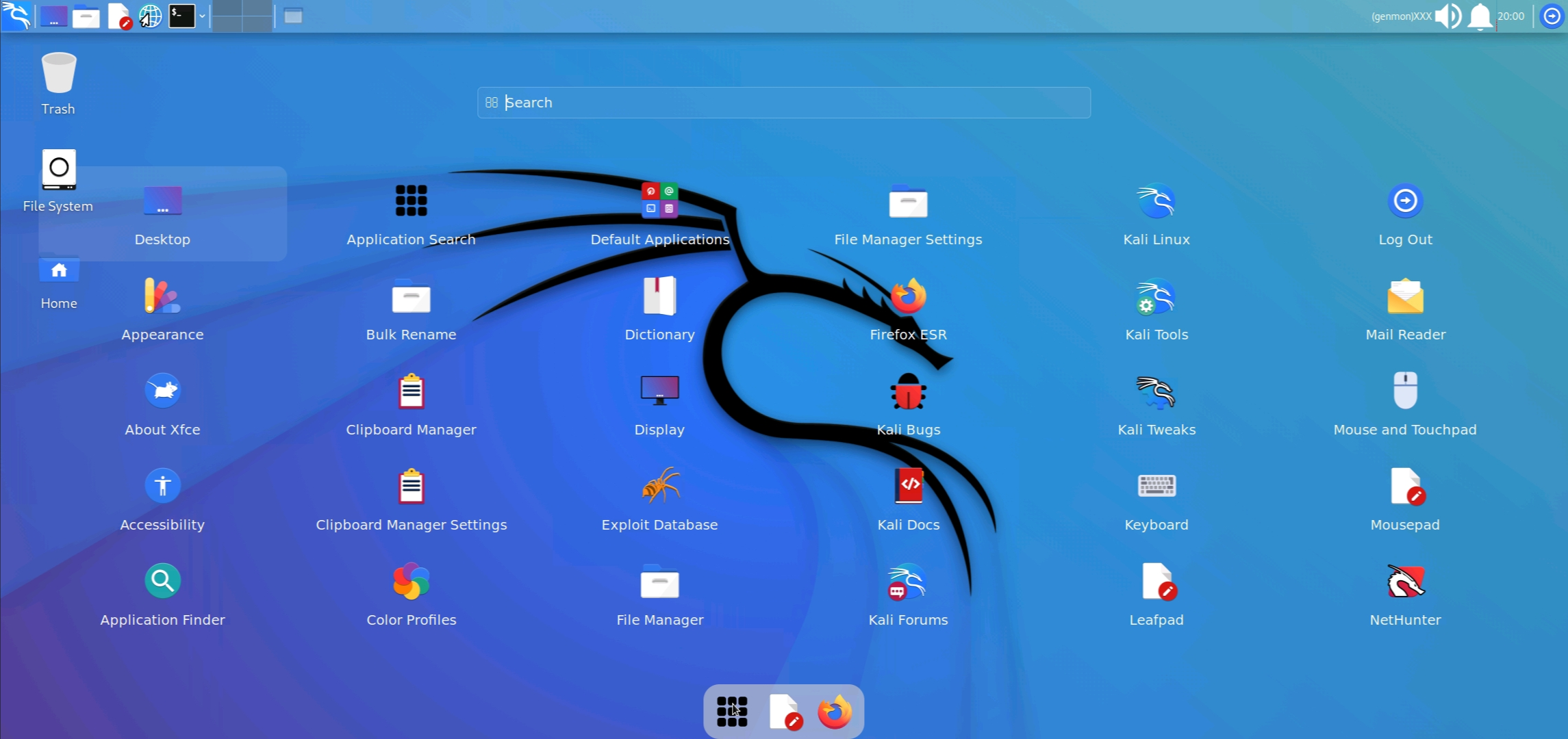
Xfce Desktop
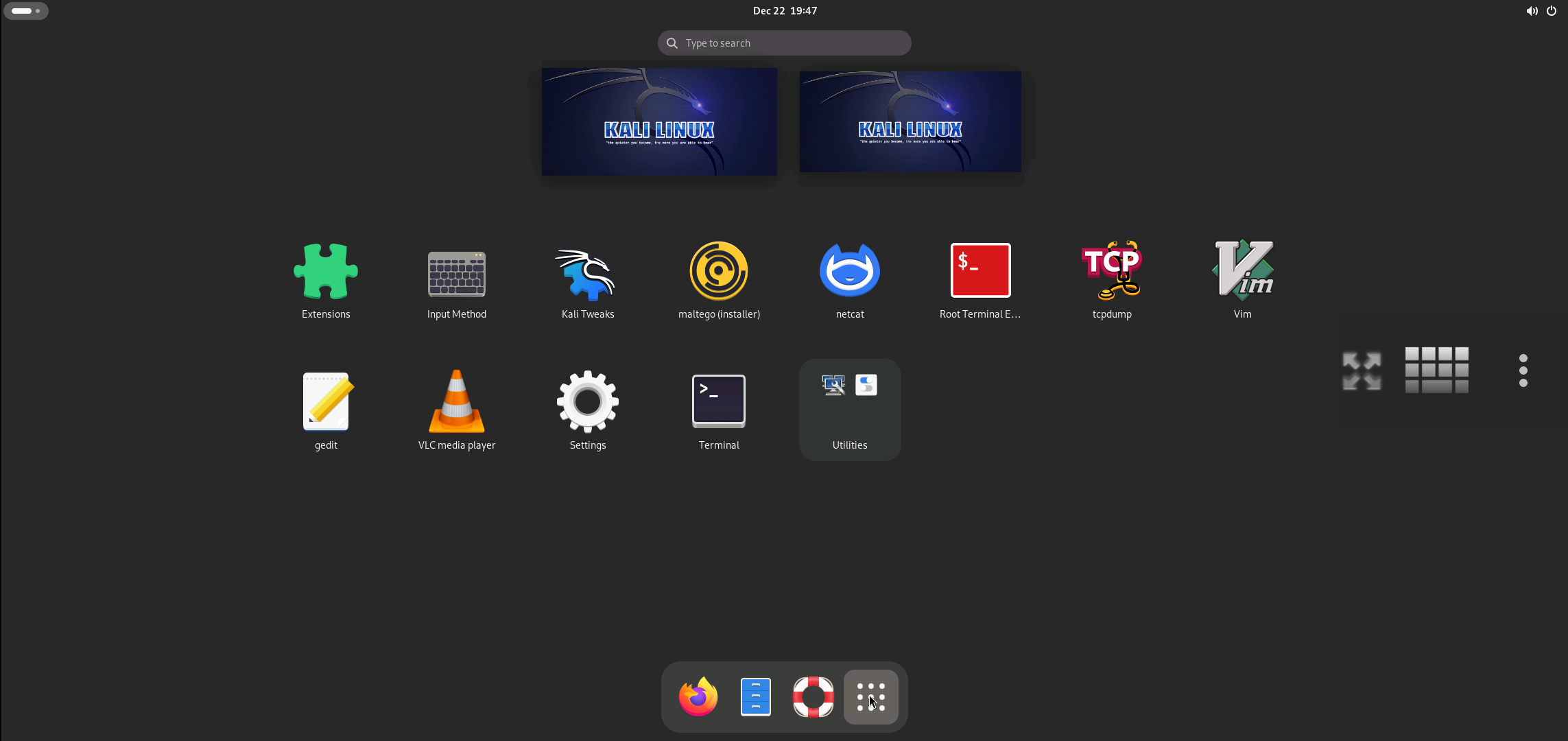
Gnome Desktop
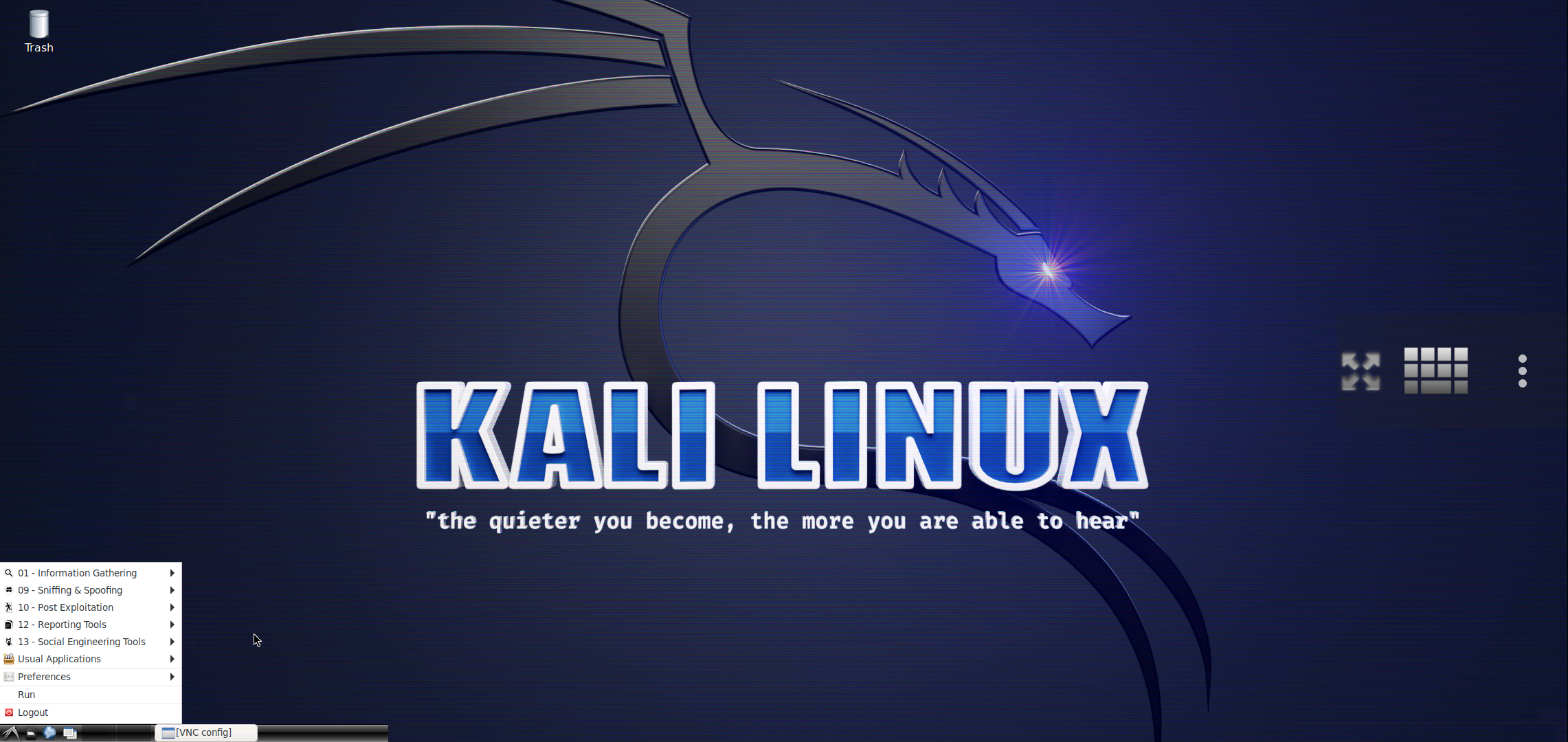
Lxde Desktop
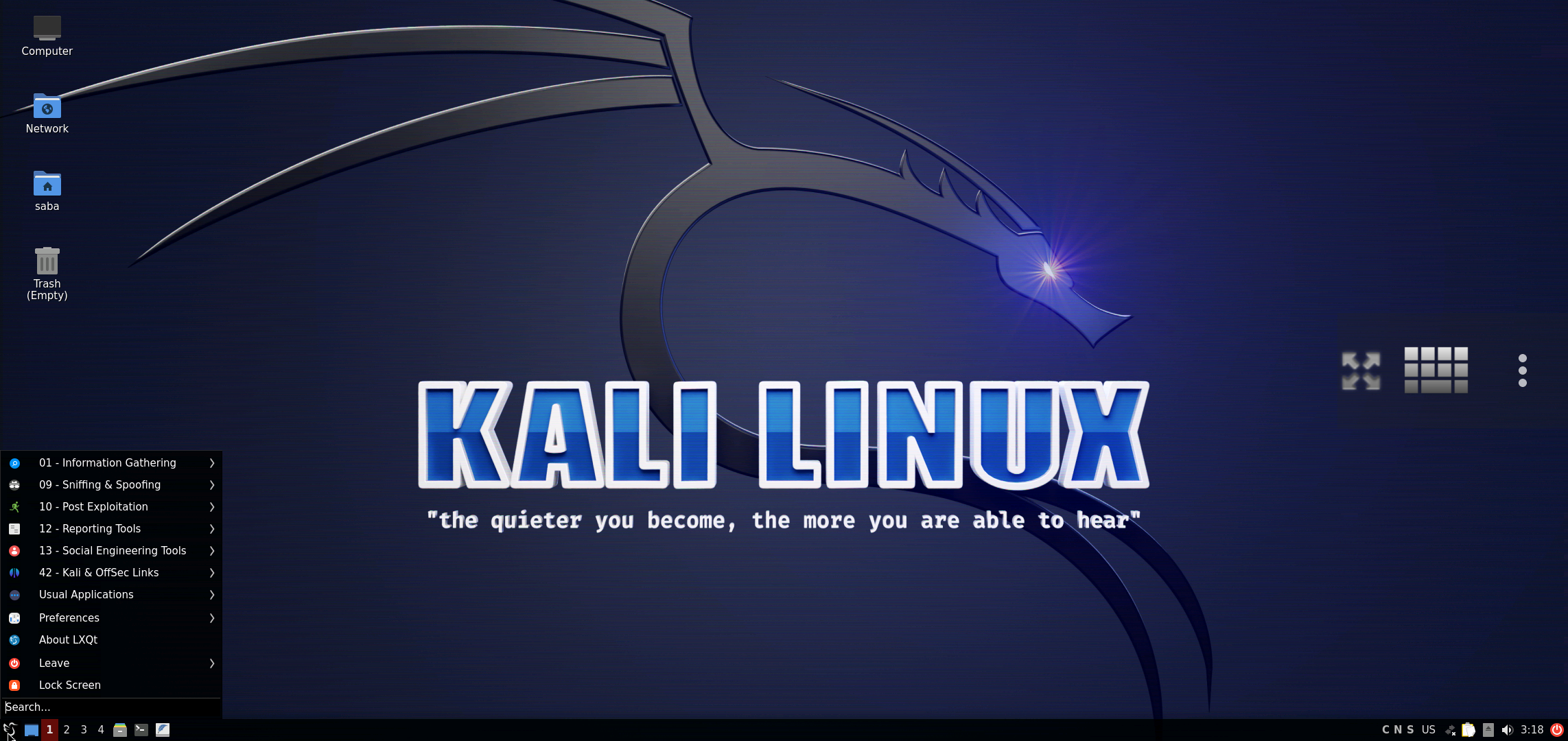
Lxqt Desktop
Kde Desktop
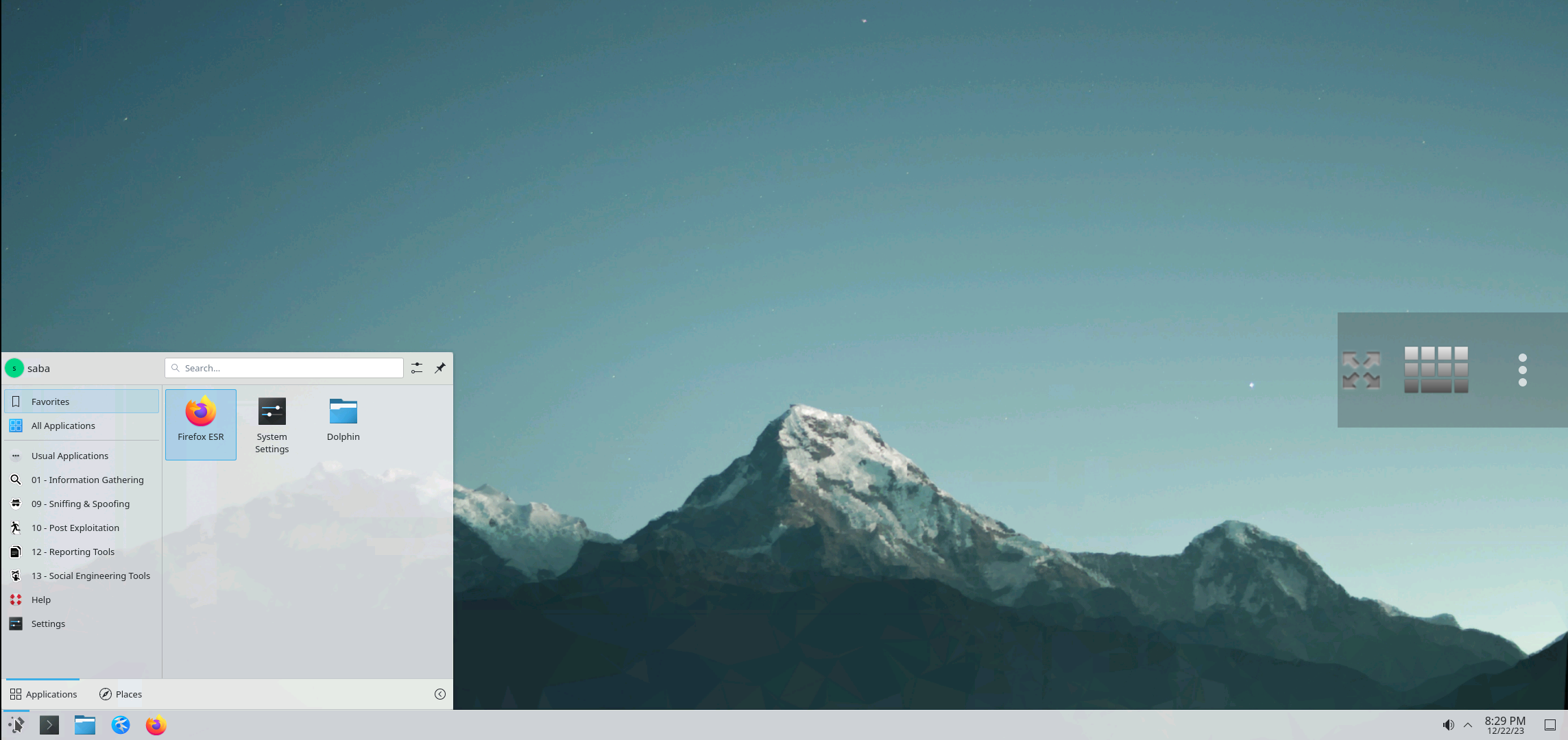
- You have to note your VNC password !!
- If you select xfce4 / default desktop environment then you need to run
./customize-my-desktop - KALI image is now successfully installed.
vncstart to run Vncserver
- Type vncstop to stop Vncserver
- Install VNC VIEWER Apk on your Device. Google Play Store
- Or, Install NetHunter KeX from Nethunter Store
- Open VNC VIEWER & Click on + Button & Enter the Address
localhost:1& Name anything you like - Set the Picture Quality to High for better Quality
- Click on Connect & Input the Password
- Install Termux:x11
- Enjoy :smile:
NOTE:
- Type
kalito run KALI CLI as noraml user - Type
kali -rto run KALI CLI as root user - Type
vncstartto run Vncserver - Type
vncstopto stop Vncserver - Type
vncstop -fto stop Vncserver forcefully - Type
kali -tx11startto Start The Desktop Using Termux:x11 - Type
kali -tx11stopto Stop Termux:x11 - Type
bash remove.shto remove KALI
ISSUES:
- Issue:- Vnc server related issue like vnc autostop , Apps not showing
- Solution:- Login into root user using
kali -rthen launch vncserver


