
Jupyter kernels using Pixi for reproducible notebooks
Pixi kernel







Per-directory Pixi environments with multi-language Jupyter kernels.
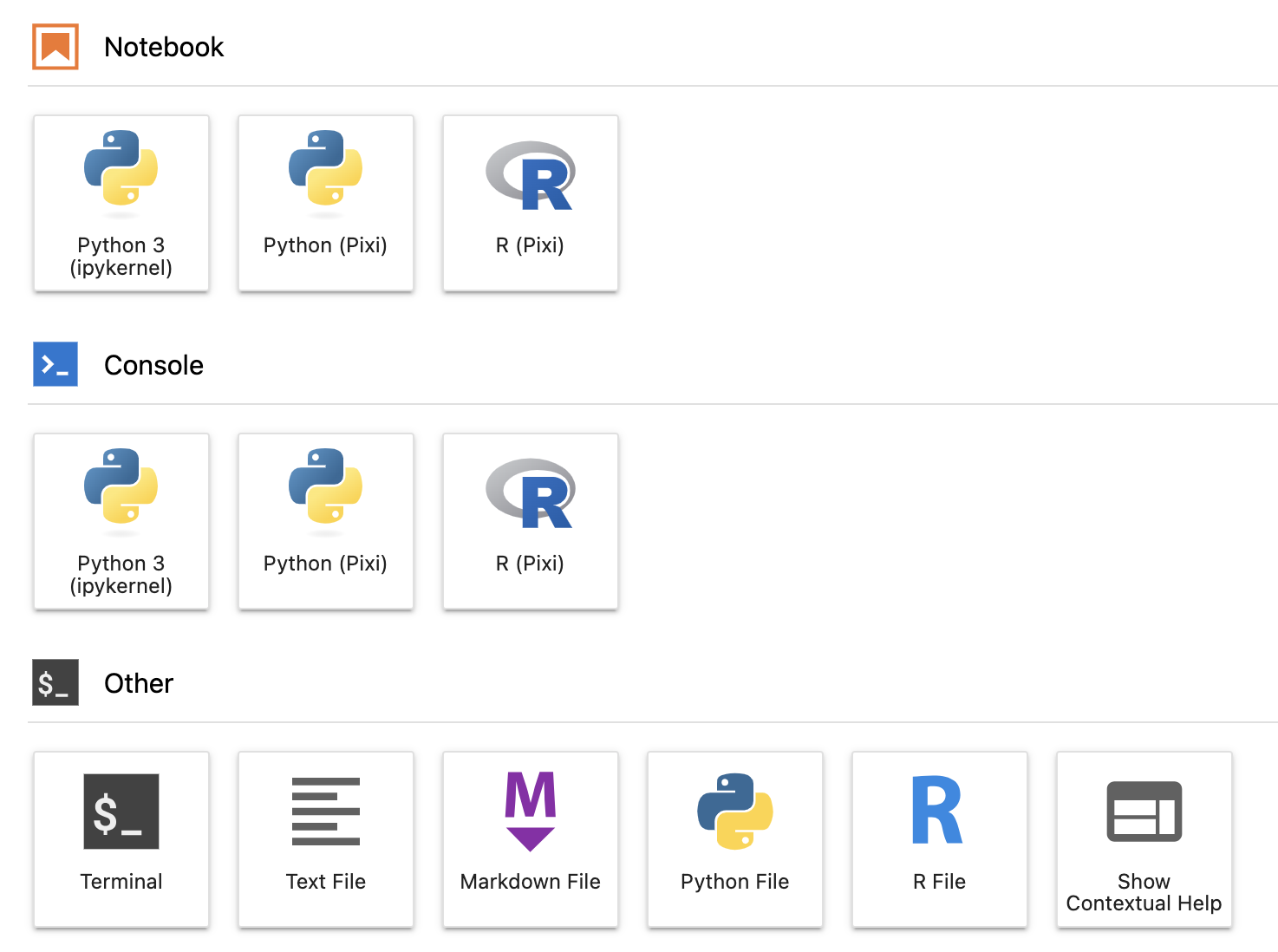
Pixi kernel supports Jupyterlab 4, Python 3.9+ and Pixi 0.39.0+ using pyproject.toml and pixi.toml configurations.
Disclaimer: This project is not affiliated with Pixi, and not an official Pixi plugin.
Quick Start
This assumes you want a Python kernel. For other languages, check the Kernel support table and replace ipykernel with the desired kernel package.
- Install Pixi and
pixi-kernelalongside JupyterLab using your favorite package manager. - Restart JupyterLab.
- Create a new directory and initialize a Pixi project with
pixi initandpixi add ipykernel. - Select the Python Pixi kernel and you are good to go.
Configuration
Custom Pixi binary location
By default, pixi-kernel will try to find the Pixi binary in this order:
- Use
shutil.which("pixi")to find Pixi in your PATH - Check for a configuration file stored at:
$HOME/.config/pixi-kernel/config.toml
- Windows: $Env:USERPROFILE\.config\pixi-kernel\config.toml
- Check the default Pixi installation location:
$HOME/.pixi/bin/pixi
- Windows: $Env:USERPROFILE\.pixi\bin\pixi.exe
If you have Pixi installed in a non-standard location, you can create a configuration file to specify its path:
pixi-path = "/path/to/your/pixi"Kernel support
Pixi kernel supports the following kernels:
| Language | Kernel | Package name | | -------- | -------------- | -------------------------------------------------- | | Python | IPython Kernel | ipykernel | | R | IR Kernel | r-irkernel | | R | Ark R Kernel | ark |
Pixi environments
Pixi kernel supports multiple Pixi environments in a single Pixi project. To select a specific environment, use JupyterLab property inspector, save your notebook and restart your kernel.
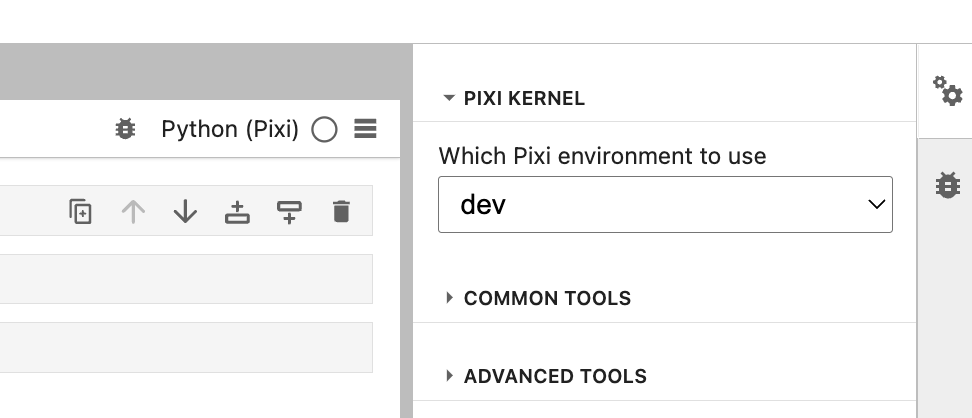
If an environment cannot be determined, Pixi kernel will fallback to the value in the PIXIKERNELDEFAULT_ENVIRONMENT environment variable, if specified. Otherwise, the default Pixi environment will be used.
JupyterHub deployments with limited permissions
If you're using pixi-kernel on JupyterHub and cannot access the environment where JupyterLab is installed, you can use the following workaround:
- Install
pixi-kernellocally:pip install pixi-kernel --user - Install Pixi
- Restart your JupyterLab server
Limitations
Pixi kernel only works with the default environment in VSCode.


