
An Extension for the Interactive development of Dash apps in JupyterLab
Announcement
This project has been replaced by the more capable JupyterDash project, and is no longer maintained. JuptyerDash supports multiple Jupyter contexts (not only JupyterLab), supports Windows as well as Linux and MacOS, supports JupyterLab 2.0, and adheres more closely to the traditional Dash API.Note: For use in JupyterLab, JupyterDash makes use of the jupyterlab-dash JupyterLab extension that was originally developed in this repository. Development of this extension has also been moved to the JupyterDash repository.
jupyterlab-dash

A JupyterLab extension for rendering Plotly Dash apps as a separate window in JupyterLab :tada:
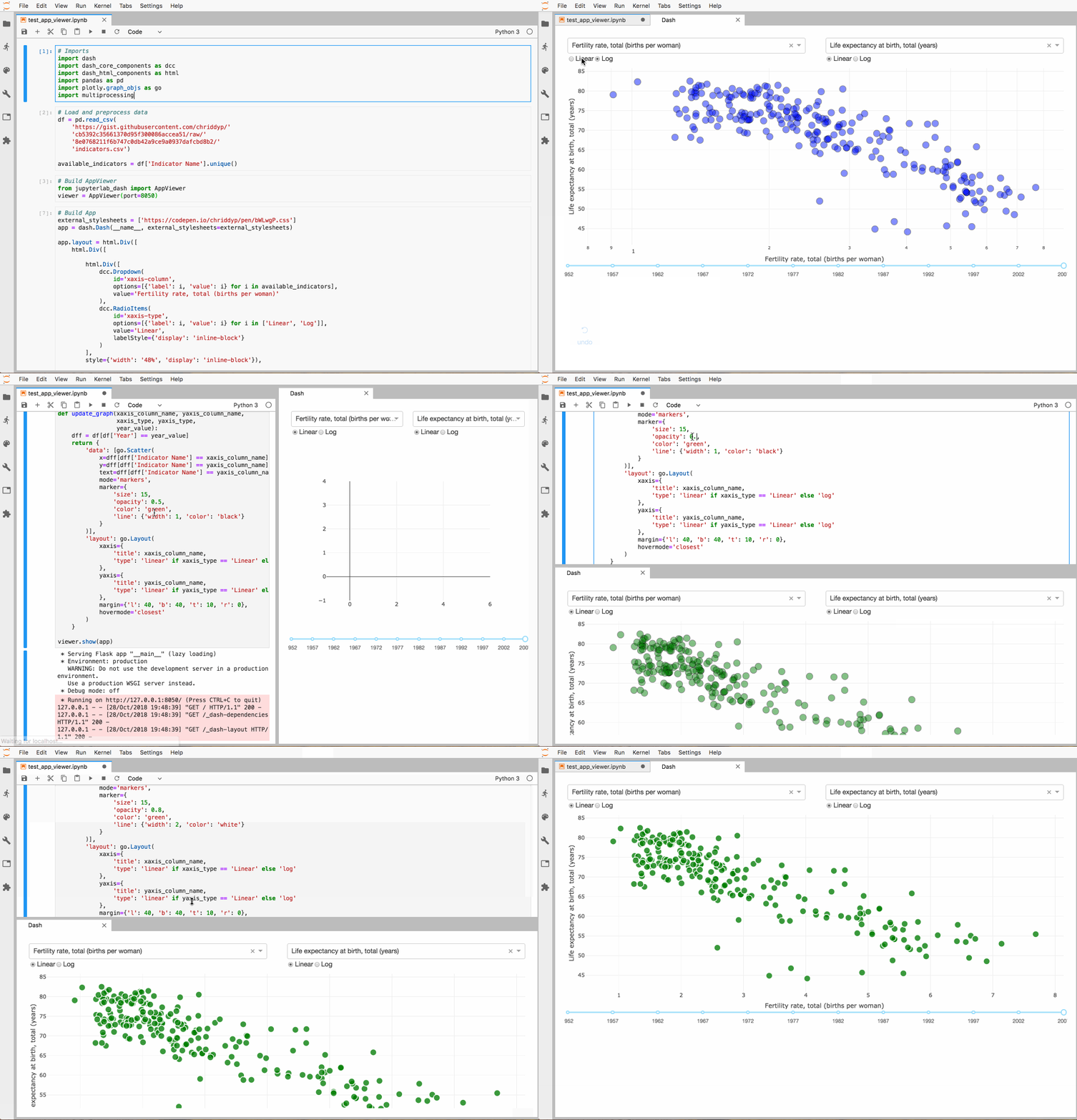
Note:: This extension does not currently support Windows or Python 2
Prerequisites
- JupyterLab 1.0.0
- Dash
Installation
The jupyterlab-dash library requires both a Python package and a JupyterLab extension.
First, install the Python package using either pip...
$ pip install "jupyterlab>=1.0" jupyterlab-dash==0.1.0a3or conda (but not both!).
$ conda install -c plotly -c defaults -c conda-forge "jupyterlab>=1.0" jupyterlab-dash=0.1.0a3Then, install the JupyterLab extension. v6.17.1 of node works, and node 8.x.x or 10+ should also work.
$ jupyter labextension install jupyterlab-dash@0.1.0-alpha.3Development Installation
If you'd like to install jupyterlab-dash for development
$ git clone https://github.com/plotly/jupyterlab-dash
$ cd jupyterlab-dash
Install Python package
$ pip install -e .
Install Javascript dependencies
$ npm install # or yarn
Build JupyterLab extension
$ npm run build # or yarn build
$ jupyter labextension link .
To rebuild the JupyterLab extension:
$ npm run build
$ jupyter lab build
To rebuild the JupyterLab extension automatically as the source changes:
# In one terminal tab, watch the jupyterlab-dash directory
$ npm run watch # or yarn watch
In another terminal tab, run jupyterlab with the watch flag
$ jupyter lab --watch
Usage
import jupyterlab_dash
import dash
import dashhtmlcomponents as html
viewer = jupyterlab_dash.AppViewer()
app = dash.Dash(name)
app.layout = html.Div('Hello World')
viewer.show(app)


