
Export Spotify playlists using the Web API. Analyze them in the Jupyter notebook.


Export your Spotify playlist metadata for analysis or just safekeeping: exportify.net
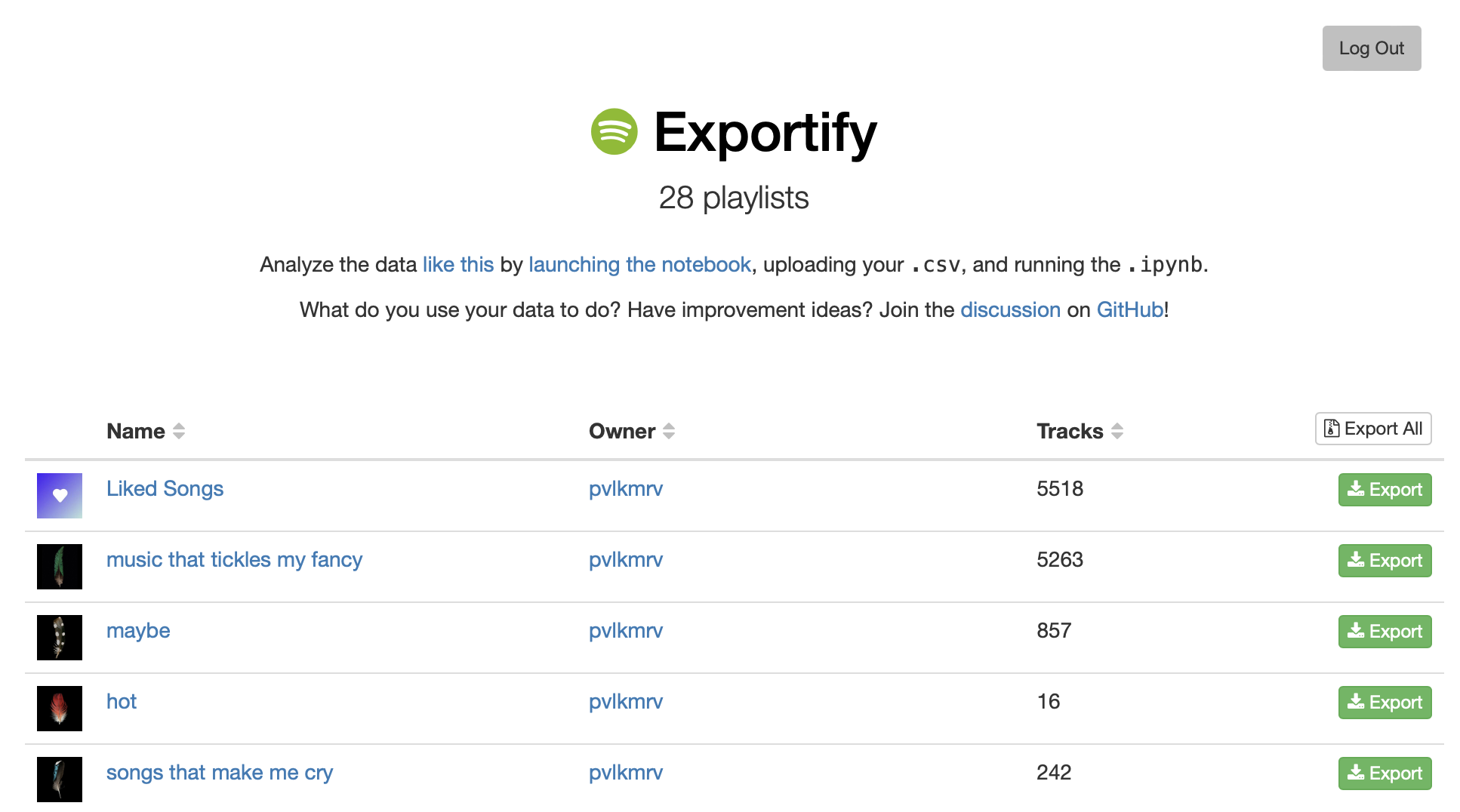
Export Format
Playlist data is exported in CSV format with the following fields:
- Track URI
- Track Name
- Album Name
- Artist Name(s)
- Release Date
- Duration (ms)
- Popularity
- Explicit
- Added By
- Added At
- Genres
- Record Label
- Danceability
- Energy
- Key
- Loudness
- Mode (Major or Minor)
- Speechiness
- Acousticness
- Instrumentalness
- Liveness
- Valence
- Tempo
- Time Signature
Analysis
Run the Jupyter Notebook or launch it in Binder to get a variety of plots about the music in a playlist including:
- Most common artists
- Most common genres
- Release date distribution
- Popularity distribution
- Your songs' distributions of Acousticness, Valence, etc.
- Time signatures and keys
- All songs plotted in 2D to indicate relative similarities
Development
Most of the interesting logic that communicates with the Spotify Web API happens in Javascript in exportify.js. I've left many detailed code comments and tried to structure it as rationally as I can, so take a look. The webpage skin and a few action bindings are defined in index.html.
To experiment with changes, run a local web server. For example, using Python (in the Exportify repo dir):
python3 -m http.serverThen open [http://[::1]:8000](http://[::1]:8000). The Javascript can be invoked by interacting with this locally-served webpage.
Data science stuff is written with Python in tasteanalysis.ipynb, which you can run with python3 -m notebook, then navigating to http://localhost:8888.
Contributing
- Fork it
- Create your feature branch (
git checkout -b my-new-feature) - Commit your changes (
git commit -m "message") - Push to the branch (
git push origin my-new-feature) - Create a new Pull Request


