
Personalized English Vocabulary Learning App Built with React Native & NestJS
Last updated May 10, 2026
48
Stars
13
Forks
1
Issues
0
Stars/day
Attention Score
5
Topics
Language breakdown
No language data available.
▸ Files
click to expand
README
WordSage 📚📱
WordSage is a personalized English vocabulary learning app built with React Native and NestJS, designed to help users enhance their vocabulary in an engaging and effective way. The application covers over 1500 words, including their meanings, synonyms, antonyms, and example sentences. It also offers interactive quizzes to reinforce learning and track progress over time.
🚀 Features
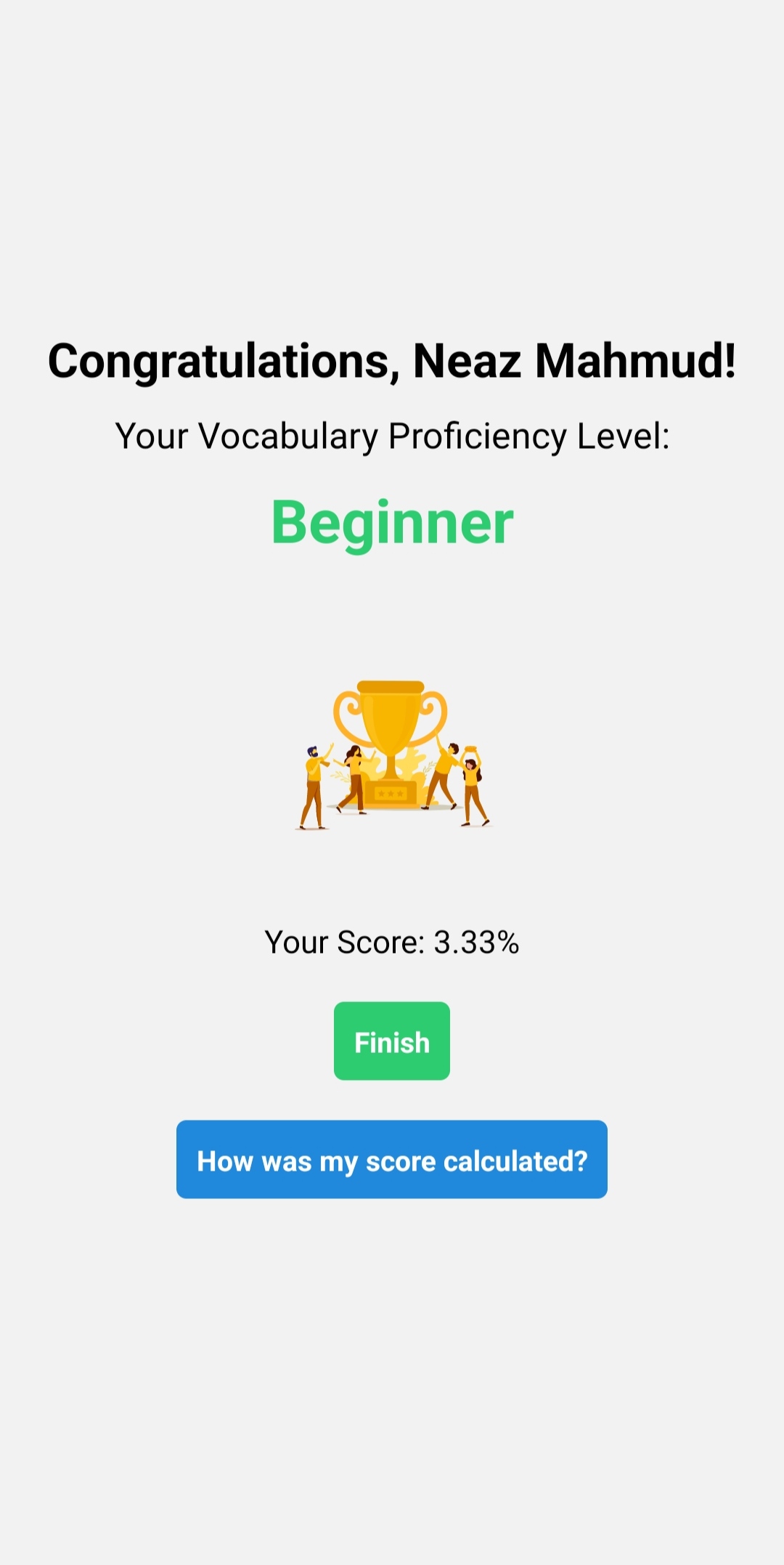
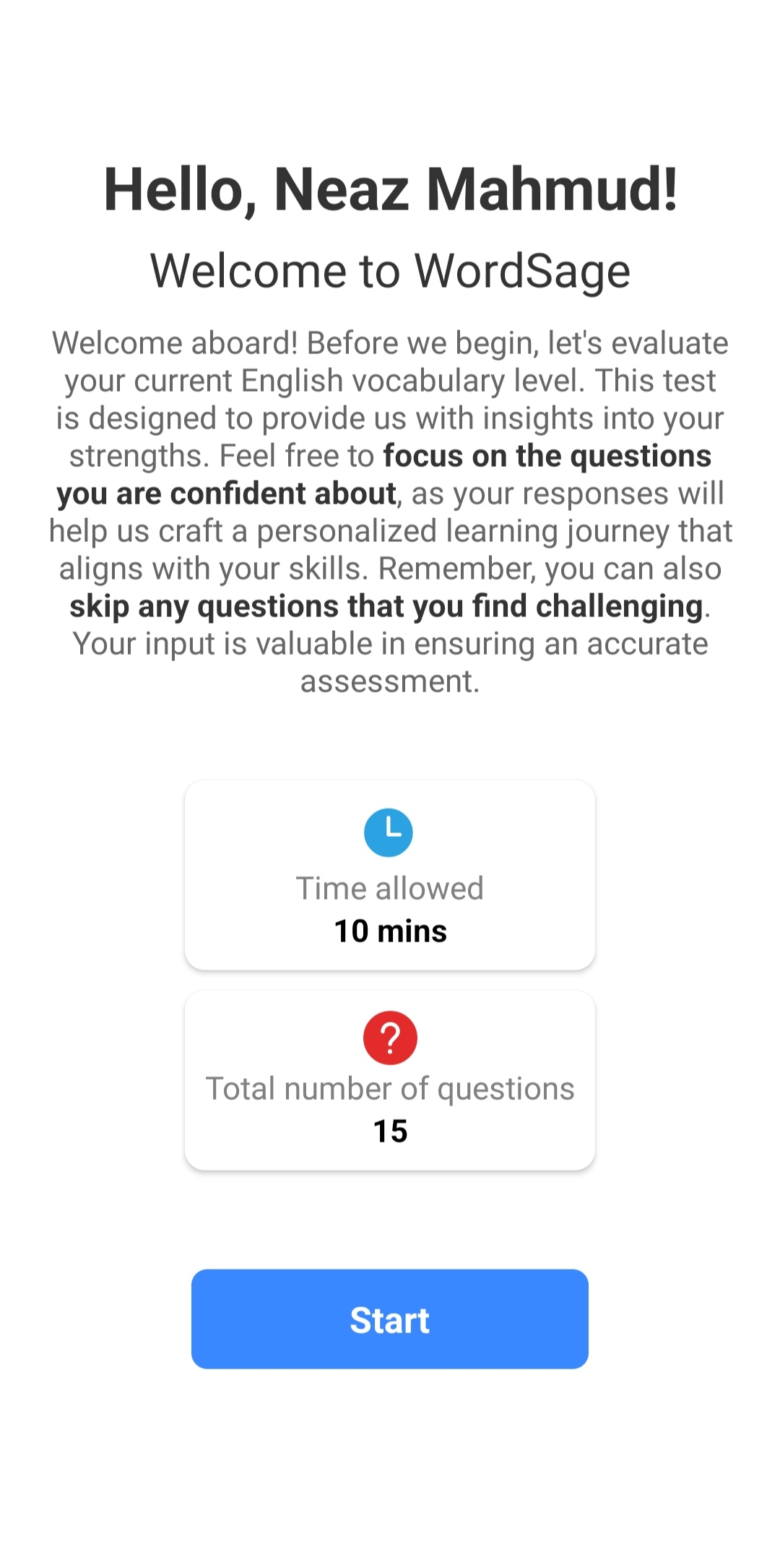
- ✨ Personalized Learning: WordSage customizes the learning experience based on each user's skill level and progress, ensuring efficient learning.
- 📘 Vast Vocabulary: Access a comprehensive database of words, including their meanings, synonyms, antonyms, and example sentences with voice pronunciations.
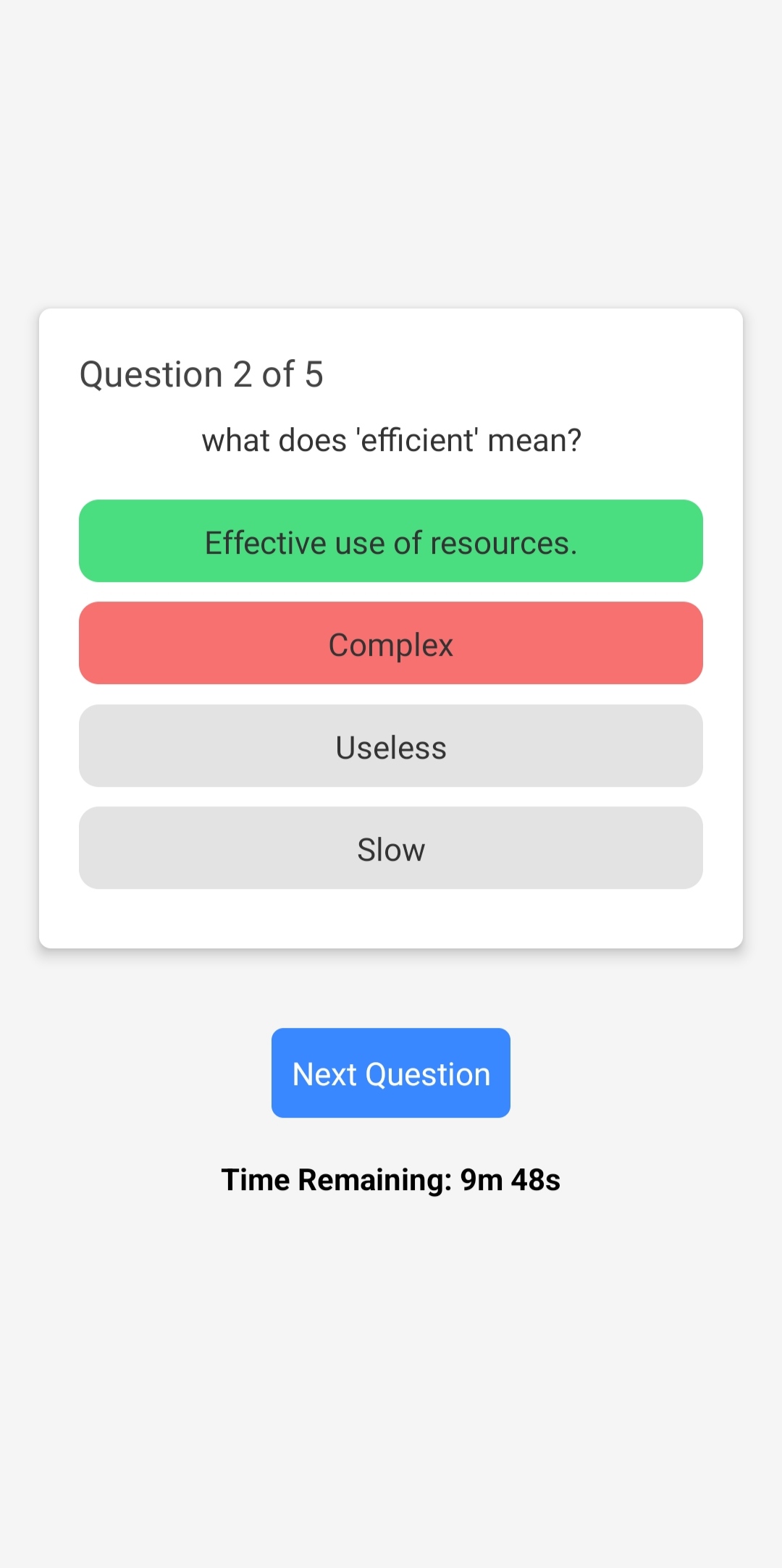
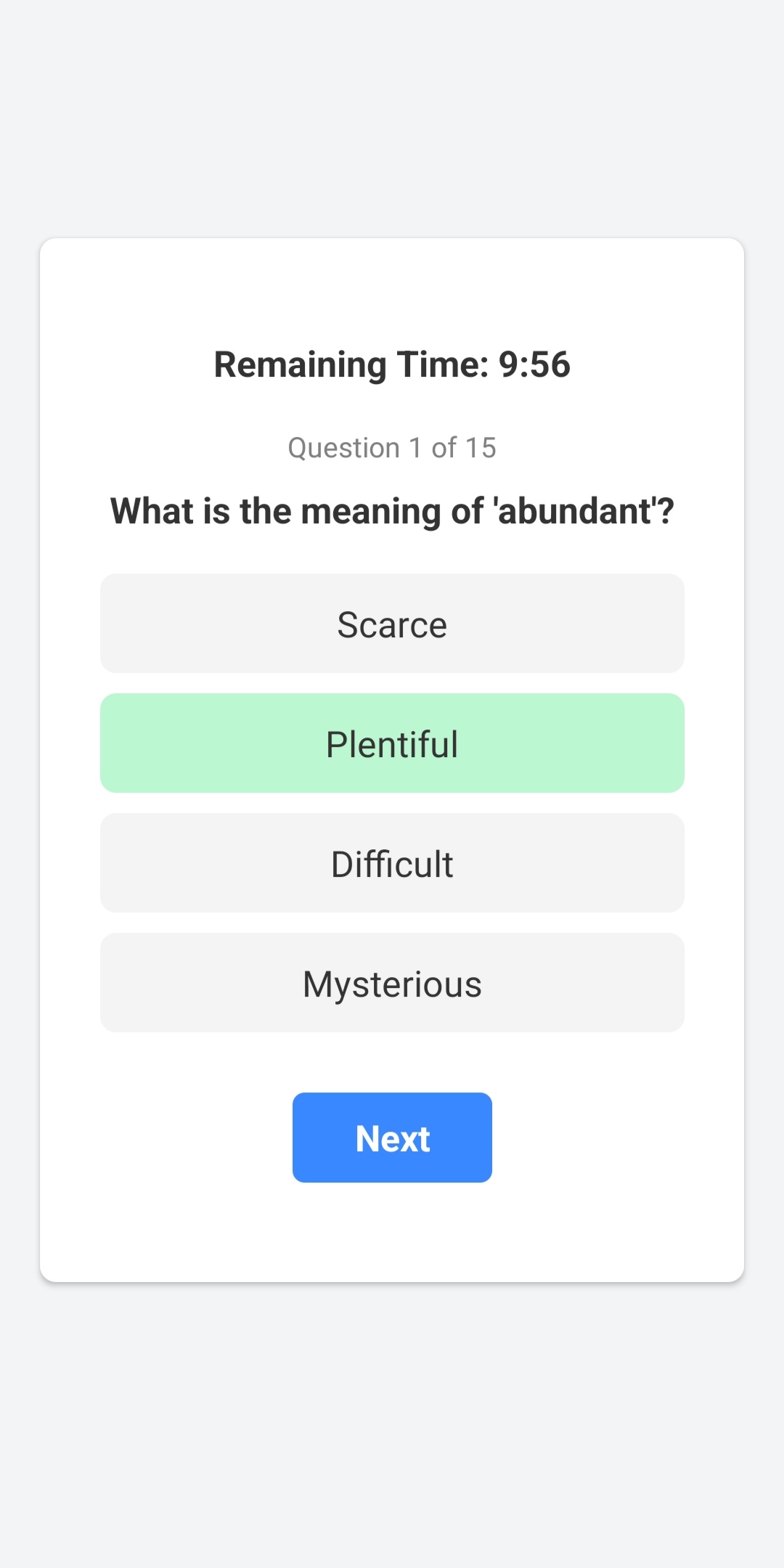
- 🧠 Interactive Quizzes: Engage in quizzes that are interactive, reinforcing your learning and allowing you to track your progress over time.
- 👤 User Profiles: Create user profiles to monitor your learning journey.
- 🖥️ Admin Panel: The intuitive admin panel, built with React, enables easy management of app content and user data.
- 📱 Cross-Platform: The app is built with React Native, allowing it to run on both Android and iOS devices.
🛠️ Tech Stack
- ⚛️ Frontend: React Native, Redux Toolkit
- 🧱 Backend: NestJS
- 💾 Database: MongoDB
- 🎨 Admin Panel: React, Vite, and Tailwind CSS
⚙️ Installation
📋 Prerequisites
- 📦 Node.js (Developed with v16)
- 🗄️ MongoDB or MongoDB Atlas
- 📱 Expo Go app (for Android)
Note: Newer versions of Node.js may not be compatible with the dependencies used in the frontend. If you encounter any issues, consider using NVM to manage multiple versions of Node.js on your machine.
📝 Steps
- Clone the repository:
git clone https://github.com/nz-m/WordSage.git- Install dependencies:
frontend, backend, and admin-panel
npm install- Create
.envfiles:
backend and admin-panel directories following the format in the .env.example file.
- Setup backend URL in frontend:
frontend directory, locate the baseUrl.js file in the constants folder and change the value of the APIBASEURL variable to the URL of the backend server.
- Start the backend server:
npm startAccess http://127.0.0.1:4000/docs to view the API documentation. 6. Start the admin panel
npm start- Access the admin panel at
http://127.0.0.1:5173/and add learning contents:
backend directory in the resources folder with appropriate file names.
- Start the app (frontend):
npm startScan the QR code using the Expo Go app to run the app on your mobile device.
📷 Screenshots
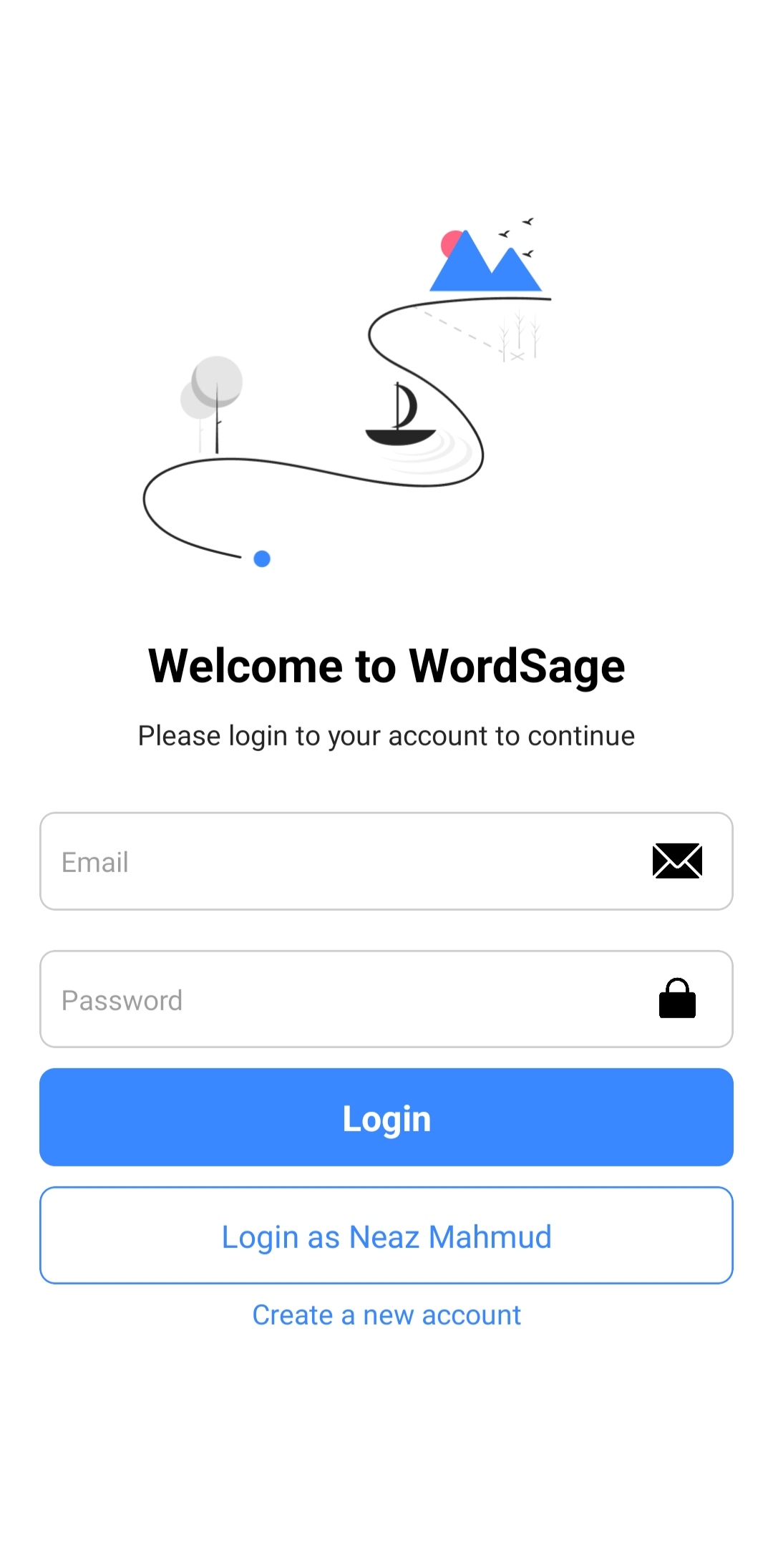
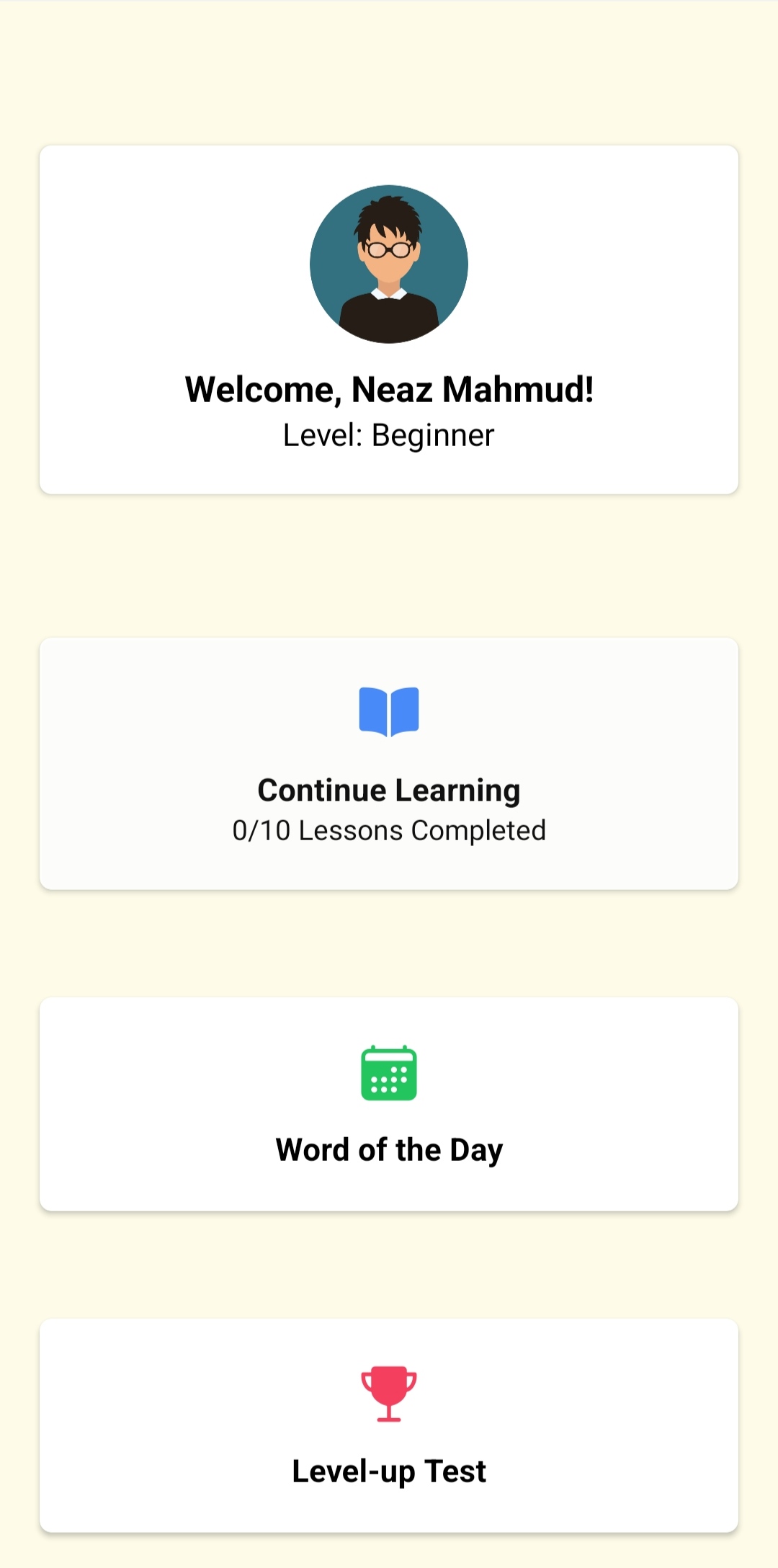
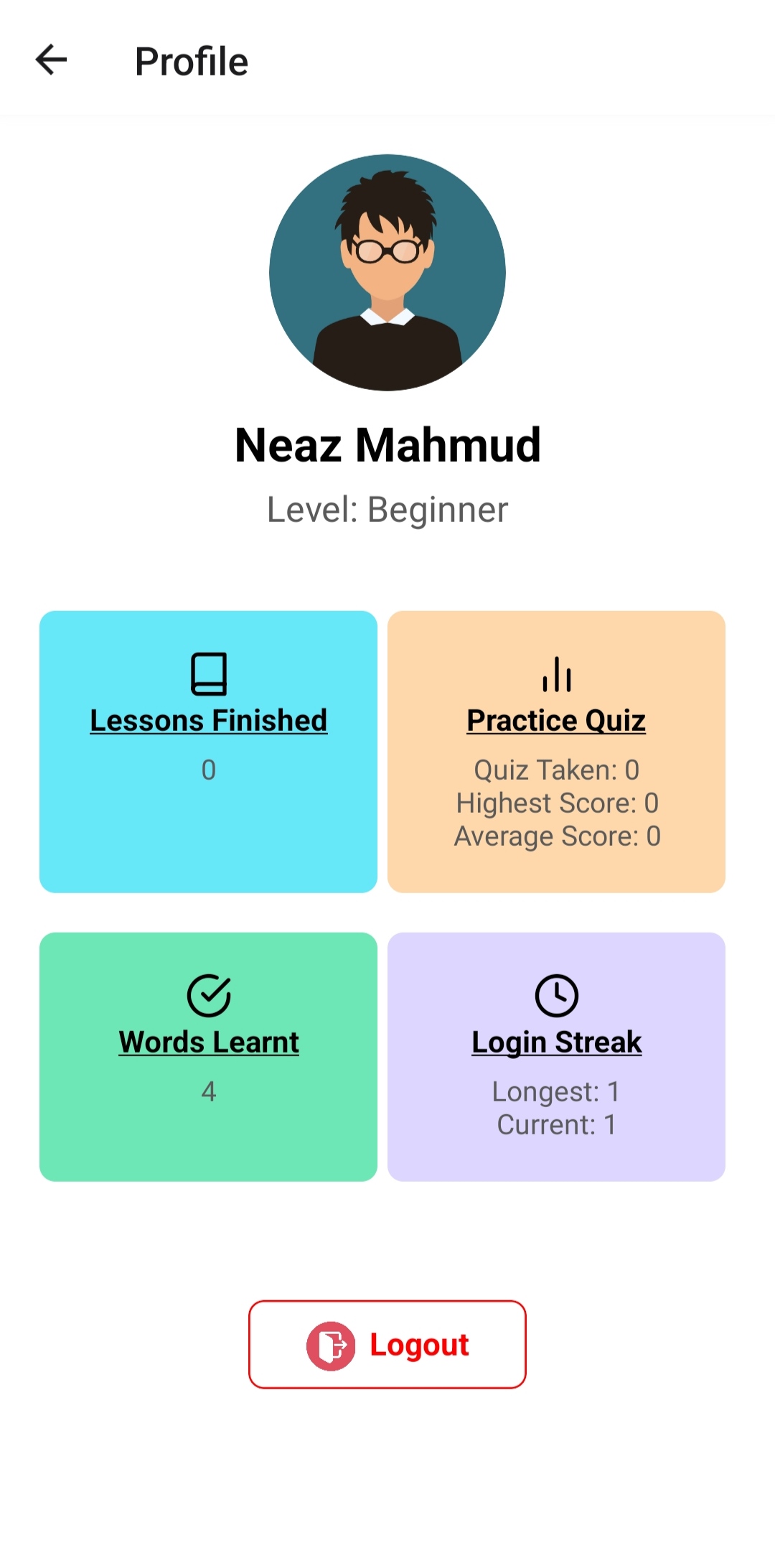
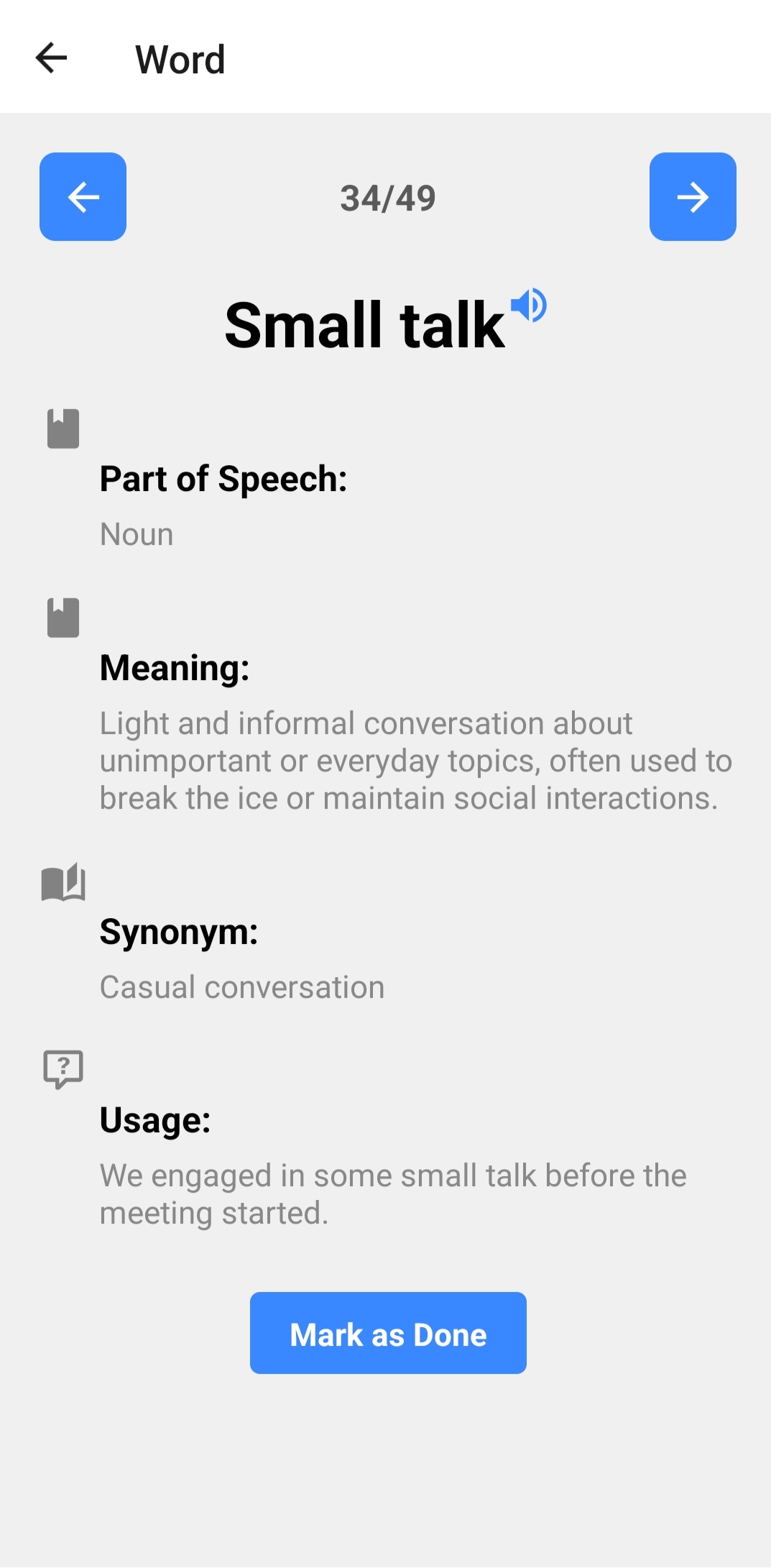
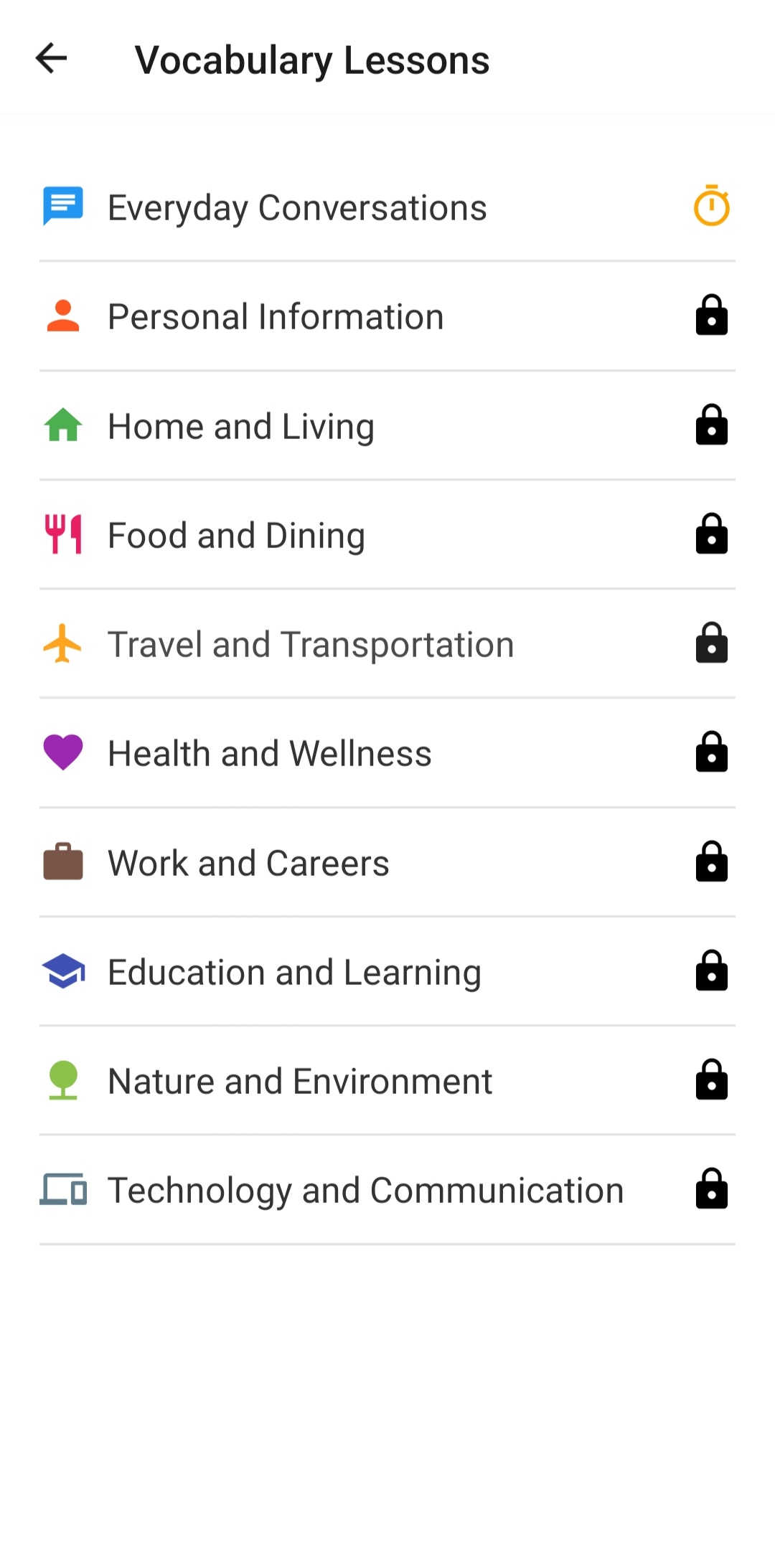
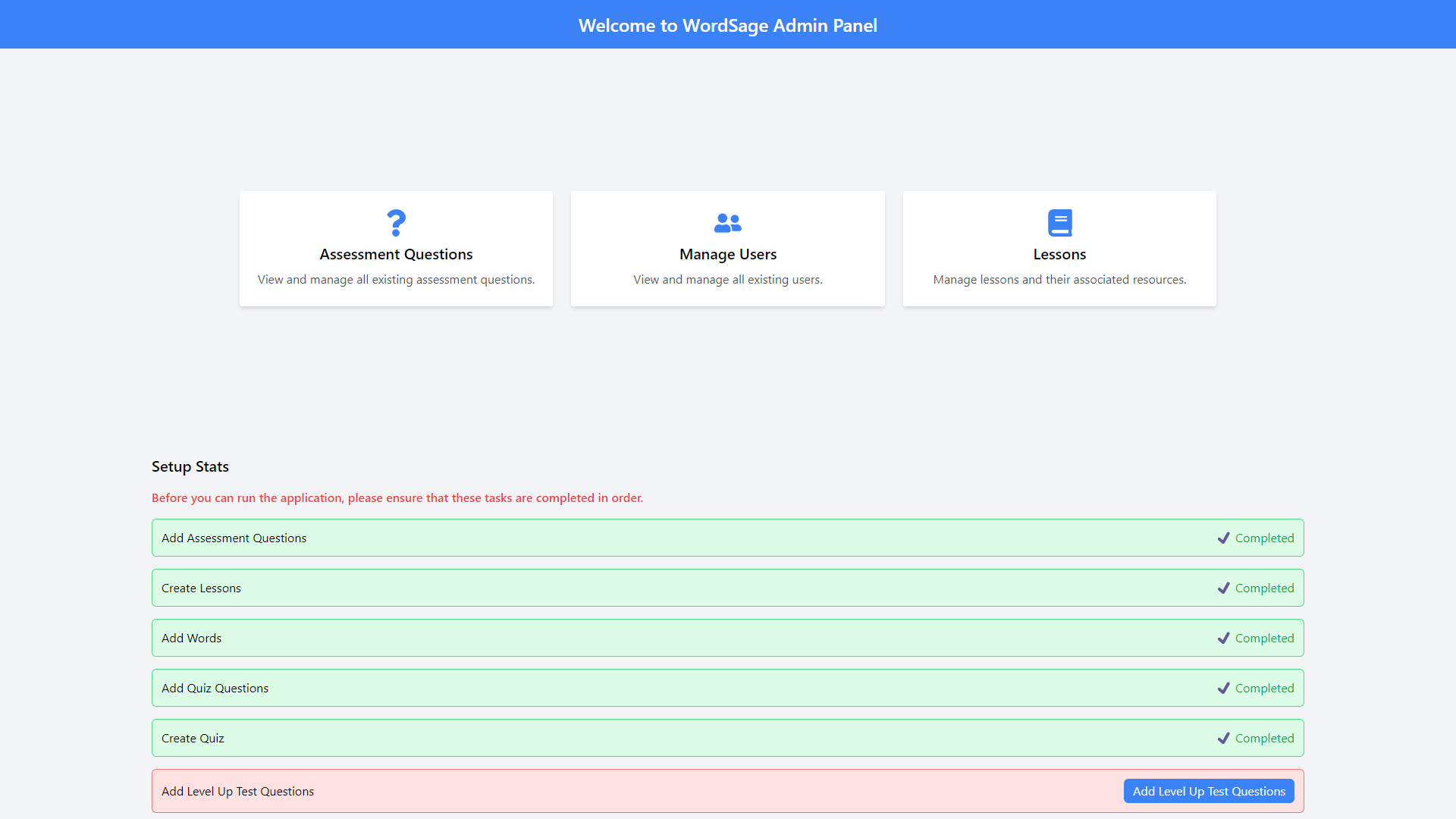
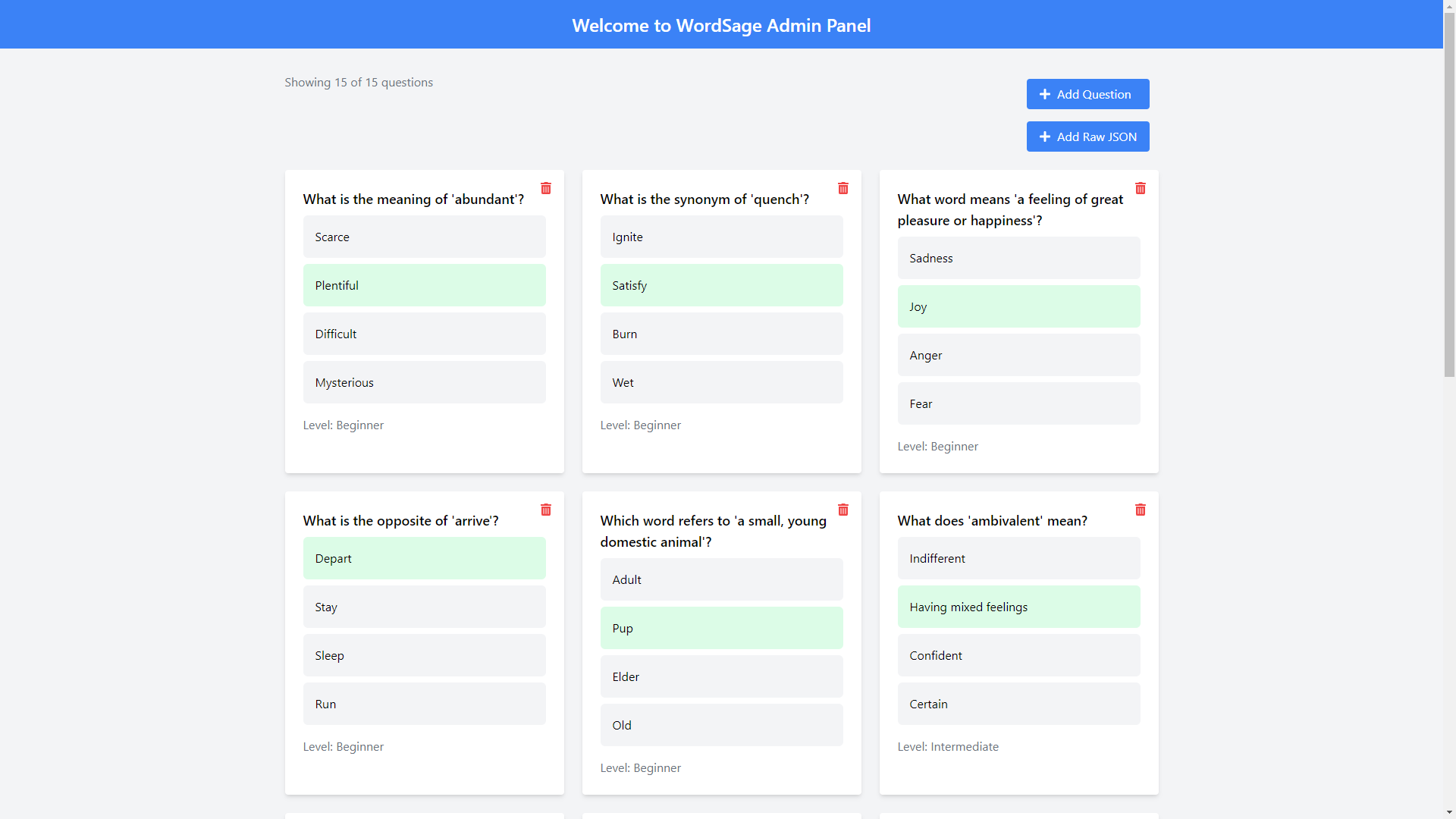
🤝 Contributing
Contributions are welcome. See CONTRIBUTING.md for more details.
📬 Feedback
If you have any feedback, please reach out to me at neaz6160@gmail.com
📄 License
This project is licensed under the MIT License.


