
Android app for reading Wikipedia pages distraction-free
Last updated Jul 6, 2026
766
Stars
26
Forks
46
Issues
+4
Stars/day
Attention Score
84
Topics
Language breakdown
No language data available.
▸ Files
click to expand
README

WikiReader





A lightweight Android app for reading Wikipedia articles distraction-free
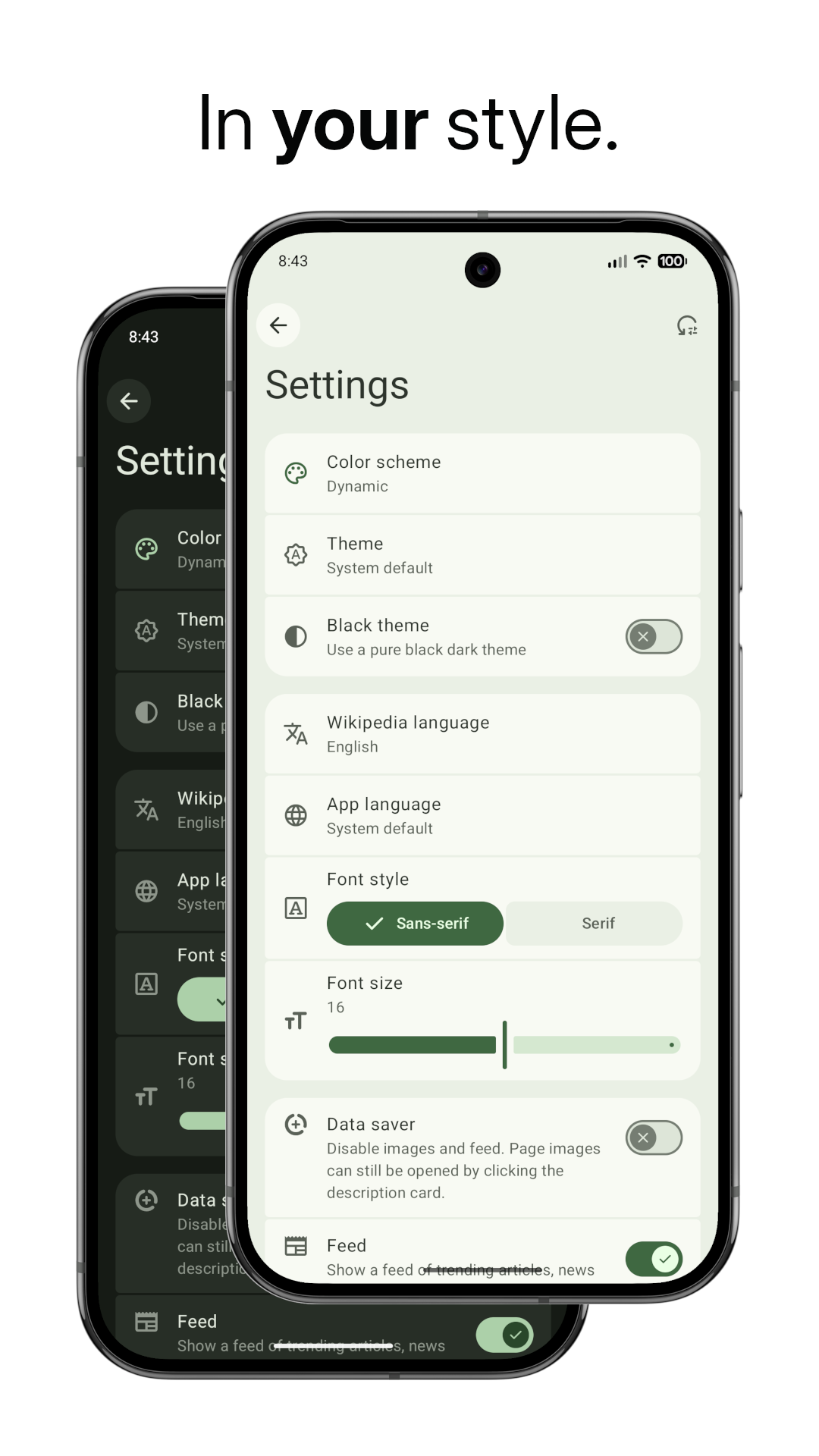
Supports light mode, dark mode, Material You dynamic colors and 300+ Wikipedia languages


Screenshots
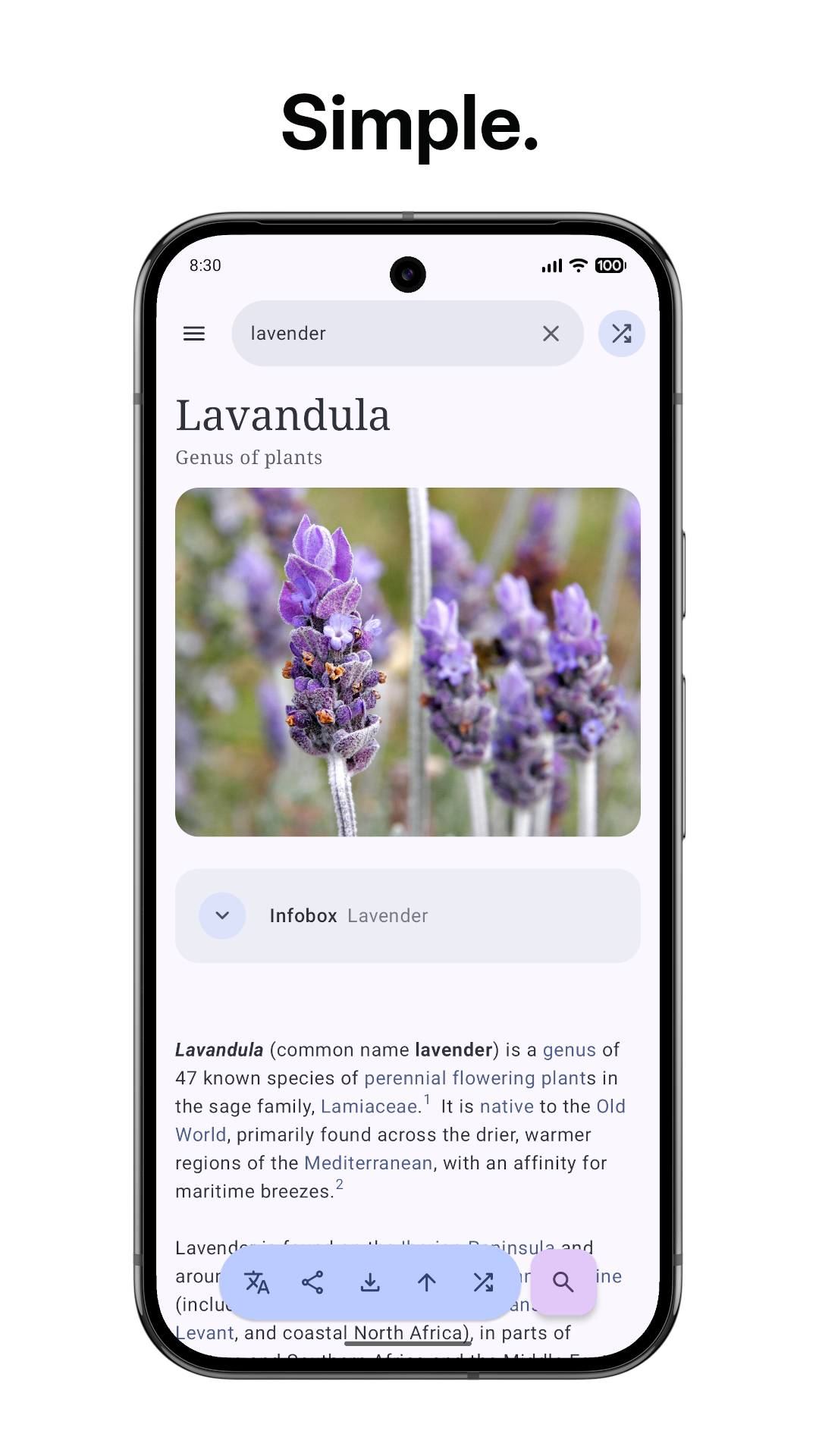
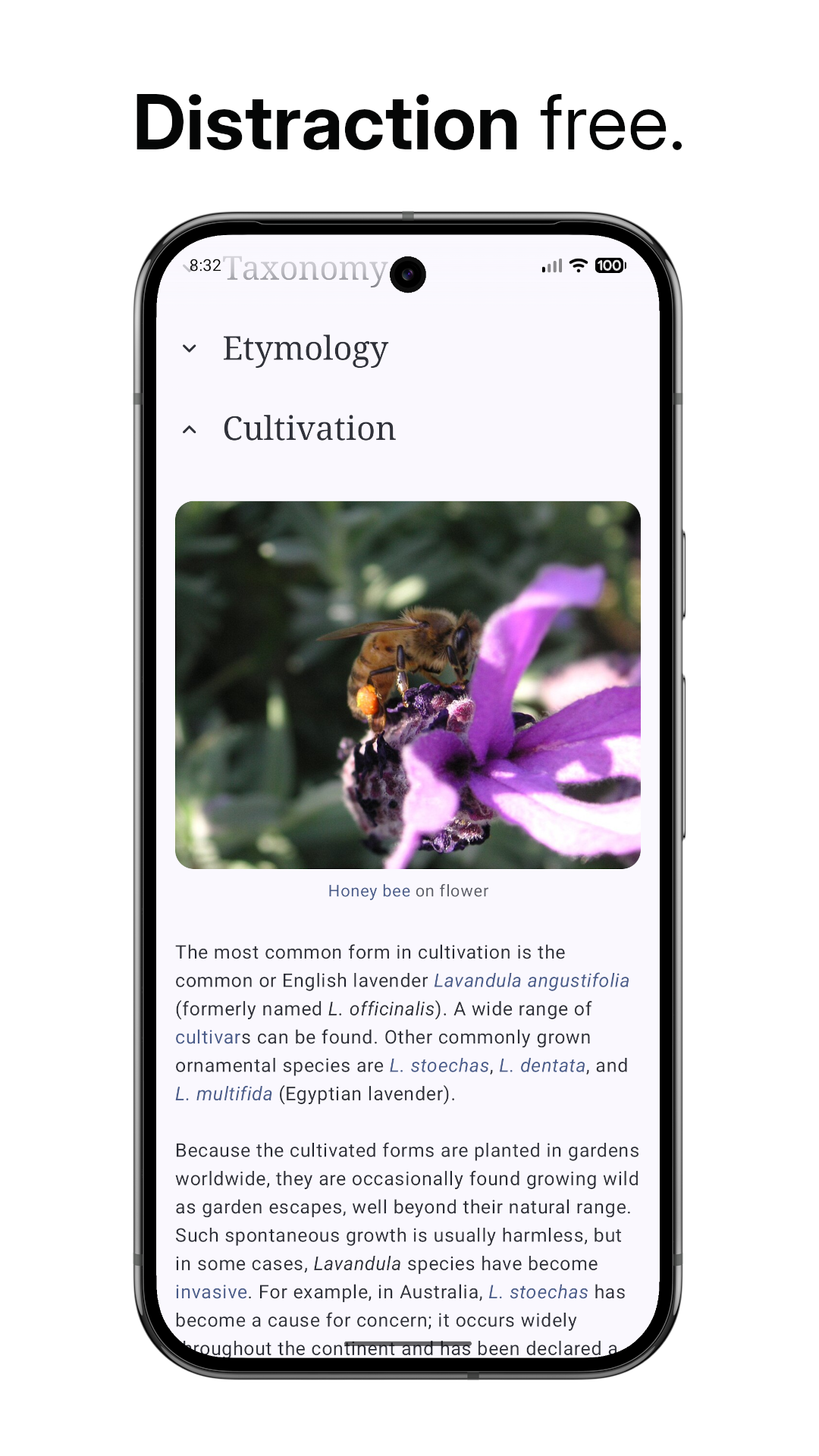
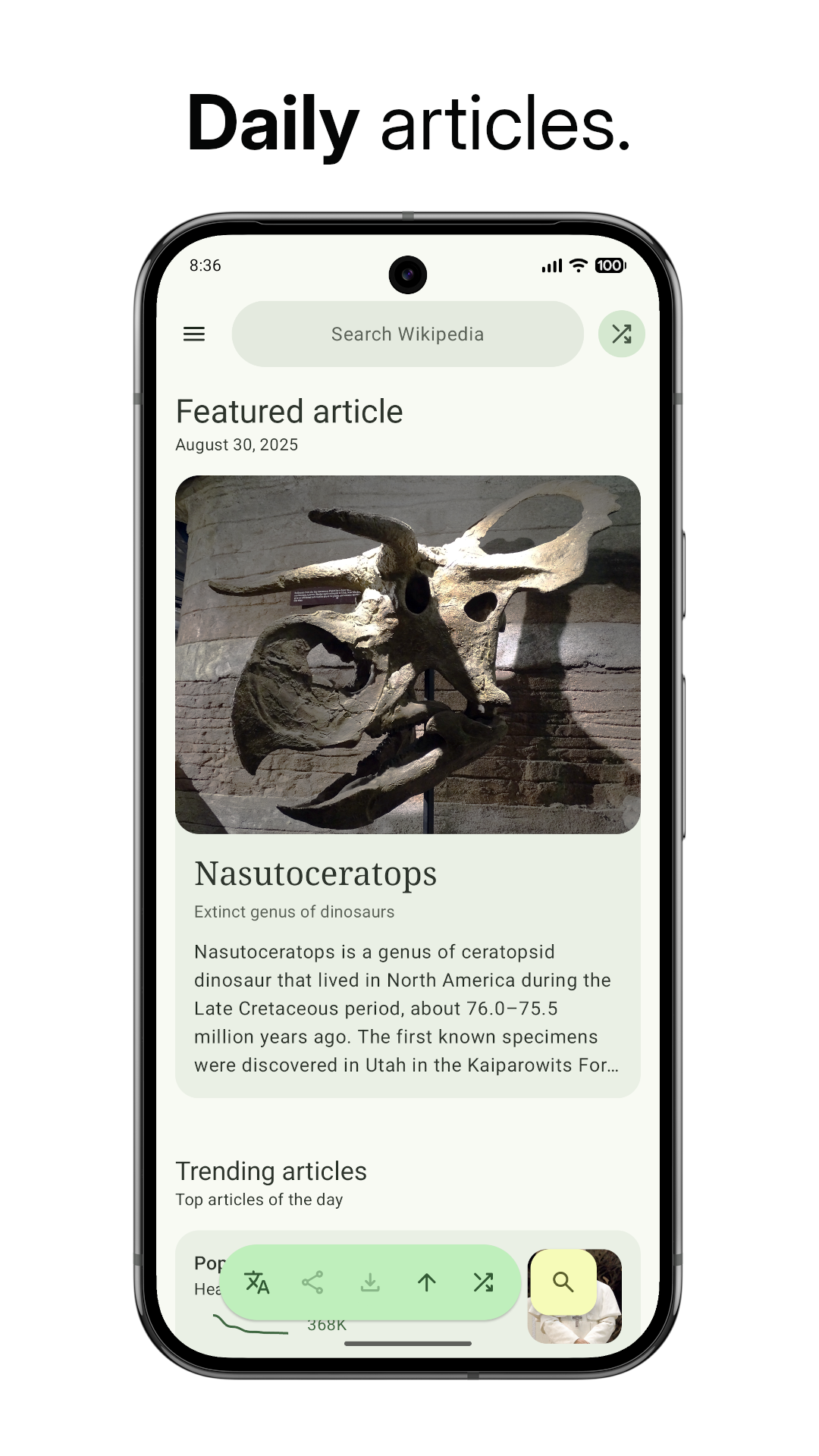
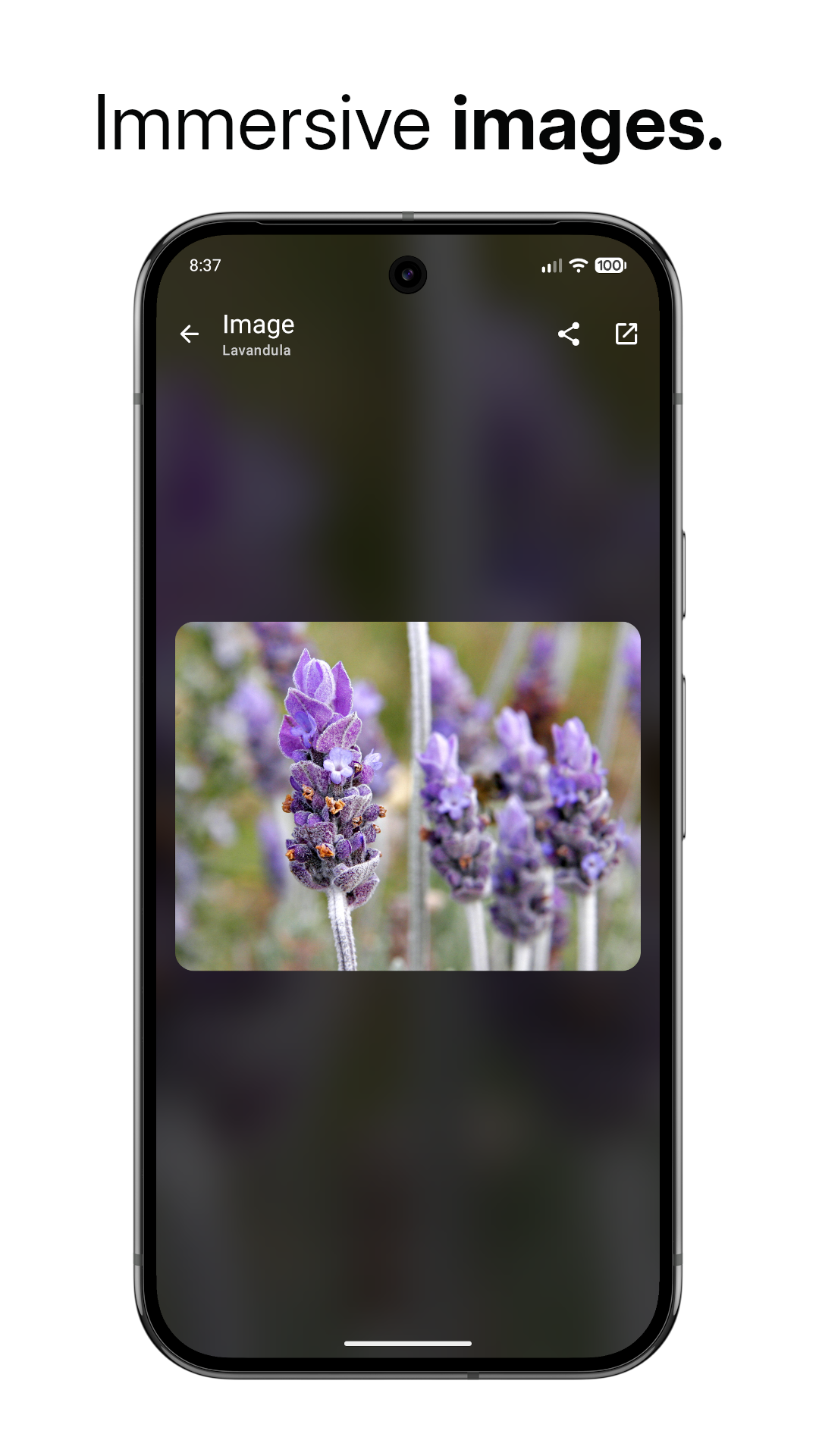
Features
- Fast loading: The article text is loaded before anything else, so you can get to reading,
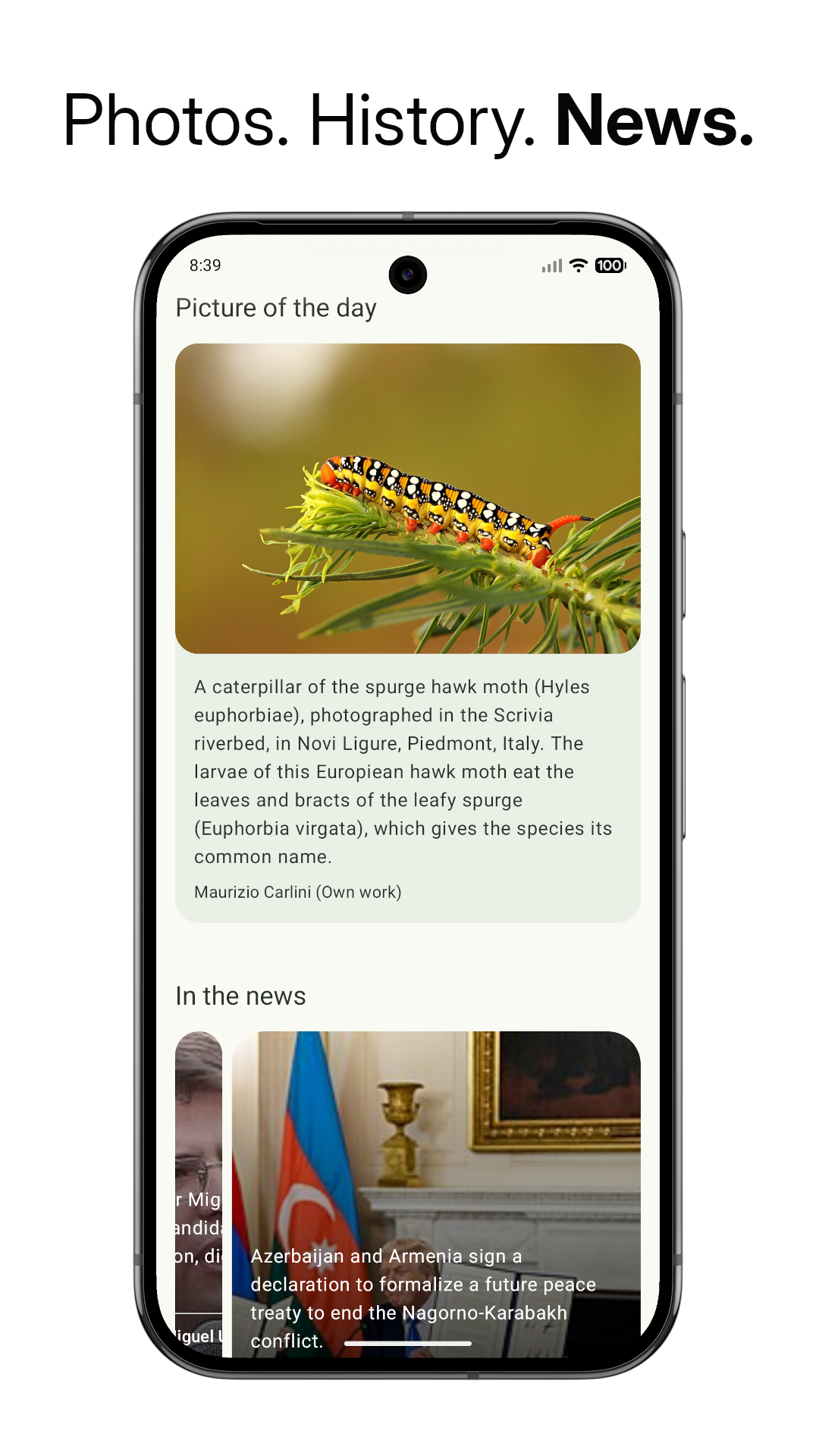
- Feed: Read the article of the day, find trending articles and get up to speed on the news with
- Article image: View an image of the topic from its Wikipedia page. Click on it to enlarge it
- Random article: Feeling lucky? Click the random article button to read a random article
- Choose your language: Choose from over 300 languages on Wikipedia
- Save articles: Download articles to your device for offline reading
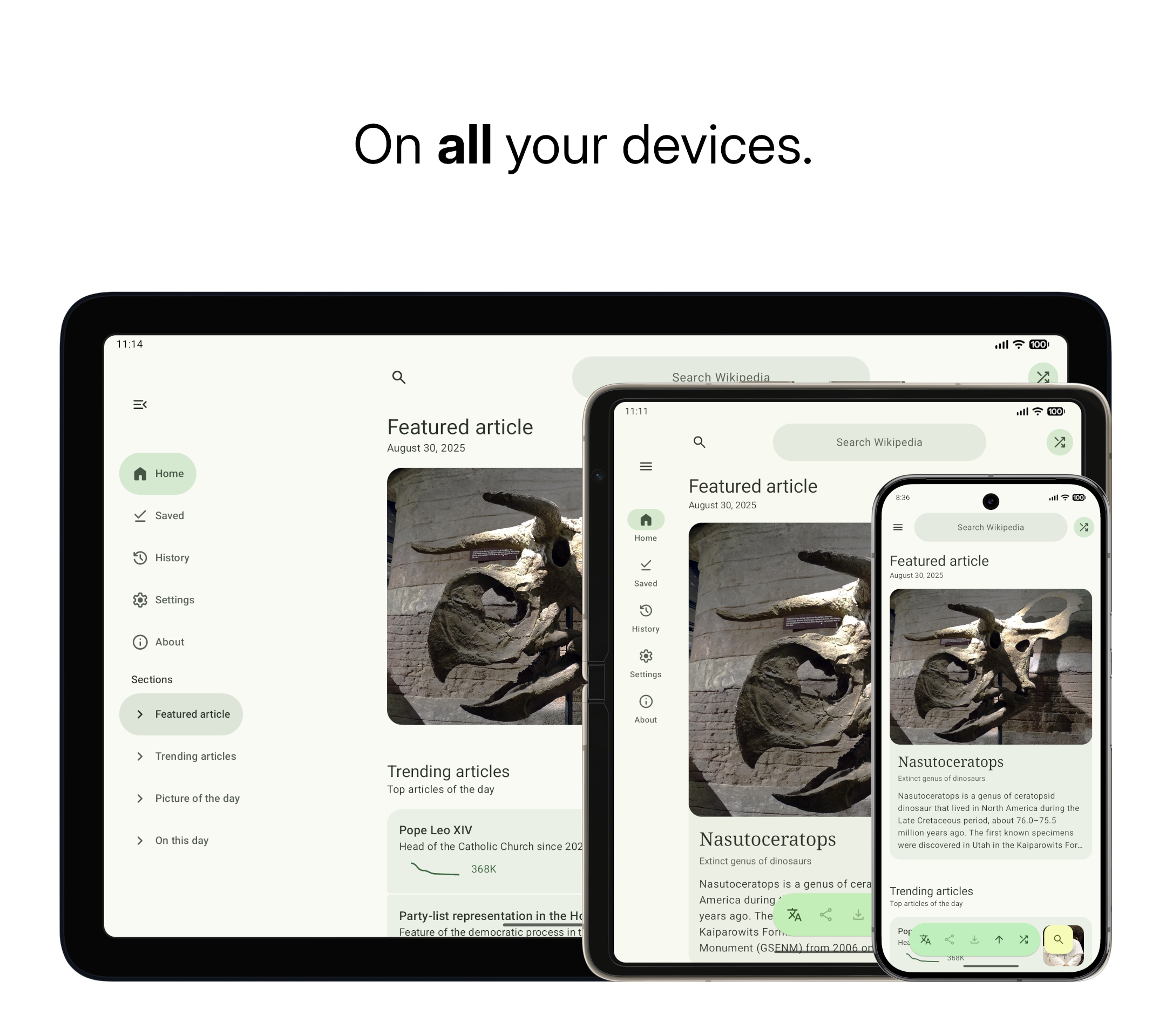
- One-handed use: Use the floating action buttons at the bottom for a complete one-handed
- Immersive mode: Hide UI elements while scrolling and enjoy an immersive reading experience
- Lightweight: The app starts instantly, and works smoothly
- Material 3 Expressive: Designed according to the latest Material 3 Expressive design
- Smooth animations: Smooth and fluent animations
- Customizable colors: Choose from light/dark themes and customize the Material 3 color palette
- Customizable font size: Choose your own comfortable font size
- Data saver: Save your limited data plan by loading text only
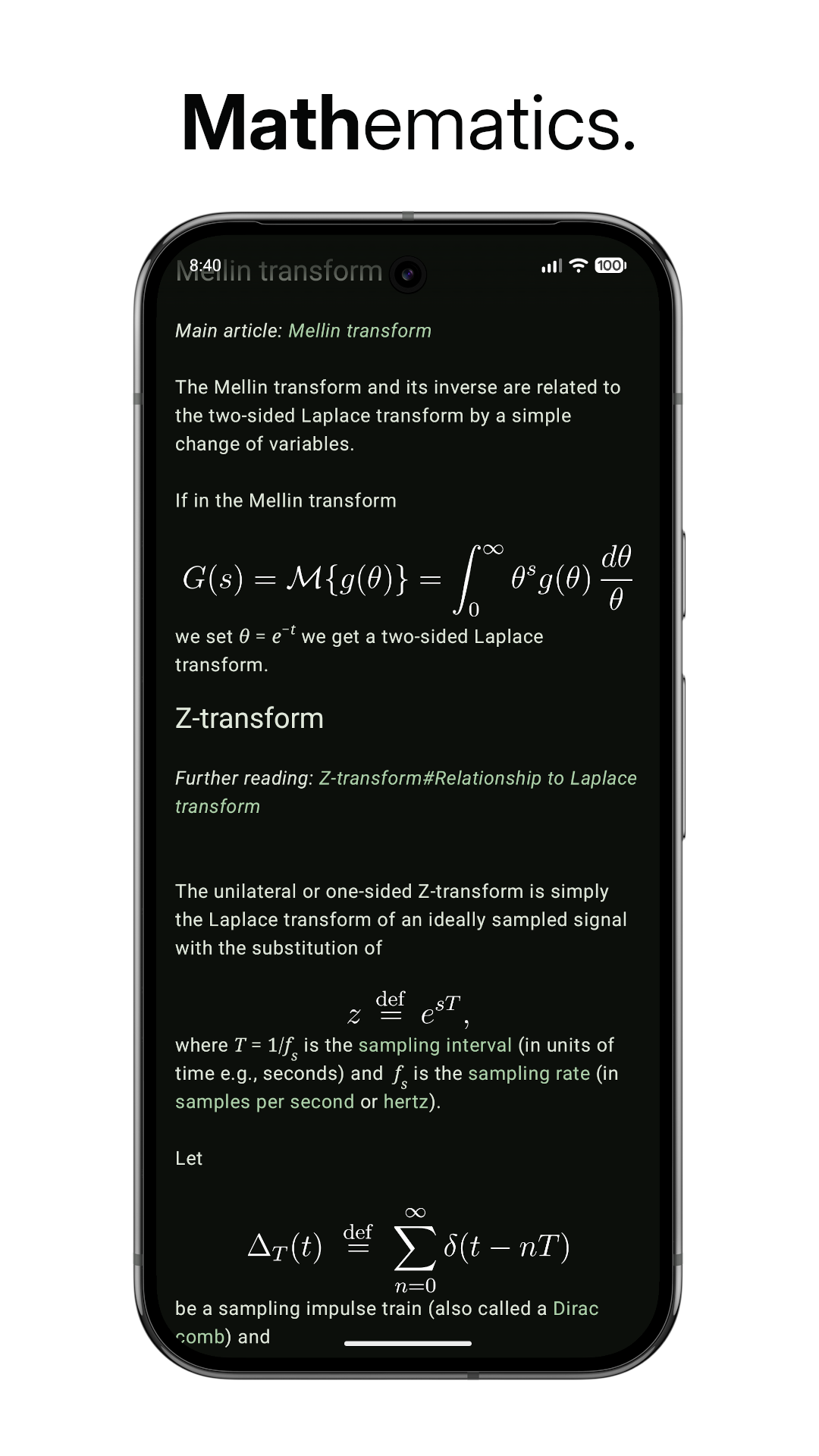
- Math expressions: View properly rendered mathematical expressions for easily reading
Translation
This project is available on Hosted Weblate for translation.
You can contribute to this project even if you are not a developer by helping in translating this project into languages you know.

Download
- F-Droid (recommended): WikiReader is available for download on the
- Obtainium (recommended): You can add this GitHub repository
- GitHub releases: Alternatively, you can manually download and install APKs from
[!TIP]
To verify the APK
downloaded from Obtainium/GitHub, use the following signing certificate fingerprints:
> SHA256: 07:BE:F3:05:81:BA:EE:8F:45:EC:93:E4:7E:E6:8E:F2:08:74:E5:0E:F5:70:9C:78:B2:EE:67:AC:86:BE:4C:3D >> SHA1: B1:4E:17:93:11:E8:DB:D5:35:EF:8D:E9:FB:8F:FF:08:F8:EC:65:08
The SHA256 and MD5 hashes of the individual APK files are also available in the checksum.txt
file for each release.
Donate
You can support WikiReader's development through my GitHub Sponsors page or my BuyMeACoffee page:


Special Thanks
- Wikimedia Foundation: For
- All the Wikipedia volunteers, contributors and donors
- Retrofit 2 - REST APIs
- OkHttp - Networking
- Coil - Loading images from the web
- MaterialKolor - For custom color themes
- ComposeCharts - For the view-count history graph in the feed
- Latex2Unicode - For converting math into Unicode text
Star History


