
Dark mode for ggplot2 themes
ggdark ======

Installation
You can install ggdark from CRAN with:
r
install.packages("ggdark")
If you want the development version, you can install ggdark from GitHub with:
r
install.packages("devtools")
devtools::install_github("nsgrantham/ggdark")
Dark mode for ggplot2
r
library(ggplot2)
p <- ggplot(diamonds) +    geom_point(aes(carat, price, color = cut)) +    scaleycontinuous(label = scales::dollar) +   guides(color = guide_legend(reverse = TRUE)) +   labs(title = "Prices of 50,000 round cut diamonds by carat and cut",        x = "Weight (carats)",        y = "Price in US dollars",        color = "Quality of the cut")
p + theme_gray()  # ggplot default
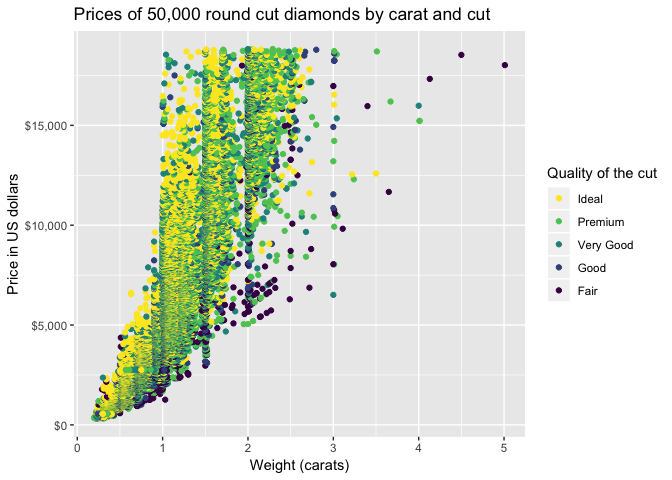
r
library(ggdark)
p + darkthemegray()  # the dark version #> Inverted geom defaults of fill and color/colour. #> To change them back, use invertgeomdefaults().
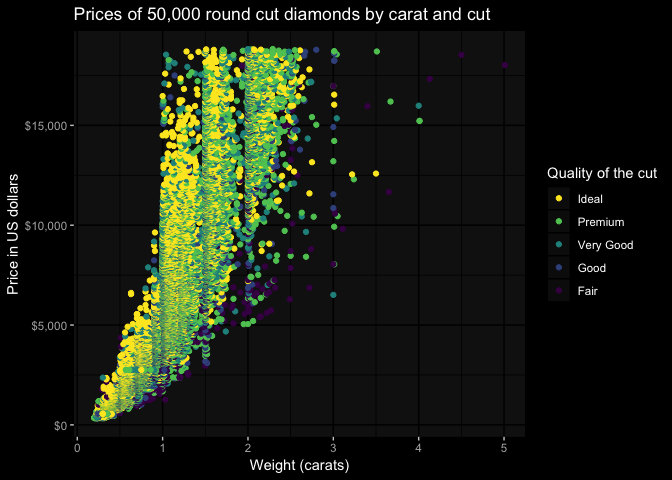
r
modify the theme to your liking, as you would in ggplot2
p + darkthemegray(basefamily = "Fira Sans Condensed Light", basesize = 14) +
  theme(plot.title = element_text(family = "Fira Sans Condensed"),
        plot.background = element_rect(fill = "grey10"),
        panel.background = element_blank(),
        panel.grid.major = element_line(color = "grey30", size = 0.2),
        panel.grid.minor = element_line(color = "grey30", size = 0.2),
        legend.background = element_blank(),
        axis.ticks = element_blank(),
        legend.key = element_blank(),
        legend.position = c(0.815, 0.27))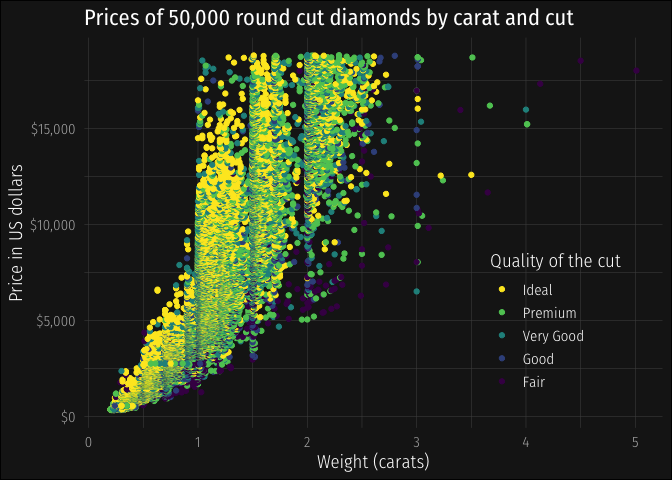
Dark themes
ggdark provides dark versions of all themes available in ggplot2:
r
mtcars2 <- within(mtcars, {
  vs <- factor(vs, labels = c("V-shaped", "Straight"))
  am <- factor(am, labels = c("Automatic", "Manual"))
  cyl  <- factor(cyl)
  gear <- factor(gear)
})
p <- ggplot(mtcars2) +   geom_point(aes(wt, mpg, color = gear)) +   facet_grid(vs ~ am) +   labs(title = "Fuel economy declines as weight increases",        subtitle = "(1973-74)",        caption = "Data from the 1974 Motor Trend US magazine.",        x = "Weight (1000 lbs)",        y = "Fuel economy (mpg)",        color = "Gears")
r
p + darkthemegray()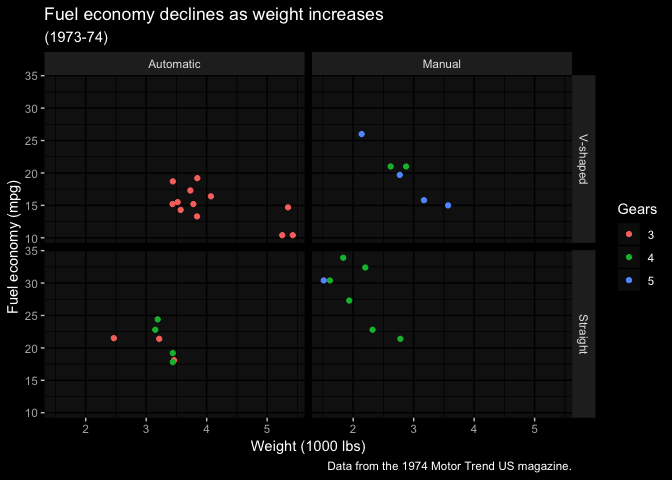
r
p + darkthemebw()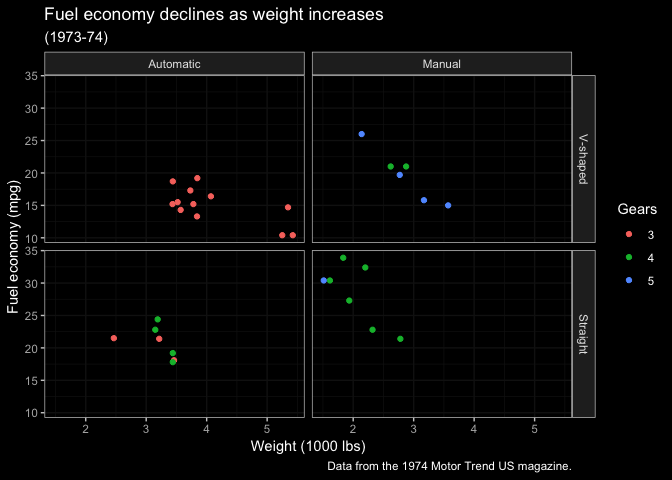
r
p + darkthemelinedraw()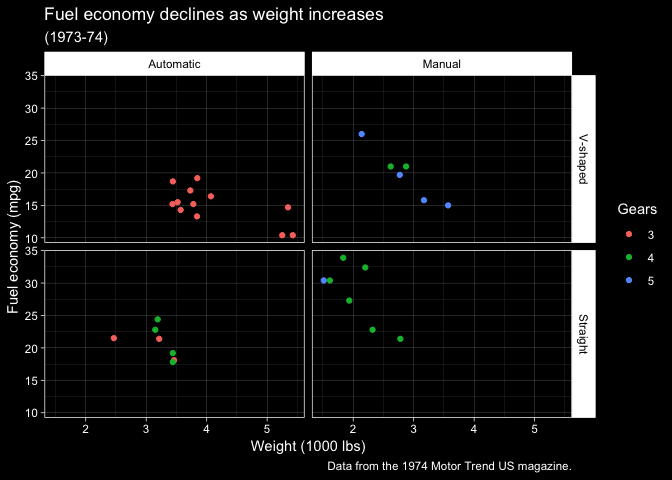
r
p + darkthemelight()  # quite dark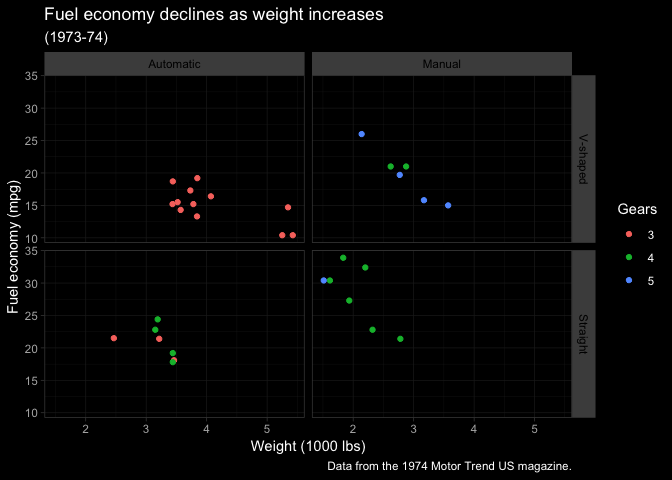
r
p + darkthemedark()  # quite light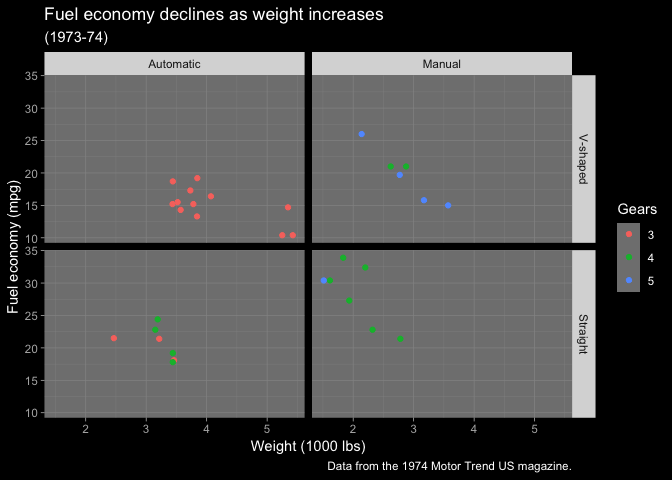
r
p + darkthememinimal()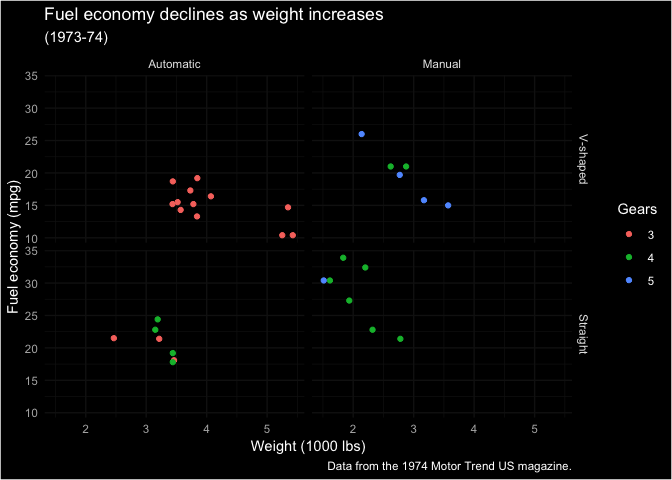
r
p + darkthemeclassic()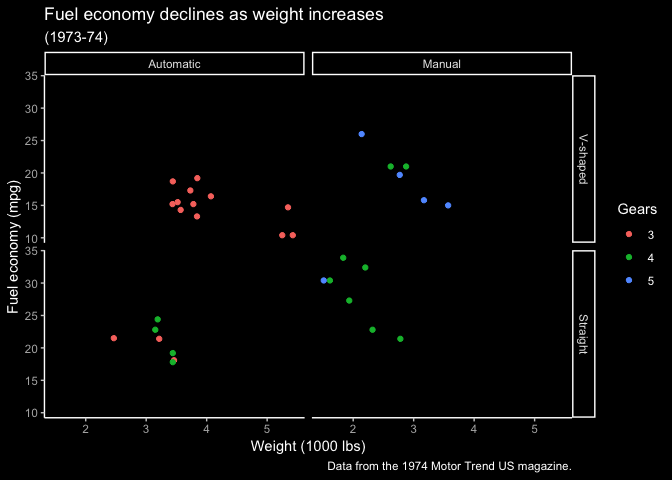
r
p + darkthemevoid()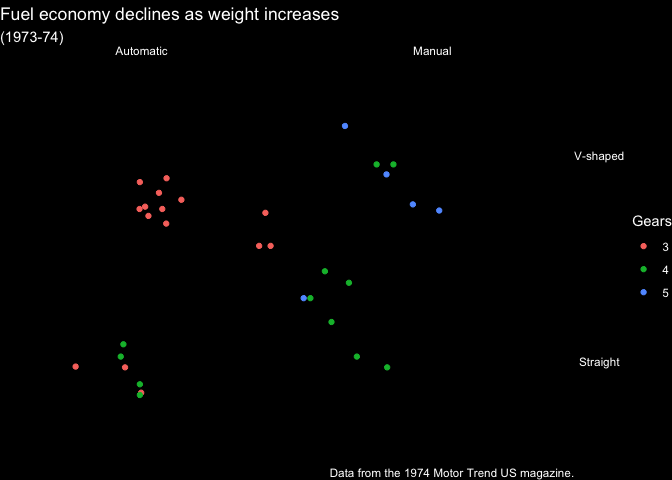
Make your own dark theme
Usedark_mode on any theme to create its dark version.
r
invertgeomdefaults()  # change geom defaults back to black
library(gapminder)
p <- ggplot(subset(gapminder, continent != "Oceania")) +   geom_line(aes(year, lifeExp, group = country, color = country), lwd = 1, show.legend = FALSE) +    facet_wrap(~ continent) +   scalecolormanual(values = country_colors) +   labs(title = "Life expectancy has increased worldwide")
r
install.packages("ggthemes")
library(ggthemes)
p + theme_fivethirtyeight()
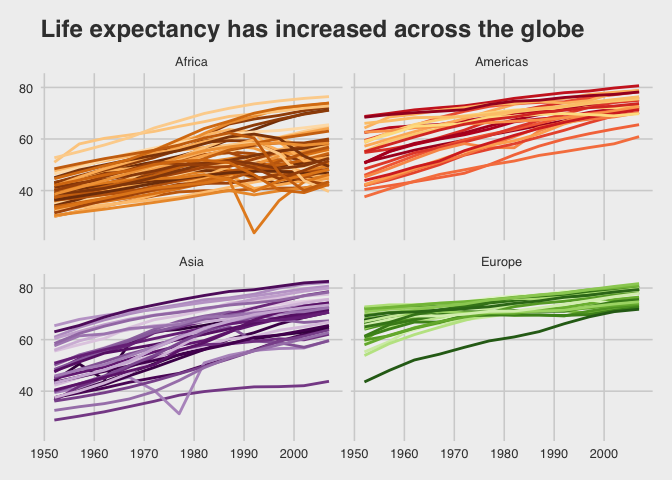
r
p + darkmode(themefivethirtyeight())
#> Inverted geom defaults of fill and color/colour.
#> To change them back, use invertgeomdefaults().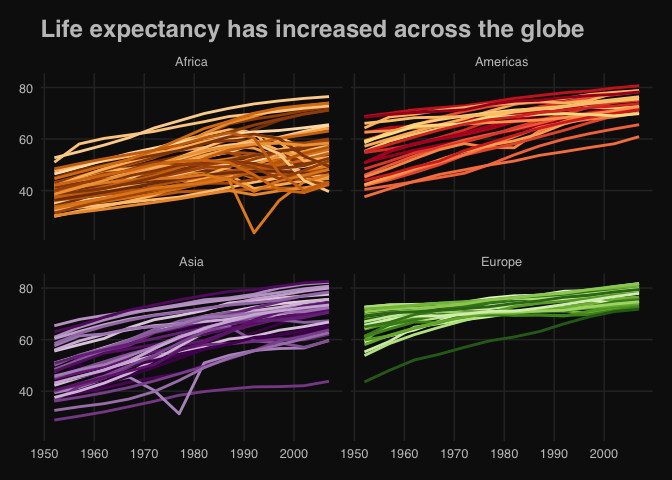
r
invertgeomdefaults()  # leave the geom defaults how you found them!
Happy plotting! 🖤


