
📱🗞️ Android client for the Nextcloud news/feed reader app
Last updated Jul 4, 2026
765
Stars
258
Forks
115
Issues
+1
Stars/day
Attention Score
89
Language breakdown
No language data available.
▸ Files
click to expand
README
Nextcloud News for Android






An Android client for Nextcloud News App.
▶️ Access






👀 Screenshots
| 1 | 2 | 3 | | --- | --- | --- | |  |
|  |
| 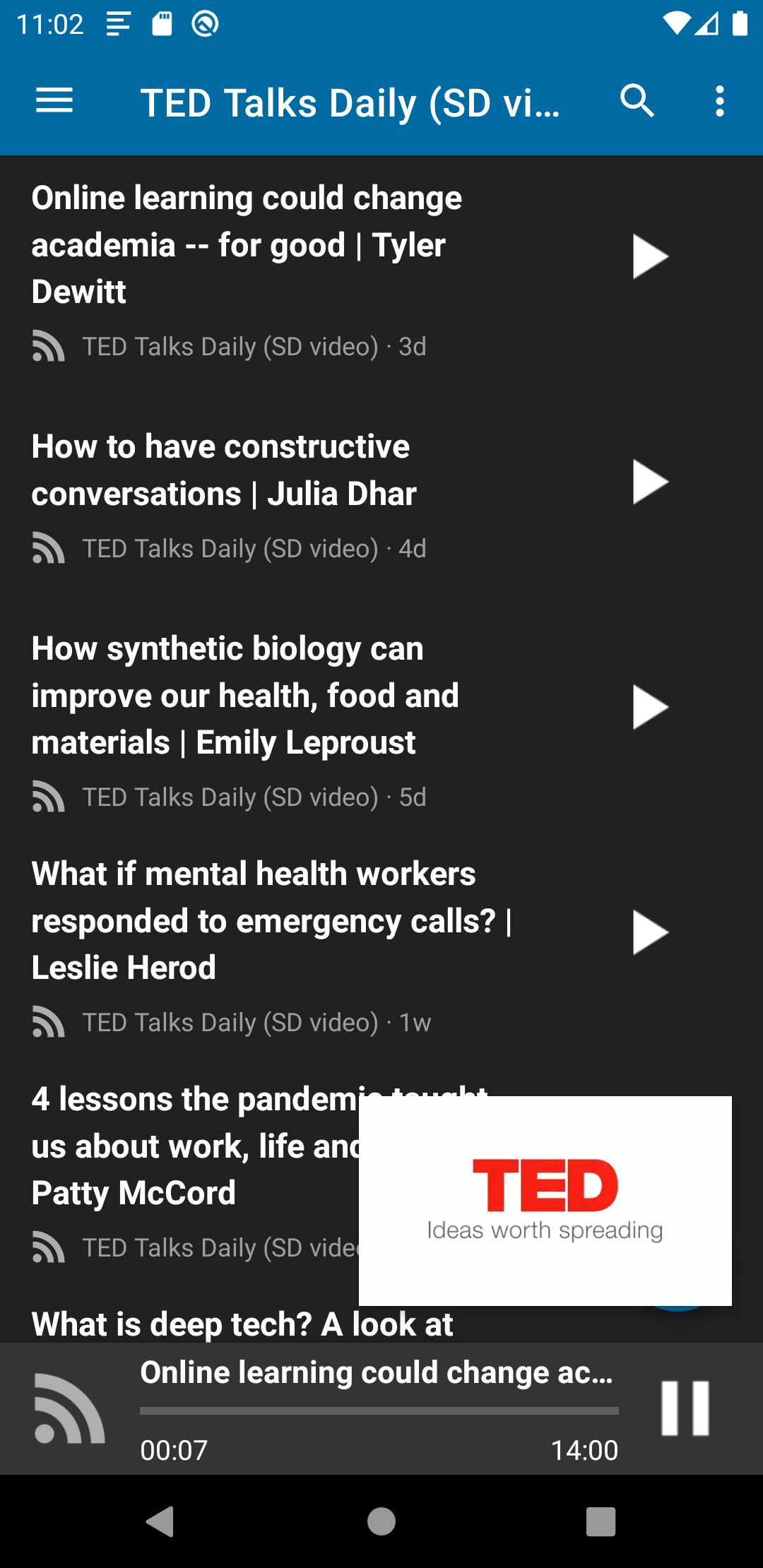 |
|
👪 Join the team
- Test the app with different devices
- Report issues in the issue tracker
- Pick a good first issue :notebook:
- Create a Pull Request
- Help increasing the test coverage by contributing unit tests
- Translate the app on Transifex
- Send me a bottle of your favorite beer :beers: :wink:
How to compile the App
Requirements
Download and install
- Open cmd/terminal
- Navigate to your workspace
- Then type in:
git clone https://github.com/nextcloud/news-android.git - Import the Project in Android Studio and start coding!
Testing with Android Auto
- Open Android Studio, click on "Tools" -> "SDK Manager"
- Select and install "Android Auto API Simulators"
- Open terminal, go to
/extras/google/simulators (e.g. cd ~/Library/Android/sdk/extras/google/simulators) - Install apk using adb (
../../../platform-tools/adb install media-browser-simulator.apk) - Install apk using adb (
../../../platform-tools/adb install messaging-simulator.apk)
Advanced Testing Android Auto (e.g. Voice Features) Link
- Install Android 9 in an Emulator (Android 10 didn't work with the Android Auto App)
- Install Android Auto from PlayStore
- Follow instructions on training website (see link above)
~/Library/Android/sdk/platform-tools/adb forward tcp:5277 tcp:5277- cd ~/Library/Android/sdk/extras/google/auto
- ./desktop-head-unit
- From inside the terminal type: mic play ./voice/pause.wav
Updating the database schema
- Edit Database Schema in LastestVersion.java
function
- Open build.gradle and uncomment imports annotated with
// Required for DAO generation`


