
Shiny uses your gyroscope to simulate lighting and motion effects on colors. Works on almost every SwiftUI View.
Last updated Jul 4, 2026
1.1k
Stars
23
Forks
6
Issues
+4
Stars/day
Attention Score
58
Language breakdown
No language data available.
▸ Files
click to expand
README
Shiny
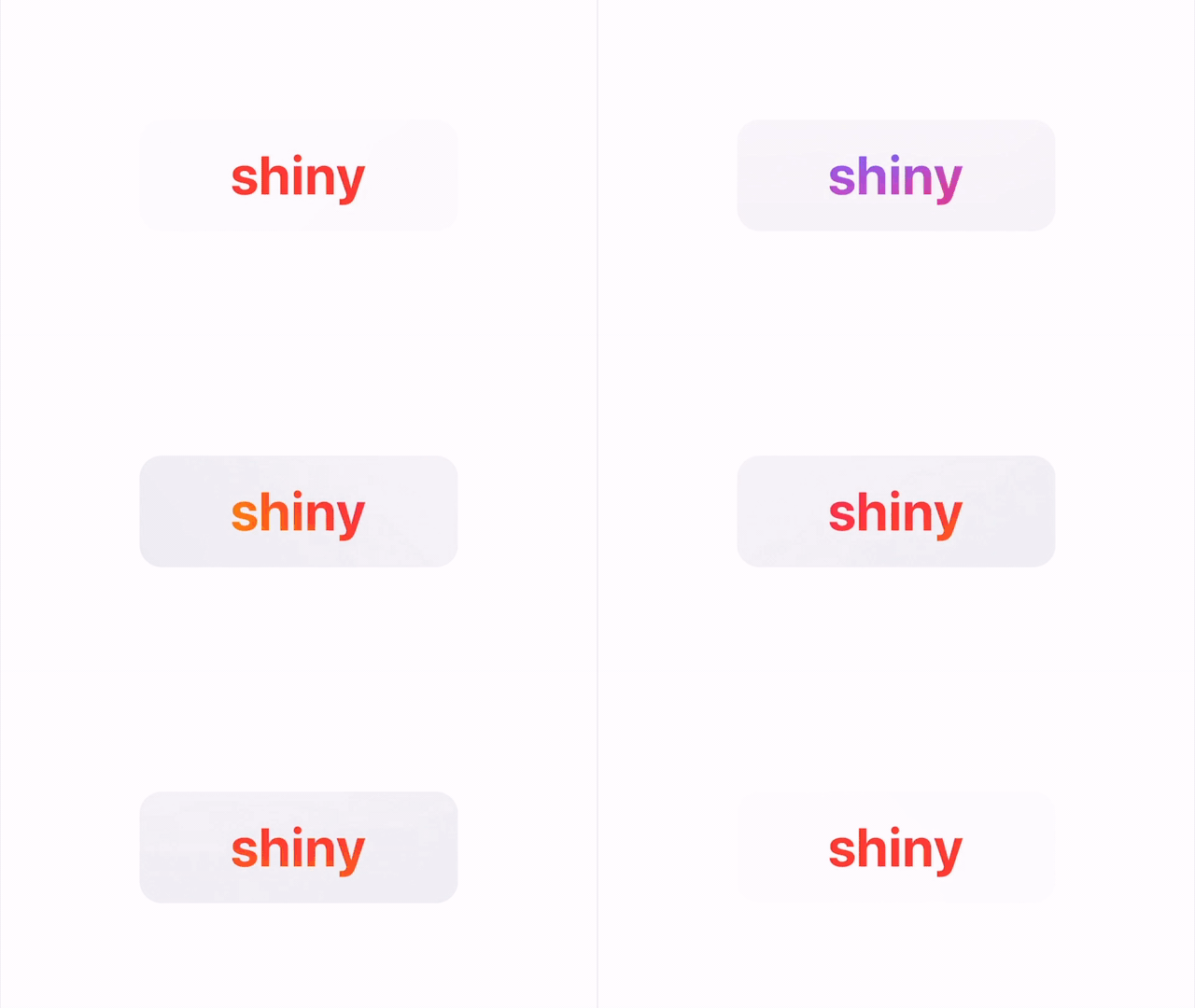
Add motion-based texture to your SwiftUI views
Draw attention to important interface elements with .shiny(). Shiny uses your gyroscope to simulate lighting and motion effects on colors. It works on almost every native SwiftUI View. Try it on Text, Toggle, or a VStack. Just add .shiny() to get started!
💳 Inspired by the Apple Cash Card
Contents
Package
For Xcode Projects
File > Swift Packages > Add Package Dependency: https://github.com/maustinstar/shiny
For Swift Packages
Add a dependency in your your Package.swift
.package(url: "https://github.com/maustinstar/shiny.git", from: "0.0.1"),Basic Usage
Just import Shiny and modify your view with .shiny() to get started.
import Shiny
...
Text("Hello, shiny world! ✨").shiny()
See the full Reference Guide.
Example
Rainbow text on silver card
Text("shiny")
    .font(.largeTitle)
    .fontWeight(.bold).shiny()
    .background(
        RoundedRectangle(cornerRadius: 14.0)
            .frame(width: 200.0, height: 70.0)
            .shiny(.hyperGlossy(UIColor.systemGray5)))
See more Examples.
More
🚀 Looking for more fun SwiftUI Packages?
Credits
Michael Verges - Initial work* - mverges3@gatech.edu - 


