
Create a playful backsplash in SwiftUI.
Liquid
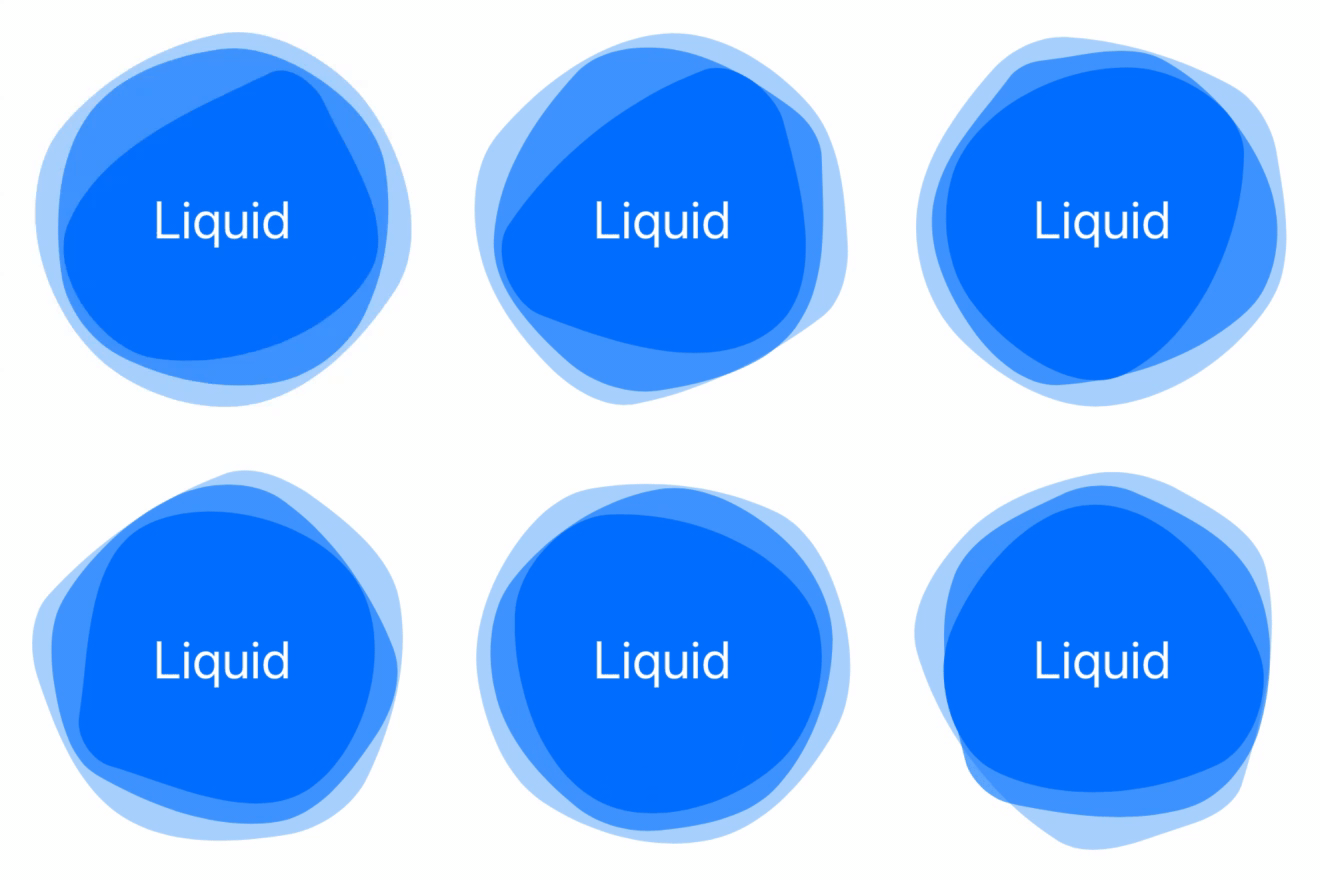
Add a Splash to Your SwiftUI Interface
Create a subtle and playful backsplash with Liquid(). Try liquid behind your artwork, as a button, or even with your own shapes. Just add Liquid() to your view to get started!
Contents
Package
For Xcode Projects
File > Swift Packages > Add Package Dependency: https://github.com/maustinstar/liquid
For Swift Packages
Add a dependency in your your Package.swift
.package(url: "https://github.com/maustinstar/liquid.git", from: "0.0.1"),Basic Usage
Just import Liquid, and add it to your View to get started.
struct ContentView: View {
    var body: some View {
        Liquid().frame(width: 200, height: 200)
    }
}
See the full Reference Guide.
Example
Layered Liquid
struct ContentView: View {
    var body: some View {
        ZStack {
            Liquid()
                .frame(width: 240, height: 240)
                .foregroundColor(.blue)
                .opacity(0.3)
Liquid()                 .frame(width: 220, height: 220)                 .foregroundColor(.blue)                 .opacity(0.6)
Liquid(samples: 5)                 .frame(width: 200, height: 200)                 .foregroundColor(.blue)                          Text("Liquid").font(.largeTitle).foregroundColor(.white)         }     } }
See more Examples.
Contributing

To get started, read the full Implementation Guide.
See Contributing.md.
🚀 Looking for more fun SwiftUI Packages?
Take your SwiftUI apps to the next level with these Packages!

Credits
Michael Verges - Initial work* - mverges3@gatech.edu - 


