
Chatter Wave is a mobile chat application for seamless one-to-one conversations. Built with a modern tech stack, it allows users to register, send messages in real-time, and share images, all through a clean and intuitive user interface.
Chatterwave - Mobile Client (React Native)



This is the official mobile frontend for Chatterwave, a modern and real-time chat application built with React Native and the Expo framework. It communicates with a robust Java backend to deliver a seamless messaging experience.
➡️ Backend Repository: Chatterwave-Backend (Java)
Application Screenshots
Welcome to the visual tour of Chatterwave! Below are some key screens showcasing the application's features and user interface.
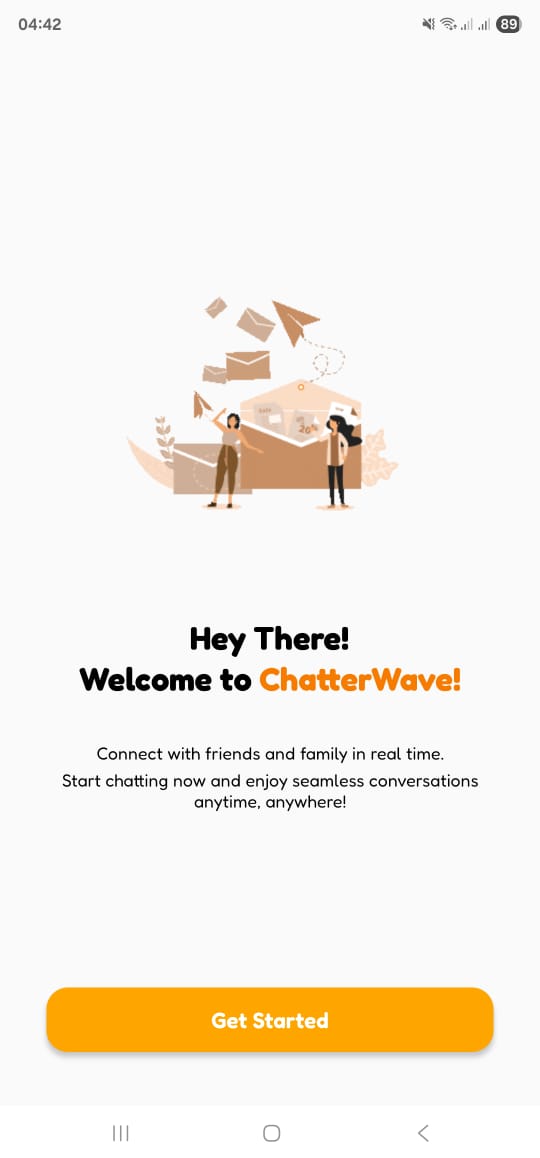
Welcome Screen |
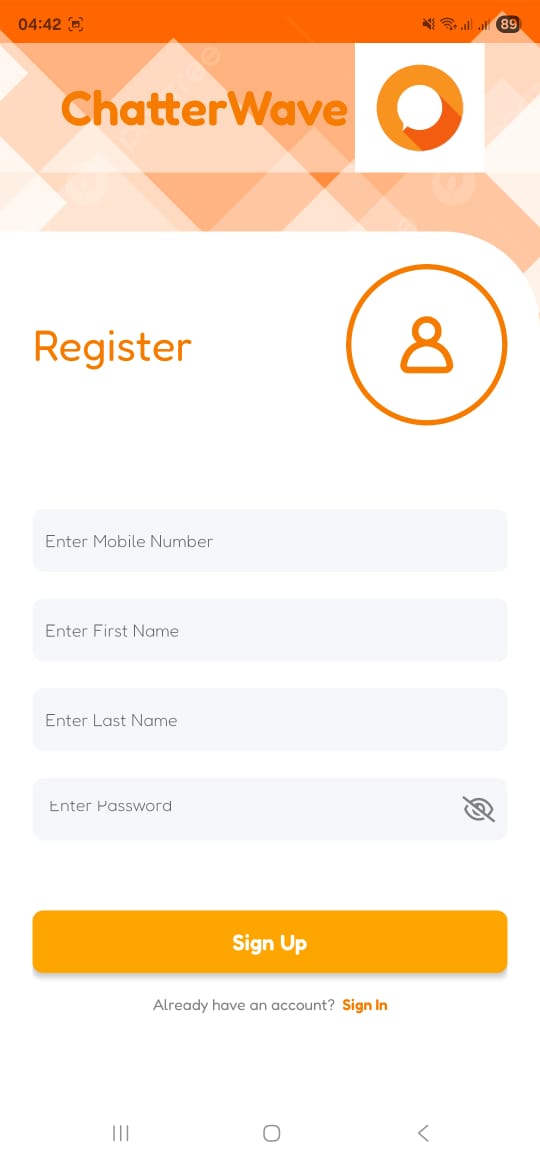
Registration Screen |
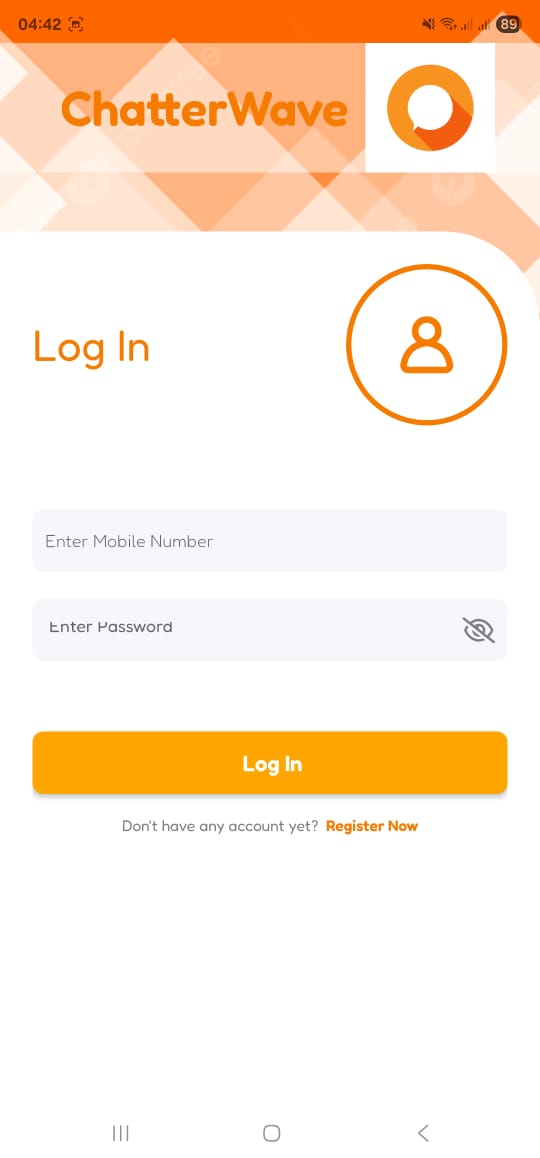
Login Screen |
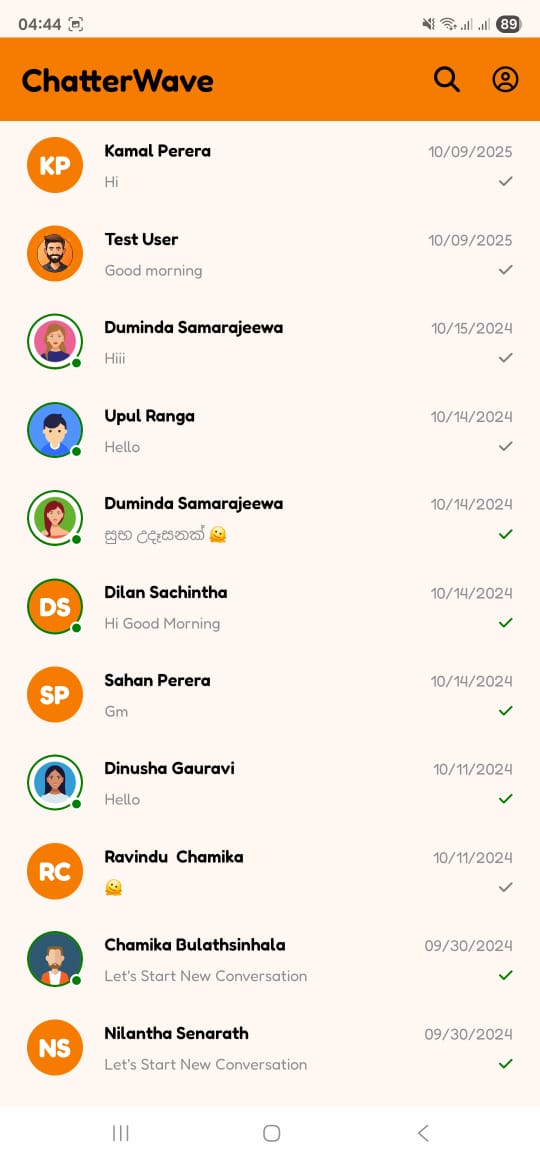
Home (Chat List) |
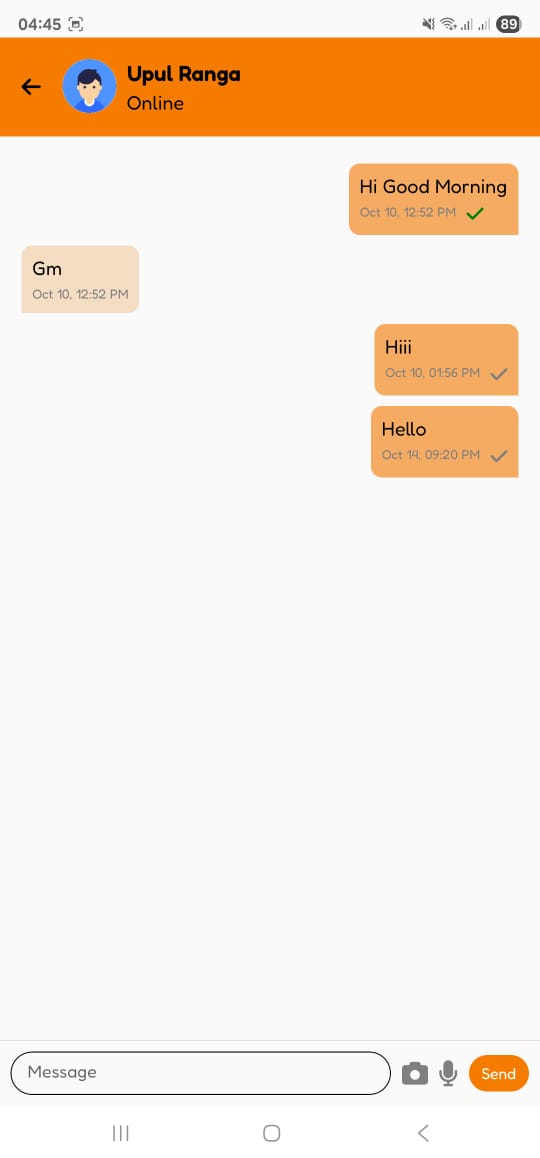
Chat Screen |
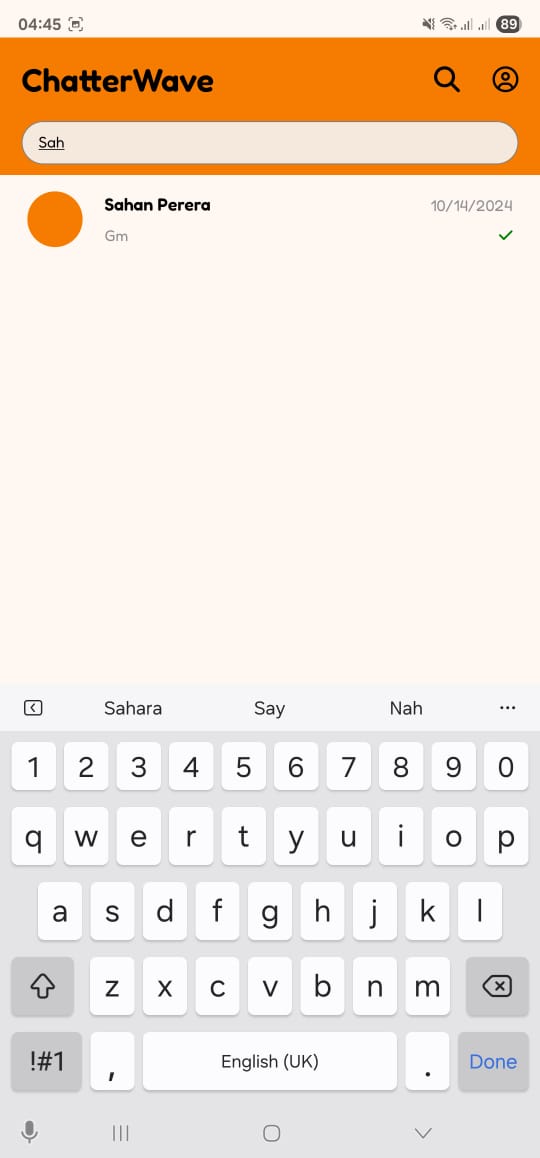
Search Screen |
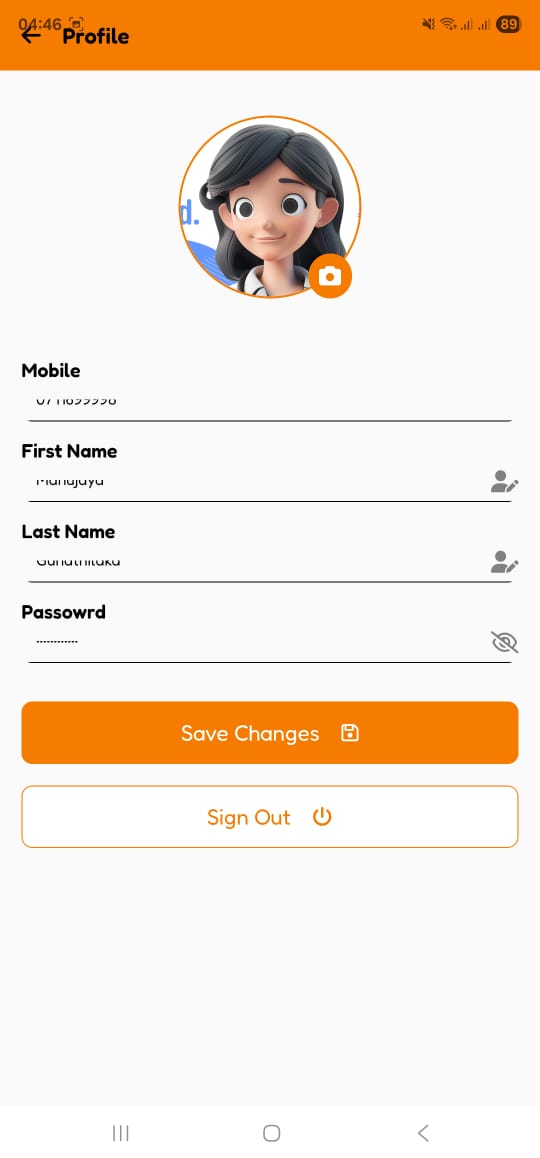
User Profile Screen |
||
Key Features
- User Authentication: Secure user registration and login functionality.
- Real-Time Chat: Instantly send and receive text messages.
- Presence Indicators: Visually displays whether other users are currently online or offline.
- Conversation Management: Main screen lists all conversations, with the most recent chat appearing at the top.
- User Search: Easily find and start conversations with other registered users.
- Profile Management: View and update user profiles. The app requests permissions for Camera and Image Gallery access, allowing users to capture a new photo or select an existing one for their profile picture.
- Modern UI: A clean and intuitive user interface built with custom fonts, gradients, and optimized images.
- Splash Screen: A professional loading screen while the app initializes.
Technology Stack
- Framework: React Native
- Platform: Expo (SDK 54)
- UI & Components:
@expo/vector-icons (FontAwesome)
* expo-linear-gradient
* expo-image
- Functionality Modules:
expo-font
* expo-splash-screen
* expo-image-picker
* expo-constants & expo-linking (Dependencies for Expo Router)
* react-native-screens & react-native-safe-area-context
Getting Started
Follow these instructions to get the project up and running on your local machine for development and testing purposes.
Prerequisites
- Node.js (LTS version recommended)
- Git version control
- Expo Go application installed on your physical Android or iOS device.
Installation & Setup
- Clone the Repository:
git clone https://github.com/manujayagunathilaka/Chatterwave-Front-End.git
cd Chatterwave-Front-End- Install Dependencies:
package.json.
npm install- Configure Backend API URL via
.envfile:
.env file to manage environment variables, making it easy to set the backend URL.
* In the root directory of the project, create a file named .env. * Add the following line to your new .env file. Replace the placeholder URL with the actual public URL provided by your ngrok terminal.
EXPOPUBLICURL="https://your-unique-id.ngrok-free.app"* You can now access this URL anywhere in your application's JavaScript code using process.env.EXPOPUBLICURL.
Example Usage (e.g., in an api.js file):
const APIURL = process.env.EXPOPUBLIC_URL;
export const loginUser = async (credentials) => {           // Use the API_URL in your fetch call           const response = await fetch(${API_URL}/api/auth/login, {             method: 'POST',             headers: { 'Content-Type': 'application/json' },             body: JSON.stringify(credentials),           });           return response.json();         };
.env file to .gitignore to prevent sensitive keys from being committed to version control.
- Run the Application:
npx expo startLicense
This project is licensed under the MIT License. See the LICENSE.md file for details.


