
WebRTC for Jupyter notebook/lab
Last updated Apr 13, 2026
252
Stars
41
Forks
44
Issues
0
Stars/day
Attention Score
57
Language breakdown
JavaScript 54.3%
Python 34.2%
TypeScript 11.5%
▸ Files
click to expand
README
ipywebrtc


WebRTC and MediaStream API exposed in the Jupyter notebook/lab.
See this tweet for a demo screencast.
Why use ipywebrtc?
Using ipywebrtc you can create a MediaStream out of:
- Any ipywidget.
- A video file.
- An image file.
- An audio file.
- Your webcam/camera.
- Record a movie.
- Record an image snapshot.
- Record an audio fragment.
- Stream it to peers using the simple chat function
- Use it as a texture in ipyvolume
Demos
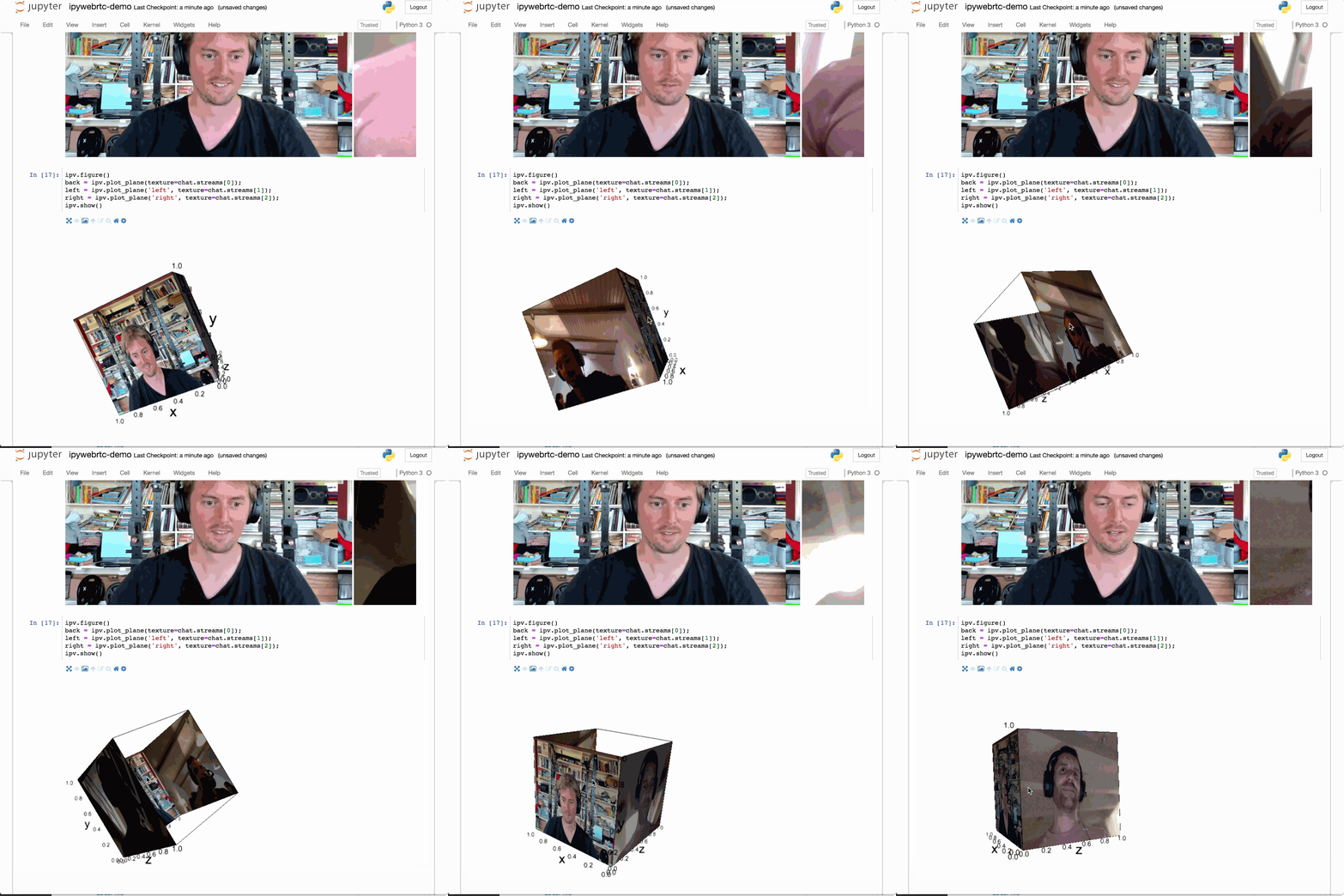
WebRTC and ipyvolume
Use remote MediaStreams and show them in 3d using ipyvolume.
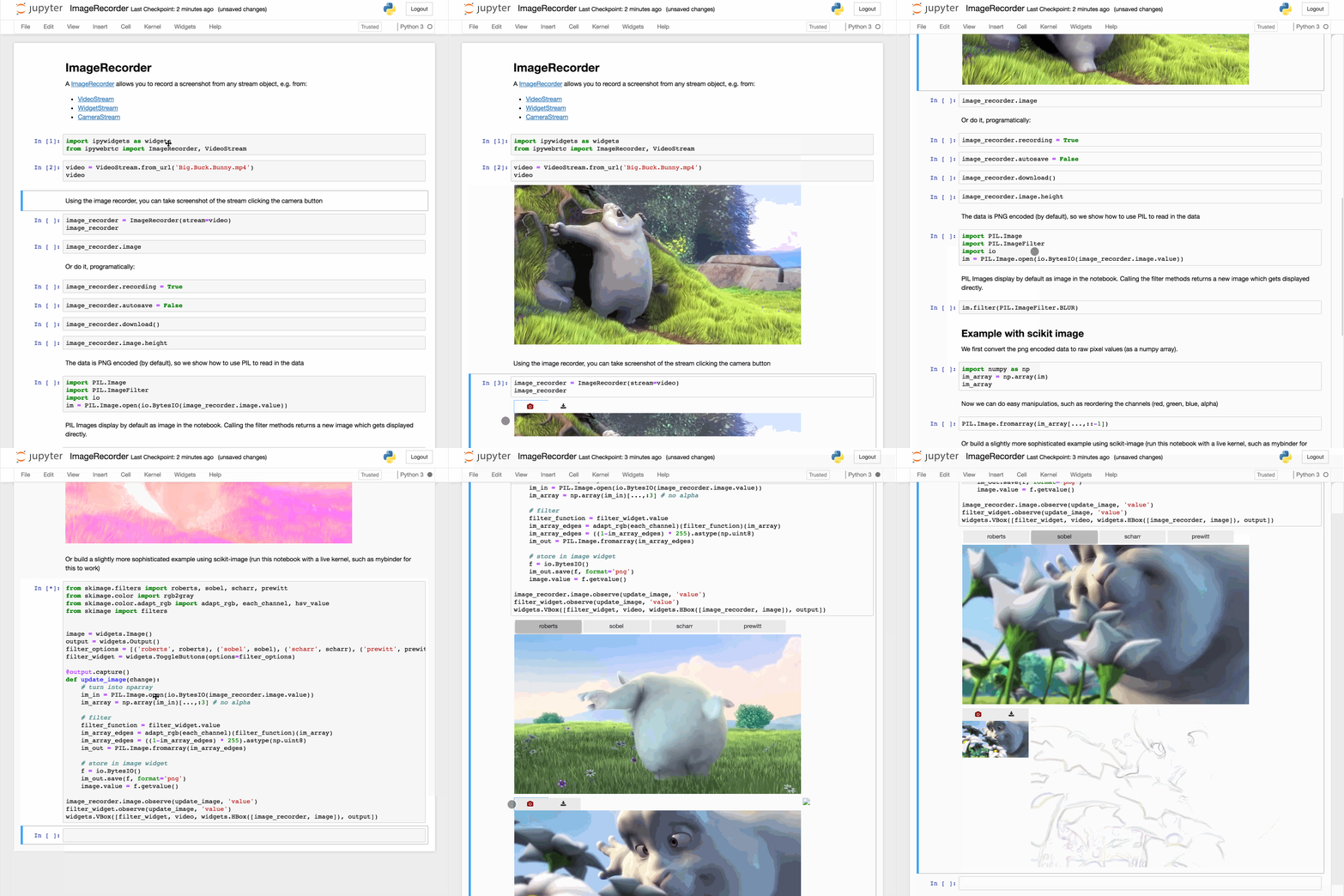
ImageRecorder
Record and image from any stream for postprocessing.
WidgetStream
Turn any widget into a MediaStream.

Installation
To install:
$ pip install ipywebrtc # will auto enable for notebook >= 5.3For a development installation (requires npm),
$ git clone https://github.com/maartenbreddels/ipywebrtc
$ cd ipywebrtc
$ pip install -e .
$ jupyter nbextension install --py --symlink --sys-prefix ipywebrtc
$ jupyter nbextension enable --py --sys-prefix ipywebrtc
$ jupyter labextension develop . --overwrite


