
基于Swift插值方式优雅的构建富文本, 支持点击长按事件, 支持不同类型过滤, 支持自定义视图等.

AttributedString - 基于Swift插值方式优雅的构建富文本






🇨🇳天朝子民
Features
- [x] Constructing rich text using interpolation, Smooth coding, Elegant and natural style.
- [x] More control extension support.
- [x] Support for multi-level rich text cascading and provide other style priority strategies.
- [x] Support for all
NSAttributedString.Keyfunctions. - [x] Support iOS & macOS & watchOS & tvOS.
- [x] Support text and attachment click or press event callback, support highlight style.
- [x] Support async image attachment, you can load remote image to
UITextView. - [x] Support view attachment, you can add custom view to
UITextView. - [x] Continue to add more new features.
Screenshot
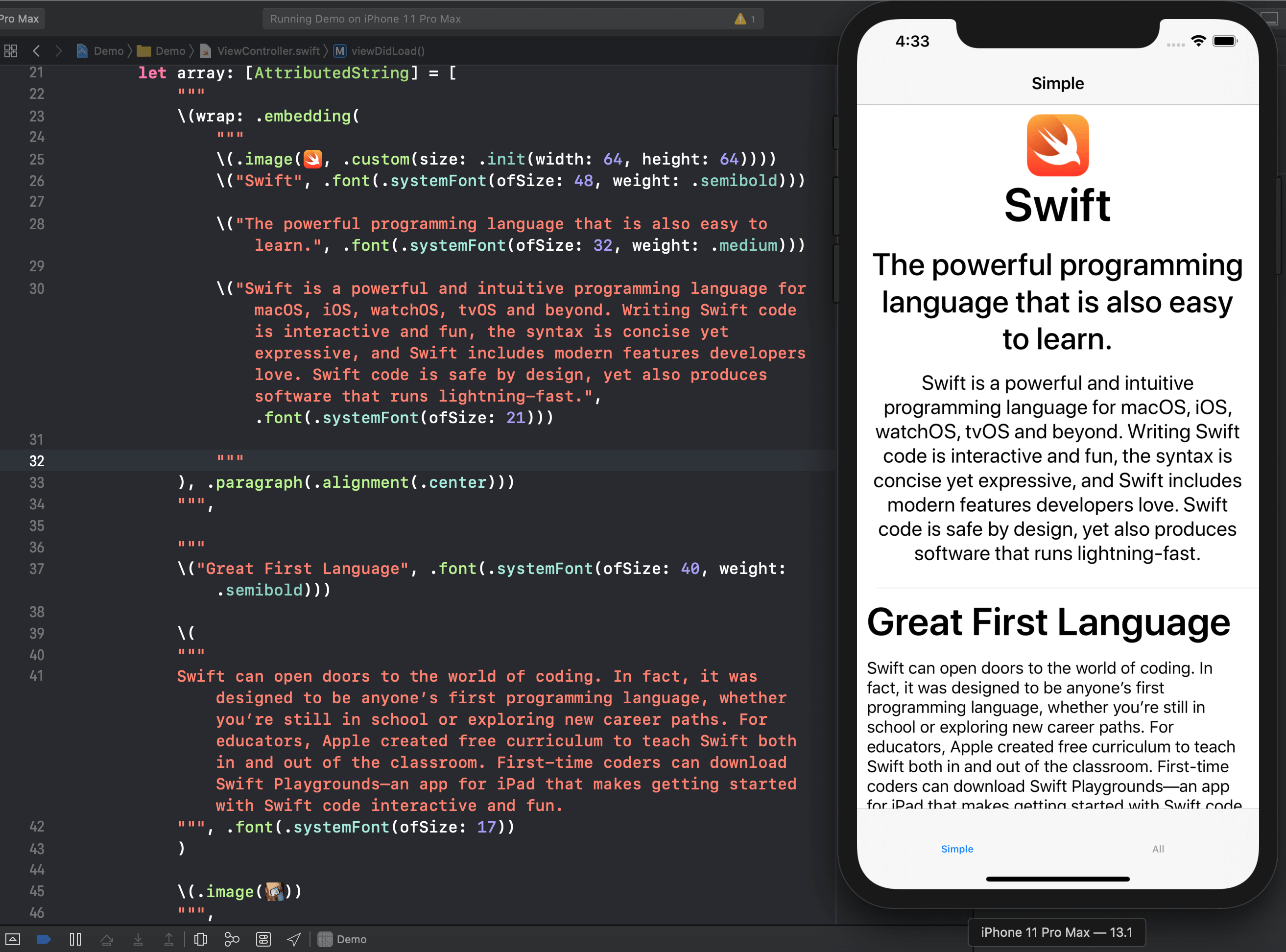
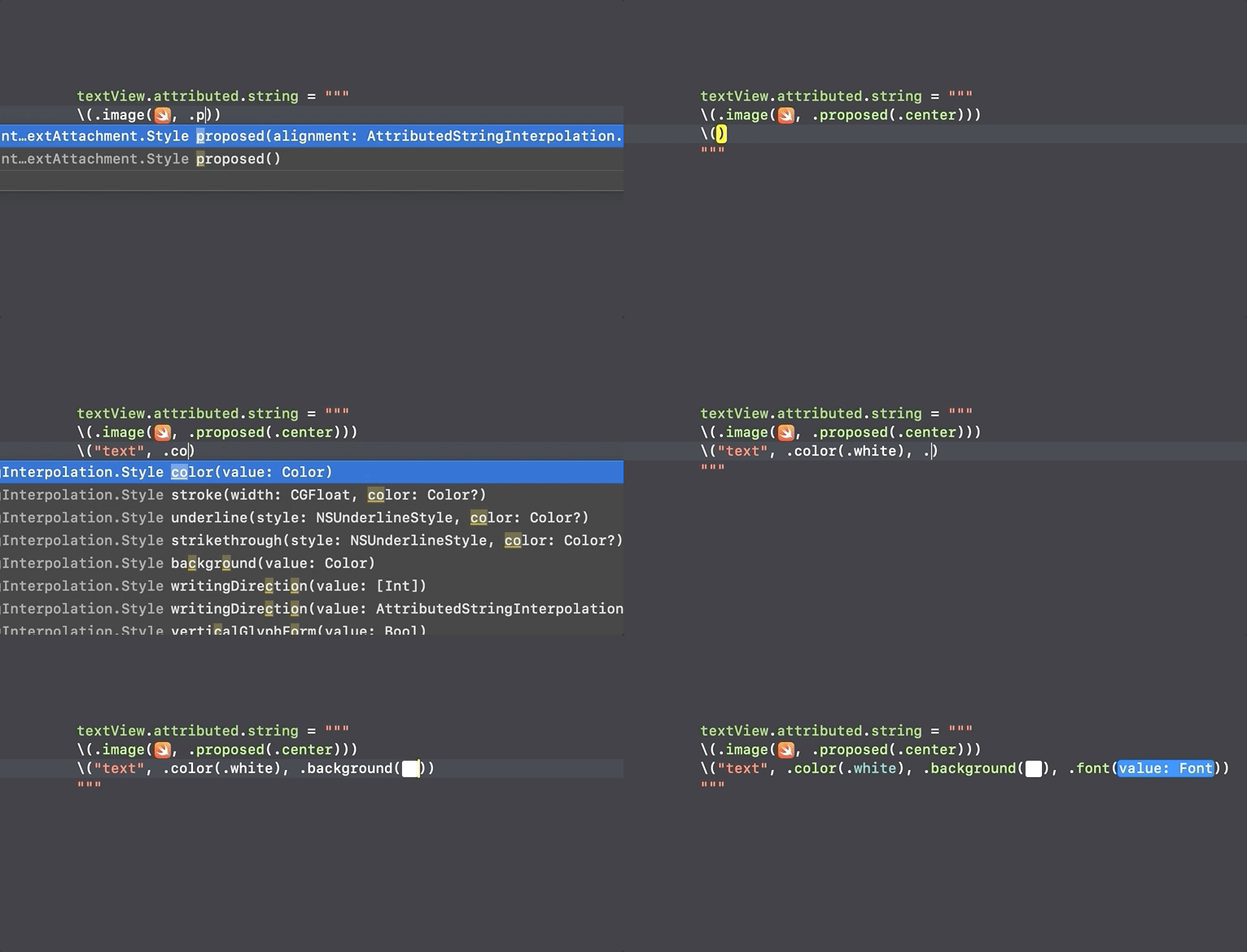
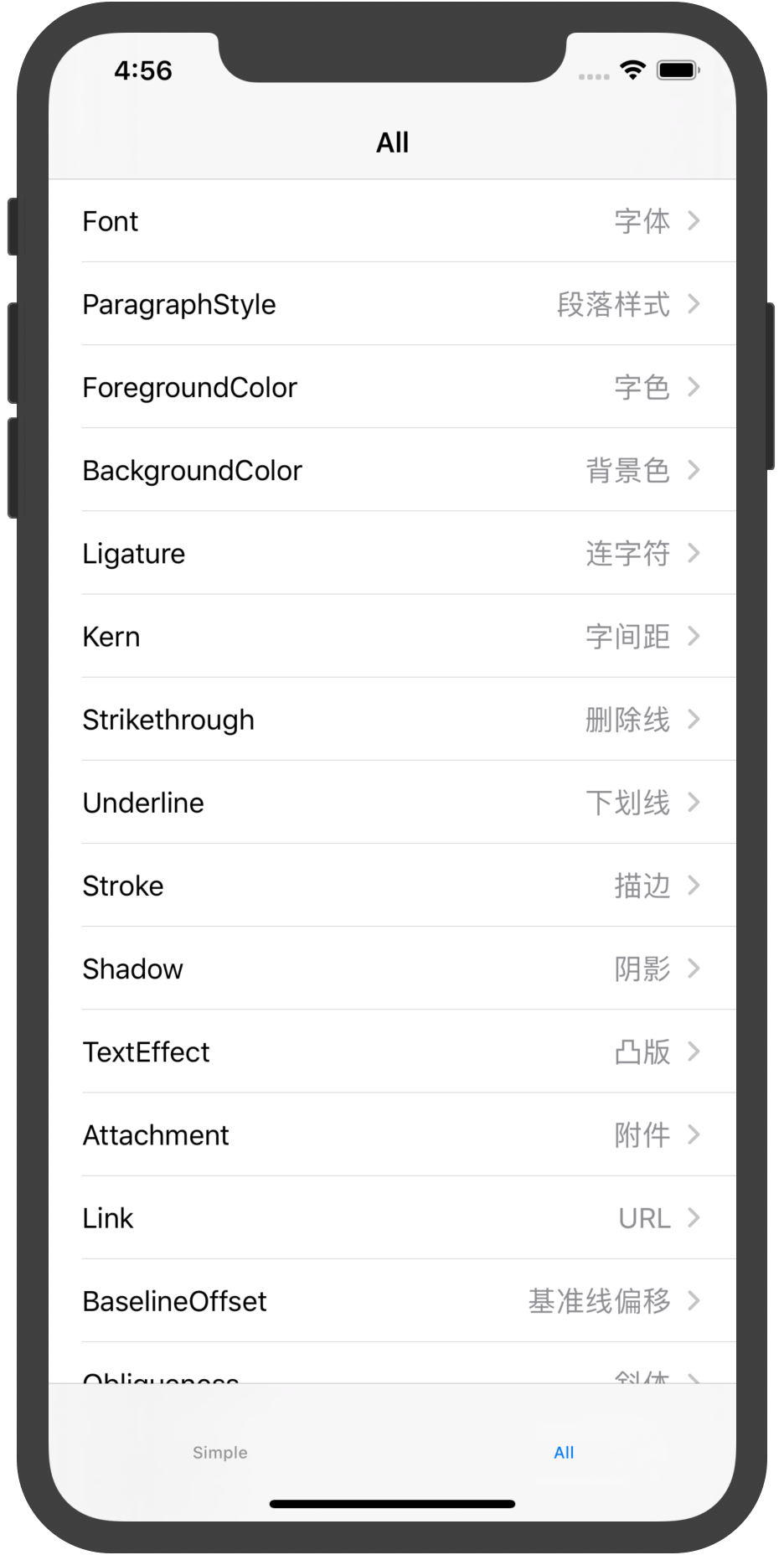
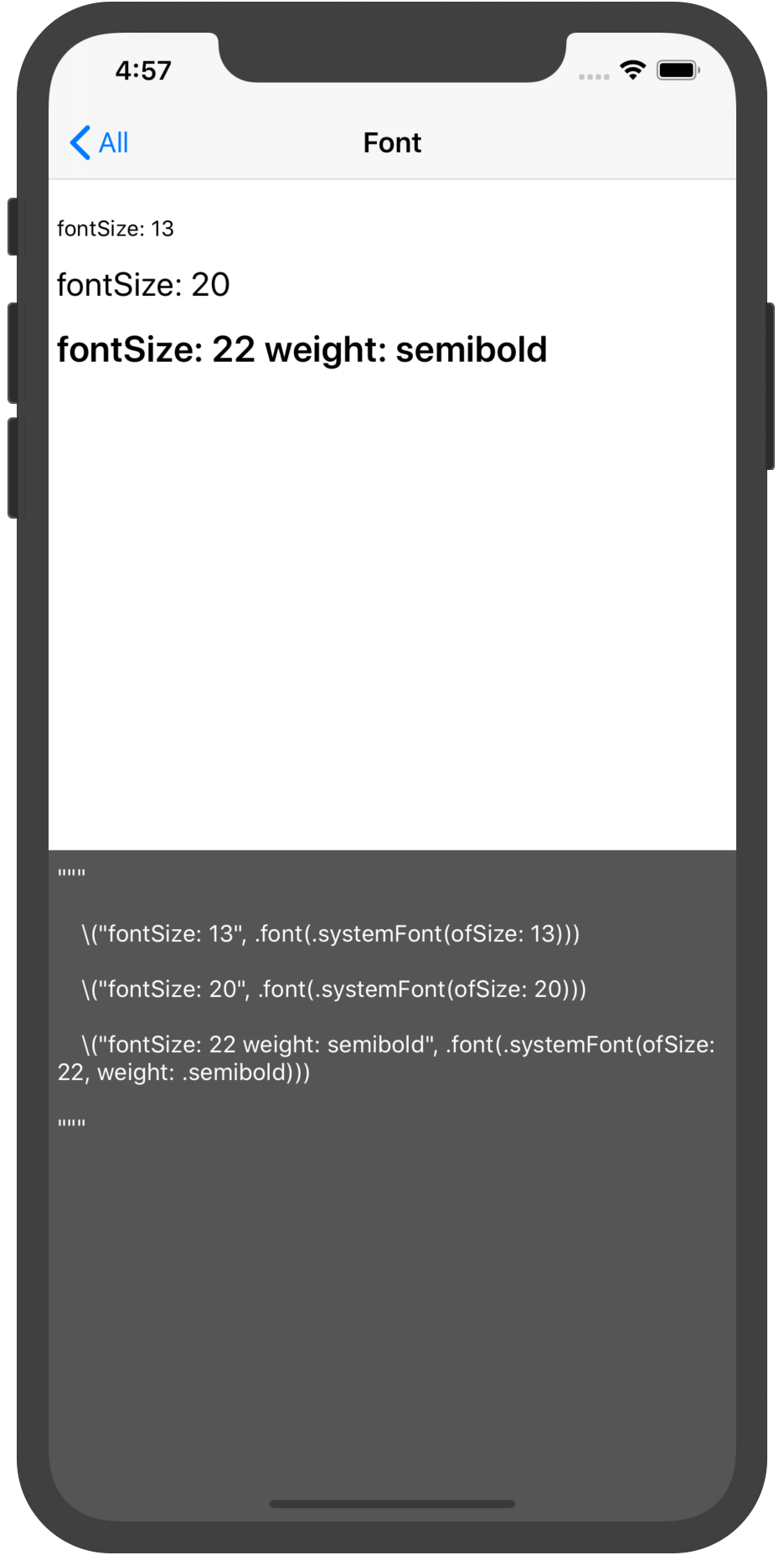
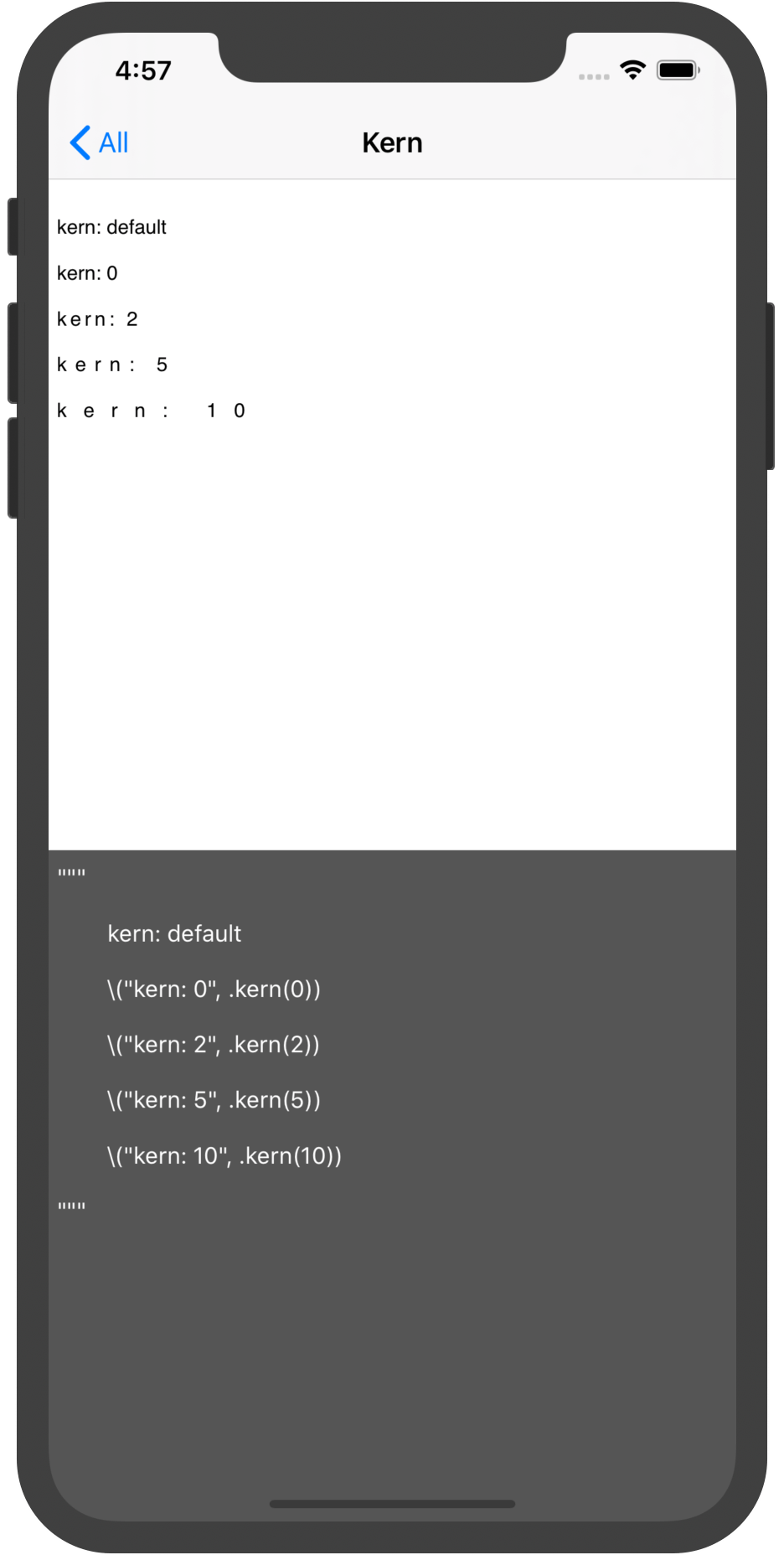
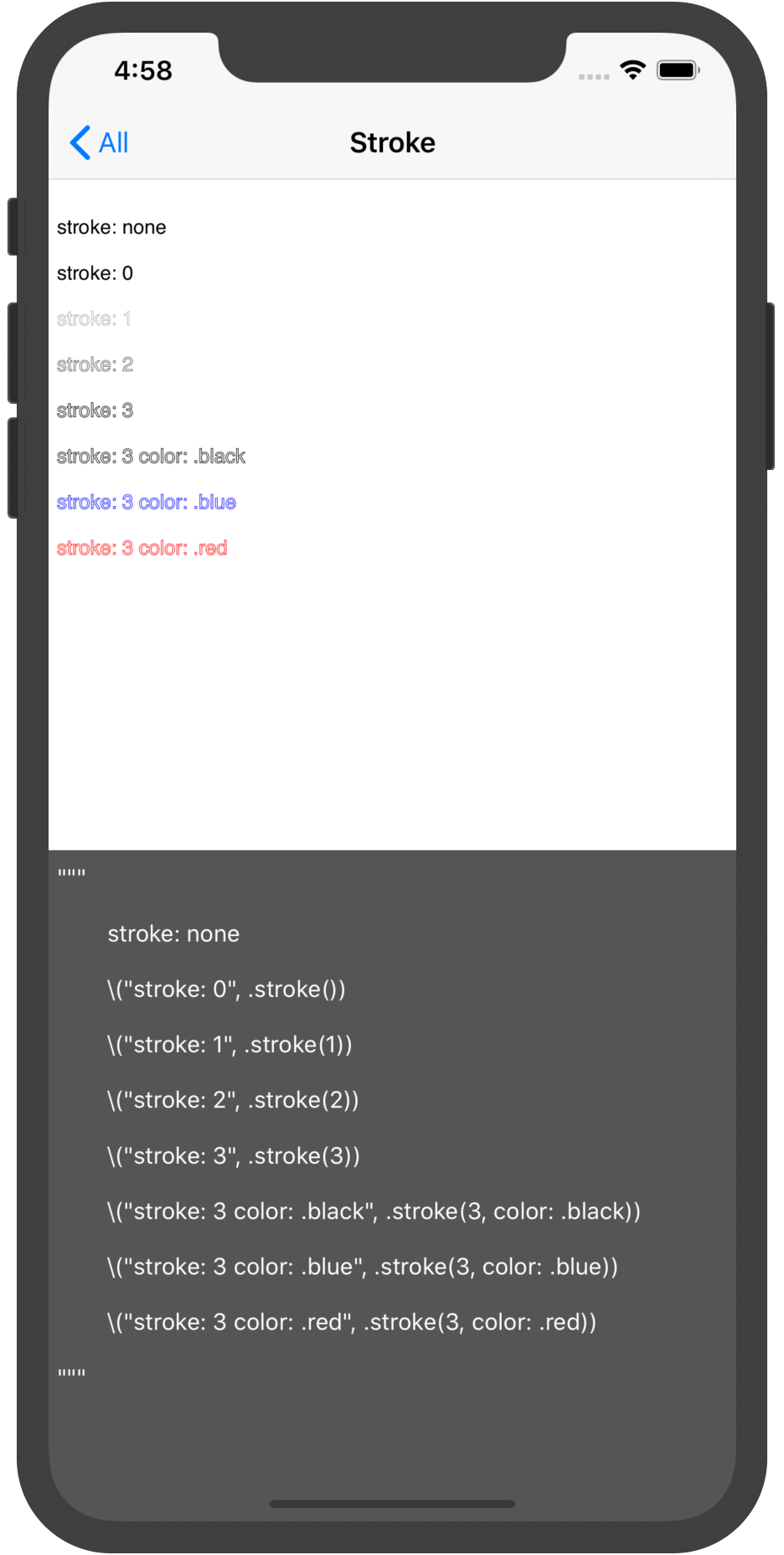
Installation
CocoaPods - Podfile
pod 'AttributedString'Carthage - Cartfile
github "lixiang1994/AttributedString"Swift Package Manager for Apple platforms
Select Xcode menu File > Swift Packages > Add Package Dependency and enter repository URL with GUI.
Repository: https://github.com/lixiang1994/AttributedStringSwift Package Manager
Add the following to the dependencies of your Package.swift:
.package(url: "https://github.com/lixiang1994/AttributedString.git", from: "version")Usage
First make sure to import the framework:
import AttributedStringHow to initialize:
// Normal
let a: ASAttributedString = .init("lee", .font(.systemFont(ofSize: 13)))
// Interpolation
let b: ASAttributedString = "\("lee", .font(.systemFont(ofSize: 13)))"
Here are some usage examples. All devices are also available as simulators:
Font:
textView.attributed.text = """
\("fontSize: 13", .font(.systemFont(ofSize: 13)))
\("fontSize: 20", .font(.systemFont(ofSize: 20)))
\("fontSize: 22 weight: semibold", .font(.systemFont(ofSize: 22, weight: .semibold)))
"""
ForegroundColor:
textView.attributed.text = """
\("foregroundColor", .foreground(.white))
\("foregroundColor", .foreground(.red))
"""
Strikethrough:
textView.attributed.text = """
\("strikethrough: single", .strikethrough(.single))
\("strikethrough: double color: .red", .strikethrough(.double, color: .red))
"""
Attachment: (Does not include watchOS)
// ASAttributedString.Attachment
textView.attributed.text = """
\(.data(xxxx, type: "zip"))
\(.file(try!.init(url: .init(fileURLWithPath: "xxxxx"), options: [])))
\(.attachment(NSTextAttachment()))
"""
Attachment Image: (Does not include watchOS)
// ASAttributedString.ImageAttachment
textView.attributed.text = """
\(.image(UIImage(named: "xxxx")))
\(.image(UIImage(named: "xxxx"), .custom(size: .init(width: 200, height: 200))))
\(.image(UIImage(named: "xxxx"), .proposed(.center))).
"""
Attachment Async Image: (Only supports iOS: UITextView)
// ASAttributedString.AsyncImageAttachment
textView.attributed.text = """
\(.image(url, placeholder: xxxxx))
"""
Custom loader:
ASAttributedString.AsyncImageAttachment.Loader = AsyncImageAttachmentKingfisherLoader.selfPlease read the demo AttachmentViewController.swift file for details.
Attachment View: (Only supports iOS: UITextView)
// ASAttributedString.ViewAttachment
textView.attributed.text = """
\(.view(xxxxView))
\(.view(xxxxView, .custom(size: .init(width: 200, height: 200))))
\(.view(xxxxView, .proposed(.center))).
"""
Wrap:
let a: ASAttributedString = .init("123", .background(.blue))
let b: ASAttributedString = .init("456", .background(.red))
textView.attributed.text = "\(wrap: a) \(wrap: b, .paragraph(.alignment(.center)))"
// Defalut embedding mode, Nested internal styles take precedence over external styles textView.attributed.text = "\(wrap: a, .paragraph(.alignment(.center)))" textView.attributed.text = "\(wrap: .embedding(a), .paragraph(.alignment(.center)))" // Override mode, Nested outer style takes precedence over inner style textView.attributed.text = "\(wrap: .override(a), .paragraph(.alignment(.center)))"
Append:
let a: ASAttributedString = .init("123", .background(.blue))
let b: ASAttributedString = .init("456", .background(.red))
let c: ASAttributedString = .init("789", .background(.gray))
textView.attributed.text = a + b
textView.attributed.text += c
Checking:
var string: ASAttributedString = .init("my phone number is +86 18611401994.", .background(.blue))
string.add(attributes: [.foreground(color)], checkings: [.phoneNumber])
textView.attributed.text = string
var string: ASAttributedString = .init("open https://www.apple.com and https://github.com/lixiang1994/AttributedString", .background(.blue))
string.add(attributes: [.foreground(color)], checkings: [.link])
textView.attributed.text = stringvar string: ASAttributedString = .init("123456789", .background(.blue))
string.add(attributes: [.foreground(color)], checkings: [.regex("[0-6]")])
textView.attributed.text = stringAction: (Only supports iOS: UILabel / UITextView & macOS: NSTextField)
For complex styles, it is recommended to use UITextView.
UITextview needs to set isEditable and isSelectable to false.
Click:
// Text
let a: ASAttributedString = .init("lee", .action({  }))
// Attachment (image)
let b: ASAttributedString = .init(.image(image), action: {
    // code
})
// It is recommended to use functions as parameters. func clicked() {     // code } // Normal let c: ASAttributedString = .init("lee", .action(clicked)) let d: ASAttributedString = .init(.image(image), action: clicked) // Interpolation let e: ASAttributedString = "\("lee", .action(clicked))" let f: ASAttributedString = "\(.image(image), action: clicked)"
// More information.  func clicked(_ result: ASAttributedString.Action.Result) {     switch result.content {     case .string(let value):        	print("Currently clicked text: \(value) range: \(result.range)") 				     case .attachment(let value):         print("Currently clicked attachment: \(value) range: \(result.range)")     } }
label.attributed.text = "This is \("Label", .font(.systemFont(ofSize: 20)), .action(clicked))" textView.attributed.text = "This is a picture \(.image(image, .custom(size: .init(width: 100, height: 100))), action: clicked) Displayed in custom size."
Press:
func pressed(_ result: ASAttributedString.Action.Result) {
    switch result.content {
    case .string(let value):
        print("Currently pressed text: \(value) range: \(result.range)")

    case .attachment(let value):
        print("Currently pressed attachment: \(value) range: \(result.range)")
    }
}
label.attributed.text = "This is \("Long Press", .font(.systemFont(ofSize: 20)), .action(.press, pressed))" textView.attributed.text = "This is a picture \(.image(image, .custom(size: .init(width: 100, height: 100))), trigger: .press, action: pressed) Displayed in custom size."
Highlight style:
func clicked(_ result: ASAttributedString.Action.Result) {
    switch result.content {
    case .string(let value):
        print("Currently clicked text: \(value) range: \(result.range)")

    case .attachment(let value):
        print("Currently clicked attachment: \(value) range: \(result.range)")
    }
}
label.attributed.text = "This is \("Label", .font(.systemFont(ofSize: 20)), .action([.foreground(.blue)], clicked))"
Custom:
let custom = ASAttributedString.Action(.press, highlights: [.background(.blue), .foreground(.white)]) { (result) in
    switch result.content {
    case .string(let value):
        print("Currently pressed text: \(value) range: \(result.range)")

    case .attachment(let value):
        print("Currently pressed attachment: \(value) range: \(result.range)")
    }
}
label.attributed.text = "This is \("Custom", .font(.systemFont(ofSize: 20)), .action(custom))" textView.attributed.text = "This is a picture \(.image(image, .original(.center)), action: custom) Displayed in original size."
Observe: (Only supports iOS: UILabel / UITextView & macOS: NSTextField)
label.attributed.observe([.phoneNumber], highlights: [.foreground(.blue)]) { (result) in
    print("Currently clicked \(result)")
}
textView.attributed.observe([.link], highlights: [.foreground(.blue)]) { (result) in     print("Currently clicked \(result)") }
For more examples, see the sample application.
Properties available via Attribute class
The following properties are available:
| PROPERTY | TYPE | DESCRIPTION | | ----------------- | ------------------------------------ | ------------------------------------------------------------ | | font | UIFont | font | | color | UIColor | foreground color | | background | UIColor | background color | | paragraph | ParagraphStyle | paragraph attributes | | ligature | Bool | Ligatures cause specific character combinations to be rendered using a single custom glyph that corresponds to those characters | | kern | CGFloat | kerning | | strikethrough | NSUnderlineStyle . UIColor | strikethrough style and color (if color is nil foreground is used) | | underline | NSUnderlineStyle , UIColor | underline style and color (if color is nil foreground is used) | | link | String / URL | URL | | baselineOffset | CGFloat | character’s offset from the baseline, in point | | shadow | NSShadow | shadow effect of the text | | stroke | CGFloat, UIColor | stroke width and color | | textEffect | NSAttributedString.TextEffectStyle | text effect | | obliqueness | CGFloat | text obliqueness | | expansion | CGFloat | expansion / shrink | | writingDirection | WritingDirection / [Int] | initial writing direction used to determine the actual writing direction for text | | verticalGlyphForm | Bool | vertical glyph (Currently on iOS, it's always horizontal.) |
Cases available via Attribute.Checking enumerated
| CASE | DESCRIPTION | | ------------------------------------ | -------------------------------------------- | | range(NSRange) | custom range | | regex(String) | regular expression | | action | action | | date | date (Based on NSDataDetector) | | link | link (Based on NSDataDetector) | | address | address (Based on NSDataDetector) | | phoneNumber | phone number (Based on NSDataDetector) | | transitInformation | transit Information (Based on NSDataDetector) |
Contributing
If you have the need for a specific feature that you want implemented or if you experienced a bug, please open an issue. If you extended the functionality of AttributedString yourself and want others to use it too, please submit a pull request.
License
AttributedString is under MIT license. See the LICENSE file for more info.
## 欢迎入群交流


