
iOS 14.0-15.7.1 & 16.0-16.1.2 MacDirtyCow ToolBox
Last updated Jul 7, 2026
1.6k
Stars
94
Forks
69
Issues
0
Stars/day
Attention Score
65
Topics
Language breakdown
Swift 79.4%
Objective-C 19.1%
C 1.4%
Shell 0.1%
▸ Files
click to expand
README

Cowabunga
A Jailed toolbox application for iOS 14.0-15.7.1 and 16.0-16.1.2 using CVE-2022-46689.Cowabunga MDC has reached its end of life. There will be no more updates and has been archived.
Enable Notifications and set Location Services to Always to keep the app running in the background, keep the dock and folder background hidden, and prevent some sound effects from reverting.
Warning: Some changes are permanent on iOS 14.0-14.8.1
IPA available in the Releases section.
Support us on Patreon to be featured in the home screen and to get access to exclusive private beta builds!
Features
- Running in the background to keep some changes from reverting
- Springboard
- App Icon Themes
- Audio
- Passcode
- Locks
- Explore
- Status Bar
- Other Tools
- Misc
- Extra Tools
Screenshots
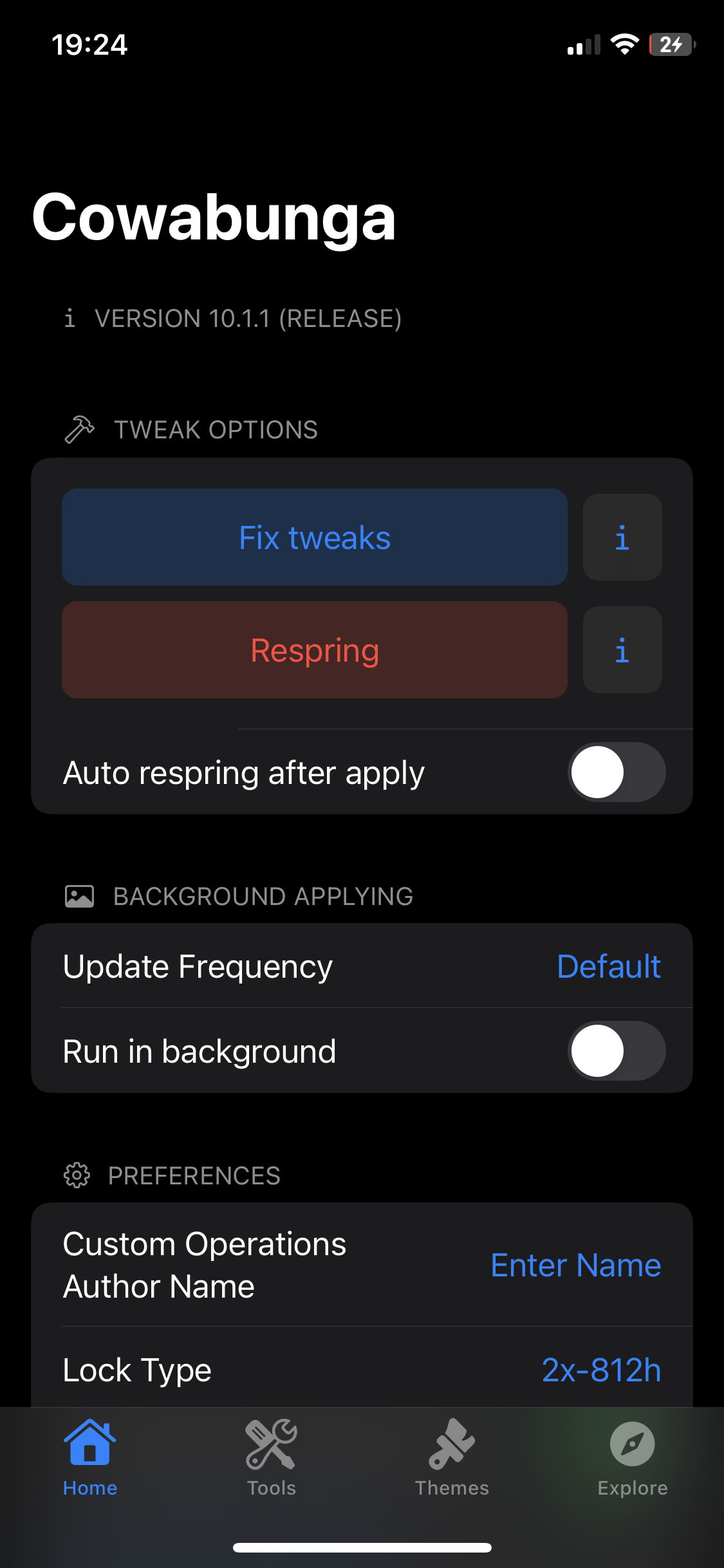
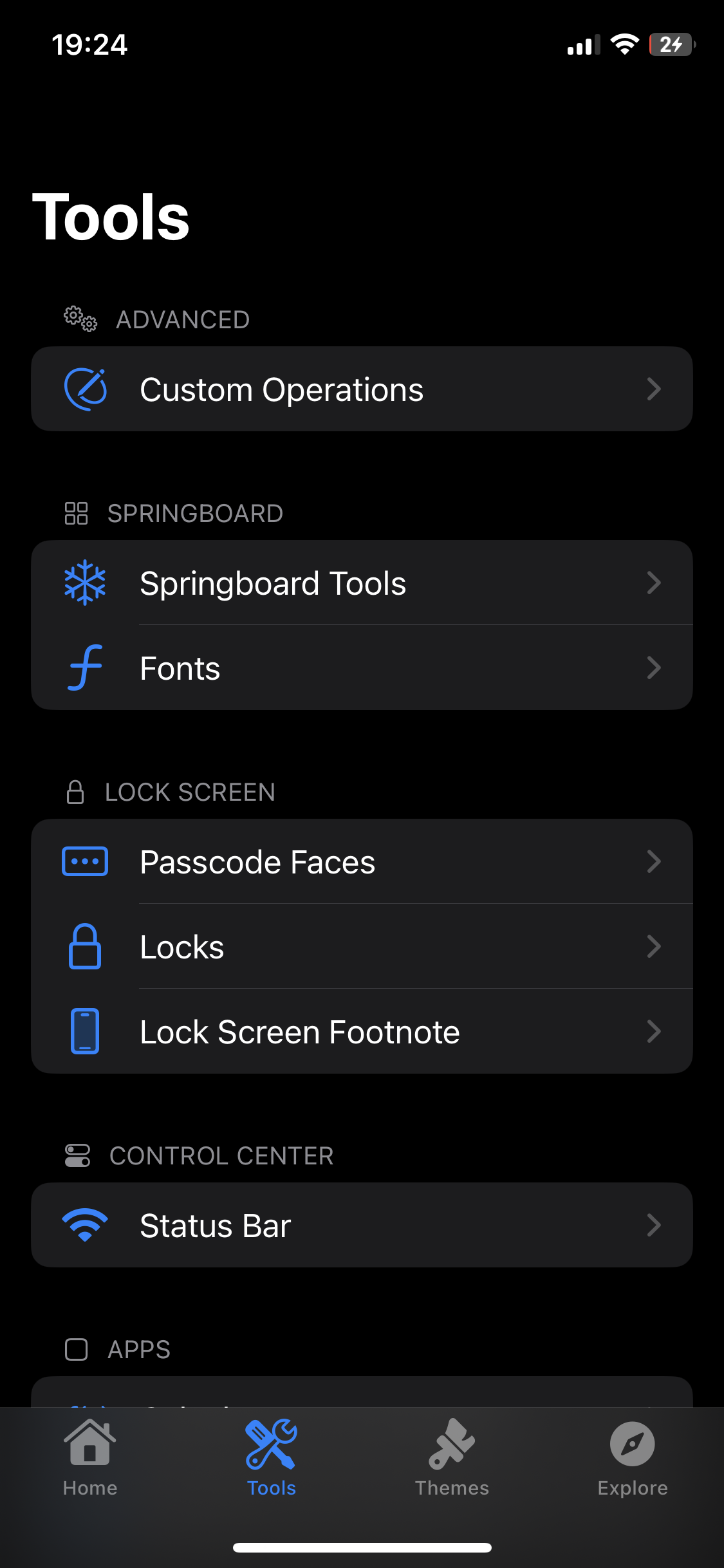
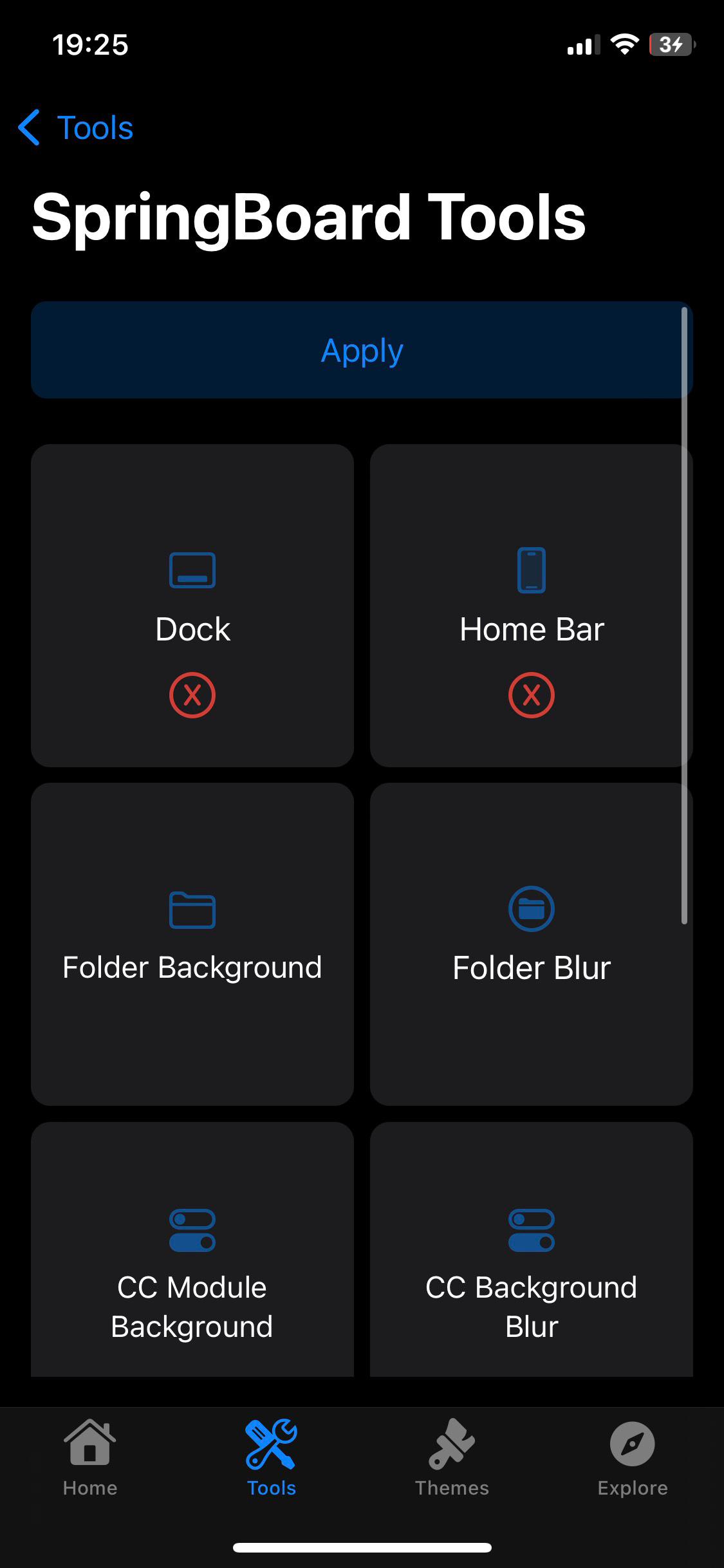
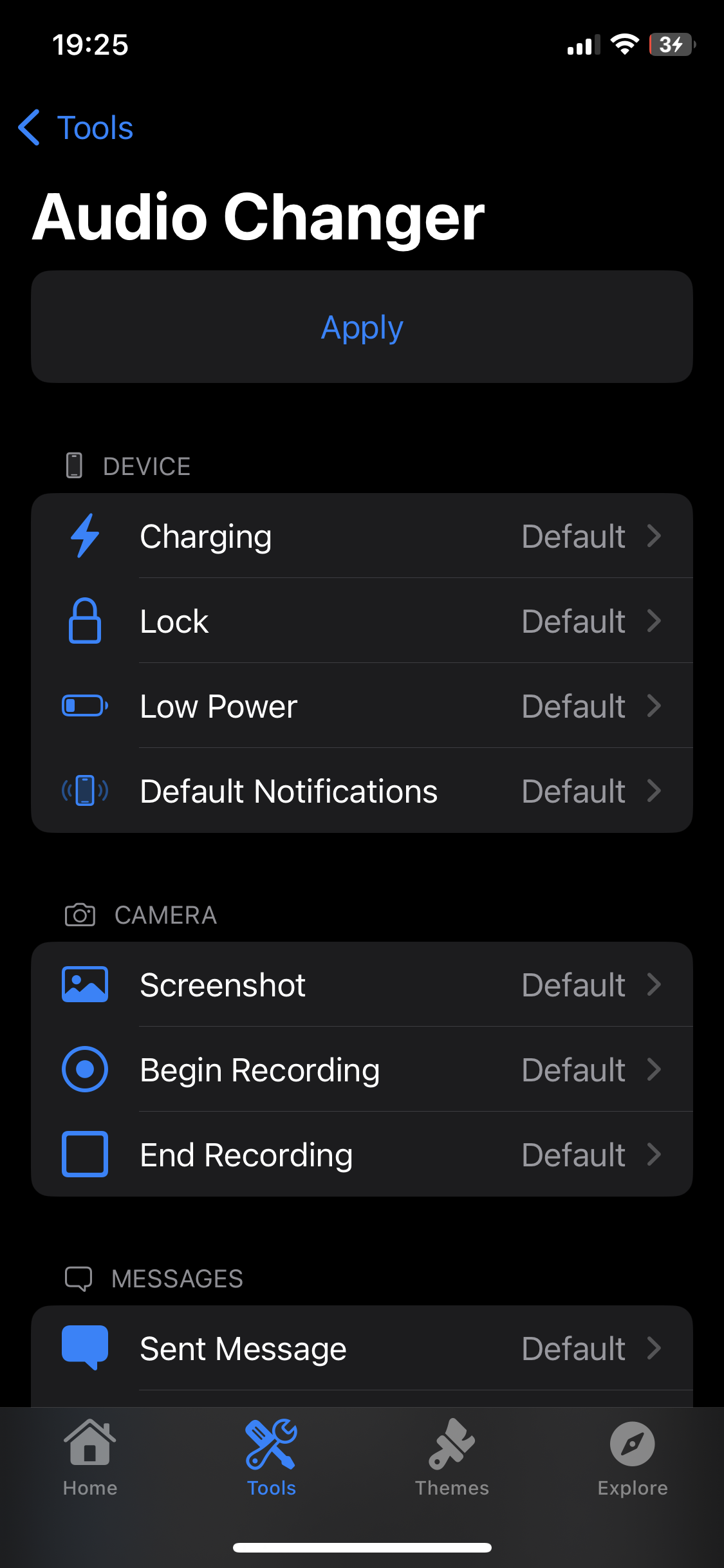


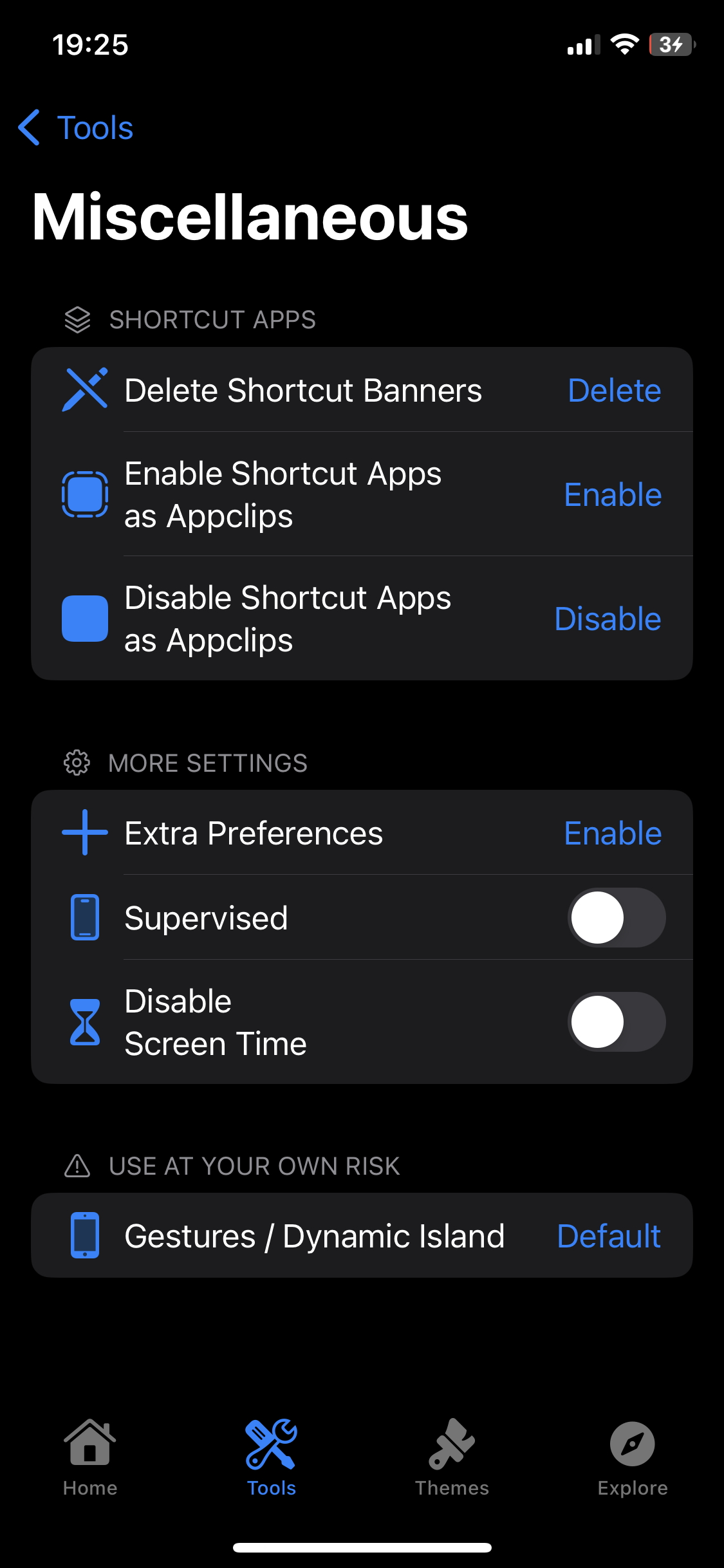
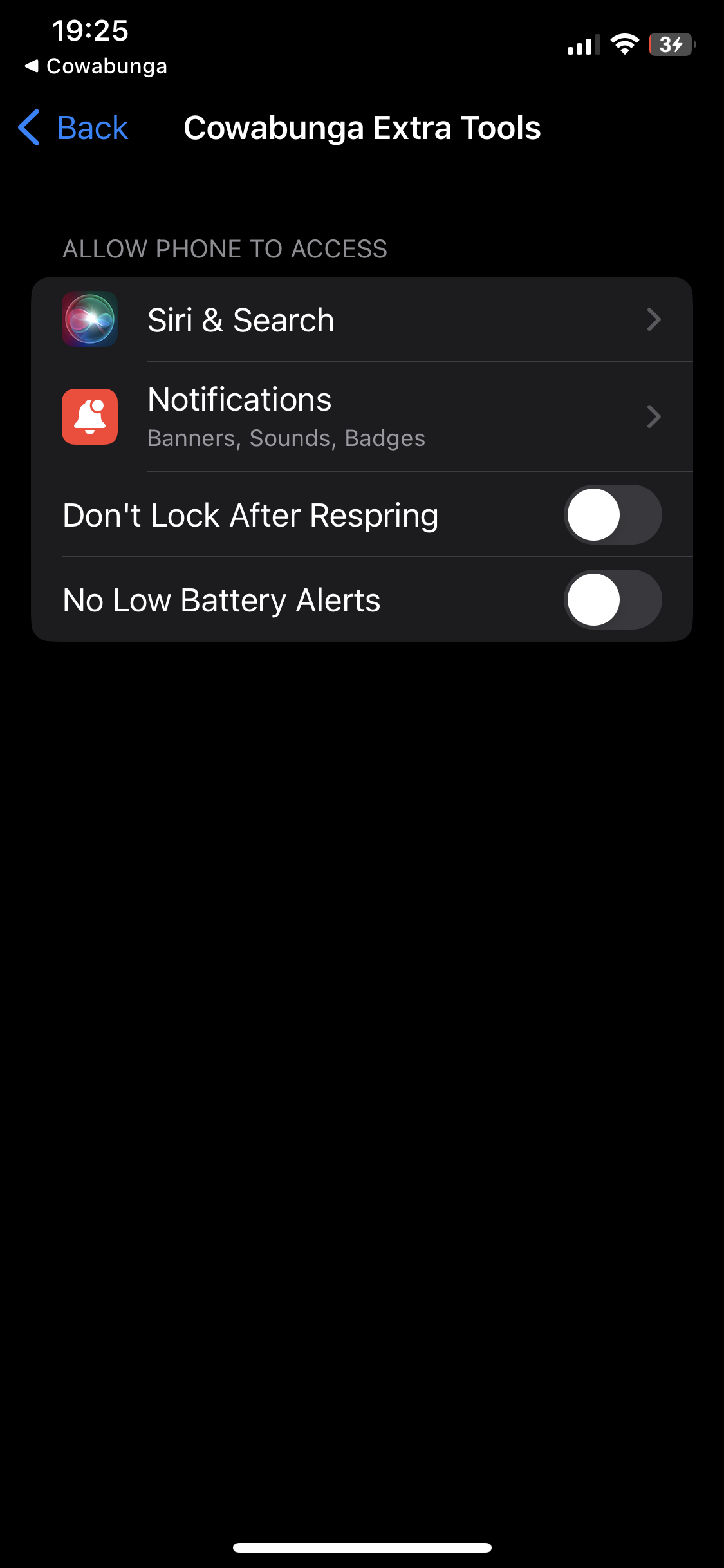
Installing
You can install through AltStore, Sideloadly, Xcode, or TrollStore (if your device supports it)Creating Custom Lock Animations
Lock animations are very simple to make. For the frames, each image must be named "trollformation" with a number afterwards (ie. trollformation1.png, trollformation2.png, trollformation3.png...). You can use up to 120 frames, though I am not sure of the exact size limit, which is probably much less. If your animation is not exactly 40 frames or you want to customize the display length of each frame, you need to define the animations. This is very simple to do:- Create a json file named
animations.json - Define the values. Format:
"Frame Number": Time Interval
{
    "1": 0,
    "2": 0.025,
    "10": 0.01,
    "15": 0.025
}Time Interval is how long the frame stays on the screen for.
Important: The frame number must be a string (meaning in quotes) because of how json decoding works.
Building
Just build like a normal Xcode project. Sign using your own team and bundle identifier. You can also build the IPA file withipabuild.sh.
Credits
- TrollTools for ipabuild.command, carrier changer logic, alerts UI, and update inbounds message.
- FontOverwrite for exploit code and fonts.
- SourceLocation for the explore page and v8 and v10 icon theming.
- BomberFish for AirPower sound.
- c22dev for fixing AirPower and some included audios.
- DynamicCow for DynamicIsland tweak + improved plist function.
- Evyrest for location based background running.


