
A simple module that allows you to open the default navigation app(IOS: Apple Maps, Android: Google Maps) with drive direction between two points.




react-native-navigation-directions
A simple react-native module which allows you to open default navigation app(IOS: Apple Maps, Android: Google Maps) with drive direction between two points. After open the navigation app OpenMapDirections receive callback. Also work with the EXPO(https://expo.io/).
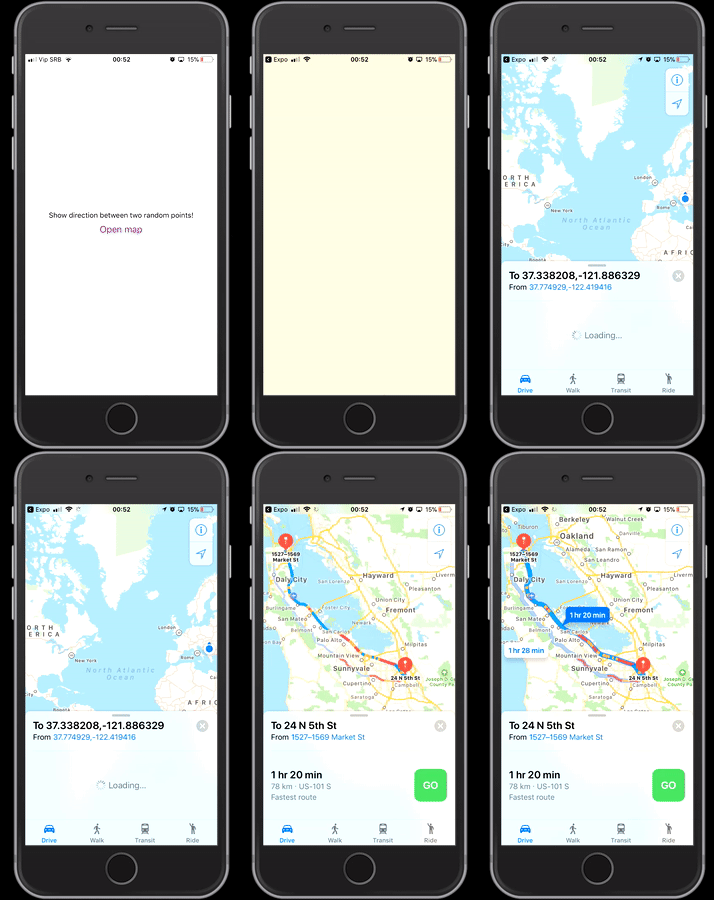
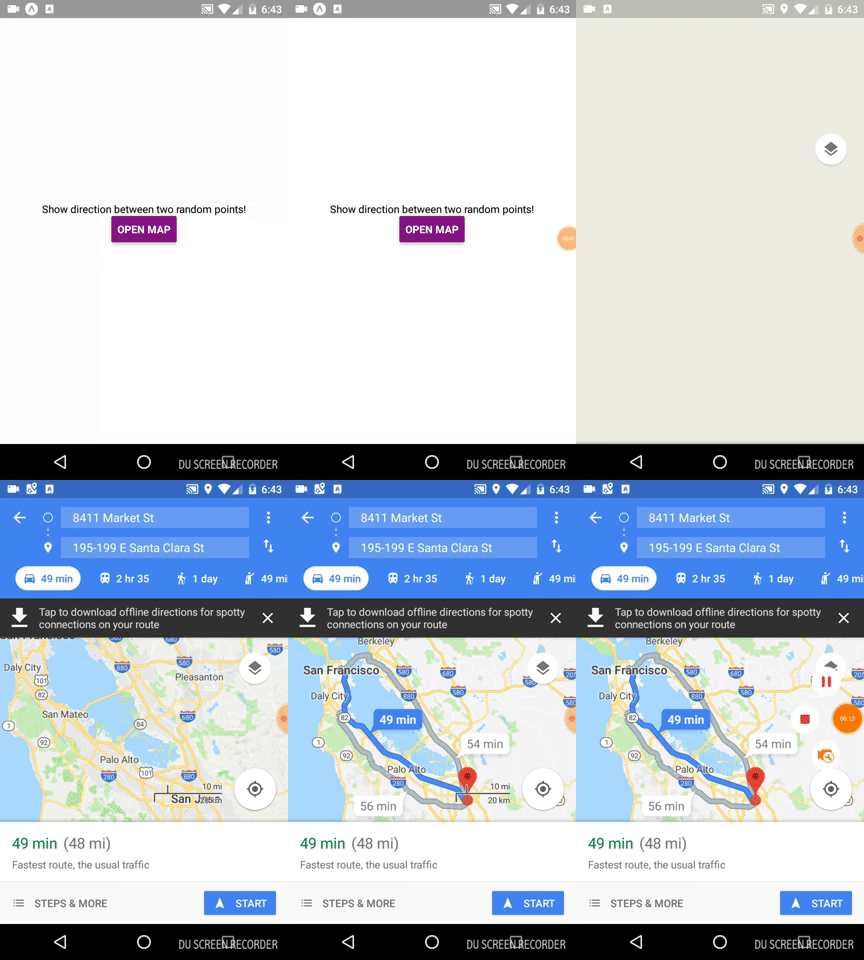
Installation
npm i react-native-navigation-directions --save or yarn add react-native-navigation-directions
Props:
| Prop |Type| Required| Note | |--|--|--|--| |startPoint| Object | false | Start point for directions, if this prop is null the start point is device location. |endPoint| Object |true| This is the end position and this prop cannot be empty. |transportType|String|true| Available values: d => driving, w => walking, r => transit or b => bicycling. If you don’t specify any value, Maps uses the user’s preferred transport type or the previous setting.
Example:
import { OpenMapDirections } from 'react-native-navigation-directions';
export default class App extends React.Component {  _callShowDirections = () => {     const startPoint = {       longitude: -8.945406,       latitude: 38.575078     }
const endPoint = {       longitude: -8.9454275,       latitude: 38.5722429     }
const transportPlan = 'w';
OpenMapDirections(startPoint, endPoint, transportPlan).then(res => {       console.log(res)     });   }
render() {     return (       <View style={styles.container}> 	<Text>Show direction between two random points!</Text> 	<Button 	    onPress={() => { this._callShowDirections() }} 	    title="Open map" 	    color="#841584" 	  />       </View>     );   } }
Feel free to submit issues and enhancement requests.
Sponsor



