
Code, prompt and output hiding for Jupyter/IPython notebooks.
Last updated Jan 22, 2026
377
Stars
44
Forks
6
Issues
0
Stars/day
Attention Score
63
Language breakdown
HTML 91.2%
Python 4.1%
JavaScript 2.0%
Smarty 1.8%
Jupyter Notebook 1.0%
▸ Files
click to expand
README
Hide_code

 Release:
  Dev:
Dev: 
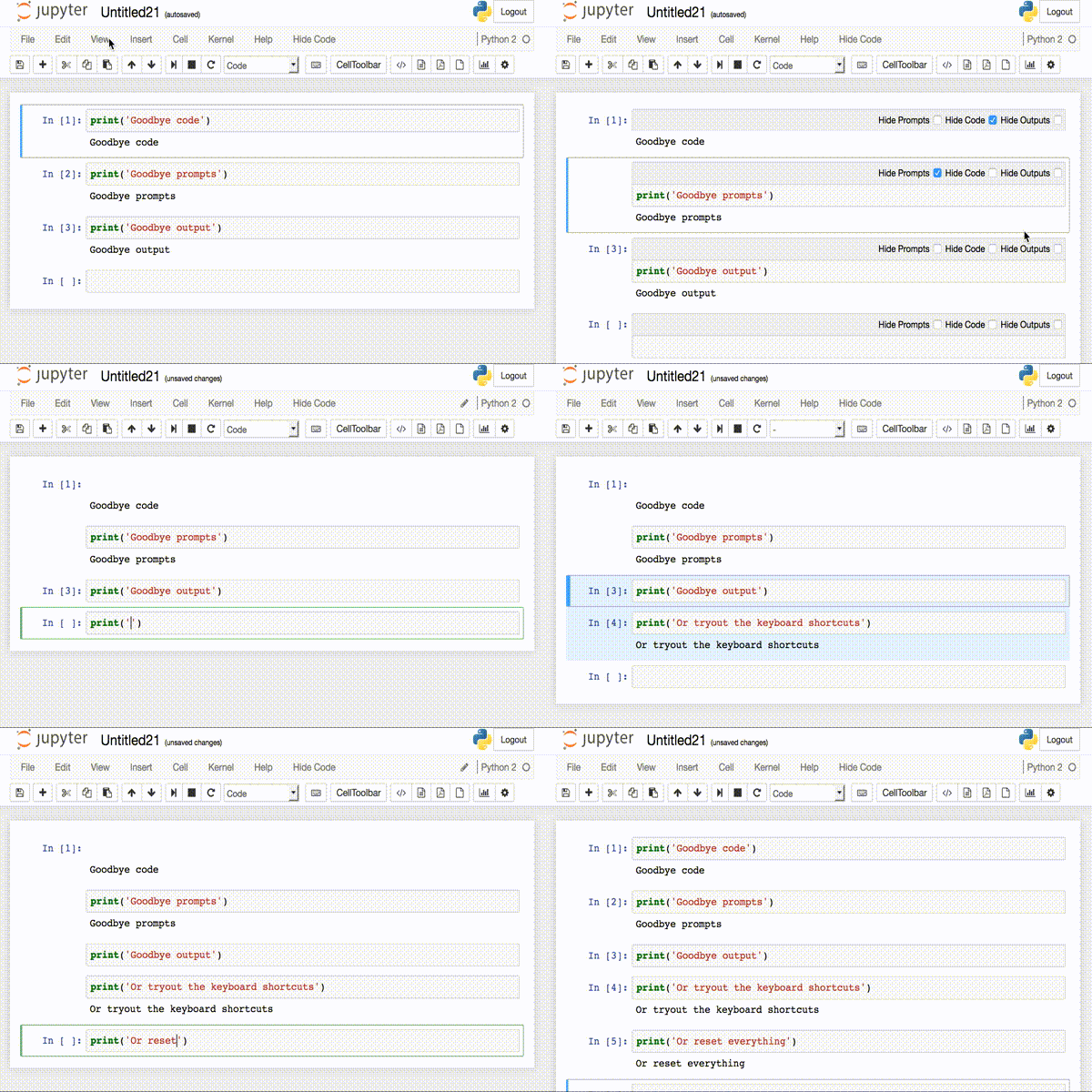
hidecode is a Jupyter notebook extension to selectively hide code, prompts and outputs with PDF and HTML exporting support. Check out the demo with 
Jupyter Notebook Installation
pip install hide_codejupyter nbextension install --py hide_codejupyter nbextension enable --py hide_codejupyter serverextension enable --py hide_code
Jupyter Lab Installation
pip install hide_code[lab]jupyter lab build
Upgrading with nbextension
pip install hide_code --upgradejupyter nbextension install --py hide_code
--sys-prefix to jupyter nbextension to install into virtualenv or conda environment.
Changes in 0.6.0
Improvements
- Added experiemental Jupyter Lab support. See Lab usage for details and limitations.
- Added Binder demo

- Simplified extension installation. No longer need to use nbextension/serverextension commands after pip install.
- No longer supporting Python 2.7. Install hide_code==0.5.2 for Python 2.7.
- 0.5.6 is the last version to support Python 3.6 and older.
- Added extrasinstall [all] to install hidecode and all dependencies. Use
pip install hide_code[all]to install. Resolves #85.
Documentation
Visit the Wiki.Requirements
- Jupyter notebook >6.0
- Jupyter nbconvert >6.x
- pdfkit & wkhtmltopdf
- Python 3.7+


