
JupyterLab extension to toggle the theme in the Top Bar area
Last updated Jun 20, 2024
11
Stars
3
Forks
0
Issues
0
Stars/day
Attention Score
2
Language breakdown
TypeScript 94.8%
CSS 5.2%
▸ Files
click to expand
README
jupyterlab-theme-toggle


⚠️ Archived ⚠️
This repository is now archived.
The Theme Toggle extension has been moved to the Jupyter Top Bar repository: https://github.com/jupyterlab-contrib/jupyterlab-topbar
If you are using JupyterLab 4+, install with:
pip install jupyterlab-theme-toggleJupyterLab extension to toggle the theme in the Top Bar area.
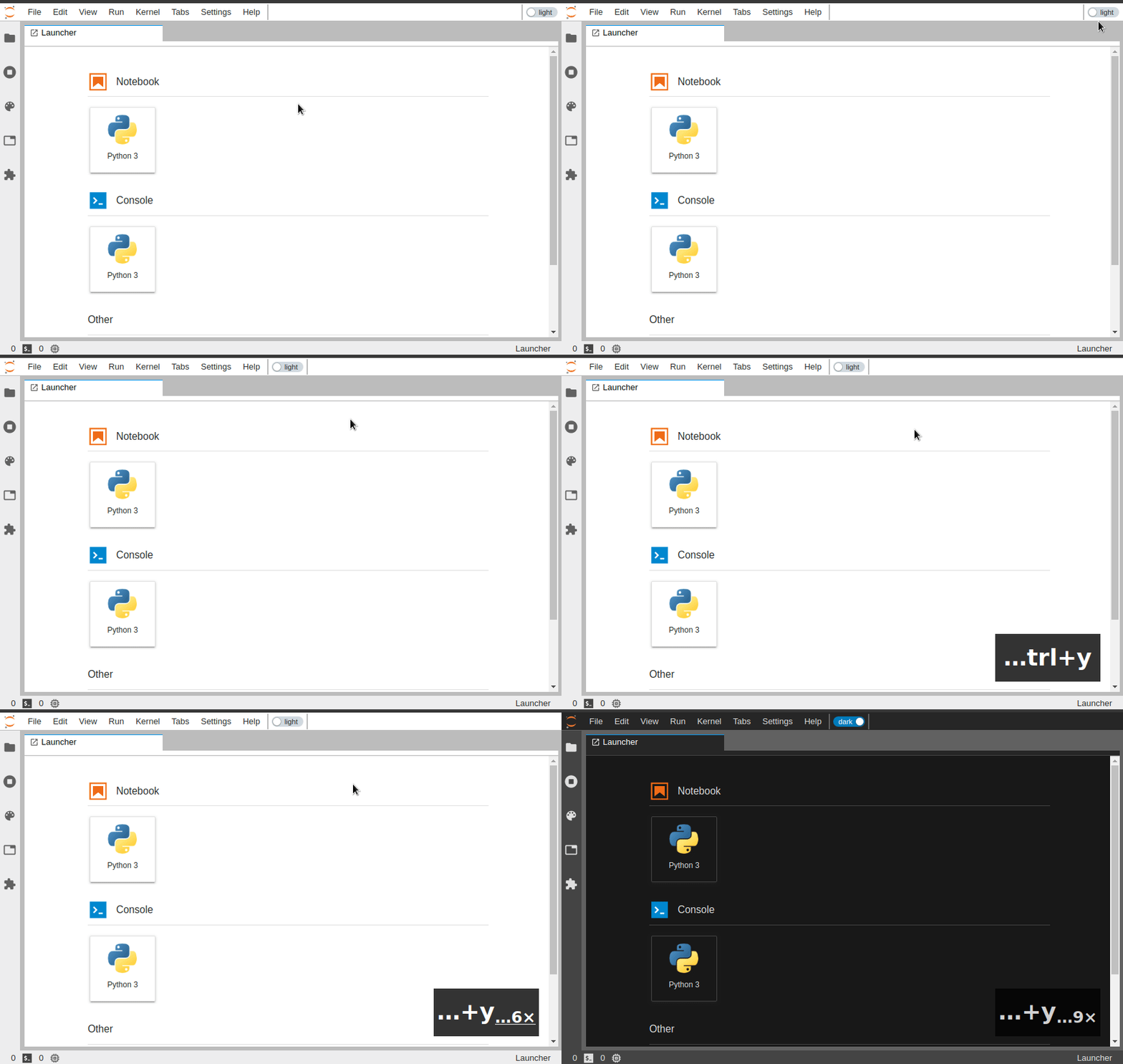
This extension was originally developed as part of the jupyterlab-topbar project, and extracted into its own repository later on.
Prerequisites
- JupyterLab 1.0+
Installation
This extension requires the jupyterlab-topbar-extension extension for JupyterLab to display the visual switch:
jupyter labextension install jupyterlab-topbar-extension jupyterlab-theme-toggleTo only install the keyboard shortcut (Cmd/Ctrl+y by default):
jupyter labextension install jupyterlab-theme-toggleDevelopment
# create a new conda environment
conda create -n jupyterlab-theme-toggle jupyterlab nodejs
conda activate jupyterlab-theme-toggle
required to place indicators in the top area
jupyter labextension install jupyterlab-topbar-extension
install dependencies
jlpm
local install of the extension
jupyter labextension install .
To rebuild the package and the JupyterLab app:
jlpm run build
jupyter lab build


