
Theia Extension to provide ability to integrate third party web applications. Additionally contains example integrations with RStudio and Jupyter Notebooks
Theia Server Proxy Extension Monorepo
This is a monorepo containing:
- Theia Server Proxy Extension - Library enabling third party web applications to be served via Theia
- Theia Server Proxy IFrame - Widget/UI elements for generic iframe support in theia
- Theia Server Proxy List Extension - UI to show all running server proxies. Optional but useful
- Theia Jupyter Extension - Jupyter Notebook extension for Theia
- Theia RStudio Extension - RStudio extension for Theia
- Theia Port Proxy Extension - Port Proxy extension, enabling redirecting of traffic from an arbitrary port
- Example - Browser example
Screenshots
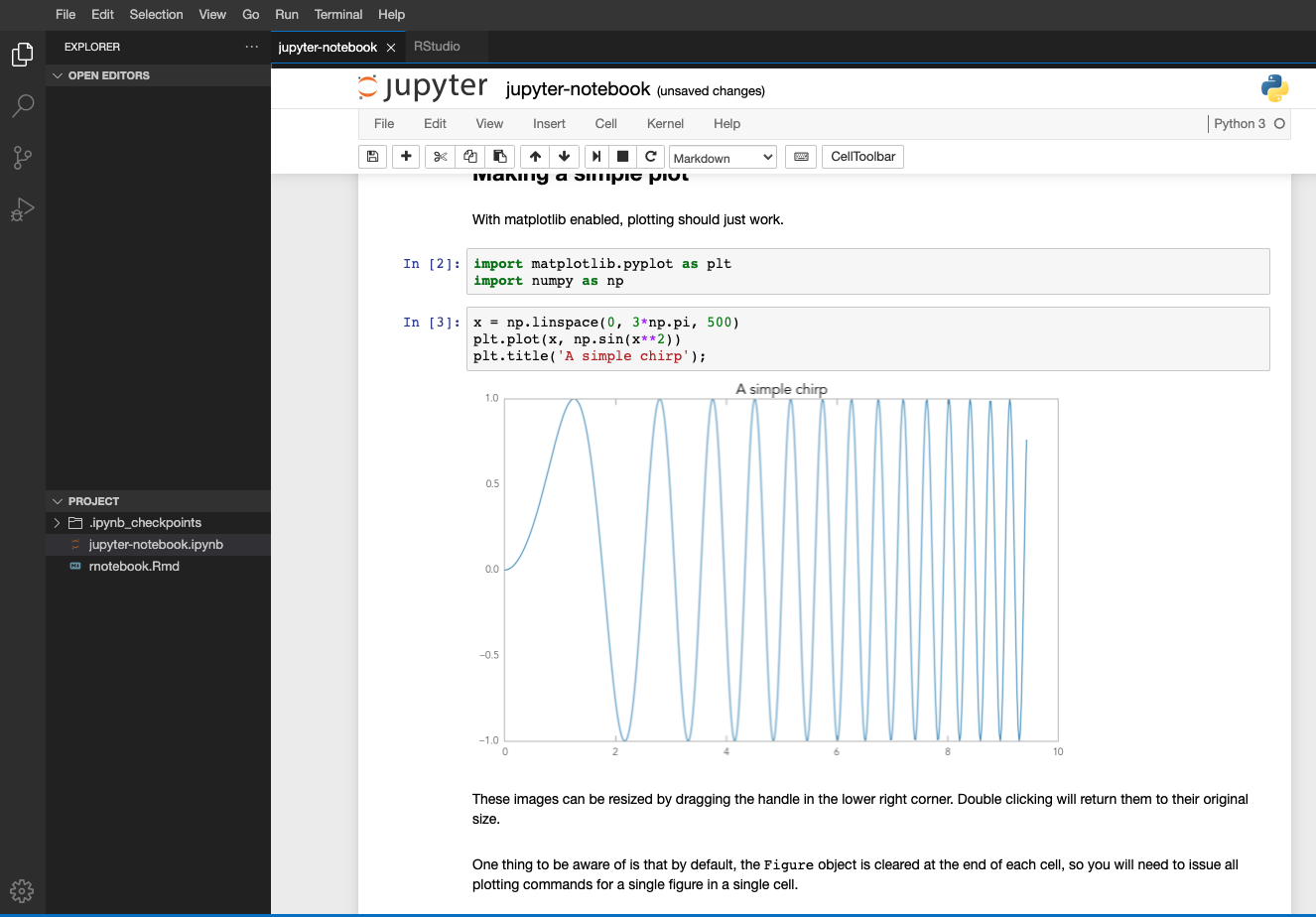
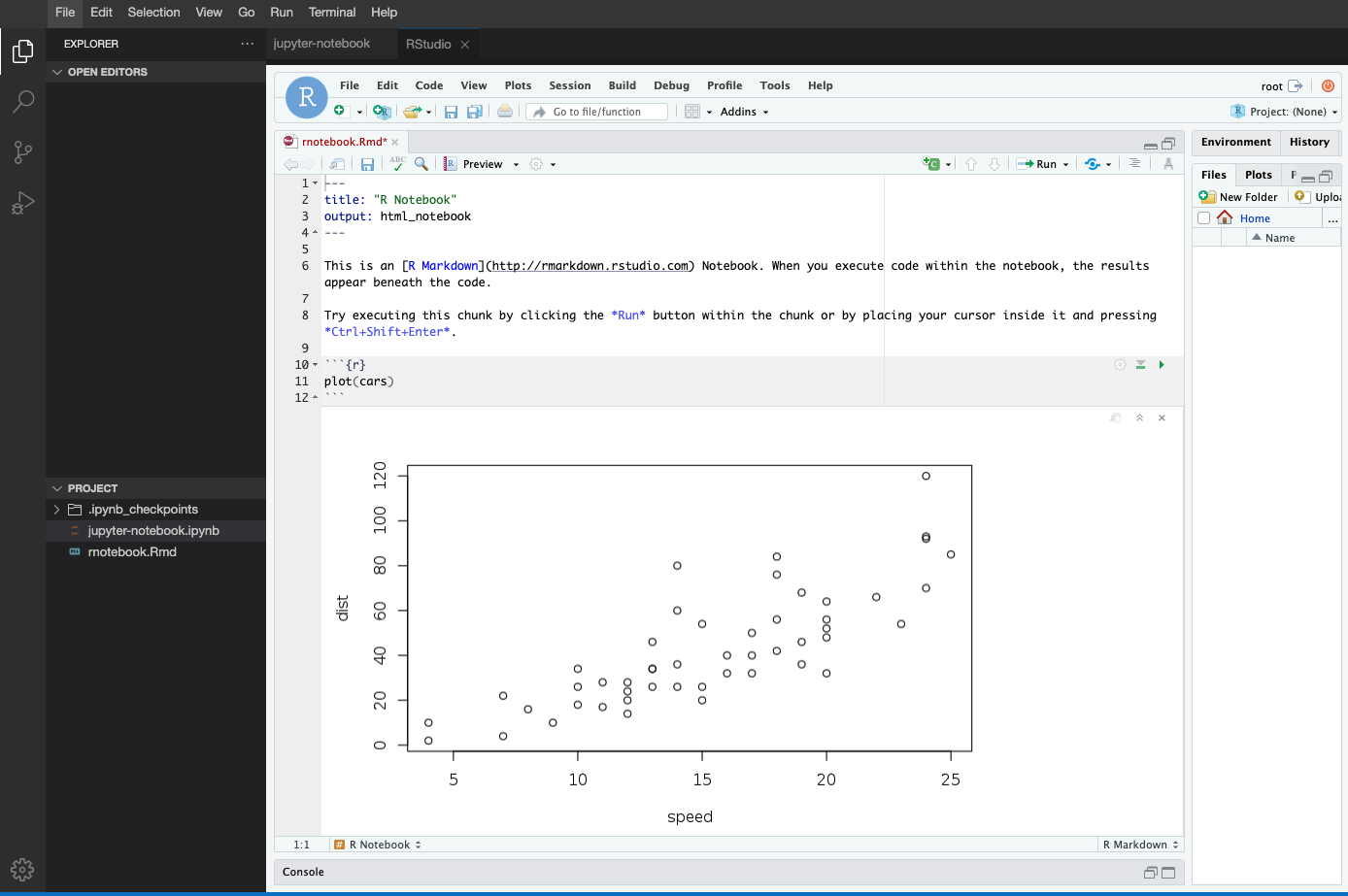
Demo
Quick demo:
docker run -it --rm -p 3000:3000 jonrad/theia-datascience # Then go to http://localhost:3000
To use your own files, mount the directory you want to work with:
docker run -it --rm -p 3000:3000 -v
Development Prerequisites
Install nvm.
curl -o- https://raw.githubusercontent.com/creationix/nvm/v0.33.5/install.sh | bash
Install npm and node.
nvm install 12 nvm use 12
Install yarn.
npm install -g yarn
Running the browser example
yarn start:browser
or:
yarn rebuild:browser cd browser-app yarn start
or: launch Start Browser Backend configuration from VS code.
Open http://localhost:3000 in the browser.
Running the Electron example
Not yet supported
Developing with the browser example
Start watching all packages, including browser-app, of your application with
yarn watch
or watch only specific packages with
cd theia-server-proxy-extension yarn watch
and the browser example.
cd browser-app yarn watch
Run the example as described above
Developing with the Electron example
Not yet supported
Publishing theia-server-proxy-extension
TODO
Publishing theia-jupyter-extension
TODO
Publishing theia-rstudio-extension
TODO
Building docker image
yarn build:docker
Publishing docker image
yarn publish:docker
Iterating with RStudio Server on Mac
It's not worth the effort getting rstudio server to work on mac. So I found it best to just iterate within the docker container. Follow the following steps
Prerequisite: Install https://github.com/sharkdp/fd
Build the docker image from above (Alternatively, if you haven't changed the packages, you can just use the already published docker image)
In this directory start up the container
docker run -it --rm -p 3000:3000 $(fd -d 1 | sed "s#^\(.*\)#-v $PWD/\1:/home/theia/\1#" | tr '\n' ' ') --entrypoint bash jonrad/theia-datascience yarn start:browser
Now you can still develop locally and even run yarn watch but you'll have to start the main app in the docker container


