
A .NET 8, NativeAOT example on Android
Android-NativeAOT
A .NET 8, NativeAOT example on Android.
Getting started
Configure your environment: the following environment variables are required:
* ANDROIDNDKHOME: The path to an Android NDK installation. * ANDROID_HOME: The path to an Android SDK installation.
Build the project:
dotnet build
dotnet publish DotNet/libdotnet.csproj
(cd Native && ./gradlew assembleRelease)
Install the app:
$ANDROID_HOME/platform-tools/adb install Native/app/build/outputs/apk/release/app-release.apkRun the app:
$ANDROID_HOME/platform-tools/adb shell am start com.jonathanpeppers.nativeaot/android.app.NativeActivityExample using SkiaSharp
This sample has a C++ Android Studio project:
- Uses Native Activity
- No Java/Kotlin code
- Configures OpenGL
- Calls into C# / managed code
- Managed code uses SkiaSharp for rendering a random Skia shader
- Tap input randomly changes the shader


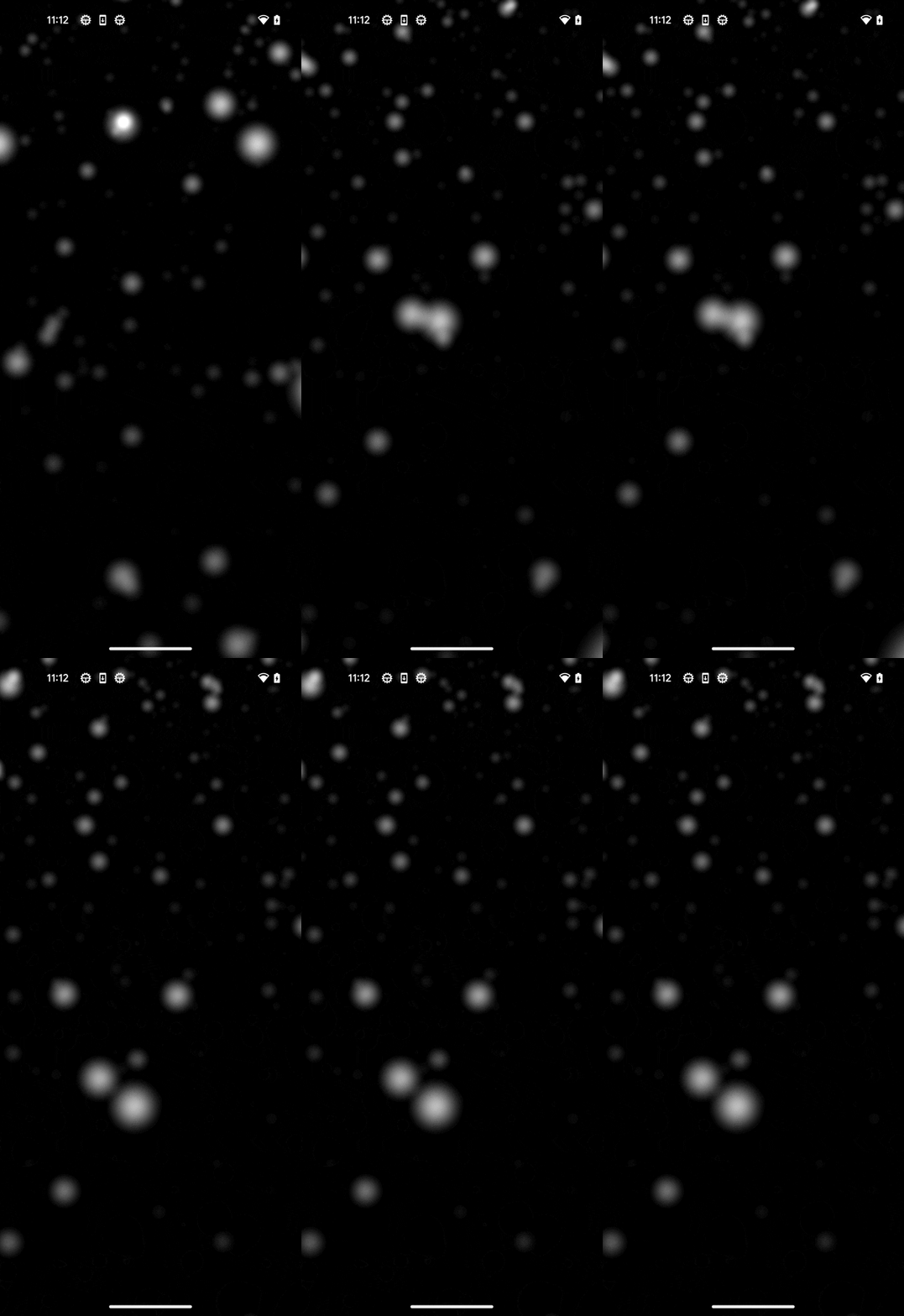
(Note these look completely smooth on a Pixel 5, I just tried to snap quick gifs with Vysor)
The C# side is a:
- .NET 8 class library
- Built with RID
linux-bionic-arm64 - Uses the SkiaSharp NuGet package, as one would.
App Size
The release .apk file of the SkiaSharp sample is ~4.26 MB
A breakdown of the files inside:
> 7z l app-release.apk
   Date      Time    Attr         Size   Compressed  Name
------------------- ----- ------------ ------------  ------------------------
1981-01-01 01:01:02 .....           56           52  META-INF\com\android\build\gradle\app-metadata.properties
1981-01-01 01:01:02 .....         1524          753  classes.dex
1981-01-01 01:01:02 .....      8525024      3733033  lib\arm64-v8a\libSkiaSharp.so
1981-01-01 01:01:02 .....      1070792       473191  lib\arm64-v8a\libdotnet.so
1981-01-01 01:01:02 .....        19504         6869  lib\arm64-v8a\libnativeaot.so
1981-01-01 01:01:02 .....         2376          867  AndroidManifest.xml
1981-01-01 01:01:02 .....         7778         7778  res\-6.webp
1981-01-01 01:01:02 .....          548          239  res\0K.xml
1981-01-01 01:01:02 .....         5696          987  res\0w.xml
1981-01-01 01:01:02 .....          788          347  res\9s.xml
1981-01-01 01:01:02 .....          548          239  res\BW.xml
1981-01-01 01:01:02 .....         1404         1404  res\MO.webp
1981-01-01 01:01:02 .....         1572          703  res\PF.xml
1981-01-01 01:01:02 .....         2884         2884  res\Sn.webp
1981-01-01 01:01:02 .....          982          982  res\d2.webp
1981-01-01 01:01:02 .....         2898         2898  res\fq.webp
1981-01-01 01:01:02 .....         5914         5914  res\j_.webp
1981-01-01 01:01:02 .....         1900         1900  res\qs.webp
1981-01-01 01:01:02 .....         3844         3844  res\sK.webp
1981-01-01 01:01:02 .....         3918         3918  res\u5.webp
1981-01-01 01:01:02 .....         1772         1772  res\yw.webp
1981-01-01 01:01:02 .....         2036         2036  resources.arsc
1981-01-01 01:01:02 .....         2085         1122  META-INF\CERT.SF
1981-01-01 01:01:02 .....         1167         1021  META-INF\CERT.RSA
1981-01-01 01:01:02 .....         2011         1046  META-INF\MANIFEST.MF
------------------- ----- ------------ ------------  ------------------------
1981-01-01 01:01:02            9669021      4255799  25 files
libdotnet.so is ~1.07 MB, and libSkiaSharp.so is ~8.5MB!
If we reduce this to a "Hello World" example:
hello.apkis ~430 KB!libdotnet.so(uncompressed) is ~821 KB!
Startup Time
The average of 10 runs on a Pixel 5 of the SkiaSharp sample:
Average(ms): 121
Std Err(ms): 3.29983164553722
Std Dev(ms): 10.434983894999
Average of 10 runs on a Pixel 5 of the "Hello World" example:
Average(ms): 120.9
Std Err(ms): 2.97937353594118
Std Dev(ms): 9.42160637400367
They might be effectively the same.
For comparison (as of .NET 8), a dotnet new android app is about ~180ms on a Pixel 5, and dotnet new maui is about ~560ms.
Source: https://github.com/jonathanpeppers/maui-profiling
"Hello World" Example
See the HelloWorld branch.
I had this managed code:
[UnmanagedCallersOnly(EntryPoint = "ManagedAdd")]
public static int ManagedAdd(int x, int y) => x + y;
I created a C++ Android project using NativeActivity, and I called the managed code from C++:
++
// in dotnet.h
extern "C" int ManagedAdd(int x, int y);
// in native-lib.cpp int result = ManagedAdd(1, 2); _androidlogprint (ANDROIDLOG_INFO, TAG, "ManagedAdd(1, 2) returned: %i", result);
Results in the message:
01-31 11:42:44.545 28239 28259 I NATIVE  : Entering android_main
01-31 11:42:44.550 28239 28259 I NATIVE  : ManagedAdd(1, 2) returned: 3
See DotNet/README.md on how to build libdotnet.so.
Notes
Console.WriteLine() doesn't work because it basically just writes to Unix stdout. stdout does not appear in adb logcat output, as you have to call _androidlog_print instead.
This was an interesting example, to start a thread that processes stdout and calls the appropriate Android API:
- https://codelab.wordpress.com/2014/11/03/how-to-use-standard-output-streams-for-logging-in-android-apps/
[DllImport("log", EntryPoint = "_androidlog_print", CallingConvention = CallingConvention.Cdecl)]
public static extern int LogPrint(LogPriority priority, string tag, string format);


