
Anime Watcher, Manga Reader, and Novel Reader as three separate apps, same UI
🌐 Supported Languages
- 🇺🇸 English
- 🇨🇳 Chinese
English
OtakuWorld


 Discord Link There's a discord now!!! This is something that will probably be changed and modified since it's the first time I've done this.
For the nightly release, go here
A combined version of my MangaWorld and AnimeWorld apps. This was created because there were a ton of shared elements between the two apps so I combined them, allowing two separate apps but a lot of the same base logic.
These apps do not contain ANY sources themselves. In order to pull sources, the apps do contain some default sources.
Right now, we do support cloud syncing via Firebase, however, that will be going away soon. We are making an alternative way that requires some manual configuration. Using OtakuWorld will allow you to setup a manual configuration! A server is required, fortunately, we have made a basic server that will only work on a local network. Help wanted to help set up a more solid solution!
For MangaWorld: Any sources that work with Mihon will work with MangaWorld...After the bridge is installed.
For AnimeWorld: Any sources that work with Aniyomi will work with AnimeWorld...After the bridge is installed.
Contents
* Screenshots * MangaWorld * AnimeWorld * AnimeWorldTV * NovelWorld * Otaku Manager * Features * Shared * MangaWorld * AnimeWorld * AnimeWorldTV * NovelWorld * Otaku Manager * AnimeWorldTV Install/Update Instructions * Issues * ContributingLatest Release
Screenshots




MangaWorld
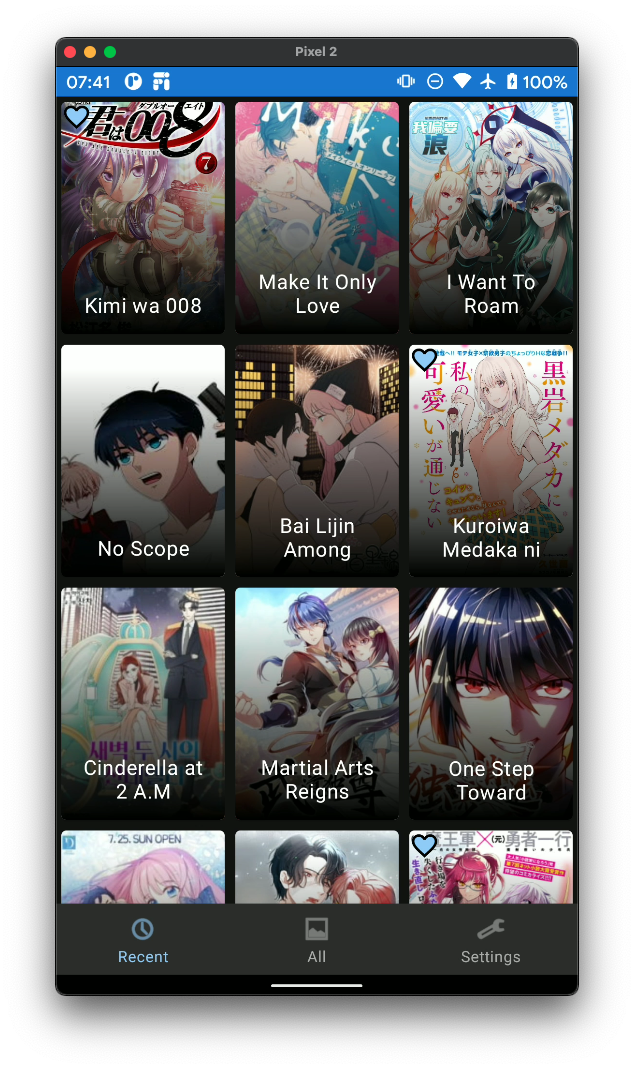
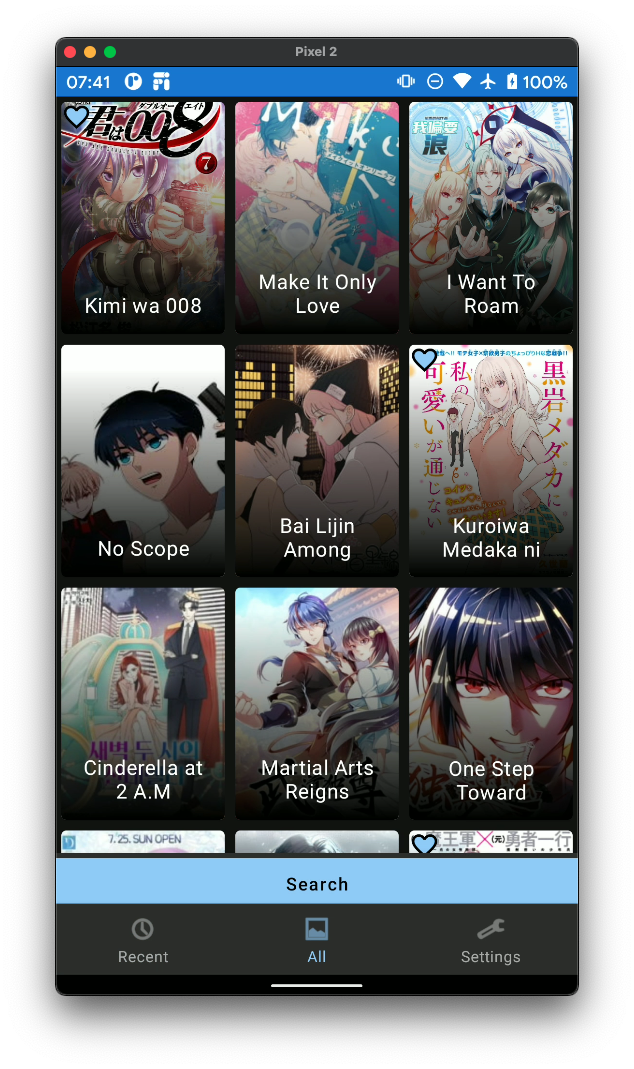
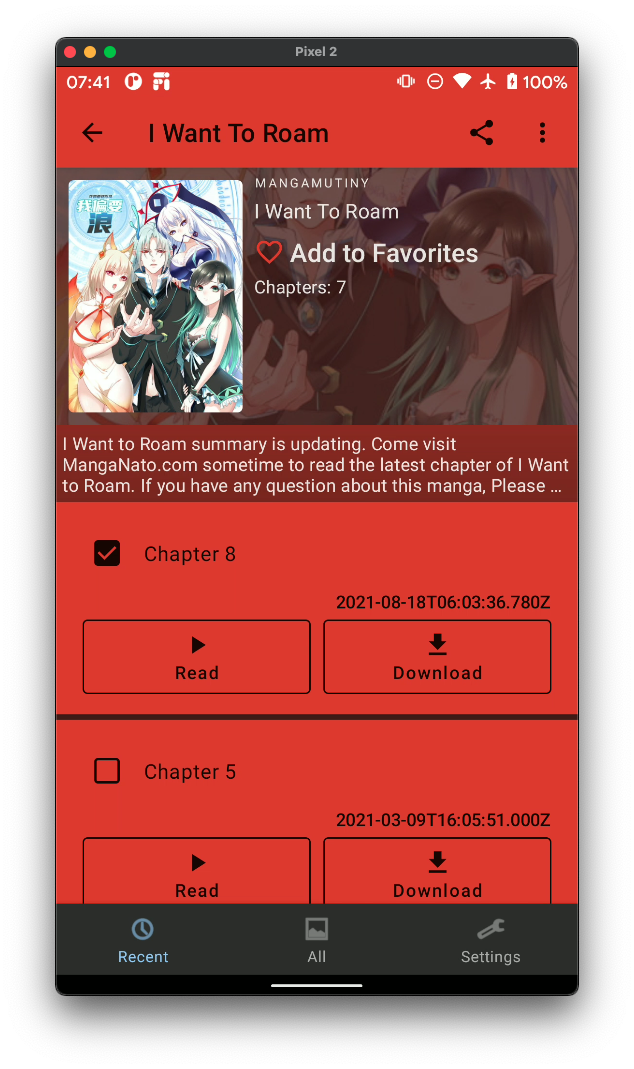
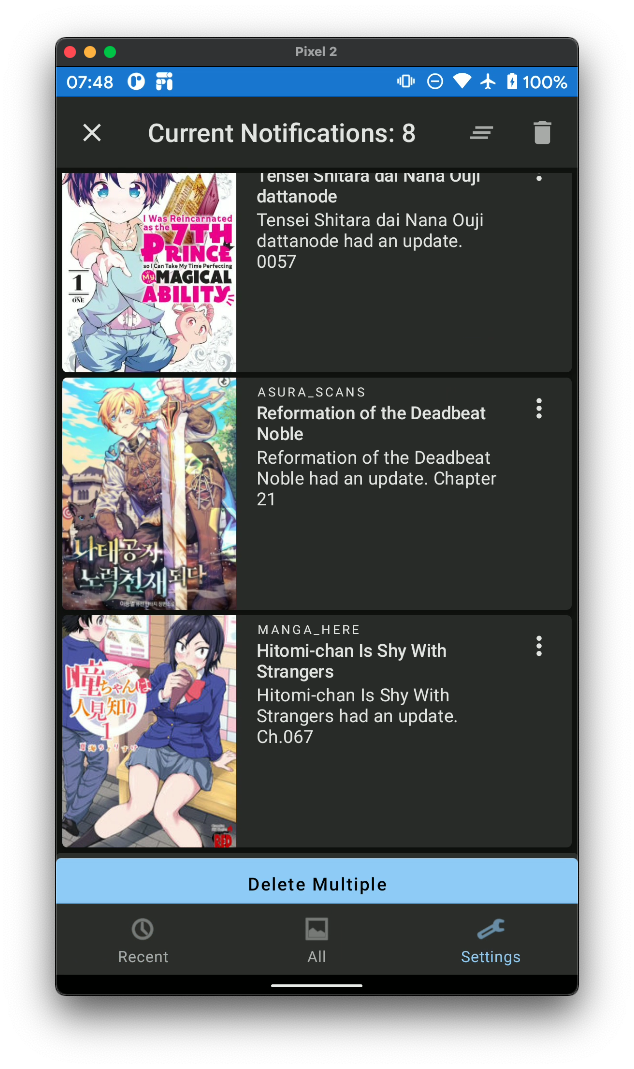


AnimeWorld
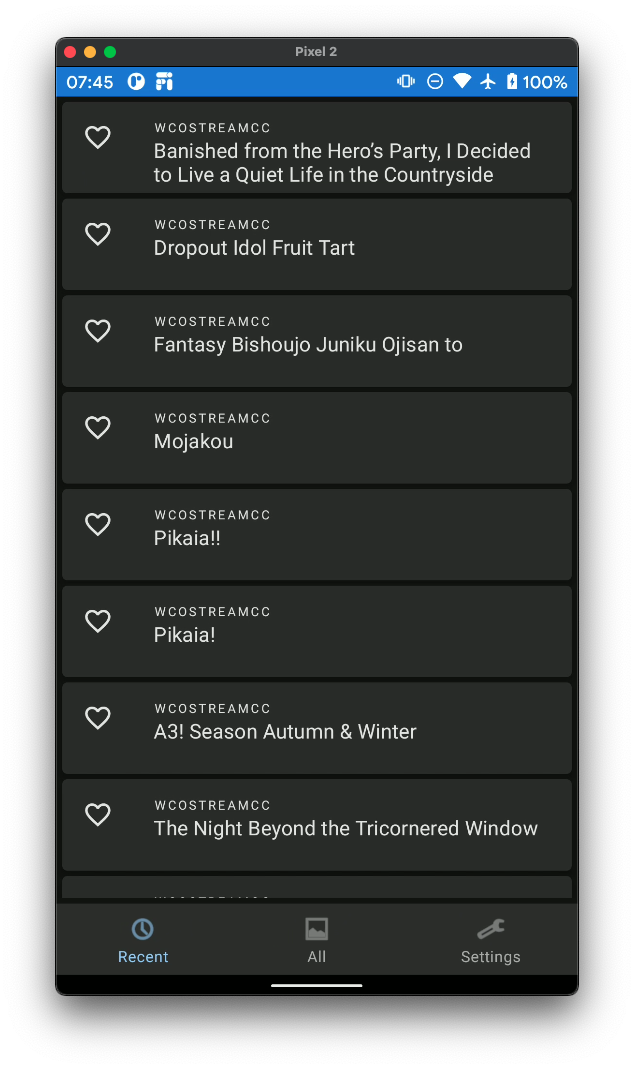
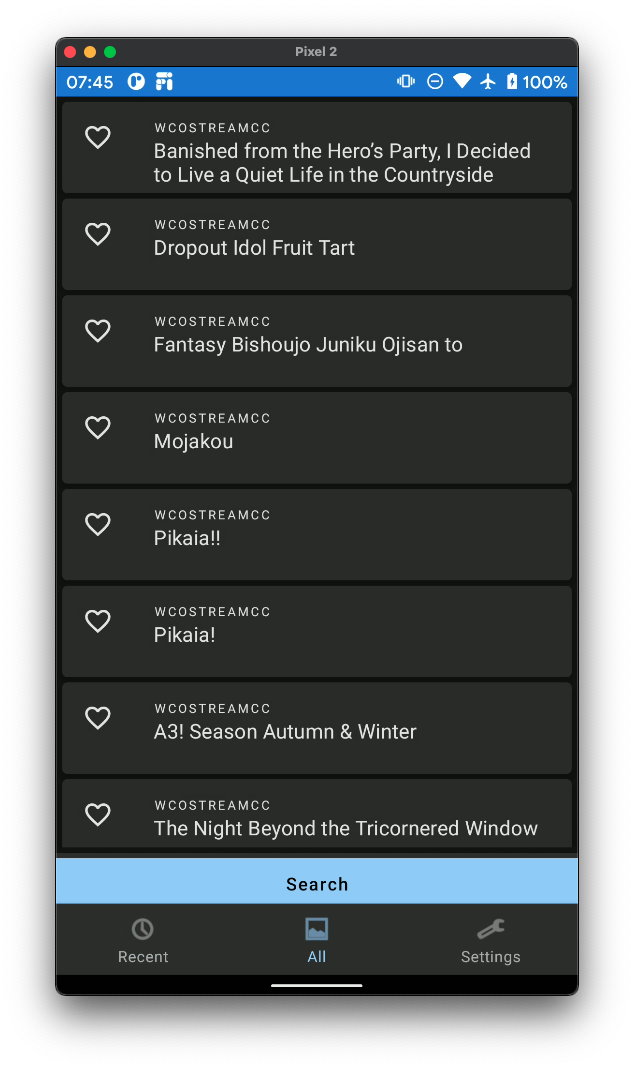
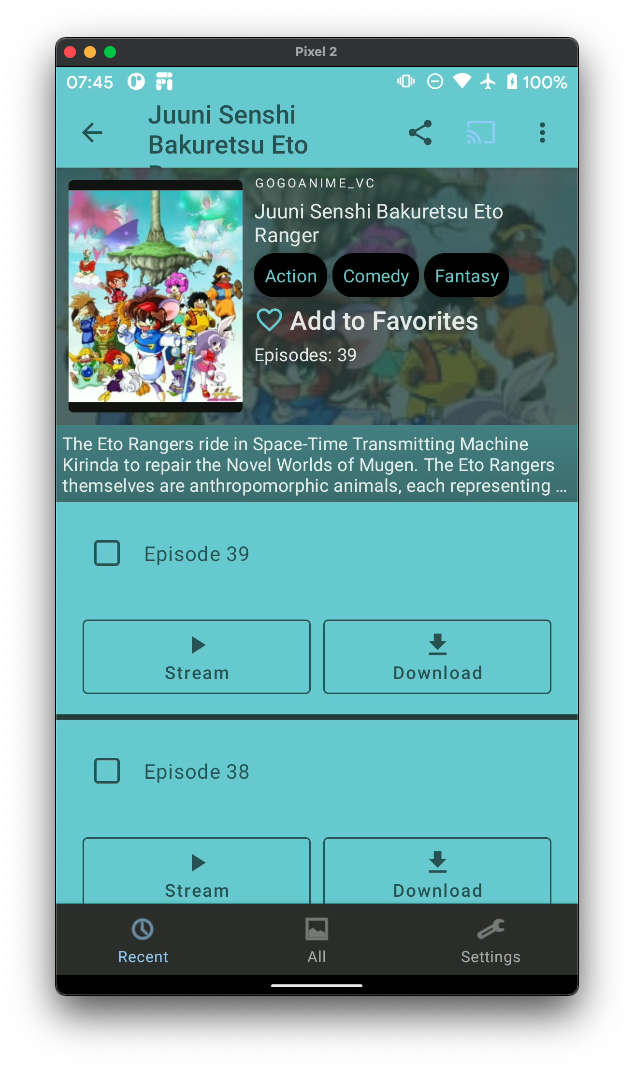
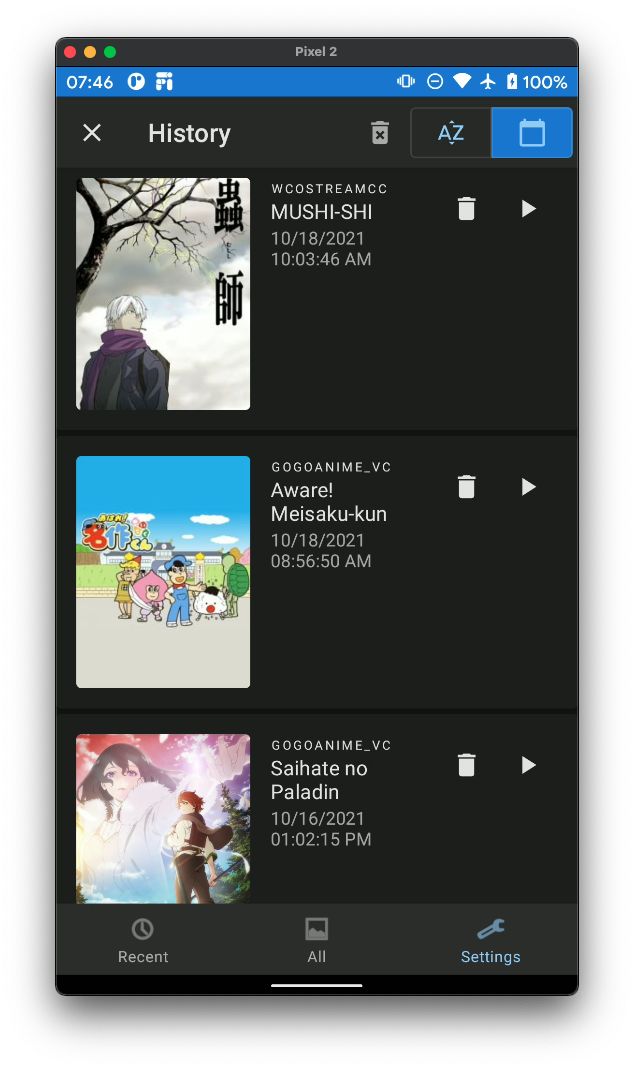


AnimeWorldTV


NovelWorld
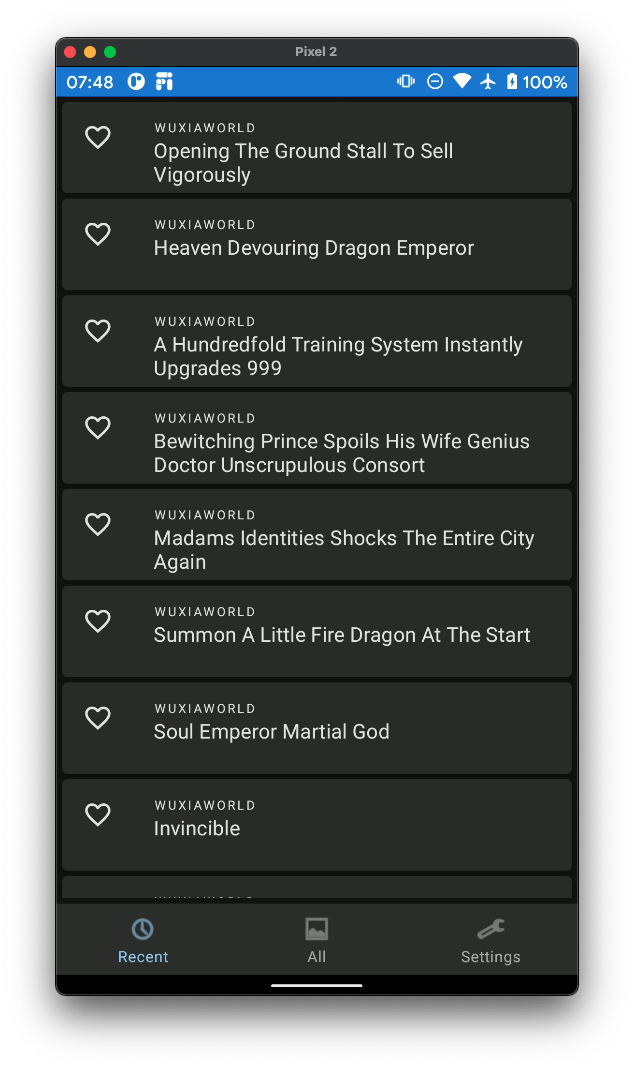
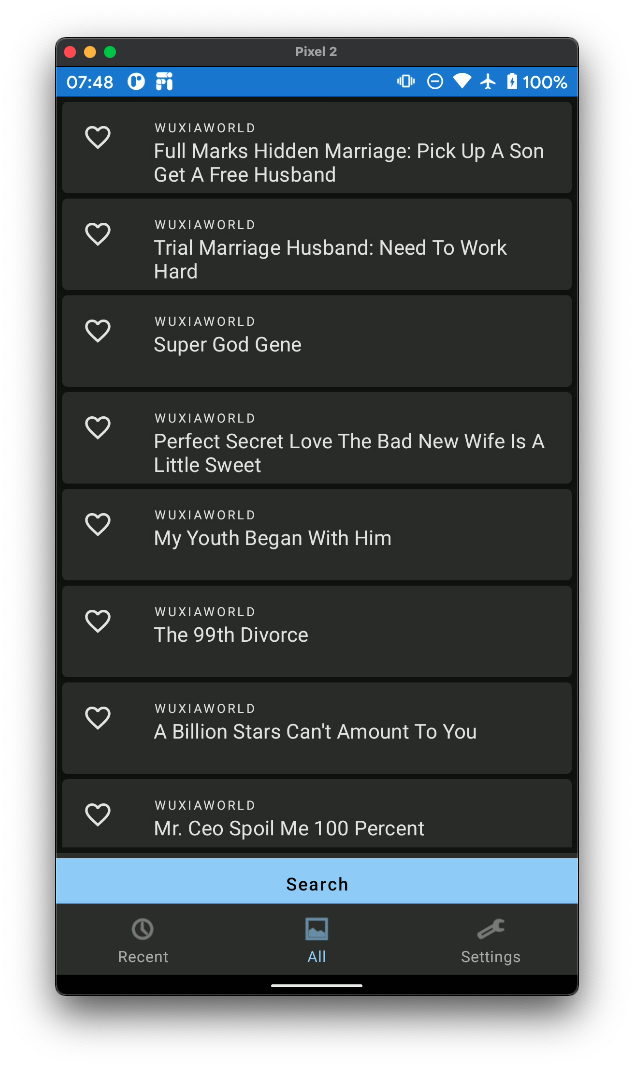
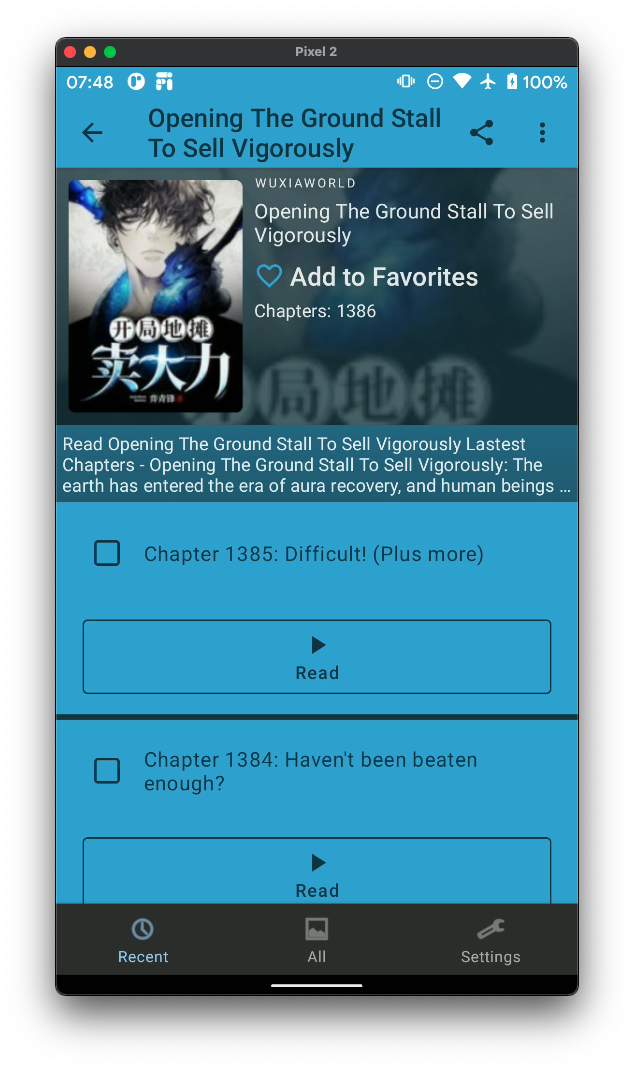

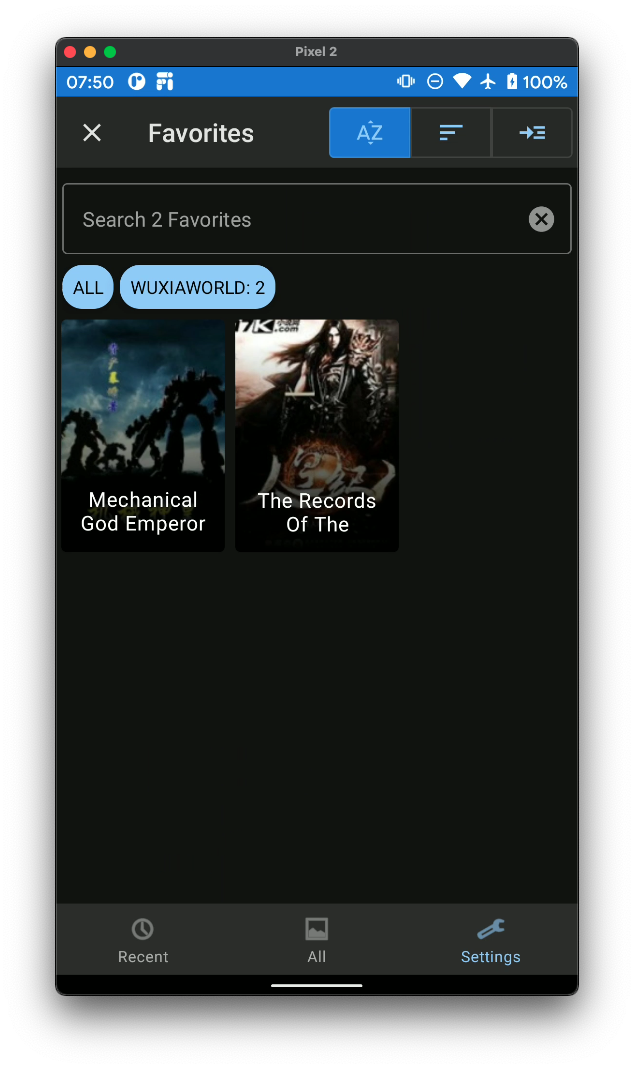
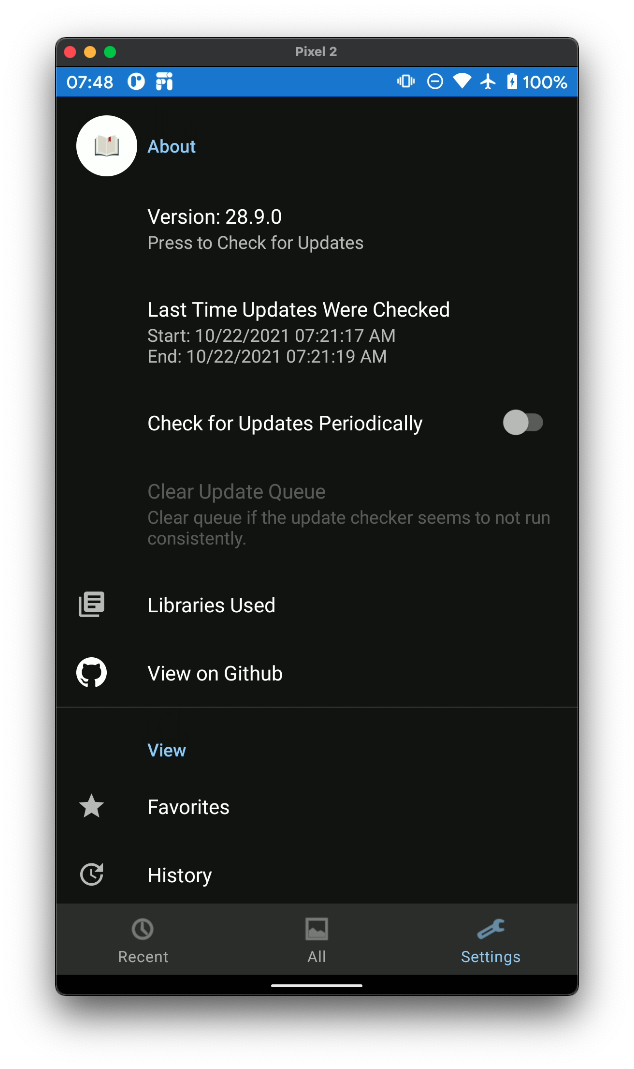
Otaku Manager


Features
Shared Features
- Log in to save your favorites and watched episodes from device to device
- Favorite to be alerted of any updates
- Share Anime/Manga and open in app!
- Build a personal Dictionary/Glossary of terms — manage entries from Settings, or quick-add a term without leaving the page while reading in MangaWorld
AnimeWorld
- Stream and download Anime from various different video sites
- Watch in a built-in video player
- Cast Videos to Chromecast Enabled Devices!
AnimeWorldTV
- Stream Anime/TV/Movies from various different video sites
- Watch in a built-in video player
- Sync favorites with AnimeWorld
- Includes an opening skipper (just skips ahead 90 seconds)
- Available only on Android TV devices
MangaWorld
- Read Manga from various different manga sites
NovelWorld
- Read Novels from various different novel sites
Otaku Manager
- View all favorites across all OtakuWorld applications. Requires you to login.
- Made using pure Jetpack Compose. No Xml for any views.
Instructions to Install/Update AnimeWorldTV
- Download animeworldtv-release.apk
adb:
2.
adb install animeworldtv-release.apkIf not using adb:
- Follow [Android Authority][aa]'s steps
Building Locally
Be sure to change the build variant to anoFirebase variant. Other than that, nothing needs to change to run/build locally!
Issues
If you run into any issues, please create an issue request with the following details:
- Small description
- Steps taken
- Device
- Version of Android
- Expected behavior
- Actual behavior
- If the issue is a breaking issue or not
- Any other additional information you might think will help
Pull Requests
If you want to add a new source or have a change that might make the app better
- Make a new branch
- Make changes
- Push and create a new PR
- Add me (@jakepurple13) as a reviewer
Custom Web Scraper
Overview
The :kmpuiviews:koogintegration:customscraper module provides an on-demand HTML scraping pipeline that extracts manga image URLs and anime video stream URLs from any public webpage using an on-device LLM agent.
Architecture Flow
WebScraper.scrape(url) └─ Ktor HTTP GET → raw HTML └─ HtmlSanitizer → stripped HTML (≤ 8,000 chars) └─ LlmMediaExtractor (Koog AIAgent) └─ CustomScrapeKmpChapterModel(urls=[...])
Supported Use Cases
| Use Case | What it extracts | |---|---| | Manga chapter page | All <img> src, data-src, data-lazy-src URLs (page images) | | Anime episode page | All <video>, <source> URLs and .mp4 / .m3u8 JS variables |
Limitations
- No authentication — login-gated pages are not supported.
- No CAPTCHA bypassing — CAPTCHA-protected pages return an empty result.
- No JS rendering — client-side SPA content (rendered after page load) is not visible to the scraper.
- No caching — results are not persisted; each
scrape()call is a fresh fetch. - URL extraction only — downloading or displaying media is handled elsewhere in the app.
Data Model
@Serializable
data class CustomScrapeKmpChapterModel(
    val urls: List<String>,  // extracted media URLs; empty on failure
)
Usage
// Obtain executor + model from your AgentMaker (or any Koog LLM setup):
val executor = MultiLLMPromptExecutor(agentInfo.llmClient)
val model = agentInfo.model
val scraper = WebScraper(executor = executor, model = model) val result = scraper.scrape("https://example.com/manga/chapter-1") result.urls.forEach { println(it) }
Technologies
| Technology | Role | |---|---| | Kotlin Multiplatform | Android + JVM Desktop targets | | Ktor | HTTP client (OkHttp engine on both platforms) | | Koog | LLM agent framework for structured JSON extraction | | kotlinx.serialization | JSON deserialization of CustomScrapeKmpChapterModel |
[//]: # (Reference Links) [aa]:


