
iOS Port of the GraphHopper road routing engine
graphhopper-ios ===============
graphhopper-ios wraps graphhopper and creates the libgraphhopper.a library to be used on iOS. Theoretically it should be possible to include other architectures, but for example MacOS currently doesn't work.
It uses j2objc to translate the .java sources into Objective-C.
Disclaimer: This is experimental so treat it accordingly. Feel free to help in any way.
Prerequistes
JDK 8 (Yes, jts source needs JDK 8), recommended is AdoptOpenJDK8 Maven XCode 11.4+ (works with XCode 13)Getting Started
To get started run the following commands in Terminal:
git clone https://github.com/graphhopper/graphhopper-ios.git
cd graphhopper-ios
git submodule init
git submodule update
make cleanall
make class.list
make translate
make
./graphhopper-ios-sample/import-sample.sh
open graphhopper-ios-sample/graphhopper-ios-sample.xcodeproj
Switch scheme to graphhoppper-ios-sample and run against Simulator or the real device (requires Apple Developer account and signing setup in place).
To integrate GraphHopper in your project see Usage section below.
Community
Feel free to raise problems or questions in our forum.
Usage
- You can add graphhopper.xcodeproj as subproject to your project (see details in Xcode section).
- Or you can compile it as fat library (libgraphhopper.a) using
makeand add it and necessary interface files to your project.
Xcode
To configure your project to use graphhopper.xcodeproj follow the steps below:
- Drag&drop graphhopper.xcodeproj into your project (or use the menu File -> Add Files to...)
- Expand graphhopper.xcodeproj and drag&drop the Translations and Libraries
- In the Build Settings of your project:
-ObjC to your target's Other Linker Flags
- add {path-to-graphhopper-ios}/j2objc/include and {path-to-graphhopper-ios}/src
to your target's User Header Search Paths
- In the Build Phases of your project:
You're now ready to use GraphHopper on iOS and OS X.
You are responsible for importing graph data. For an example check outgraphhopper-ios-sample.
Terminal
Alternatively, you can translate and compile the library by invoking make in the Terminal. You can modify common.mk and library.mk to include all necessary arhitectures. This article provides good overview of options: https://docs.elementscompiler.com/Platforms/Cocoa/CpuArchitectures/ Then link the library graphhopper-ios/build/libgraphhopper.a and it's header files at graphhopper-ios/src manually into your project. For all the other configurations see the Xcode section above.
By default this method compiles the library for the following architectures: simulator, iphoneos.
Example
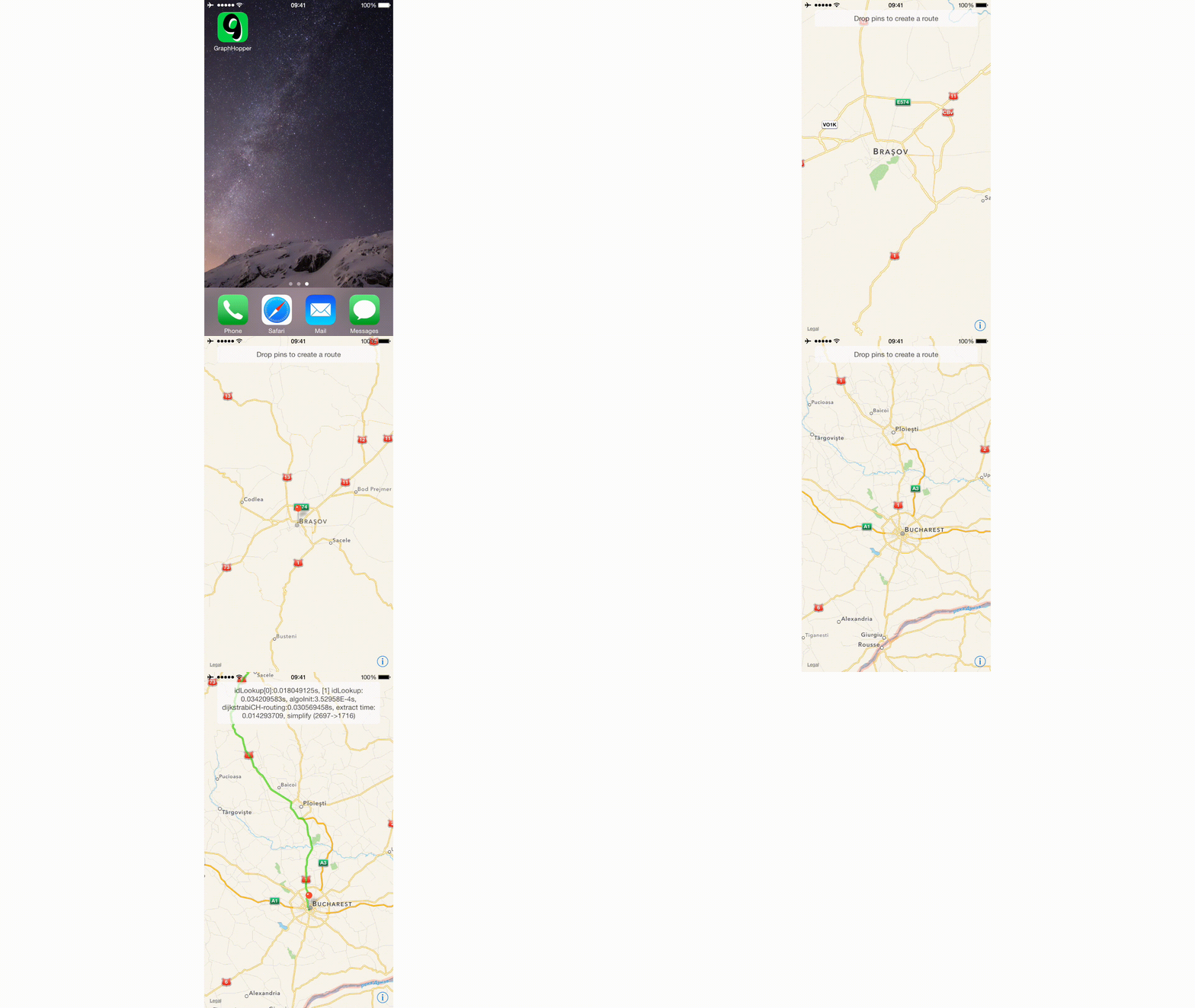
Requirements
- iOS 11.0+ or OS X 10.10 (it might work on older versions but haven't tested)
- JDK 1.8 or higher
- Xcode 11.0 or higher
Troubleshooting
If you run into problems, you can try one of the following:
- if using Xcode, try cleaning up the project (Product -> Clean)
- if using the Terminal, you can use one of these 2 cleanup commands:
make clean - will delete the /graphhopper-ios/build directory
* make cleanall - if the first one didn't do it, this will delete everything
related to the build process (you then need to run make class.list)
Refresh Code
The dependencies j2objc, hppc and jts should be downloaded automatically if not present. You can force to reload by removing them:
-rf dependencies/hppc dependencies/jts j2objc
make dependencies/hppc dependencies/jts j2objc


