🧪 Simple data science experimentation & tracking with jupyter, papermill, and mlflow.
Last updated Jun 17, 2026
191
Stars
42
Forks
4
Issues
0
Stars/day
Attention Score
53
Language breakdown
No language data available.
▸ Files
click to expand
README
papermill-mlflow
Simple data science experimentation withjupyter, papermill, and mlflow
Associated blog post: A simpler experimentation workflow with Jupyter, Papermill, and MLflow
Quick-start
- Clone this repo
git clone git@github.com:eugeneyan/papermill-mlflow.git- Set up virtualenv
cd papermill-mlflow
Create virtualenv based on requirements.txt
python3 -m venv venv
source venv/bin/activate
pip install -r requirements.txt
Install kernelspec for Jupyter notebooks (the name argument must be identical)
python -m ipykernel install --user --name=papermill-mlflow- Start Jupyter notebook
cd notebooks
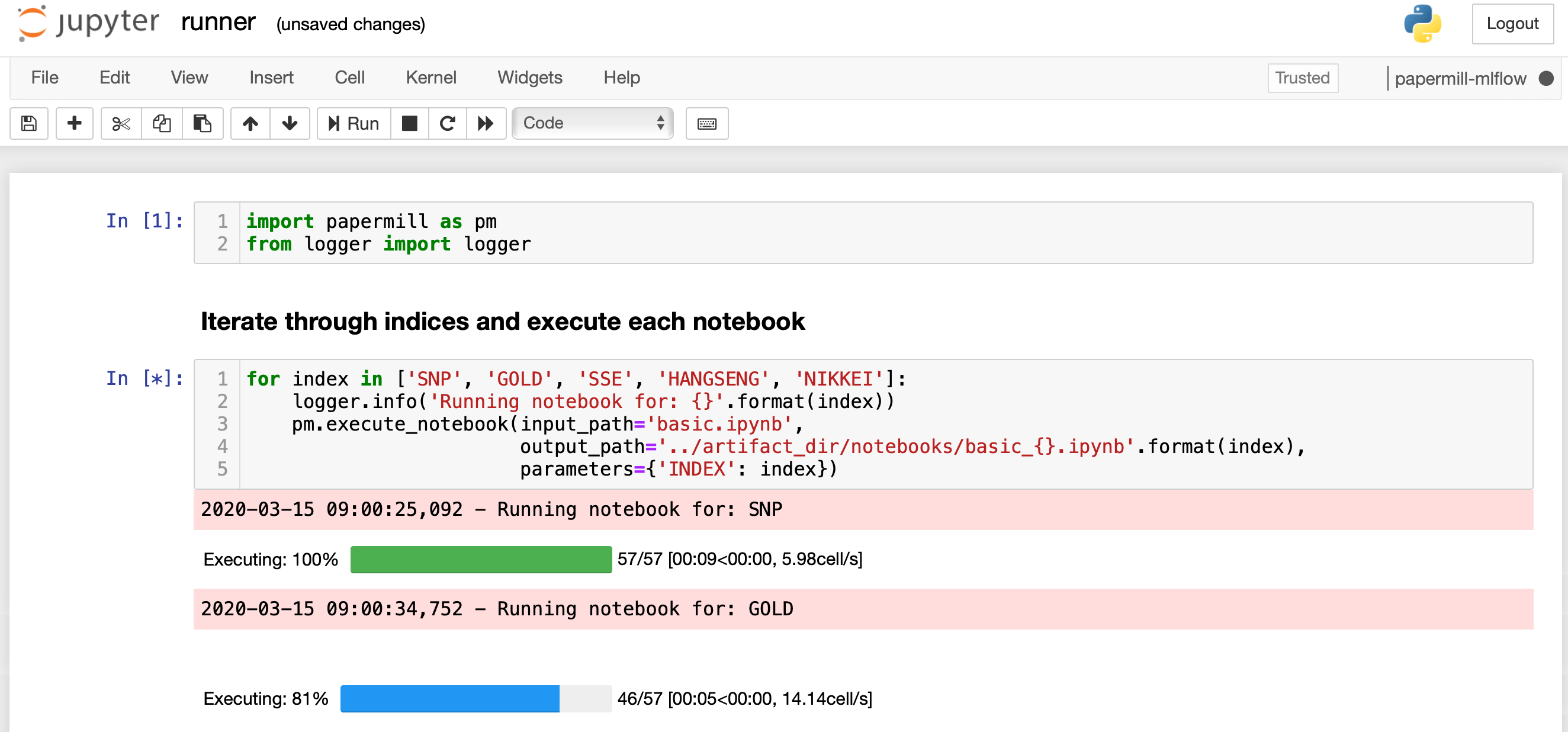
jupyter notebook- Run the cells in
runner.ipynb
- Start MLflow (in another terminal)
# Open another terminal
Activate the virtualenv
cd papermill-mlflow
source venv/bin/activate
Start the mlflow server
cd notebooks
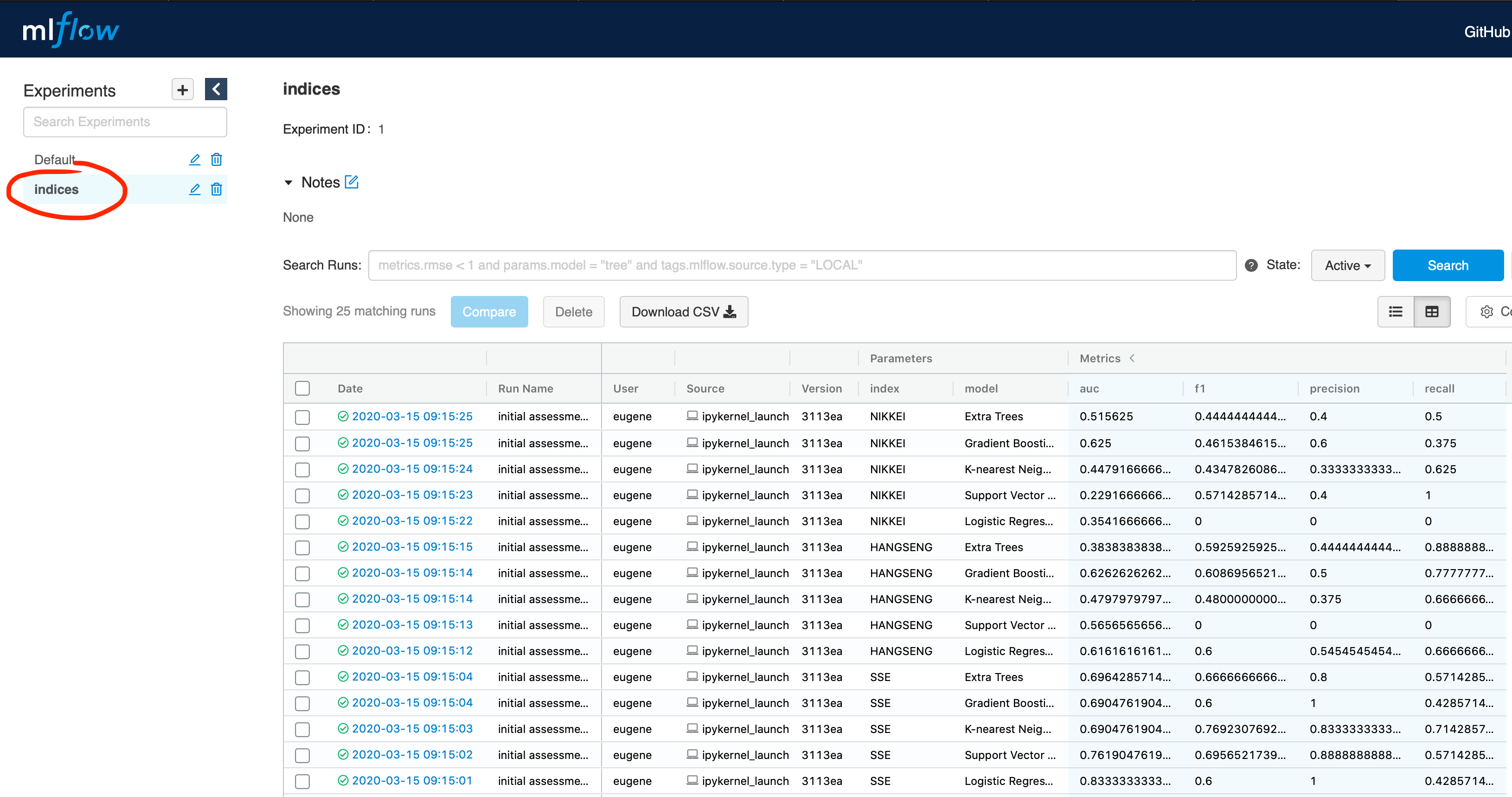
mlflow server- Access the MLflow UI opening this in a browser: http://127.0.0.1:5000