
Cross-platform tool that allows browsing and extracting C and C++ type declarations from PDB files.
resym 





resym is a utility that allows browsing and extracting types from PDB files.
👉 Click to run the web version 👈
Inspired by PDBRipper and pdbex.
Key Features
- Cross-platform (native and web)
- GUI and CLI versions available
- Decent performance, even on huge PDB files
- C and C++ types reconstruction
- C and C++ types diff generation (between two PDBs)
- Compilable output for C types (partial support for C++ types)
- PDB module browsing
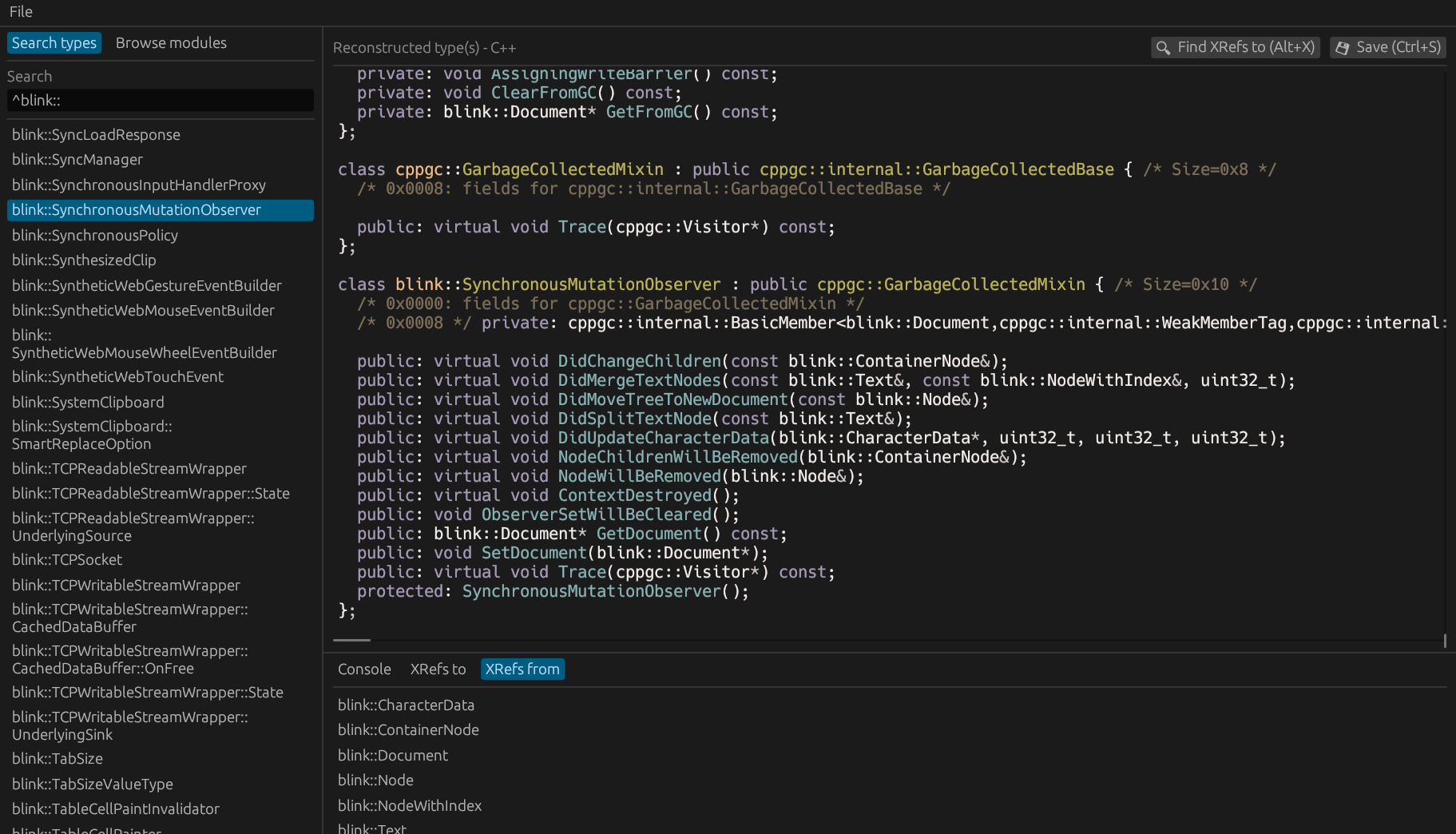
Screenshot
How to Install
If you have Rust installed, you can easily install resym with cargo:
cargo install --git https://github.com/ergrelet/resym --tag v0.4.0After that, you can invoke resym and resymc from anywhere, through the command-line.
Keep in mind that you need to have the required dependencies installed for resym to run properly. Check out the user documentation for more details.
How to Use
If you want to use the GUI version, simply run the resym executable. A CLI version (named resymc) is also available:
resymc 0.4.0
resymc is a utility that allows browsing and extracting types from PDB files.
USAGE:     resymc.exe <SUBCOMMAND>
FLAGS:     -h, --help       Prints help information     -V, --version    Prints version information
SUBCOMMANDS:     diff            Compute diff for a type between two given PDB files     diff-module     Compute diff for a module between two given PDB files     dump            Dump type from a given PDB file     dump-all        Dump all types from a given PDB file     dump-module     Dump module from a given PDB file     help            Prints this message or the help of the given subcommand(s)     list            List types from a given PDB file     list-modules    List modules from a given PDB file
How to Build
On Ubuntu, you might need to install: libxcb-shape0-dev, libxcb-xfixes0-dev and libglib2.0-dev.
git clone https://github.com/ergrelet/resym.git && cd resym
cargo build --release
./target/release/resym
Know limitations
The GUI version might struggle to display huge outputs (>20 MB). Disabling syntax highlighting (and/or dependency reconstruction altogether) will help but, generally speaking, the CLI version is more suited when dumping types with a huge amount of dependencies.
C++ namespaces and template types aren't reconstructed at the moment, which means the reconstructed output for C++ types isn't necessarily compilable.
The web version cannot handle PDB files larger than ~2.1 GB due to how files are accessed and the 32-bit limitations of wasm32 targets. This might change in the future with wasm64/memory64 support.
Why Another PDB Dumper?
I often need to extract and analyze C++ types from 1GB+ PDB files comfortably, in an interactive manner, but I haven't been able to find a tool that ticks all the boxes for me so far, so this my shot at making that tool. So if you're in the same boat, this tool might be of some use to you.


