
Simple library to decompress files .zip, .rar, .cbz, .cbr in React Native.
Uncompress React Native




Simple library to decompress files .zip, .rar, .cbz and .cbr in React Native.
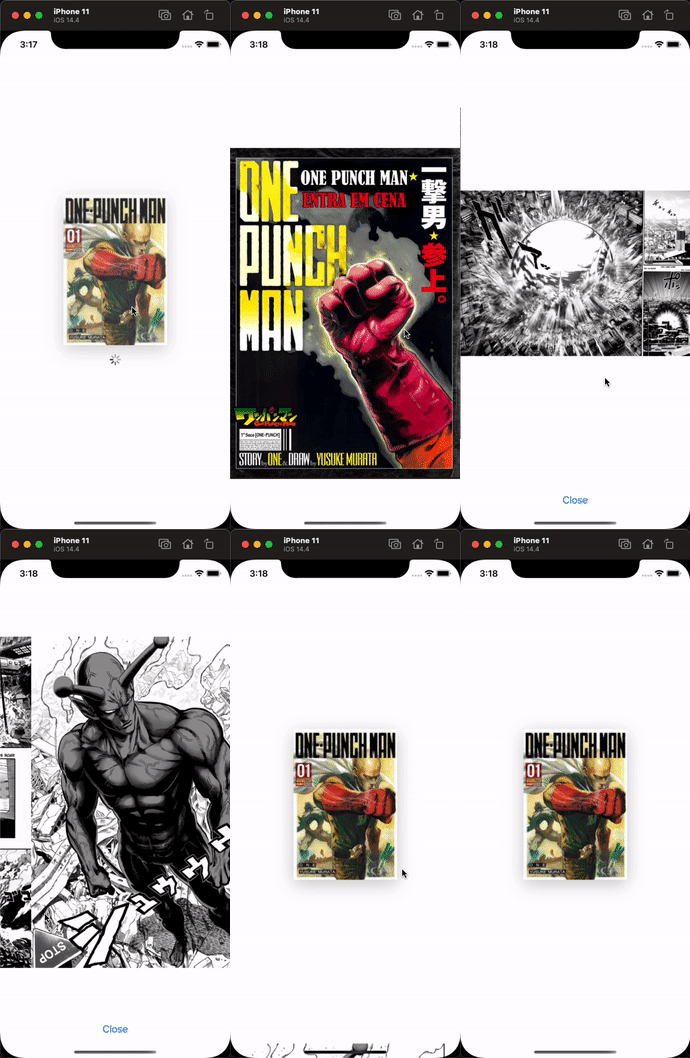 |
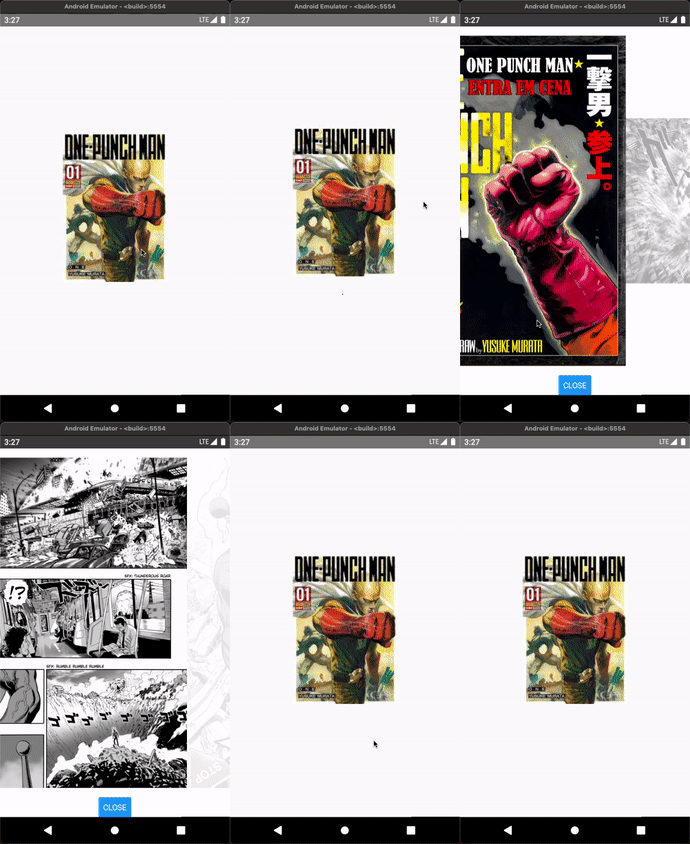 |
Installation
yarn add uncompress-react-native
or
npm install uncompress-react-native
iOS Pods installation
After installing the library, you can install pods using the command: cd ios && pod install && cd ..
• If you will have problems with the installation of the dependency UnrarKit, you need add in your Podfile use_frameworks!
• If you will have problems with [CP-User] Generate Specs after add useframeworks!, you can modify your postinstall to fix.
The solution discussion reference
post_install do |installer|
  reactnativepost_install(installer)
installer.pods_project.targets.each do |target|     target.build_configurations.each do |config|       config.buildsettings['BUILDLIBRARYFORDISTRIBUTION'] = 'YES'     end
if (target.name&.eql?('FBReactNativeSpec'))       target.buildphases.each do |buildphase|         if (buildphase.respondto?(:name) && build_phase.name.eql?('[CP-User] Generate Specs'))           target.buildphases.move(buildphase, 0)         end       end     end   end end

Usage
import Uncompress from 'uncompress-react-native';
// ... await Uncompress.extract({   filePath: 'temp/sample_comic.cbr',   destination: 'data/comic', }); // ...
Extract protected file
// ...
await Uncompress.extract({
  filePath: 'temp/sampleprotectedcomic.cbr',
  destination: 'data/comic',
  password: '123',
});
// ...
Override files after extraction if successful
// ...
await Uncompress.extract({
  filePath: 'temp/sampleprotectedcomic.cbr',
  destination: 'data/comic',
  override: true,
});
// ...
Checks whether the file is password protected
// ...
const isProtected = await Uncompress.isProtected({
  filePath: 'temp/sampleprotectedcomic.cbr',
});
console.log(isProtected); // ...
Contributing
See the contributing guide to learn how to contribute to the repository and the development workflow.


