
An open-source Python library for Data Scientists & Data Analysts designed to simplify the exploratory data analysis process. Using Edvart, you can explore data sets and generate reports with minimal coding.
Edvart
[!WARNING]
This project is no longer maintained.
We recommend using agentic coding tools to generate one-time EDA reports.




Edvart is an open-source Python library designed to simplify and streamline your exploratory data analysis (EDA) process.
Key Features
- One-line Reports: Generate a comprehensive set of pandas DataFrame
- Customizable Reports: Produce, iterate, and style detailed reports
- Flexible API: From high-level simplicity in a single line of code
- Interactive Visualizations: Many of the visualizations are interactive
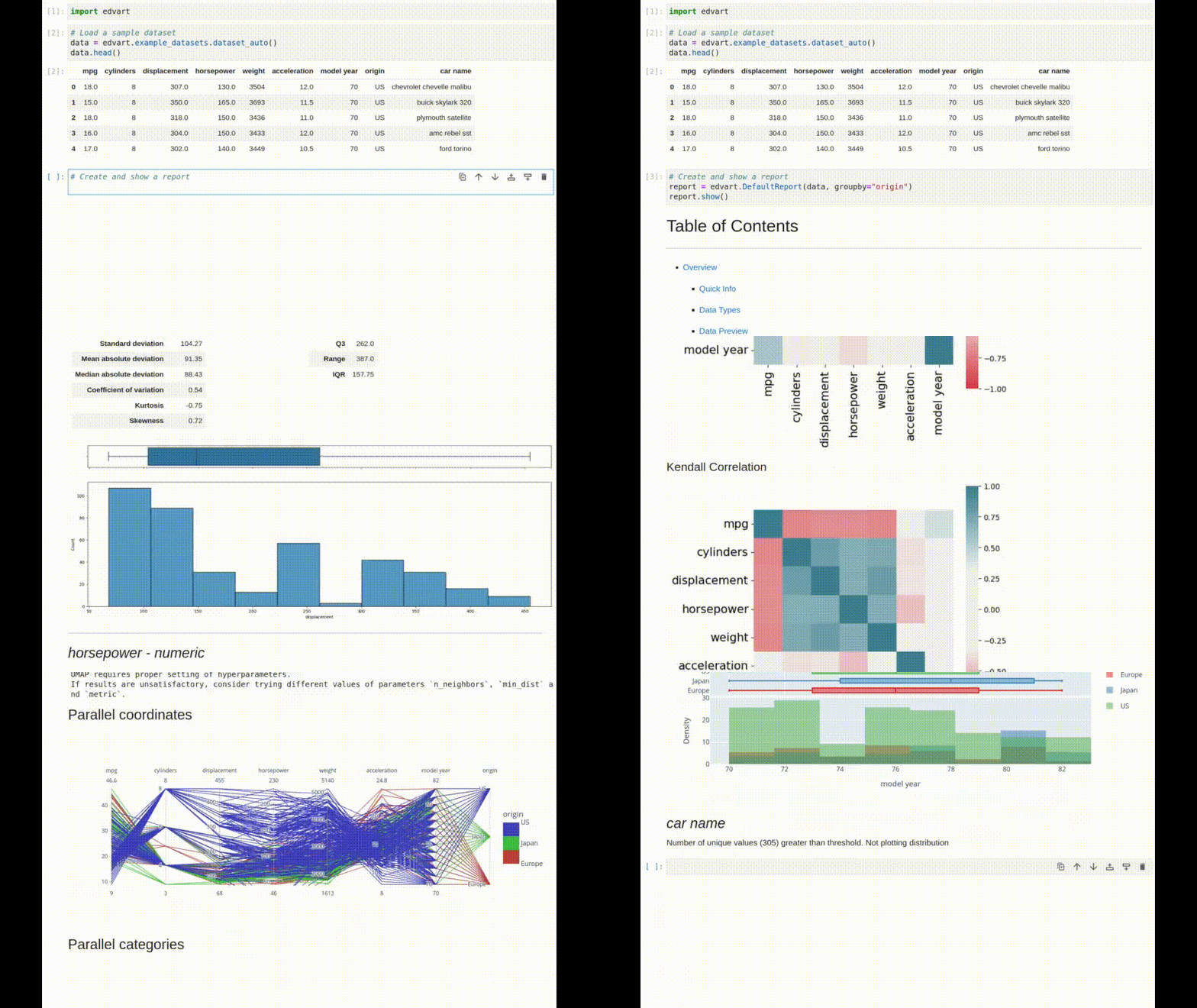
One-line Report
Installation
Edvart is available on PyPI and can be installed using pip:
pip install edvartUsage
See the notebook examples/report-example.ipynb for an example report on a tabular dataset or examples/time-series-report-example.ipynb for an example report on a time-series dataset.
See the Usage section of the documentation for more information.
Creating a Default Report
import edvart
Load a dataset to a pandas DataFrame
dataset = edvart.exampledatasets.datasettitanic()
Create a default report
report = edvart.DefaultReport(dataset)
Show the report in the current Jupyter notebook
report.show()
Export the report to an HTML file
report.export_html("report.html")
Export the code generating the report to a Jupyter notebook
report.export_notebook("report.ipynb")
User Documentation
The user documentation is available at https://datamole-ai.github.io/edvart/.
License
Edvart is licensed under the MIT license. See the LICENSE file for more details.
Contact
Edvart has a Gitter room for development-related and general discussions.How to Contribute
See CONTRIBUTING.md.


