
Explore Data By CLI With Autodesk Platform Services
APSBot: Autodesk Platform Services CLI
Welcome to the CLI tool apsbot, designed to interact seamlessly with the Autodesk Platform Services (formerly Autodesk Forge) API. This tool provides a command-line interface to access and manage data across various Autodesk services.

Features
- Interactive with data by Command Line Interface(CLI)
- Snooping Data Around Autodesk Services (Hubs, Projects, Items, Versions, Folders, Buckets, etc.)
- Analyzing Revit Data
- Chat With AI Bot (OpenAI) to do data analysis and have fun.
Installation
pip install apsbot --upgradeRequirements
Setup environment variables
APSCLIENTID = "yourclientid"
APSCLIENTSECRET = "yourclientsecret"
OPENAIAPIKEY = "youropenaiapi_key"
Usage
- Command
apsbotin terminal or command prompt to start :
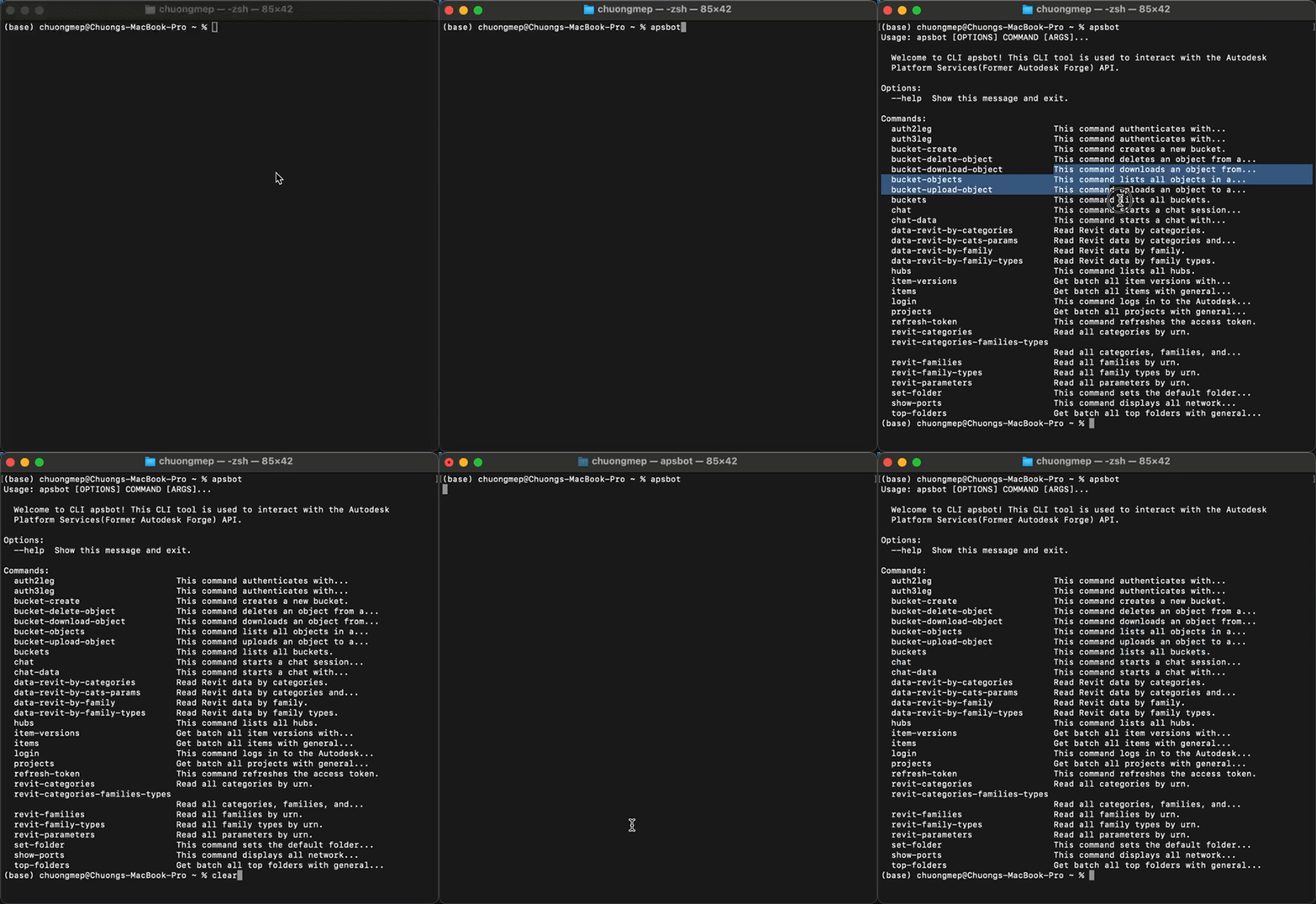
apsbot [OPTIONS] COMMAND [ARGS]...- Without setting path configuration
python -m apsbot [OPTIONS] COMMAND [ARGS]...Notes : python -m use when your computer can't find the apsbot command.
Let's start with hubs and projects command to list all hubs in your account.

Chat With AI Bot (OpenAI) to do data analysis and have fun.

Revit Data Analysis Example :

... More, please explore by yourself.
Contributing
Please read dev.md for details on our code of conduct, and the process for submitting pull requests to us. I'm happy to receive your contributions.
Disclaimer
This is project just play for fun with free time weekend. Please use it at your own risk. I am not responsible for any damage caused by this project.
Many thanks
I have a lot of inspiration from this topic :
- https://www.travisluong.com/how-to-build-a-command-line-interface-tool-with-python-pandas-typer-and-tabulate-for-data-analysis/


