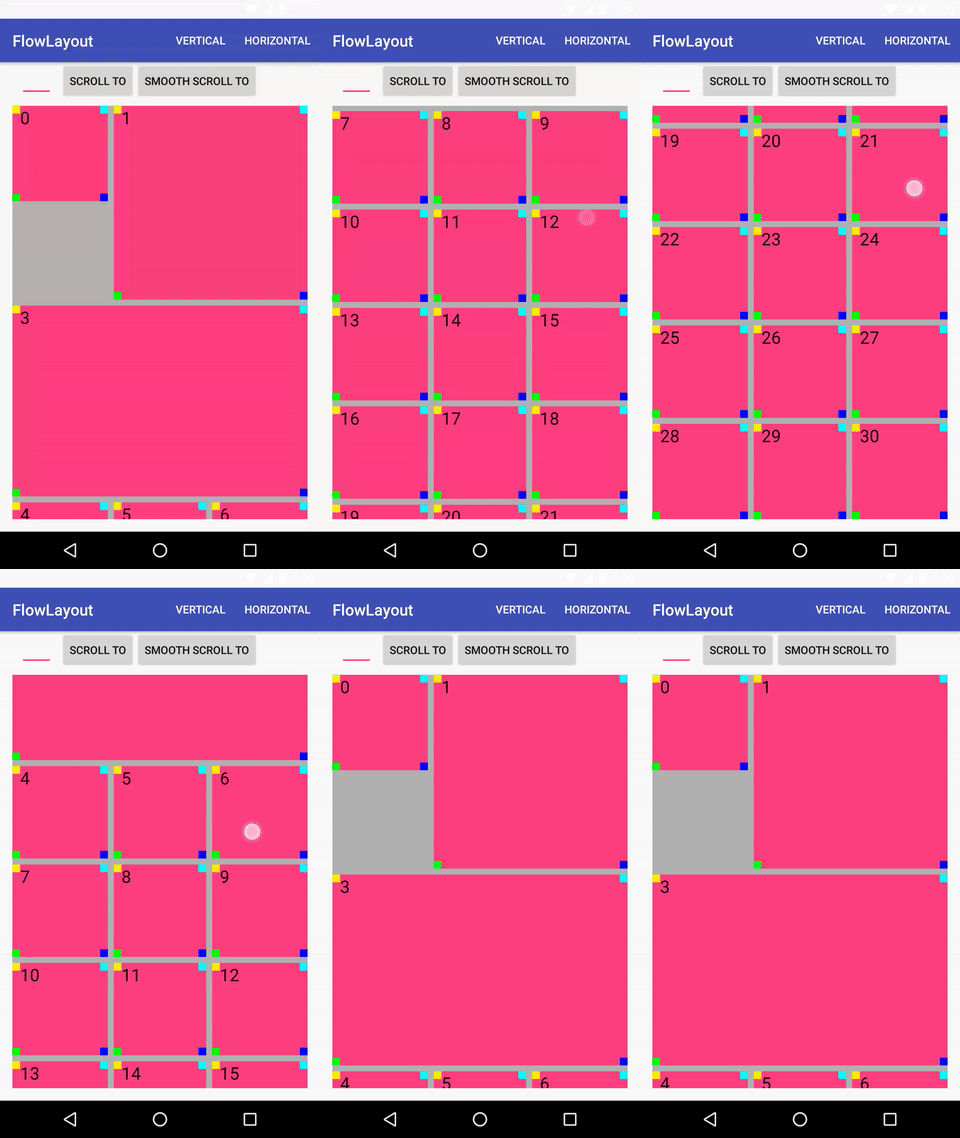
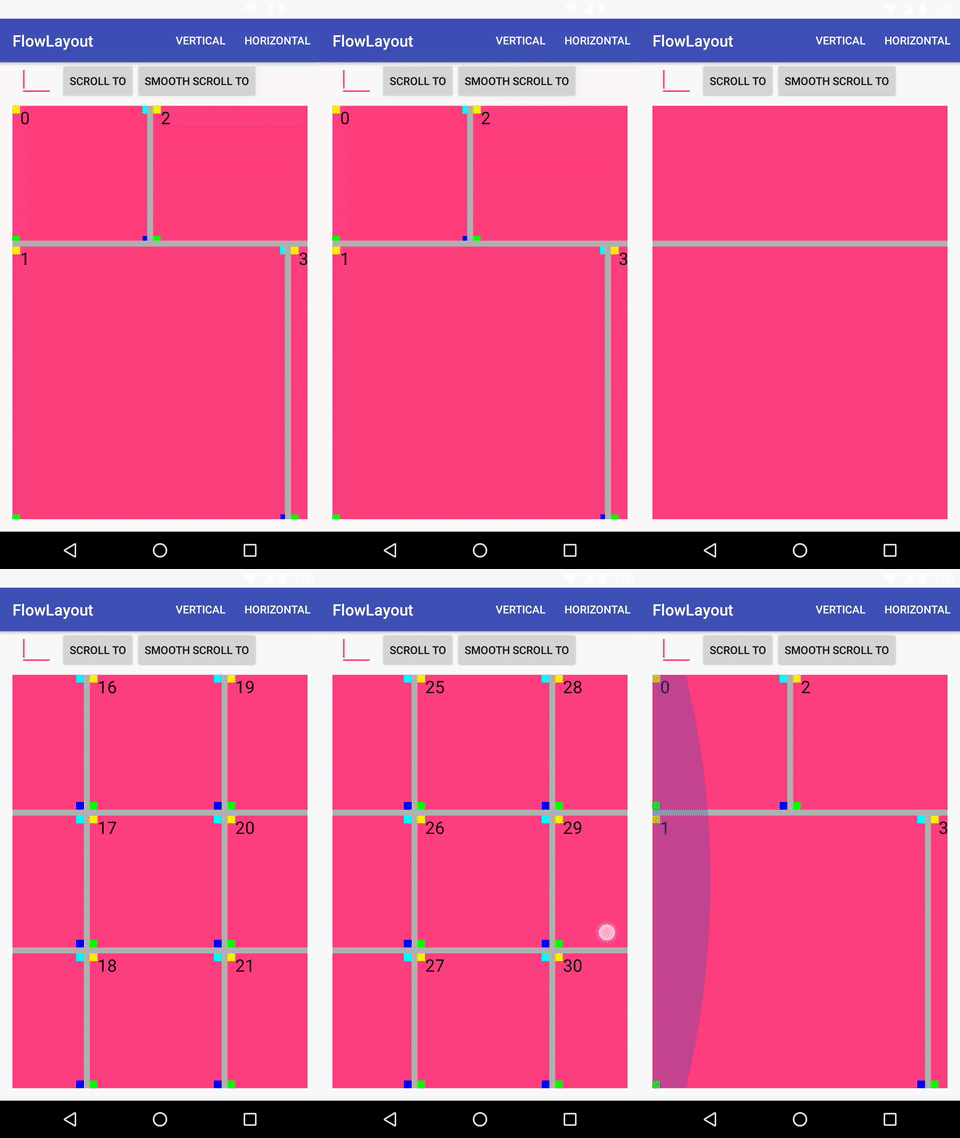
An Android Layout Manager to create a gridview with cells of different sizes inspired by Flow Layout for iOS.
FlowLayout – Android Layout Manager ===================================

A LayoutManager that must be used with RecyclerView inspired by Flow Layout for iOS.
The layout manager places cells on a linear path and fits as many cells along that line as it can. When the layout manager runs out of room on the current line, it creates a new line and continues the layout process there.
Compile ##
Using Gradle
Requires Min SDK version >= 10
compile 'com.ch4vi.flowlayoutmanager:flowlayoutmanager:1.0.2'Using Maven
<dependency> <groupId>com.ch4vi.flowlayoutmanager</groupId> <artifactId>flowlayoutmanager</artifactId> <version>1.0.2</version> <type>pom</type> </dependency>Usage ##
First of all add a RecyclerView to your layout<android.support.v7.widget.RecyclerView
android:id="@+id/recycler_view"
android:layoutwidth="matchparent"
android:layoutheight="matchparent"
android:layoutbelow="@+id/buttoncenter"
android:background="@color/e"
android:scrollbars="vertical" />Then in your class initialize the RecyclerView, in this case with 3 columns, vertical orientation and the first cell size will be 1x1, the second 2x2...
val manager = FlowLayoutManager(3, RecyclerView.VERTICAL, object : FlowLayoutManager.Interface { override fun getProportionalSizeForChild(position: Int): Pair<Int, Int> { return when (position) { 0 -> Pair(1, 1) 1 -> Pair(2, 2) 2 -> Pair(4, 1) 3 -> Pair(3, 2) else -> Pair(1, 1) } } }) recyclerView.layoutManager = managerNote If we add a cell too big for example if we have 3 columns and we add a cell 4x1, this cell will be ommited in the drawing process. Optionally you can add a custom space between the cells adding a dimen resource named "defaultcardinsets" and setting an item decoration to your RecyclerView like in the example
<dimen name="defaultcardinsets">8dp</dimen>recyclerView.addItemDecoration(manager.InsetDecoration(this))Demo ##