
☁️ Try the demo project of any Android Library
dryrun
Try any android library hosted online directly from the command line




Install
gem install dryrunUsage
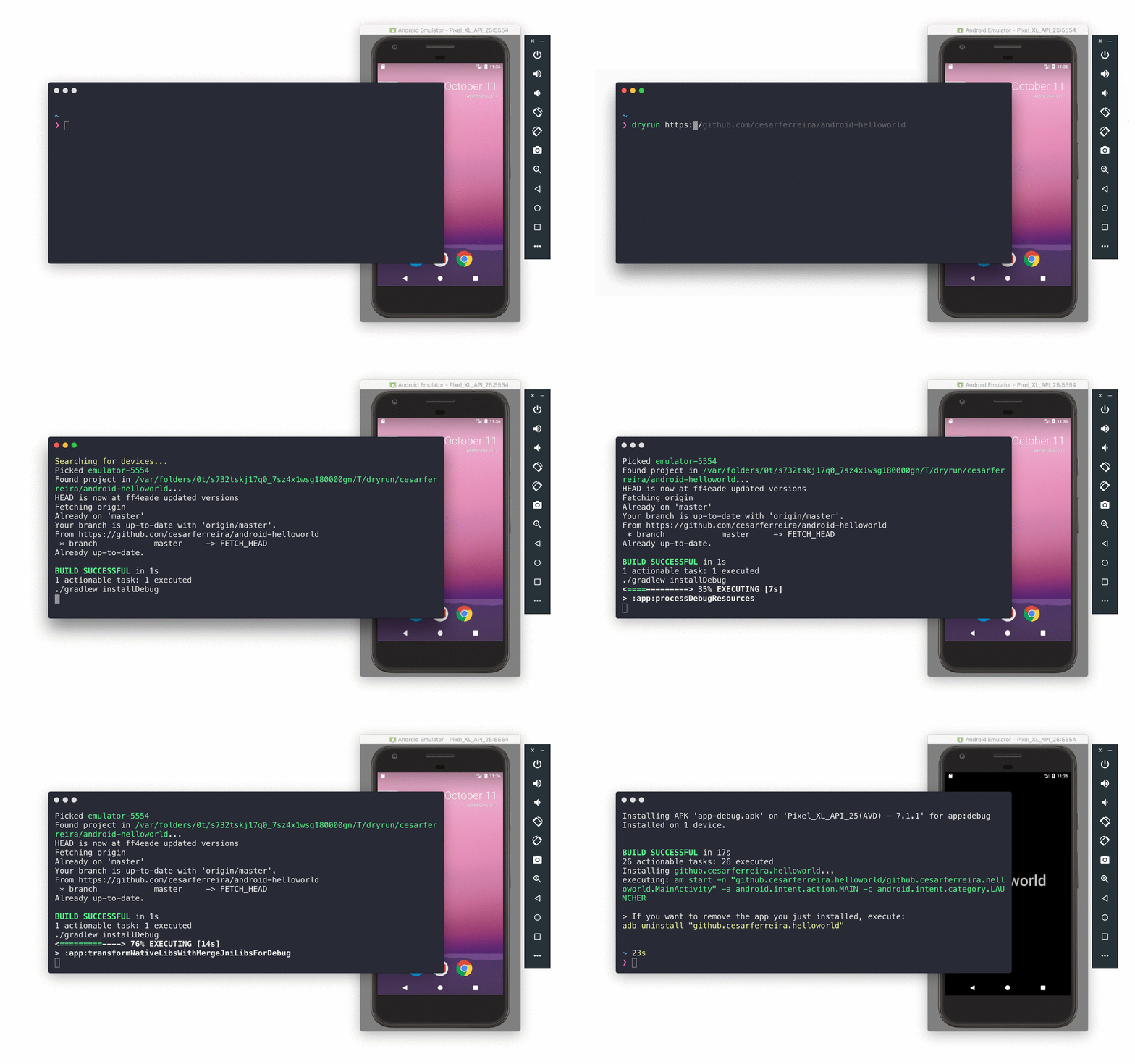
dryrun https://github.com/cesarferreira/android-helloworldWait a few seconds and the app is now opened on your phone :smiley:
$ dryrun -h
Usage: dryrun GIT_URL [OPTIONS]
Options     -m, --module MODULE_NAME         Custom module to run     -b, --branch BRANCH_NAME         Checkout custom branch to run     -f, --flavour FLAVOUR            Custom flavour (e.g. dev, qa, prod)     -p, --path PATH                  Custom path to android project     -t, --tag TAG                    Checkout tag/commit hash to clone (e.g. "v0.4.5", "6f7dd4b")     -c, --cleanup                    Clean the temporary folder before cloning the project     -w, --wipe                       Wipe the temporary dryrun folder     -h, --help                       Displays help     -v, --version                    Displays the version     -a, --android-test               Execute android tests
Alternative scenario (if you don't use dryrun)
- Find the github's repository url
- Click the
download zip - Extract the
zip file - Open Android Studio
- Import the project you just downloaded
- Sync gradle
- Run the project
- Choose the device you want to run
- Test all you want
- Delete the
project folderand thezip filewhen you don't want it anymore
Goodies
- Private repos can be tested too :smiley:
$ dryrun git@github.com:cesarferreira/android-helloworld.git- No need to cleanup after you test the library.
- No need to wait for Android Studio to load.
Notes
Be aware that $ANDROIDSDKROOT environment variable needs to be set. See more in here
Additionally, on windows in order to use git commands, the following path should be on the environment variable -
...\Git\cmd


