
:deer: Simple Interface Core Animation. Run type-safe animation sequencially or parallelly
Last updated Jun 30, 2026
1.0k
Stars
56
Forks
1
Issues
0
Stars/day
Attention Score
59
Language breakdown
No language data available.
▸ Files
click to expand
README
Simple Interface Core Animation







Sica can execute various animations sequentially or parallelly.
Features
- Animation with duration and delay
- parallel / sequence animation
- Easings
- Springs
- Transition
Requirements
- Xcode 9.3 or greater
- iOS 9 or greater
- tvOS 10.0 or greater
- macOS 10.11 or greater
- Swift 4.2 (since 0.3.4)
Installation
Carthage
If you’re using Carthage, simply add Sica to your Cartfile:
github "cats-oss/Sica"CocoaPods
Sica is available through CocoaPods. To instal it, simply add the following line to your Podfile:
pod 'Sica'Swift Package Manager
Sica is available throughSwiftPM, create Package.swift and add dependencies value
.swift
dependencies: [
    .package(url: "https://github.com/cats-oss/Sica.git", from: "0.4.1")
]Usage
Sample Animation
Sequence Animation
If you set.sequence, sequence animation is shown.
let animator = Animator(view: sampleView)
animator
    .addBasicAnimation(keyPath: .positionX, from: 50, to: 150, duration: 2, timingFunction: .easeOutExpo)
    .addSpringAnimation(keyPath: .boundsSize, from: sampleView.frame.size, to: CGSize(width: 240, height: 240), damping: 12, mass: 1, stiffness: 240, initialVelocity: 0, duration: 1)
    .run(type: .sequence)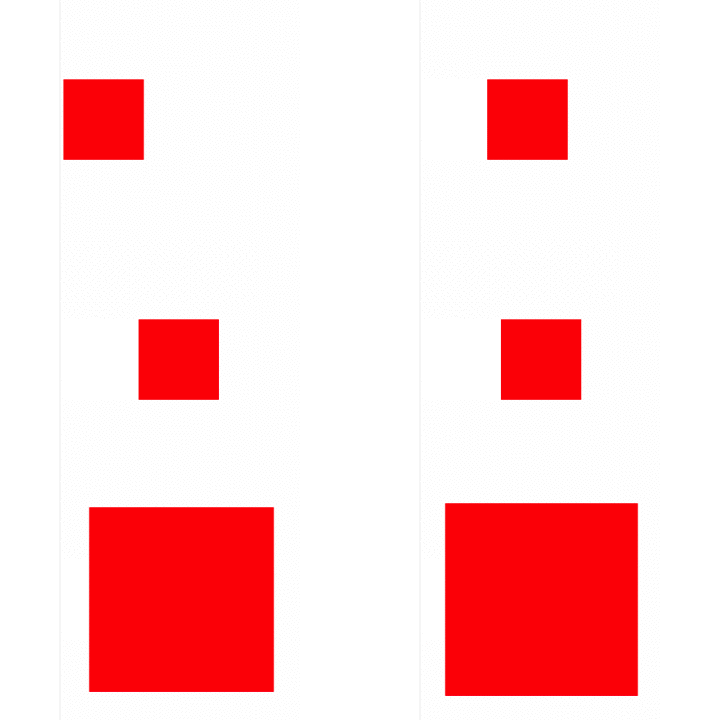
Parallel Animation
If you set.parallel, parallel animation is shown.
let animator = Animator(view: sampleView)
animator
    .addBasicAnimation(keyPath: .positionX, from: 50, to: 150, duration: 5, timingFunction: .easeOutExpo)
    .addBasicAnimation(keyPath: .transformRotationZ, from: 0, to: CGFloat.pi, duration: 3, timingFunction: .easeOutExpo)
    .run(type: .parallel)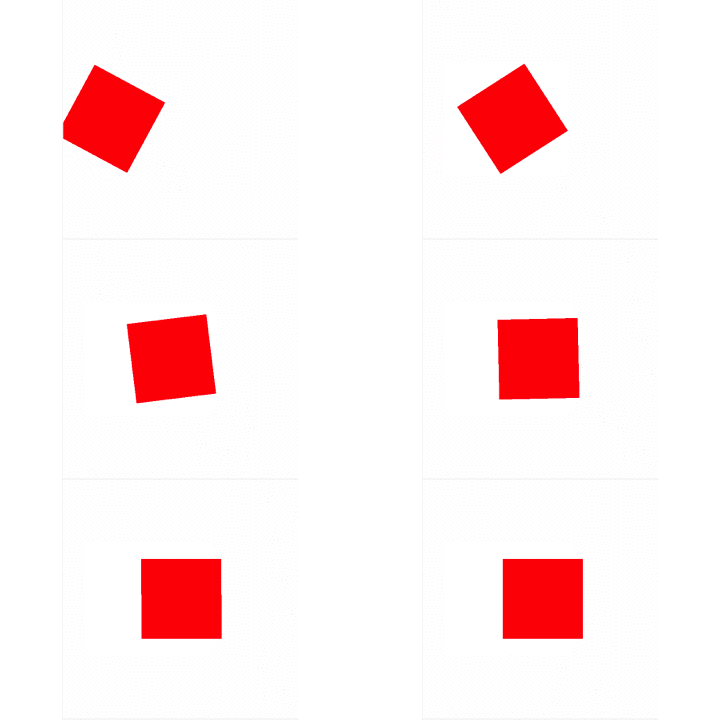
Forever Animation
If you setforever before calling run, forever animation is shown.
let animator = Animator(view: sampleView)
animator
    .addBasicAnimation(keyPath: .positionX, from: 50, to: 150, duration: 2, timingFunction: .easeOutExpo)
    .addBasicAnimation(keyPath: .positionX, from: 150, to: 50, duration: 2, timingFunction: .easeOutExpo)
    .forever(autoreverses: false)
    .run(type: .sequence)
Cancel
If you want to cancel animation, you should callcancel.
let animator = Animator(view: sampleView)
/*
Add animation and run
*/
animator.cancel() // Animation cancel
Remove Added Animations
If you callrun and then you call add animation method, no animation will be added.
If you use animator again, you call removeAll before addBasicAnimation or addSpringAnimation or addTransitionAnimation.
let animator = Animator(view: sampleView)
/*
Add animation and run
*/
// Bad animator.addBasicAnimation() // 🙅 you can't add animation
// Good animator.removeAll()         .addBasicAnimation() // 🙆 You can add animation.
Functions
Add Animation
public func addBasicAnimation<T>(keyPath: Sica.AnimationKeyPath<T>, from: T, to: T, duration: Double, delay: Double = default, timingFunction: Sica.TimingFunction = default) -> Self where T : AnimationValueType
    public func addSpringAnimation<T>(keyPath: Sica.AnimationKeyPath<T>, from: T, to: T, damping: CGFloat, mass: CGFloat, stiffness: CGFloat, initialVelocity: CGFloat, duration: Double, delay: Double = default, timingFunction: Sica.TimingFunction = default) -> Self where T : AnimationValueType
    public func addTransitionAnimation(startProgress: Float, endProgress: Float, type: Sica.Transition, subtype: Sica.TransitionSub, duration: Double, delay: Double = default, timingFunction: Sica.TimingFunction = default) -> Self
Add Animation Option
public func delay(_ delay: Double) -> Self
    public func forever(autoreverses: Bool = default) -> Self
Animation Operation
public func run(type: Sica.Animator.AnimationPlayType, isRemovedOnCompletion: Bool = default, completion: (() -> Swift.Void)? = default)
    public func cancel()
    public func removeAll() -> Self
Extensions
You can access sica property in UIView and CALayer.
let view = UIView(frame: ...)
view.sica
    .addBasicAnimation(keyPath: .positionX, from: 50, to: 150, duration: 2, timingFunction: .easeOutExpo)
    .run(type: .sequence)
let layer = CALayer()
layer.sica
.addBasicAnimation(keyPath: .positionX, from: 50, to: 150, duration: 2, timingFunction: .easeOutExpo)
.run(type: .sequence)Support
Animation
- CABasicAnimation
- CATransition
- CASpringAnimation
AnimationPlayType
you can choose animation play type- run animation sequentially
- run animation parallelly
EasingFunctions
you can choose various timing functions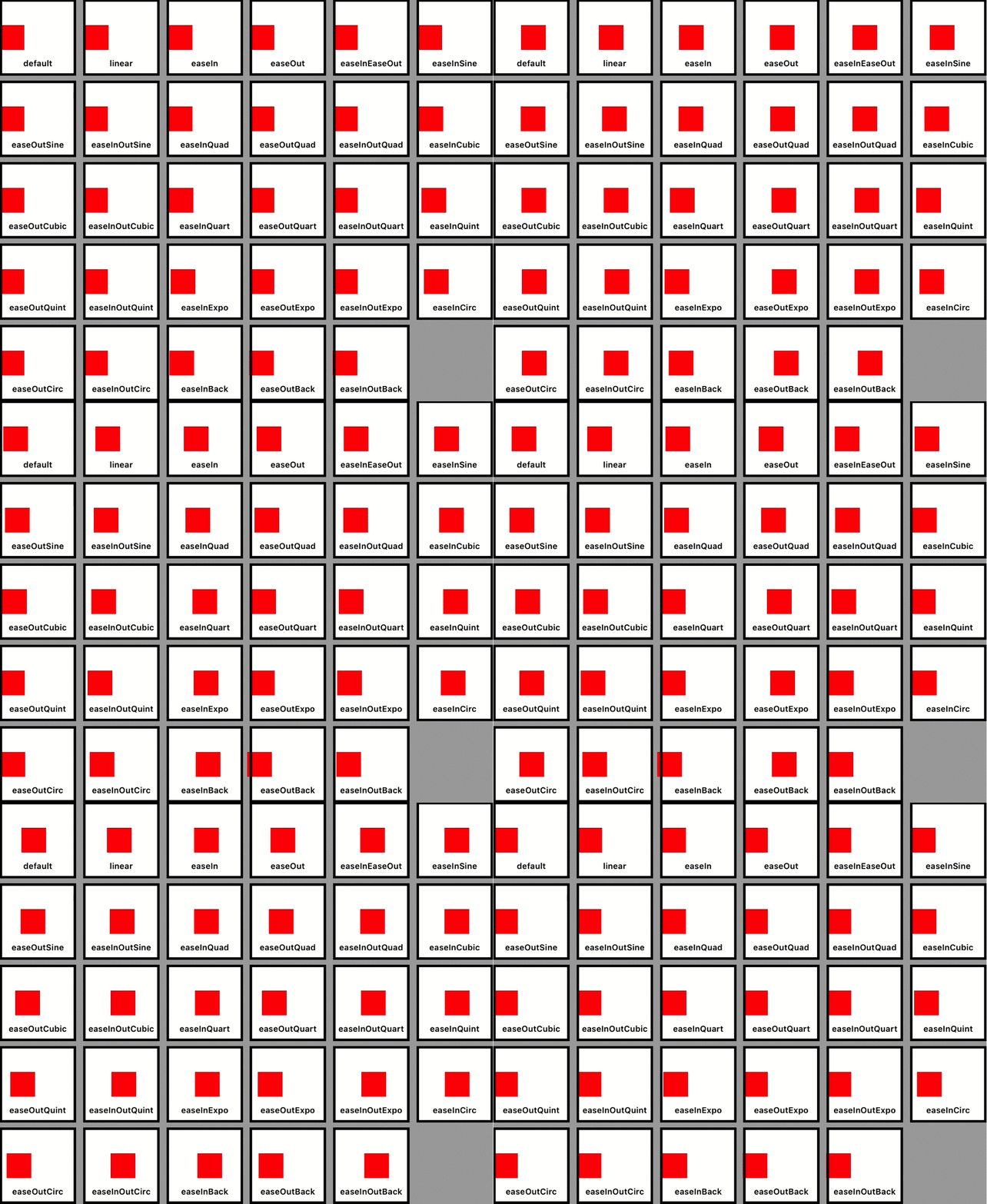
KeyPaths Table
|Sica|KeyPath| |:-:|:-:| |.anchorPoint|anchorPoint|
|.backgroundColor|backgroundColor|
|.borderColor|borderColor|
|.borderWidth|borderWidth|
|.bounds|bounds|
|.contents|contents|
|.contentsRect|contentsRect|
|.cornerRadius|cornerRadius|
|.filters|filters|
|.frame|frame|
|.hidden|hidden|
|.mask|mask|
|.masksToBounds|masksToBounds|
|.opacity|opacity|
|.path|path|
|.position|position|
|.shadowColor|shadowColor|
|.shadowOffset|shadowOffset|
|.shadowOpacity|shadowOpacity|
|.shadowPath|shadowPath|
|.shadowRadius|shadowRadius|
|.sublayers|sublayers|
|.sublayerTransform|sublayerTransform|
|.transform|transform|
|.zPosition|zPosition|
Anchor Point
|Sica|KeyPath| |:-:|:-:| |.anchorPointX|anchorPoint.x|
|.anchorPointy|anchorPoint.y|
Bounds
|Sica|KeyPath| |:-:|:-:| |.boundsOrigin|bounds.origin|
|.boundsOriginX|bounds.origin.x|
|.boundsOriginY|bounds.origin.y|
|.boundsSize|bounds.size|
|.boundsSizeWidth|bounds.size.width|
|.boundsSizeHeight|bounds.size.height|
Contents
|Sica|KeyPath| |:-:|:-:| |.contentsRectOrigin|contentsRect.origin|
|.contentsRectOriginX|contentsRect.origin.x|
|.contentsRectOriginY|contentsRect.origin.y|
|.contentsRectSize|contentsRect.size|
|.contentsRectSizeWidth|contentsRect.size.width|
|.contentsRectSizeHeight|contentsRect.size.height|
Frame
|Sica|KeyPath| |:-:|:-:| |.frameOrigin|frame.origin|
|.frameOriginX|frame.origin.x|
|.frameOriginY|frame.origin.y|
|.frameSize|frame.size|
|.frameSizeWidth|frame.size.width|
|.frameSizeHeight|frame.size.height|
Position
|Sica|KeyPath| |:-:|:-:| |.positionX|position.x|
|.positionY|position.y|
Shadow Offset
|Sica|KeyPath| |:-:|:-:| |.shadowOffsetWidth|shadowOffset.width|
|.shadowOffsetHeight|shadowOffset.height|
Sublayer Transform
|Sica|KeyPath| |:-:|:-:| |.sublayerTransformRotationX|sublayerTransform.rotation.x|
|.sublayerTransformRotationY|sublayerTransform.rotation.y|
|.sublayerTransformRotationZ|sublayerTransform.rotation.z|
|.sublayerTransformScaleX|sublayerTransform.scale.x|
|.sublayerTransformScaleY|sublayerTransform.scale.y|
|.sublayerTransformScaleZ|sublayerTransform.scale.z|
|.sublayerTransformTranslationX|sublayerTransform.translation.x|
|.sublayerTransformTranslationY|sublayerTransform.translation.y|
|.sublayerTransformTranslationZ|sublayerTransform.translation.z|
Transform
|Sica|KeyPath| |:-:|:-:| |.transformRotationX|transform.rotation.x|
|.transformRotationY|transform.rotation.y|
|.transformRotationZ|transform.rotation.z|
|.transformScaleX|transform.scale.x|
|.transformScaleY|transform.scale.y|
|.transformScaleZ|transform.scale.z|
|.transformTranslationX|transform.translation.x|
|.transformTranslationY|transform.translation.y|
|.transformTranslationZ|transform.translation.z|


