Using Voilà with matplotlib example
Last updated Jan 9, 2024
12
Stars
77
Forks
0
Issues
0
Stars/day
Attention Score
42
Language breakdown
Jupyter Notebook 100.0%
▸ Files
click to expand
README
Interactive dashboard from notebook with Voilà
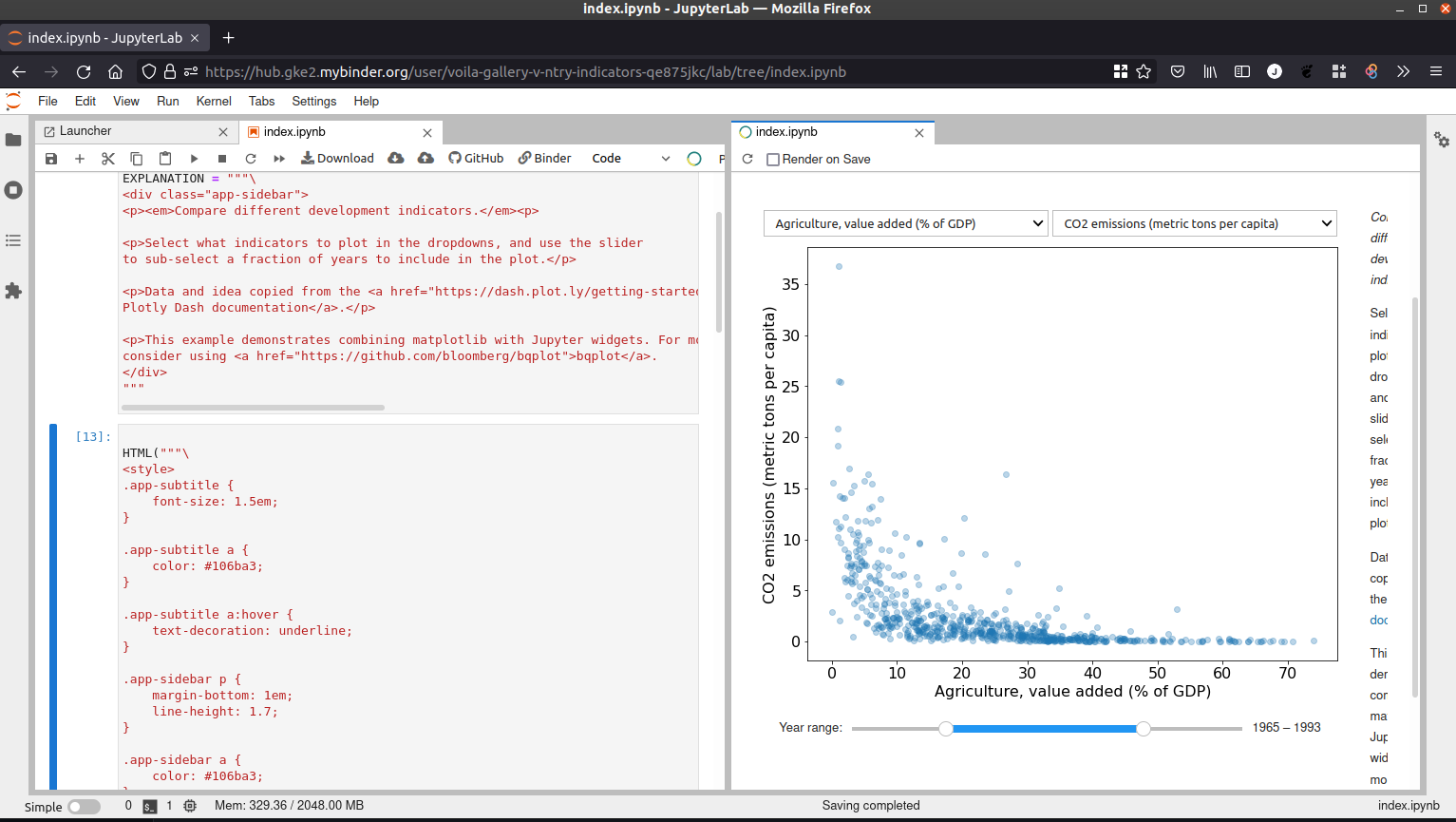
| Voilà | JupyterLab | | :-----------------------: | :---------------------: | |  | |
| |
This example demonstrates how to use Voilà on Binder.

Configuration
If you would like to use the same configuration as this repository but for another project, check out the following steps:
- Make sure the repository is publicly available (on GitHub, Gitlab or as a GitHub Gist
- Define the dependencies in
environment.yml.requirements.txtis also supported. In the dependency file, addvoila. - Go to mybinder.org and enter the URL of the repository.
- In
Path to a notebook file, selectURLand use the Voilà endpoint:voila/render/path/to/notebook.ipynb - Click
Launch. - Binder will trigger a new build if this is the first launch (or if there have been new changes since
Here is an overview of the Binder configuration on mybinder.org:

For more details, check out the Voilà documentation on https://voila.readthedocs.io/en/latest/deploy.html#deployment-on-binder
JupyterLab Preview Extension for Voilà
The JupyterLab Preview Extension for Voilà should normally be automatically available, since Binder now defaults to JupyterLab 3.0.
For consistency, you can add jupyterlab=3 as a dependency in environment.yml.