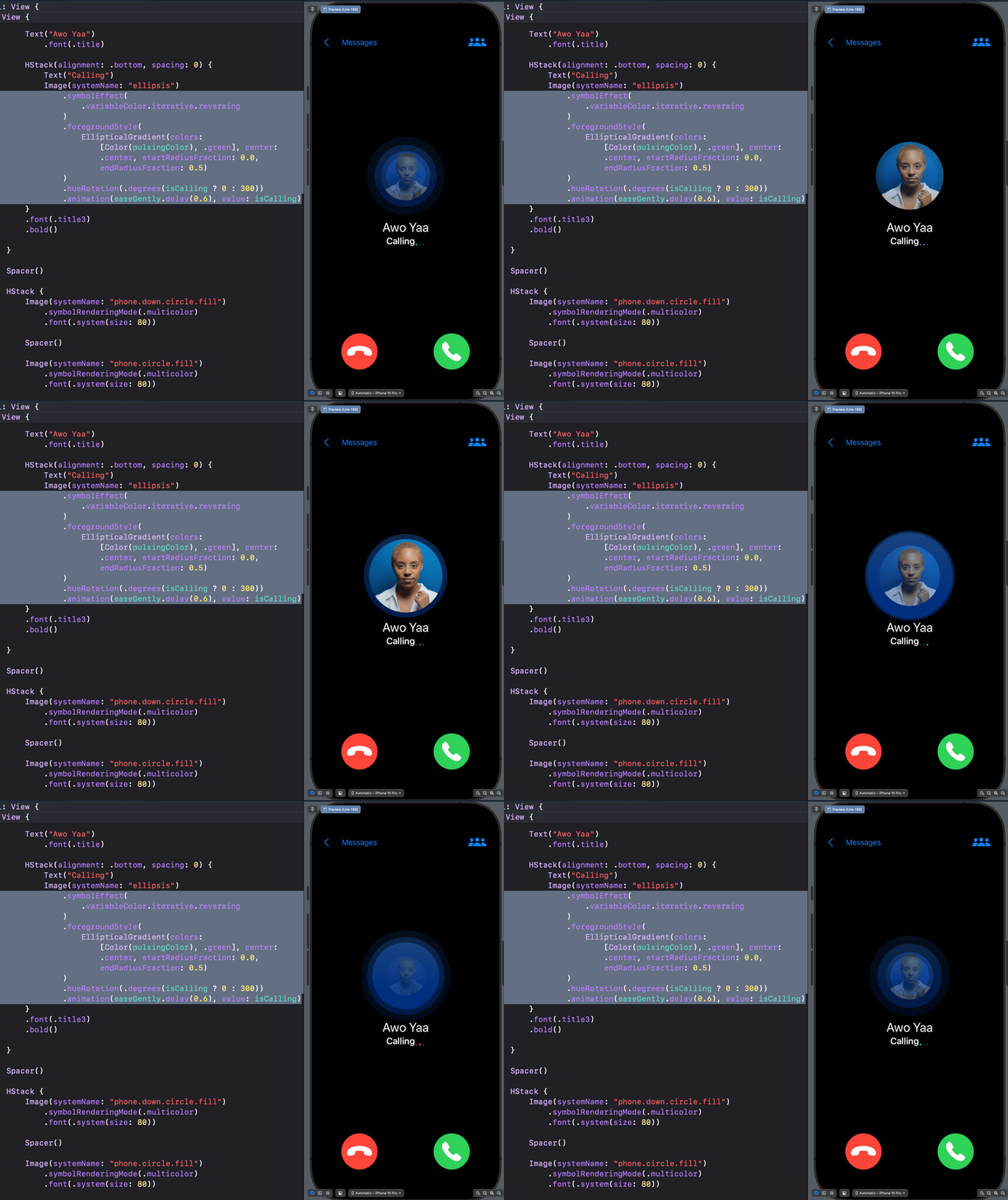
You don't need an animation library to add a simple effect to your SwiftUI app. Create it yourself with SwiftUI. This repo inspires you to add helpful and expressive SwiftUI animations like loading/progress, looping, on-off, enter, exit, fade, spin, and background animations to your next project. The repo also contains tremendous spring animations.
Open SwiftUI Animations
Pure SwiftUI animation inspirations for your next iOS, macOS, visionOS, and watchOS projects. Enjoy 😊.
Support
- https://github.com/sponsors/amosgyamfi
- https://buymeacoffee.com/amosgyamfi
- https://ko-fi.com/amosgyamfi
Animate Anything With SwiftUI
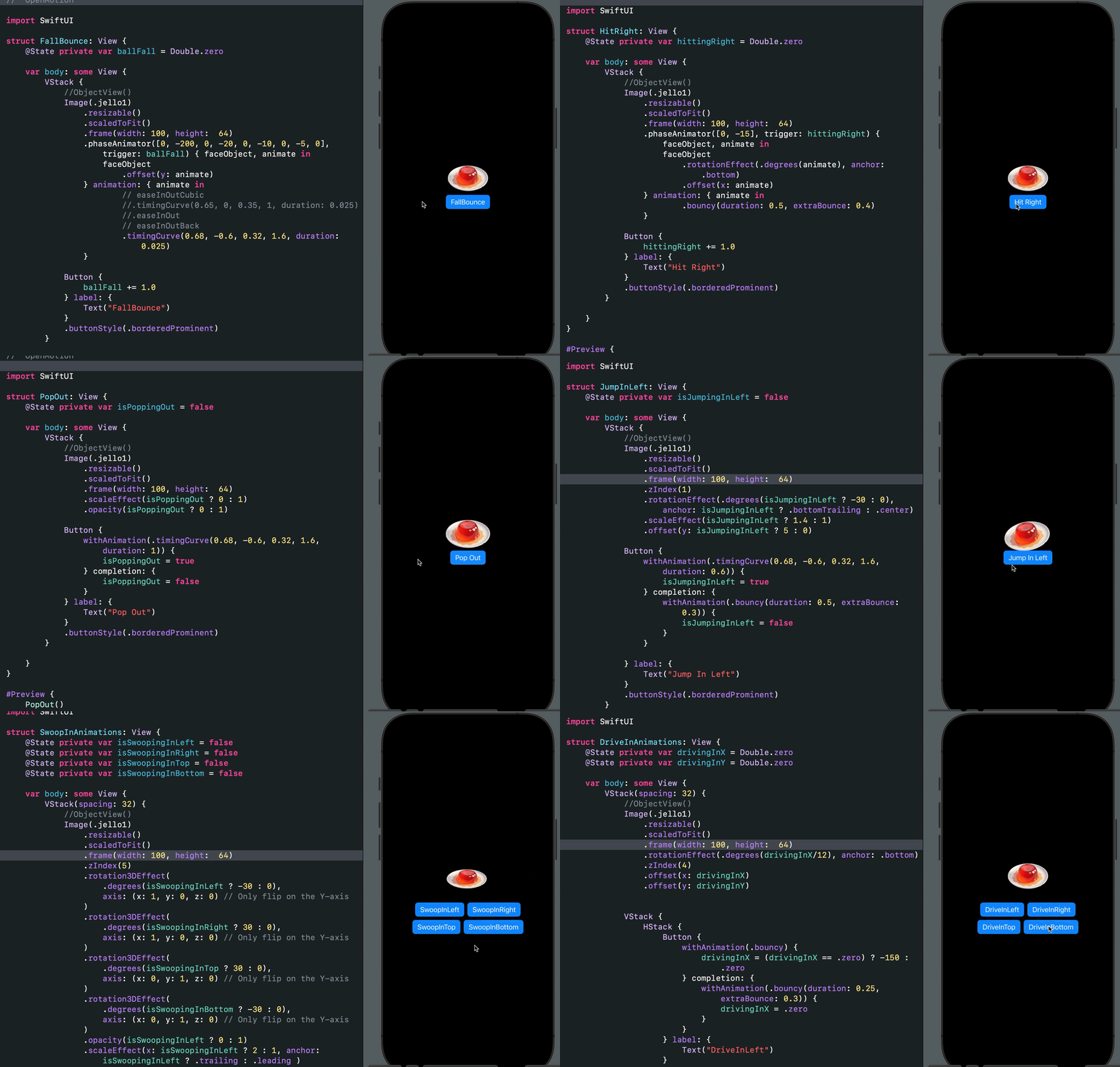
SwiftUI animation is compelling and superb. With minimal effort, you can add incredible effects and beautiful animations to your apps. Why use an animation library instead of creating these tiny effects yourself? Get inspiration from here and start building your SwiftUI animations today. Most animations here are based on the animations section in the Apple Developer Documentation. Check out the Xcode project for examples of the new Phase Animator, Symbol Effects, Keyframe Animator, and Spring Animations for iOS 17 and beyond. Would you like to see an animation that is not here, or did you find an engaging one to add? Contact me on X: @amosgyamfi or add it as a task in the project's backlog.
Starting in 2025, I will generate some of the SwiftUI animations using SOTA models like Gemini 2.5 Pro, Claude 3.7 Sonnet, OpenAI o3, and o4-mini models.
Liquid Glass Shape Morphing Animation With GlassEffectContainer: Gist
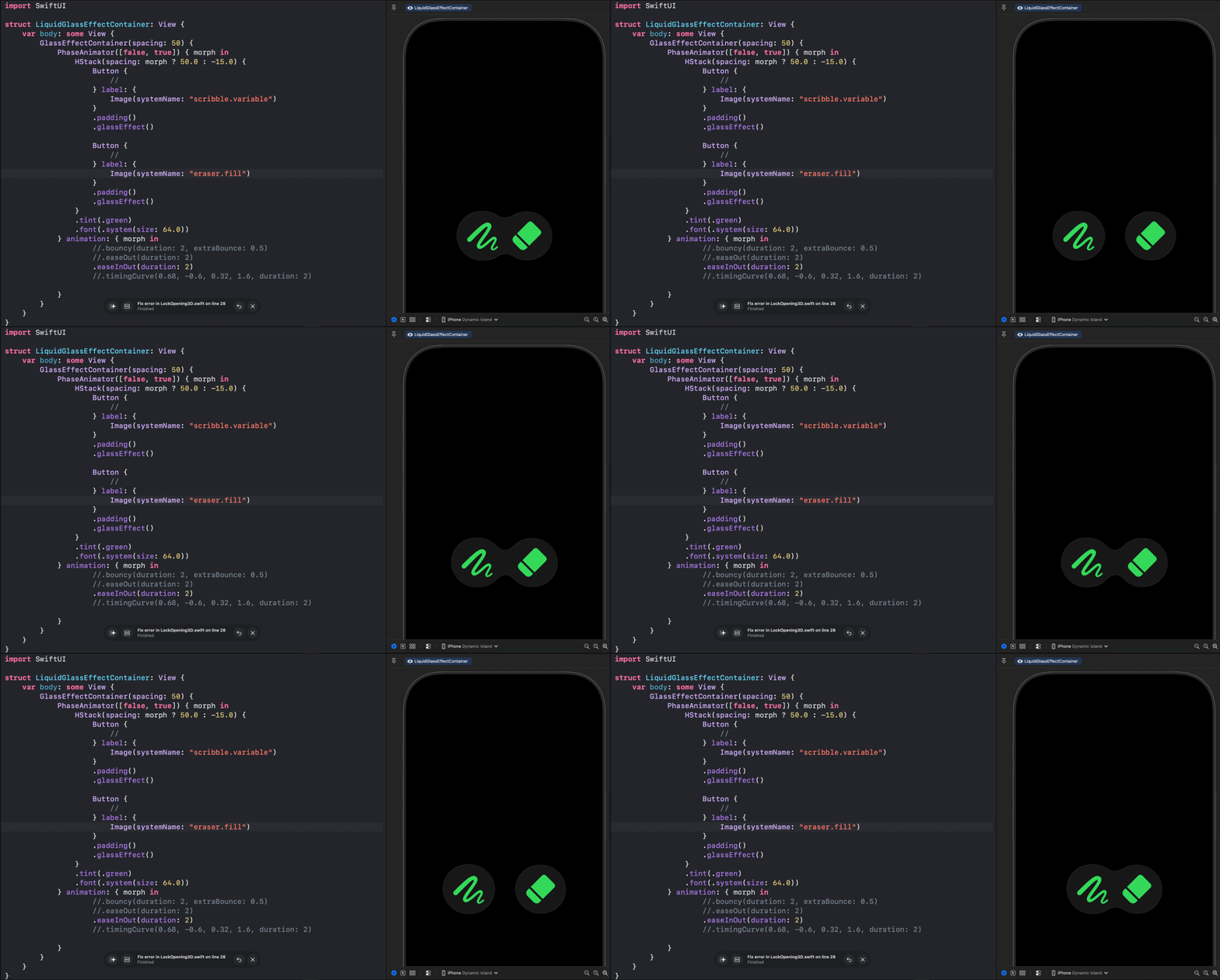
import SwiftUI
struct LiquidGlassEffectContainer: View {     var body: some View {         GlassEffectContainer(spacing: 50) {             PhaseAnimator([false, true]) { morph in                 HStack(spacing: morph ? 50.0 : -15.0) {                     Button {                         //                     } label: {                         Image(systemName: "scribble.variable")                     }                     .padding()                     .glassEffect()                                          Button {                         //                     } label: {                         Image(systemName: "eraser.fill")                     }                     .padding()                     .glassEffect()                 }                 .tint(.green)                 .font(.system(size: 64.0))             } animation: { morph in                     //.bouncy(duration: 2, extraBounce: 0.5)                     //.easeOut(duration: 2)                     .easeInOut(duration: 2)                     //.timingCurve(0.68, -0.6, 0.32, 1.6, duration: 2)                                  }         }     } }
#Preview {     LiquidGlassEffectContainer()         .preferredColorScheme(.dark) }
Typewriting, Erasing & Cursor-Blinking-Style Animation: Gist

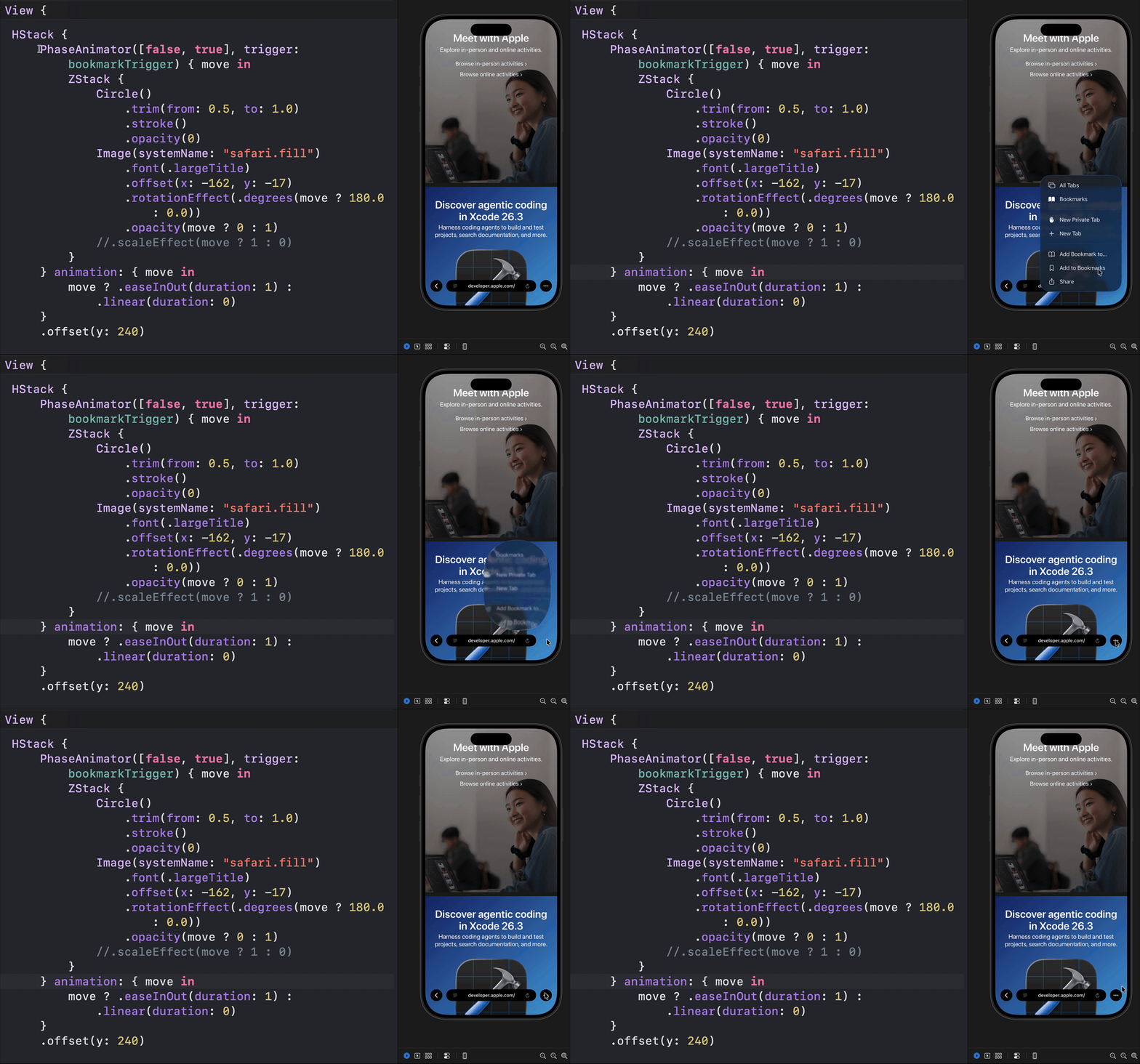
Safari-Style Add to Bookmarks Animation: Gist
Animated, visual guide to SwiftUI mask(alignment::), clipShape(:style:), and clipped(antialiased:): Gist

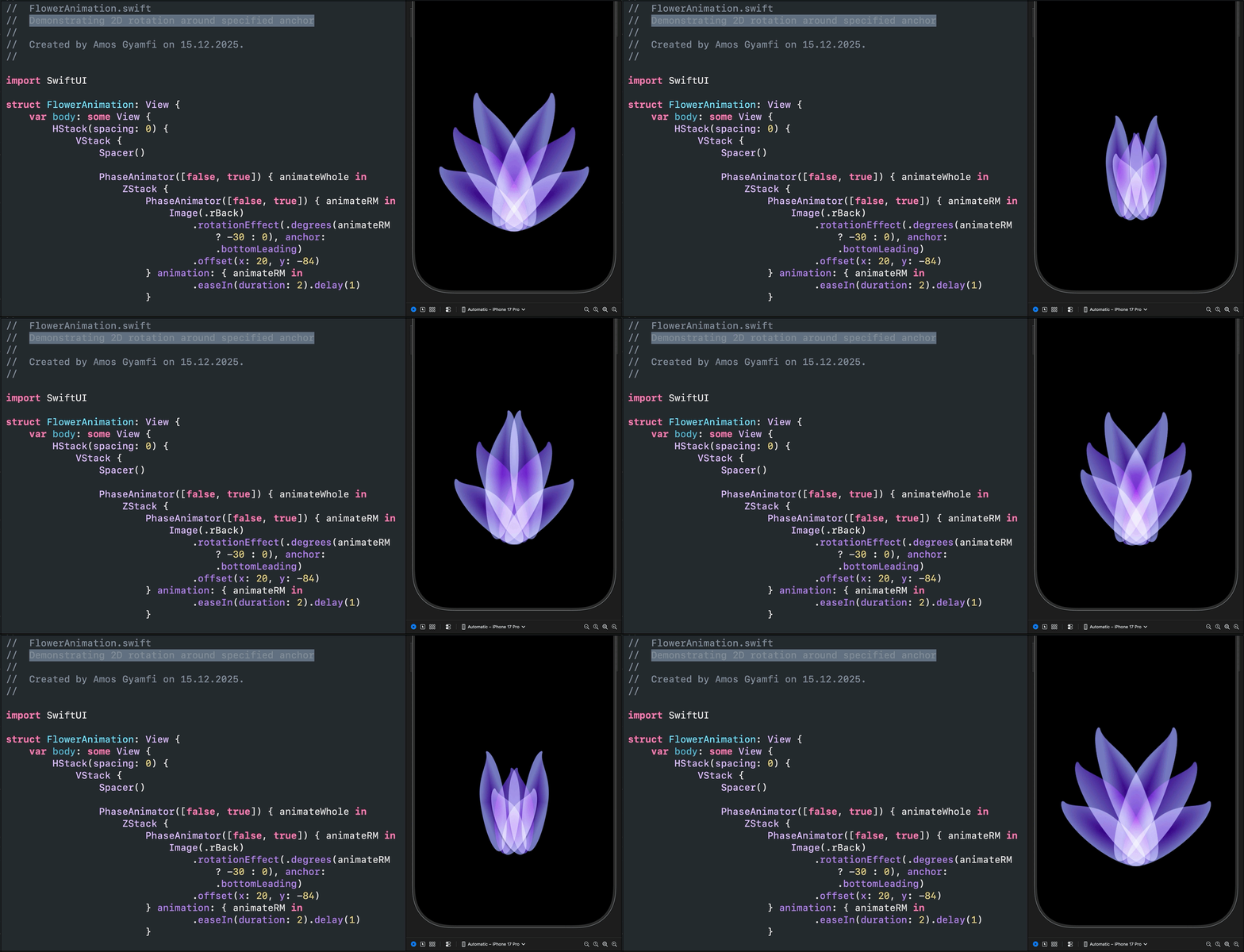
2D rotation around specified anchor: Gist
SwiftUI New Year's Eve Fireworks: Gist
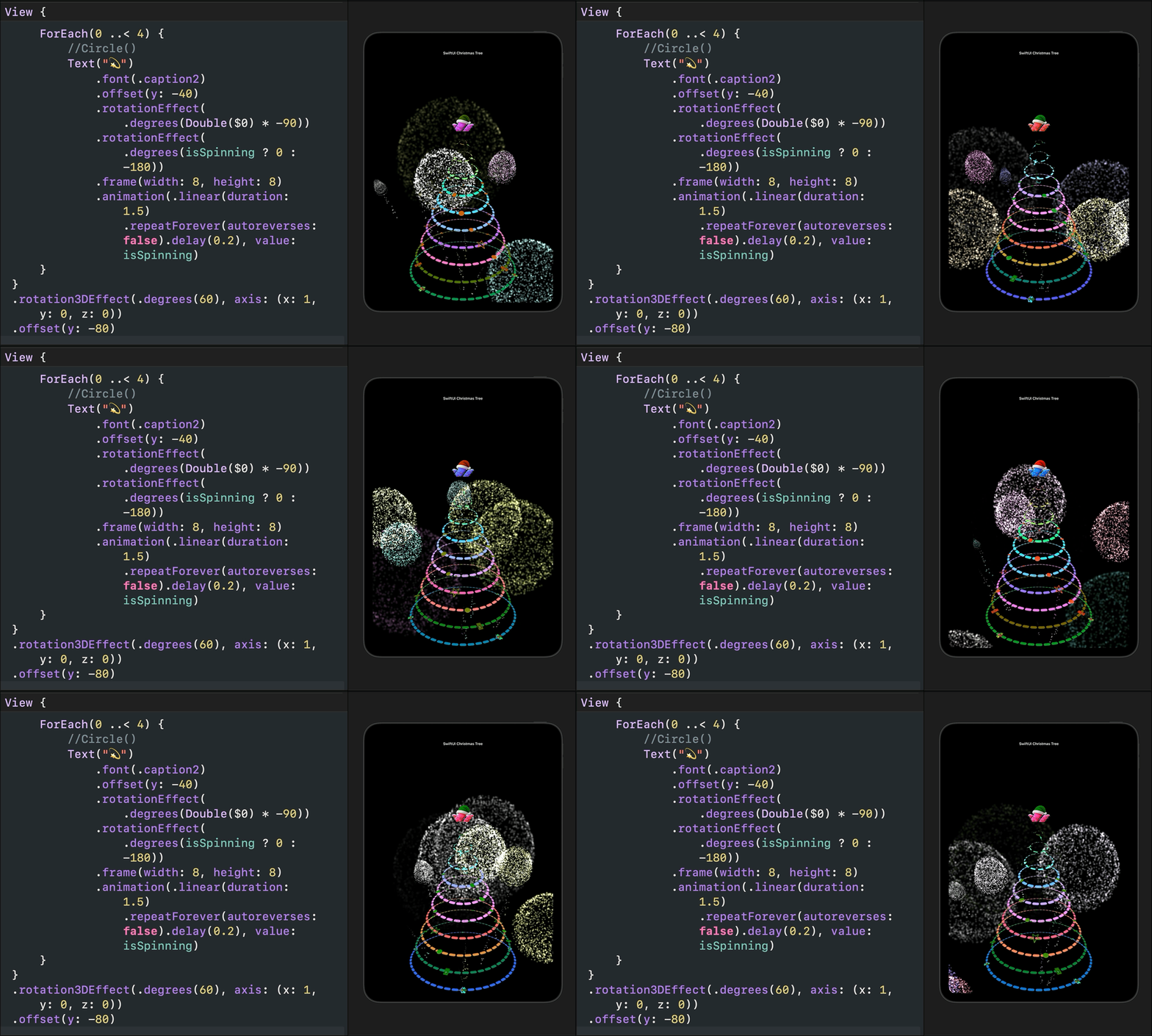
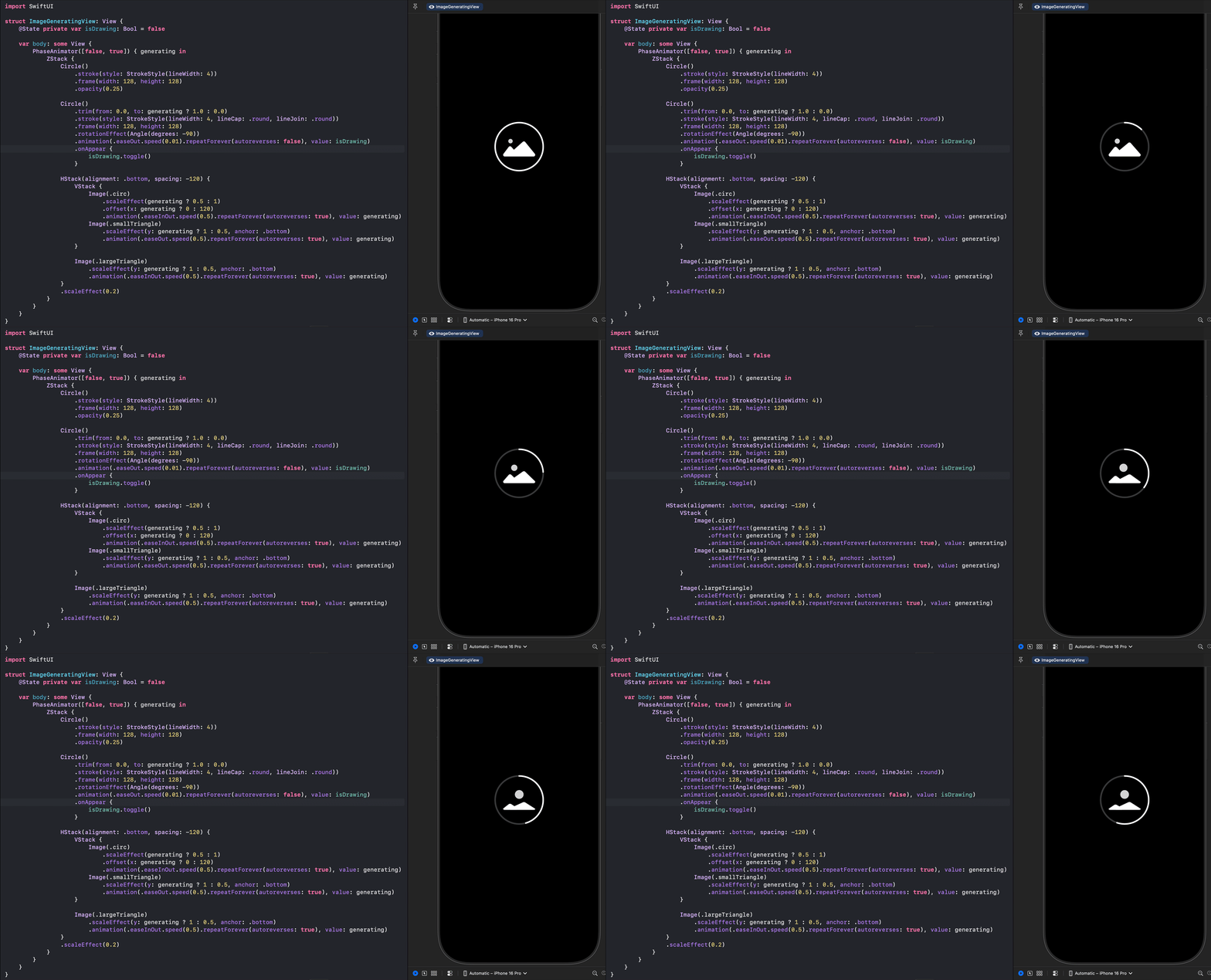
Image generation loader: Gist
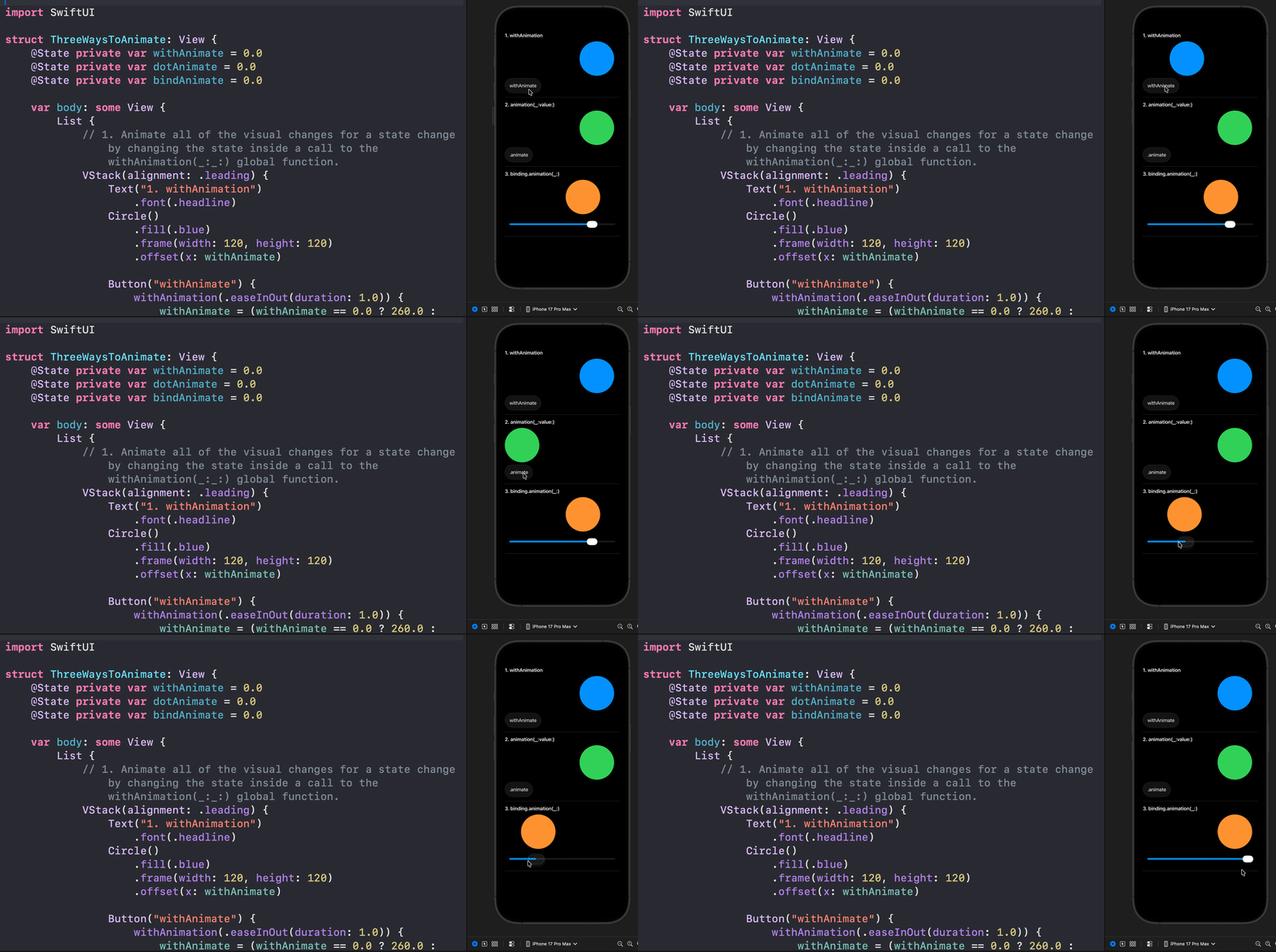
3 Ways to add animations: Gist
Gemini 2.5 Pro + OpenAI o3 SwiftUI-generated animations: Gist. Note: The animations are unedited. Modify and use them to suit your needs.

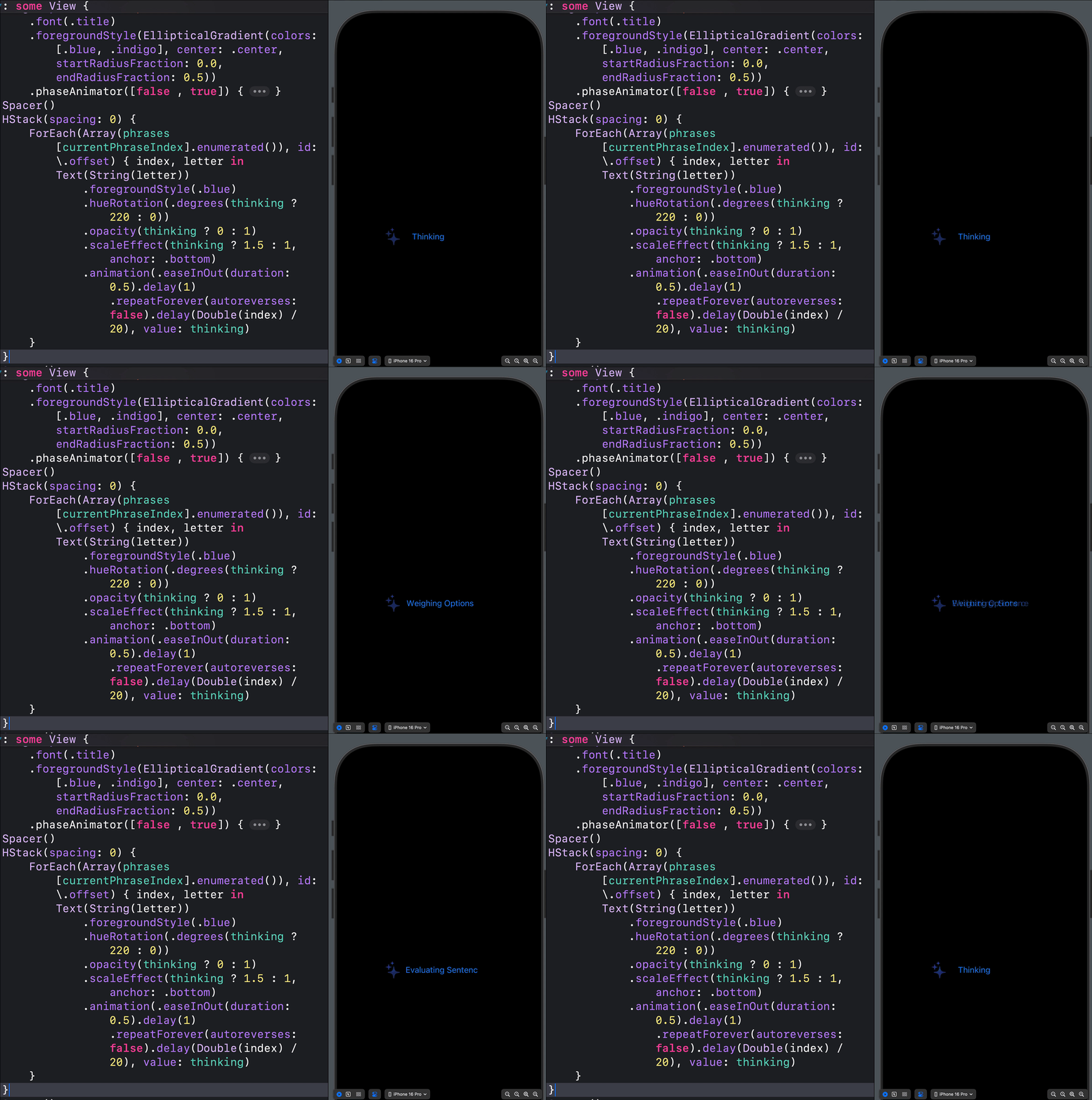
Thinking, Weighing Options, Evaluating Sentence
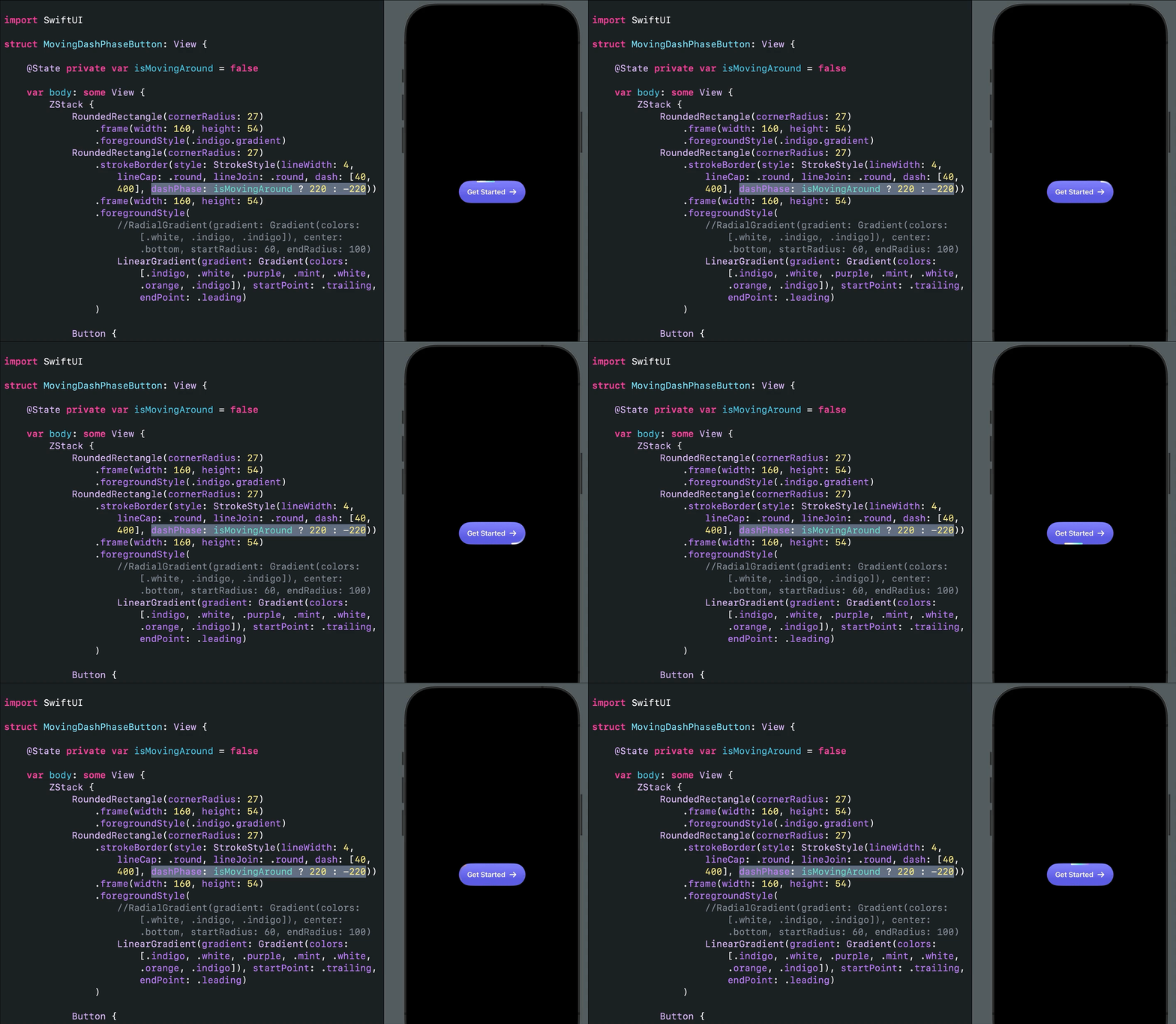
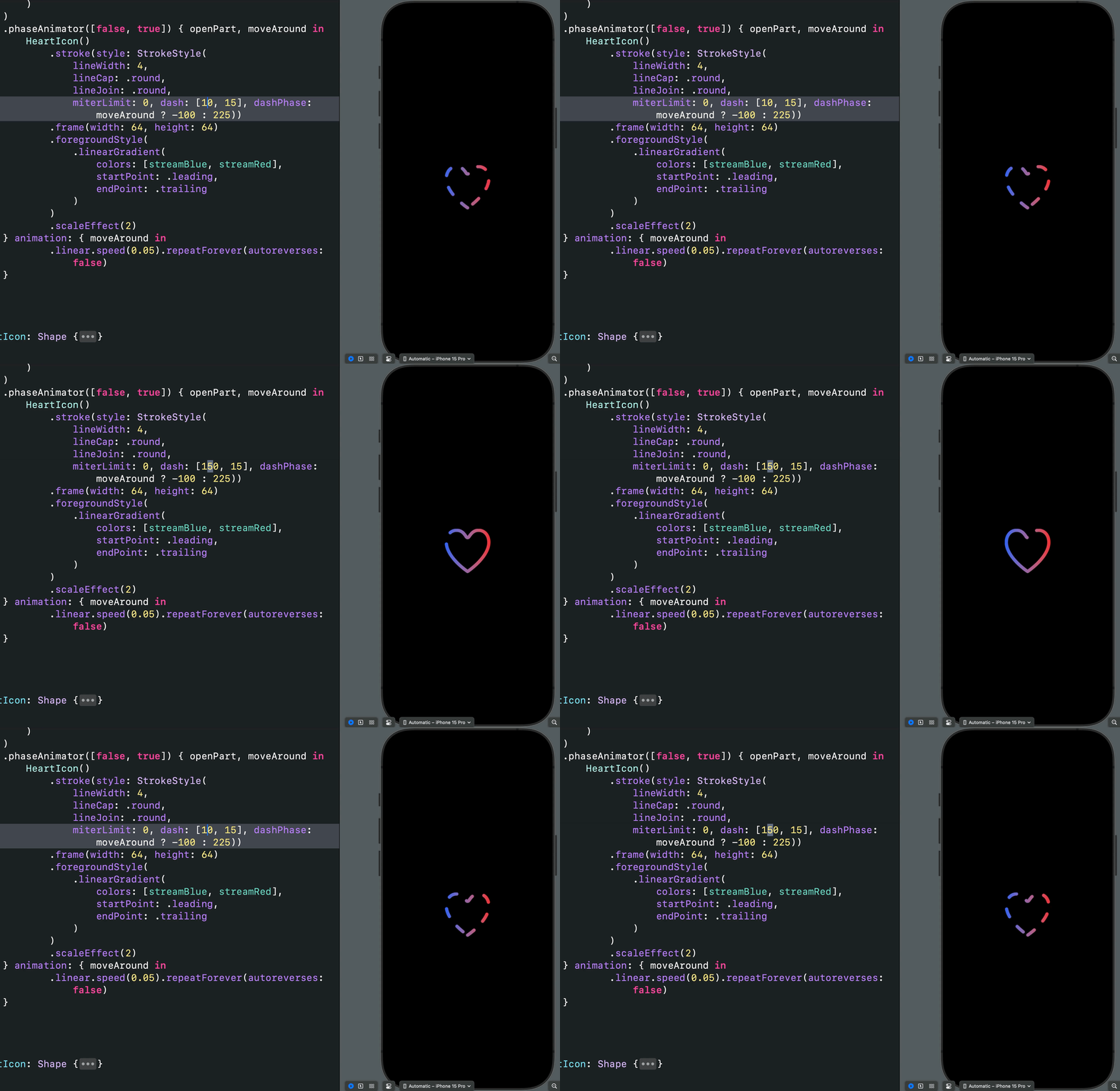
SwiftUI Moving Border With dashPhase
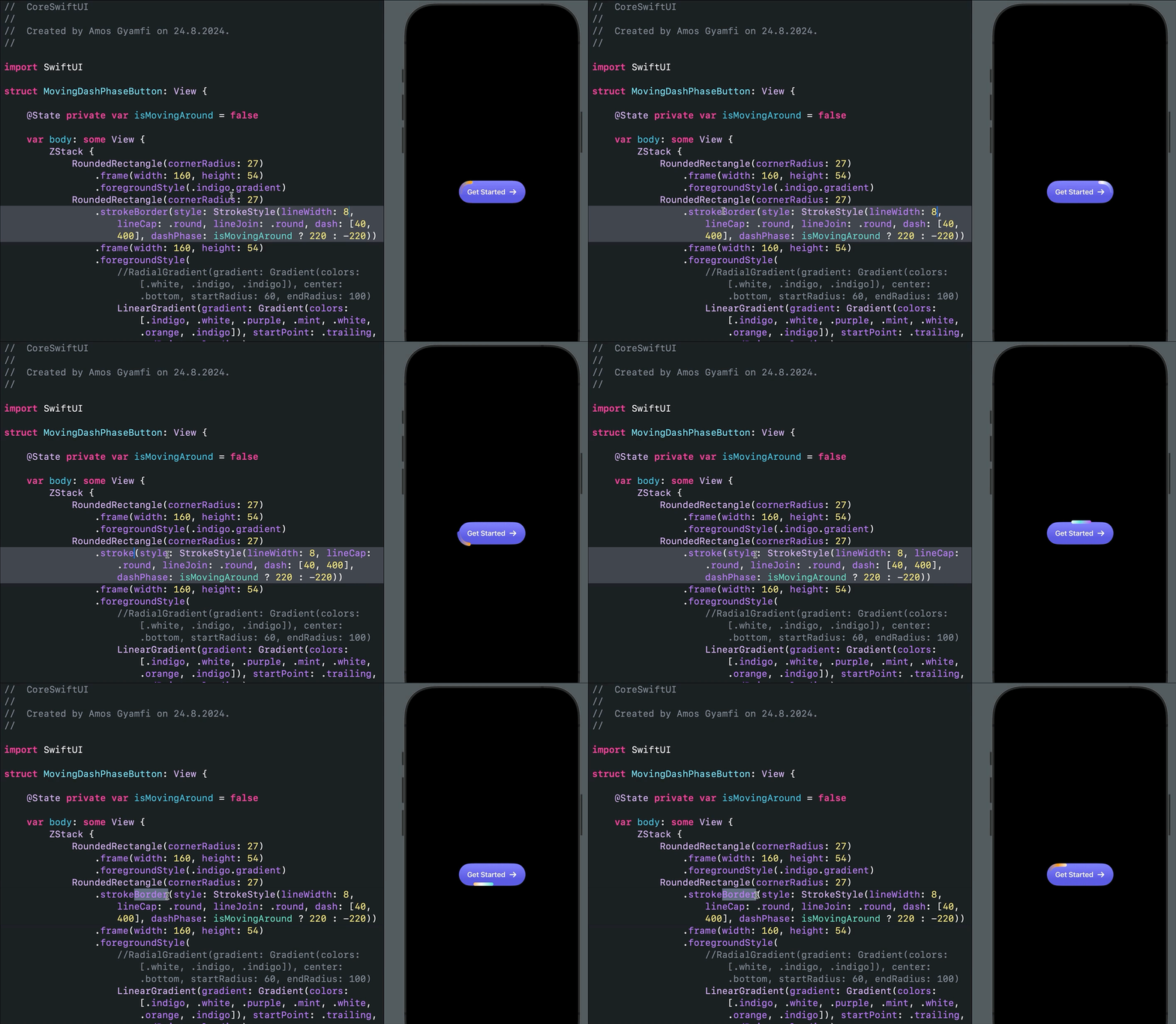
Getting Inner and Outer Borders
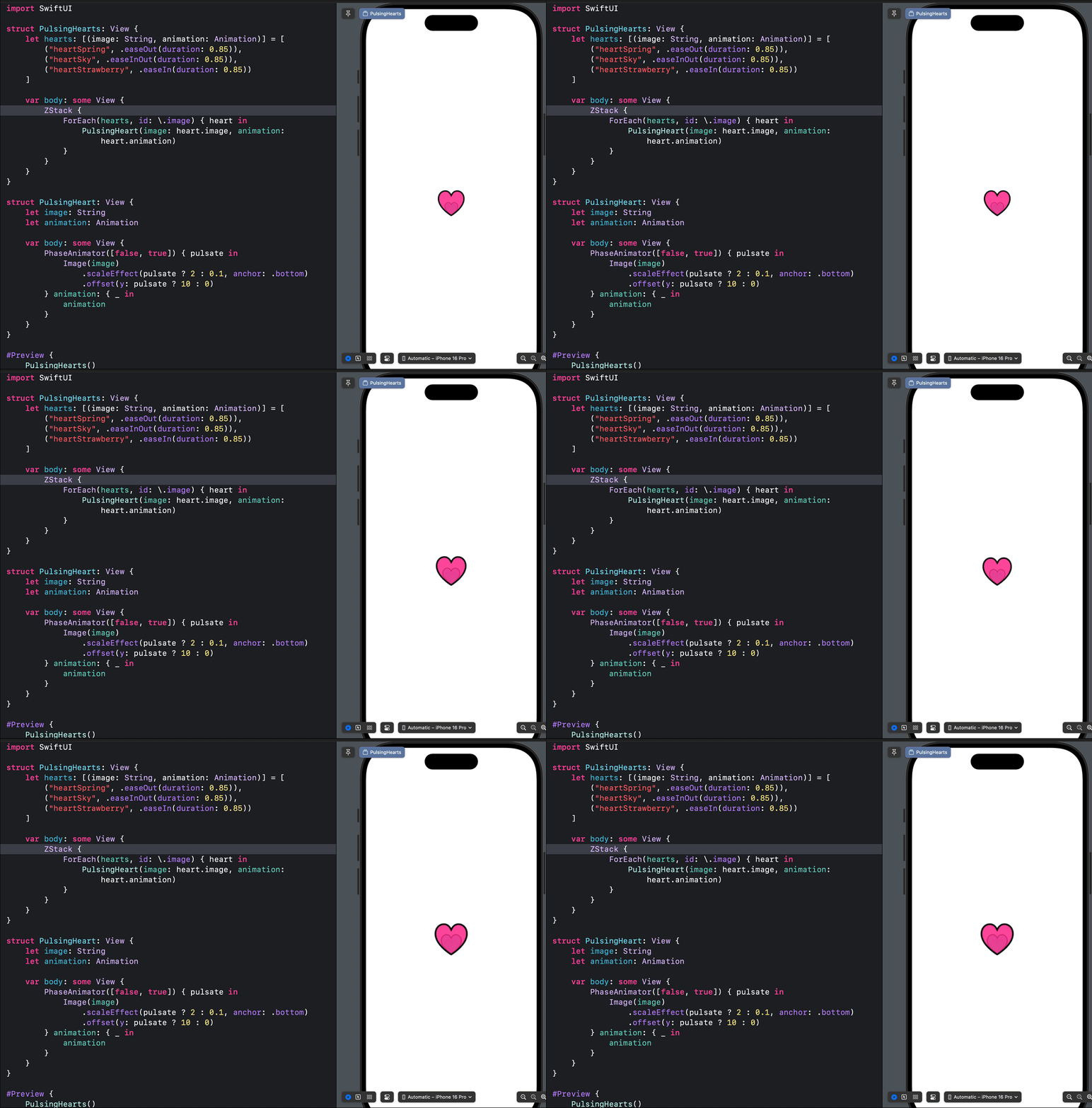
PulsingHearts.swift
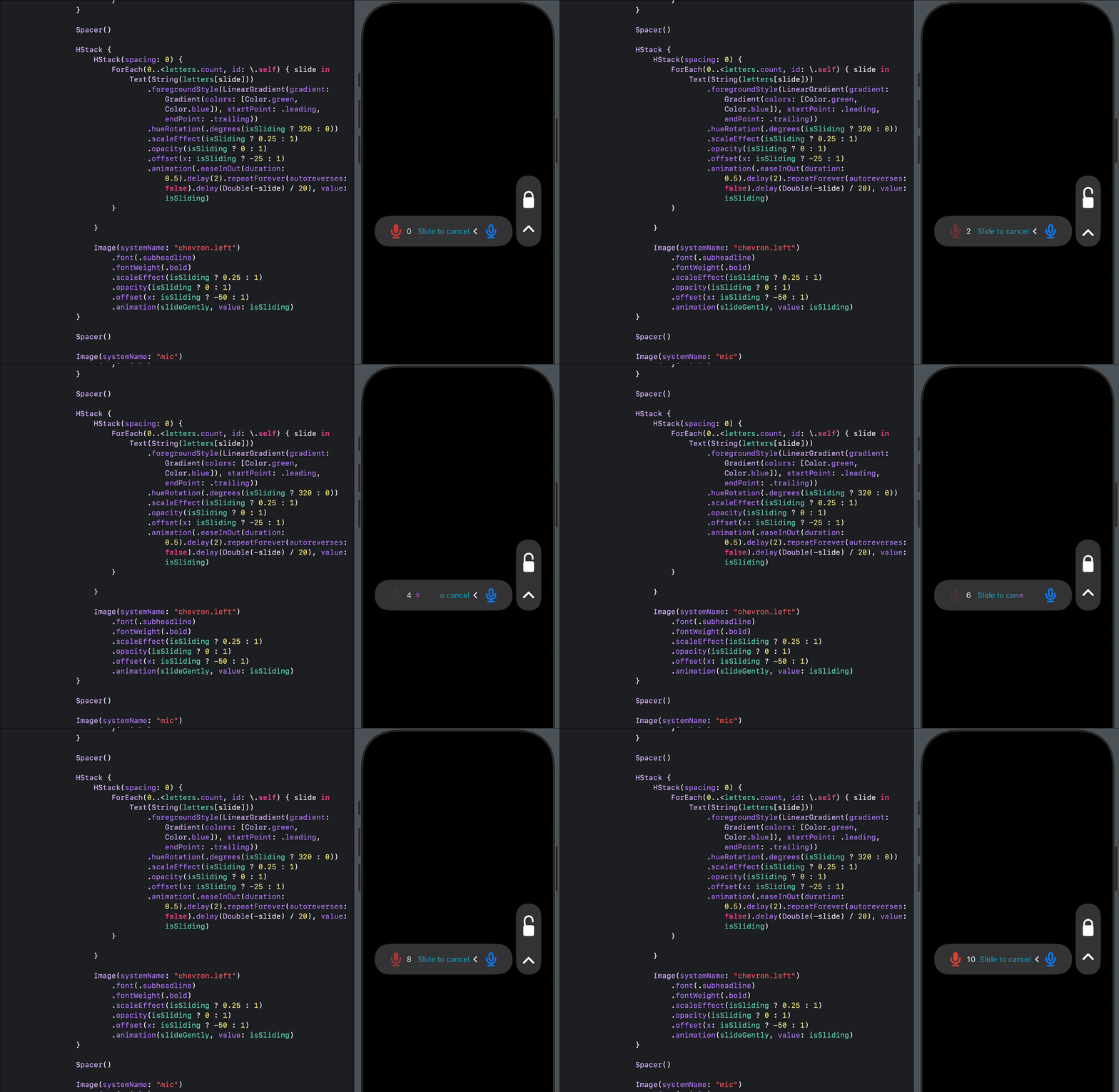
SlideToUnlock.swift: Find All Variations
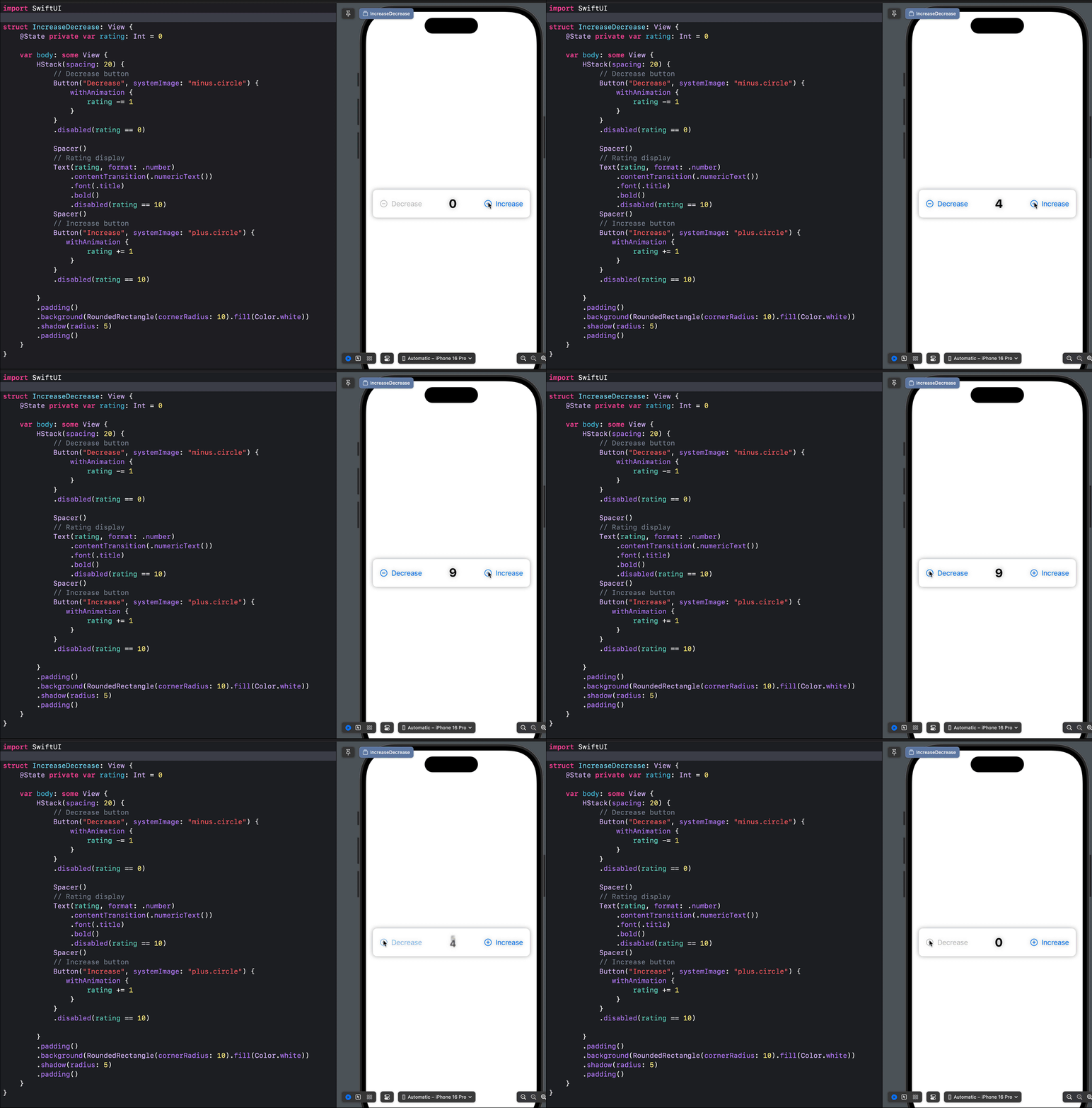
CrossFadeNumericTransition.swift
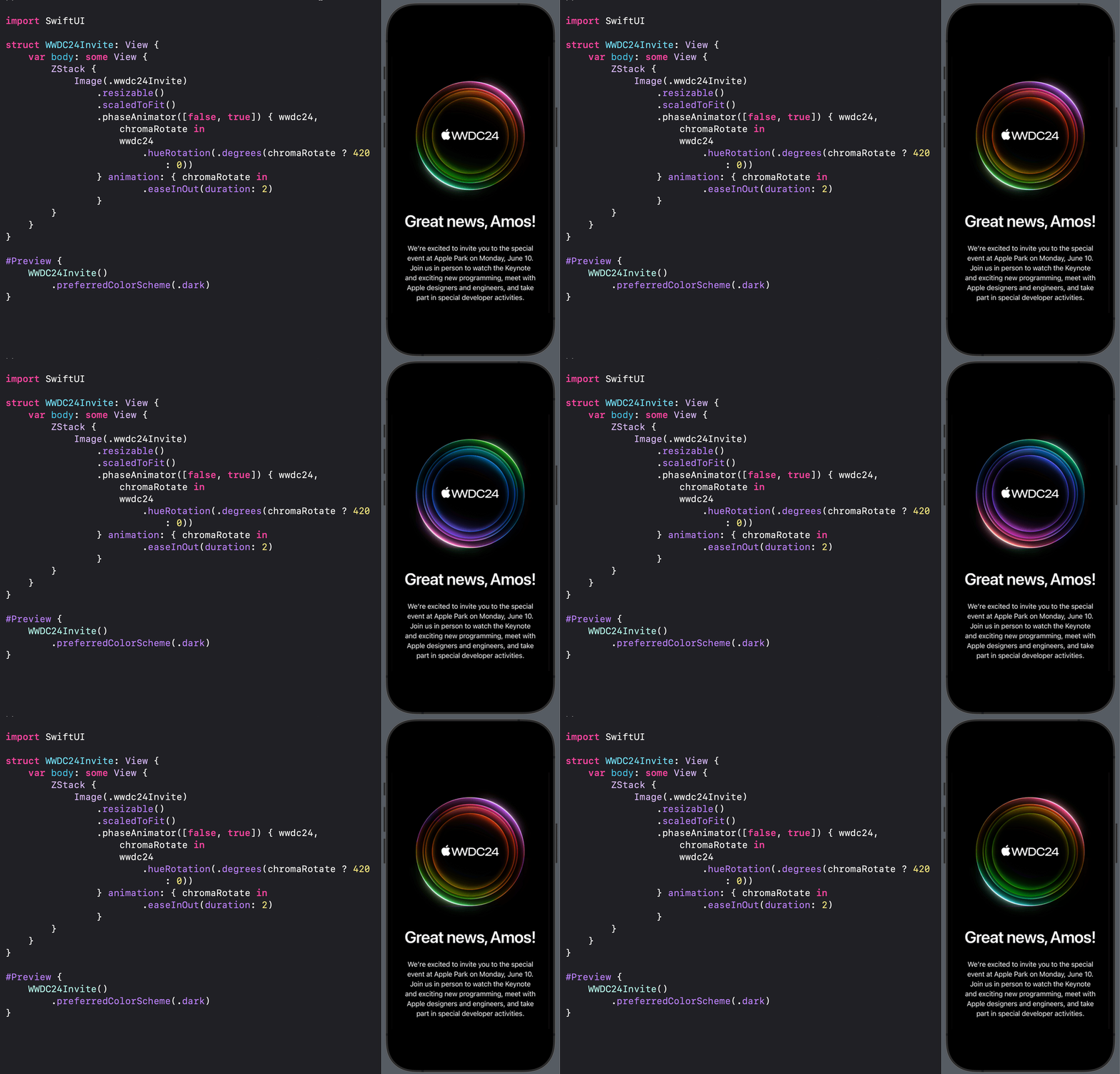
Hue Rotation effect with Phase Animator
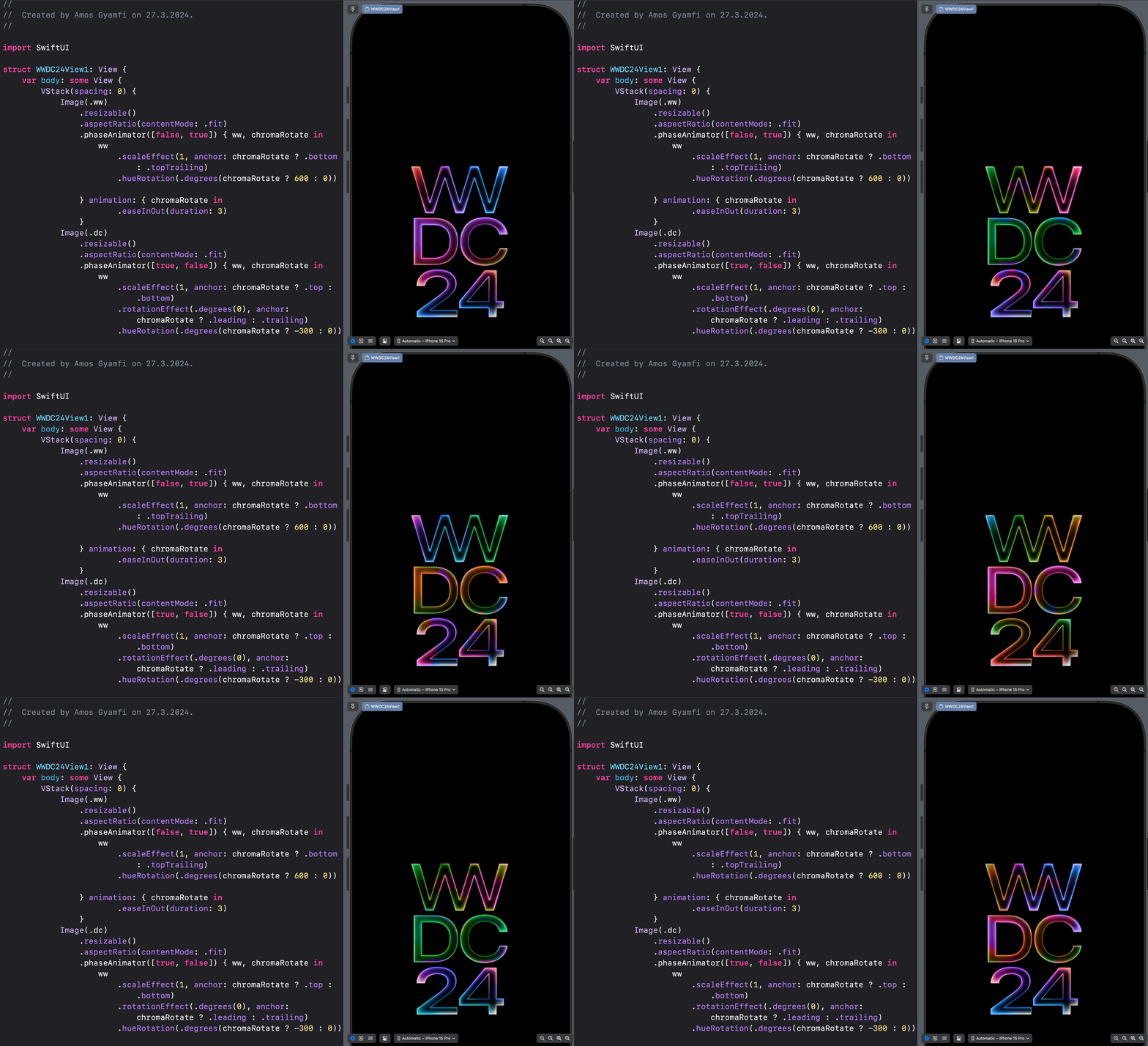
Hello WWDC24
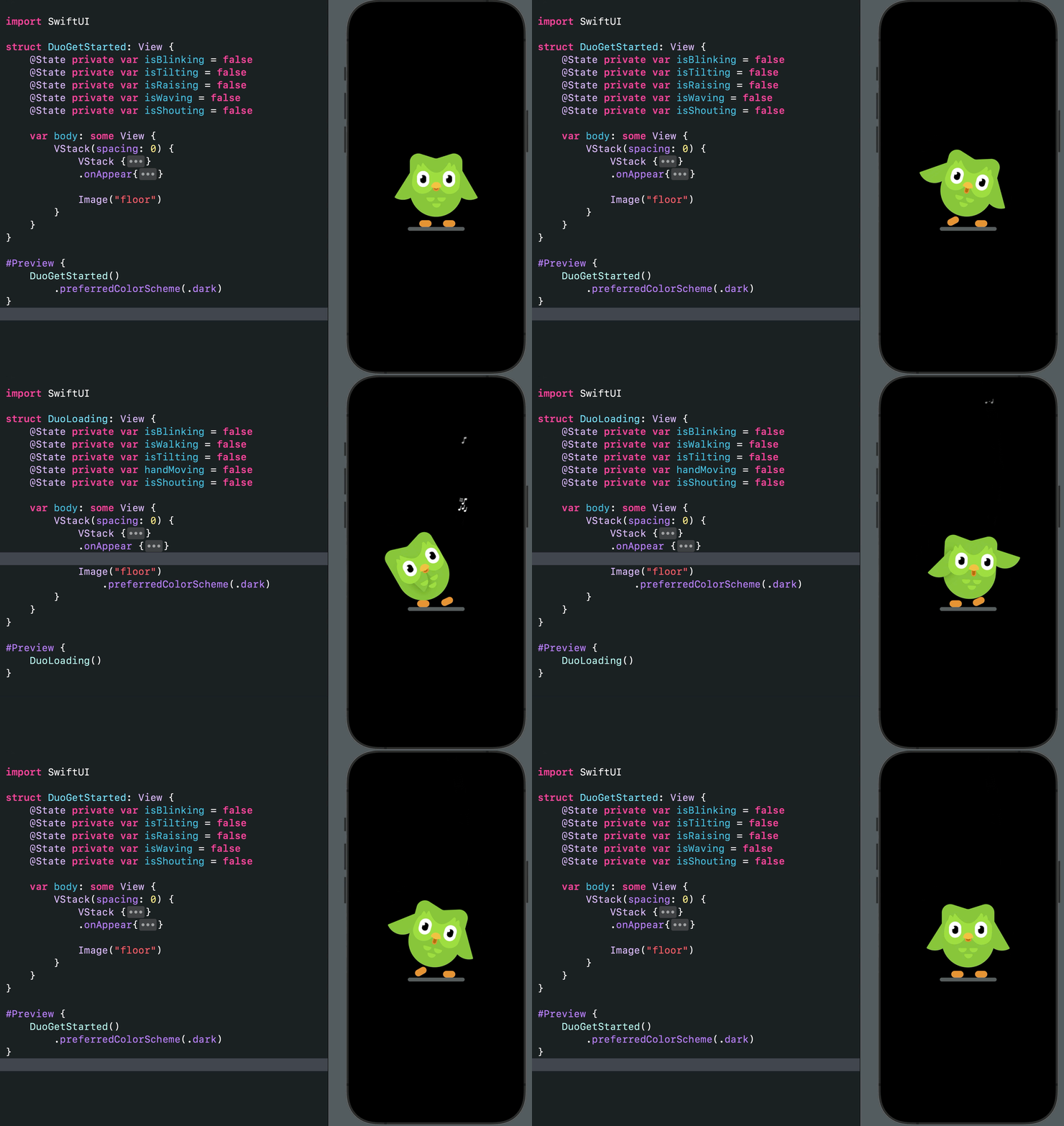
Duolingo getting started and loading animations
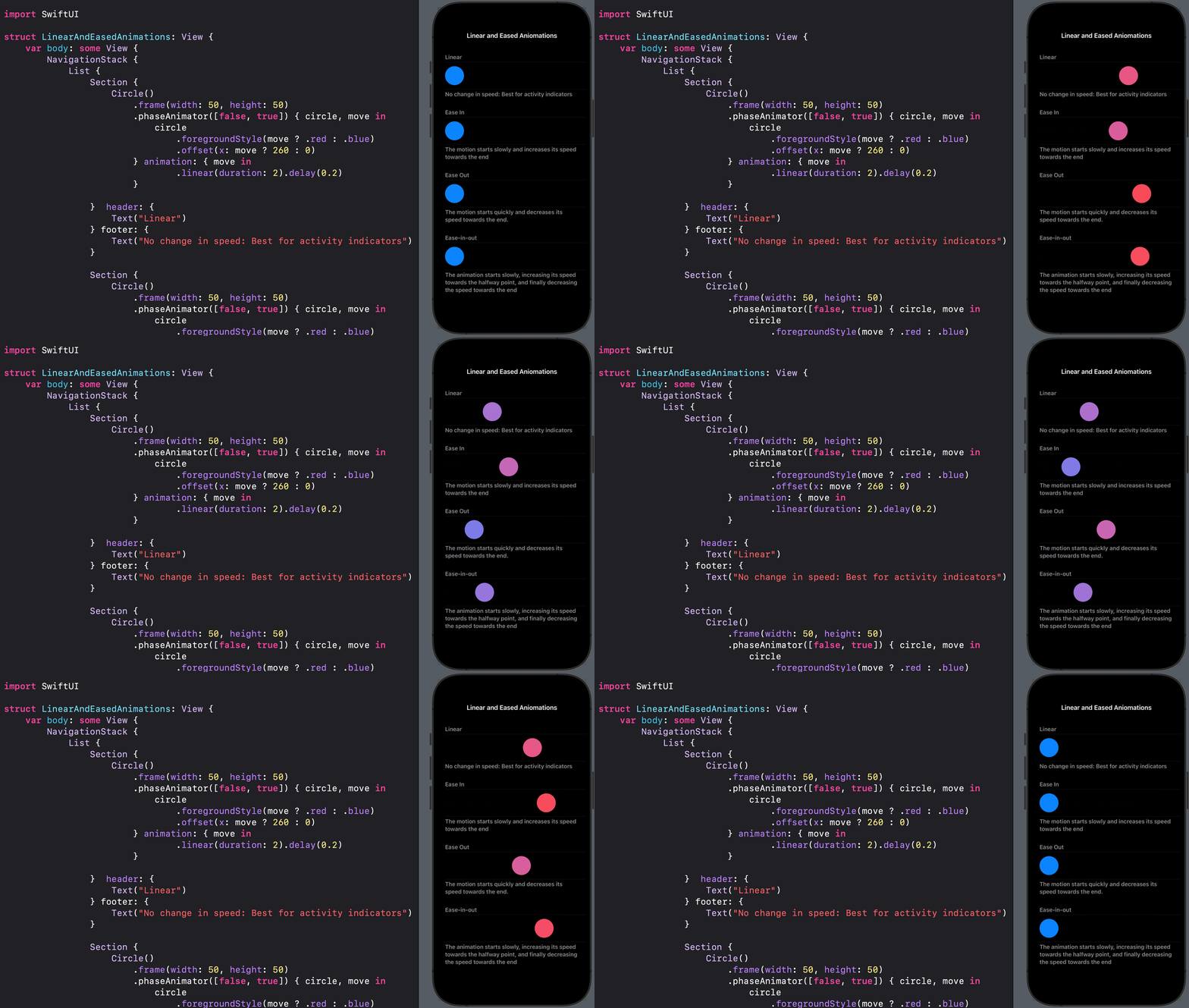
How Things Move: Constant speed, acceleration, deceleration
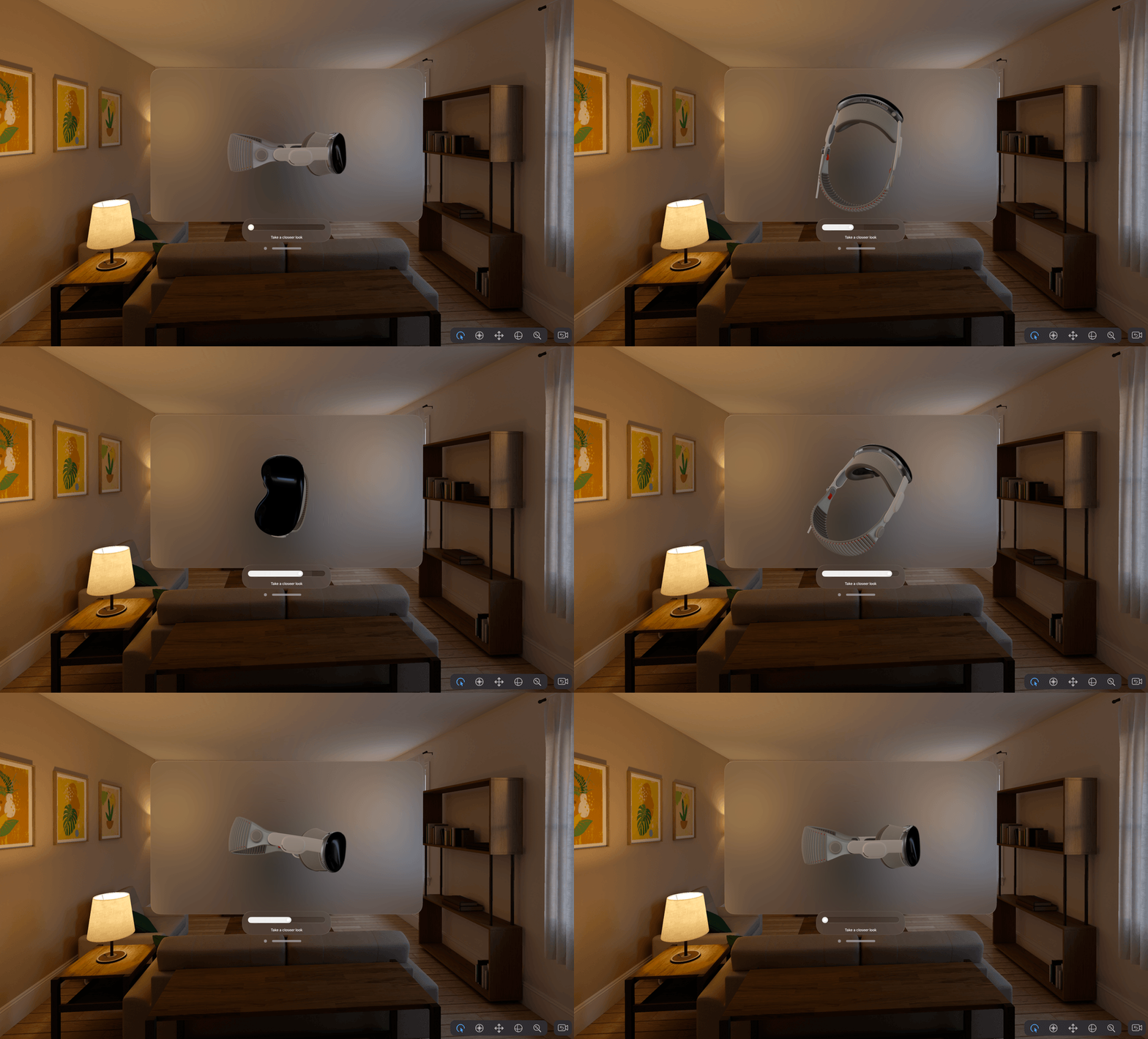
Vision Pro 3D rotation
3D Rotate String Characters
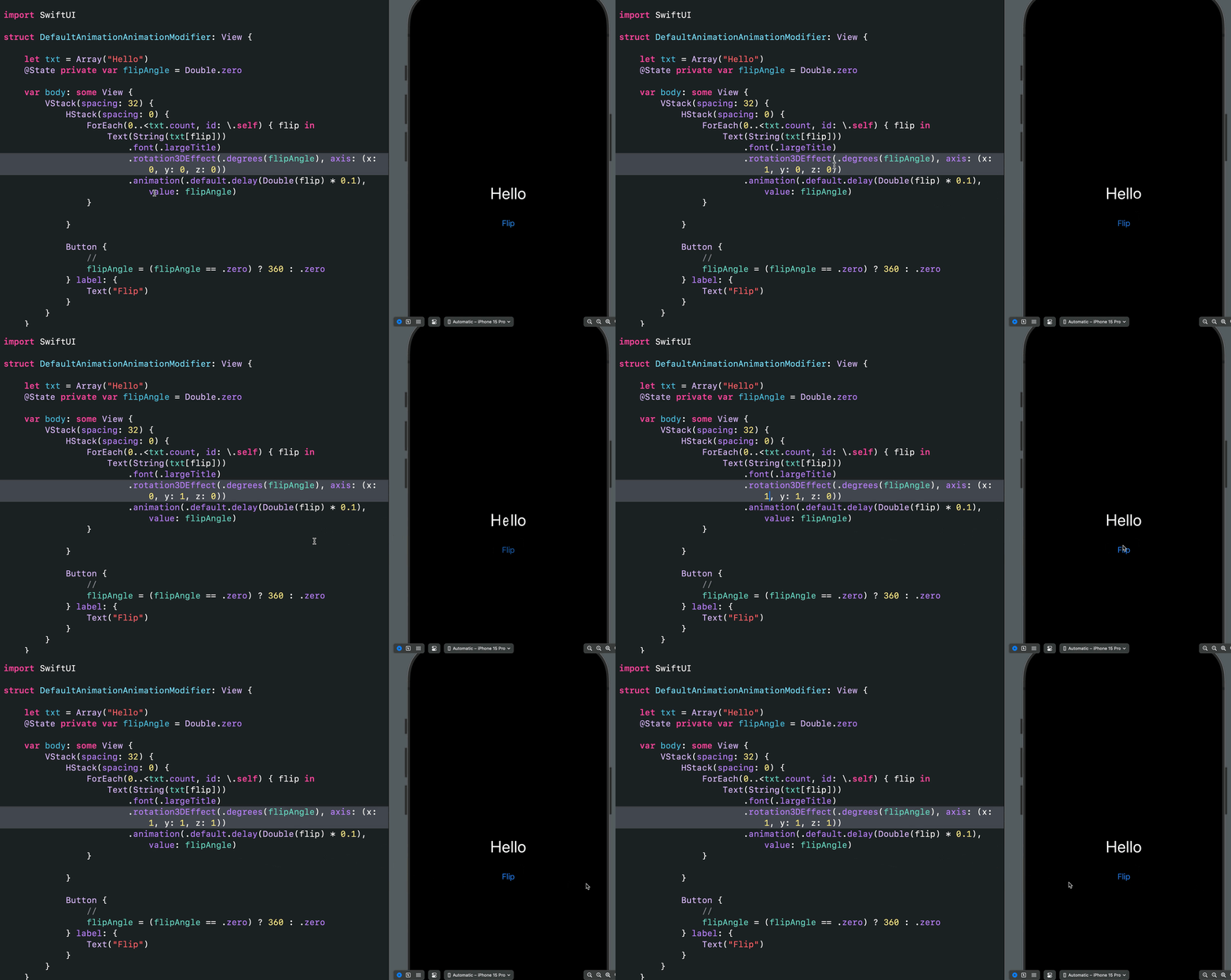
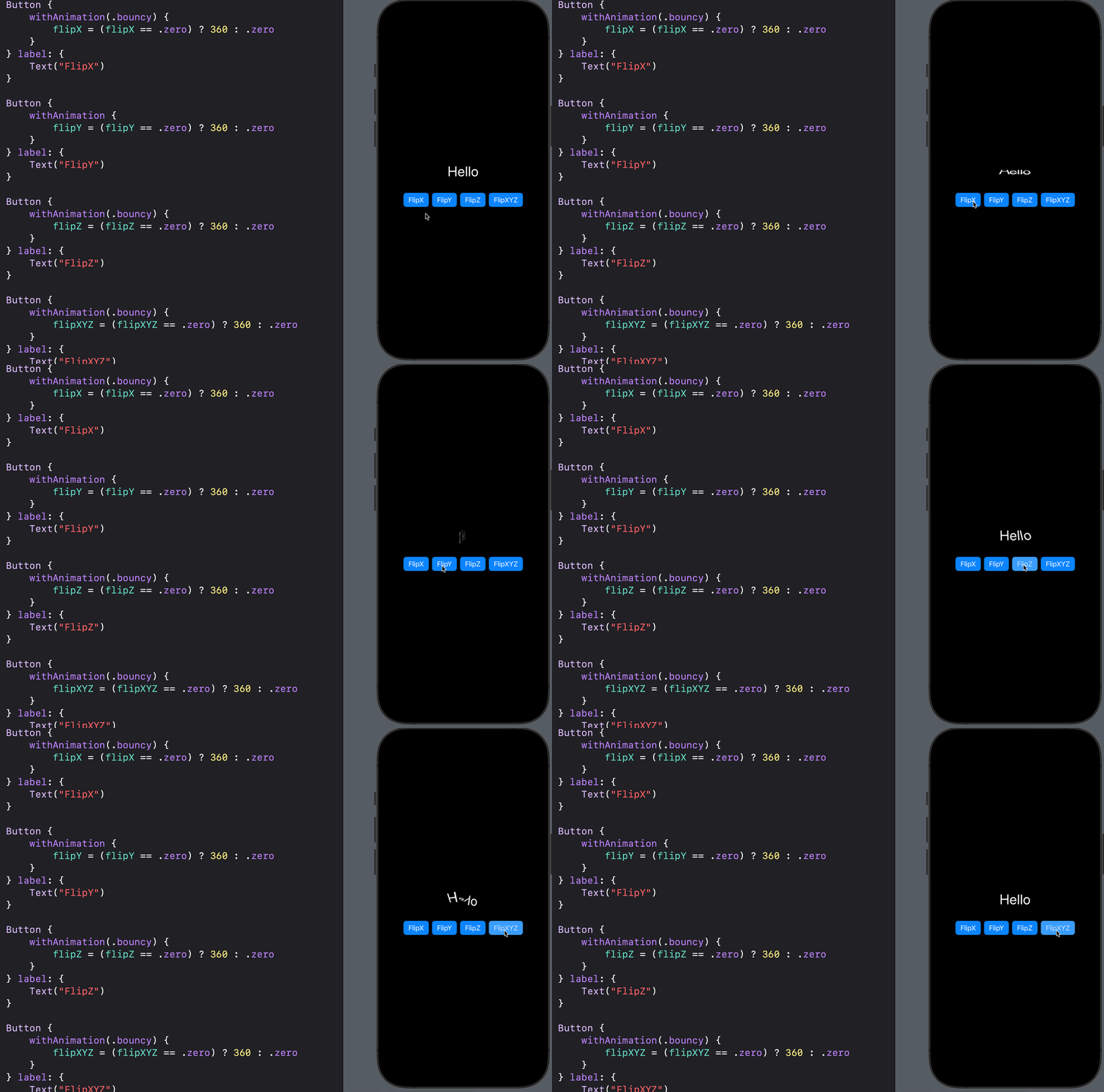
Flip String Characters in XYZ
Use DashPhase to move dashes around a shape.
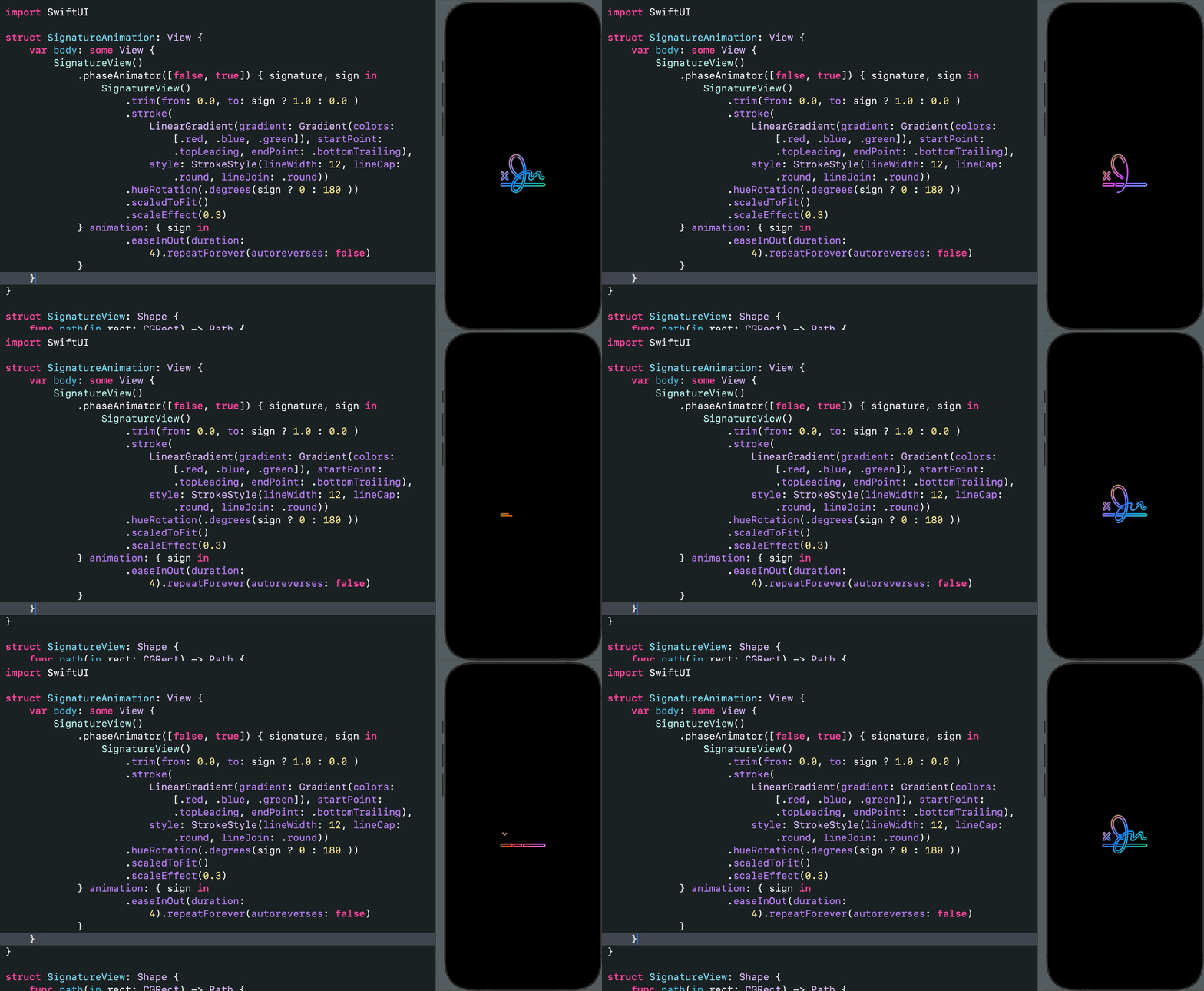
Animated Signature: Use trimming to draw and erase the path.
Reactions with Springs: EmotionalReactions.swift 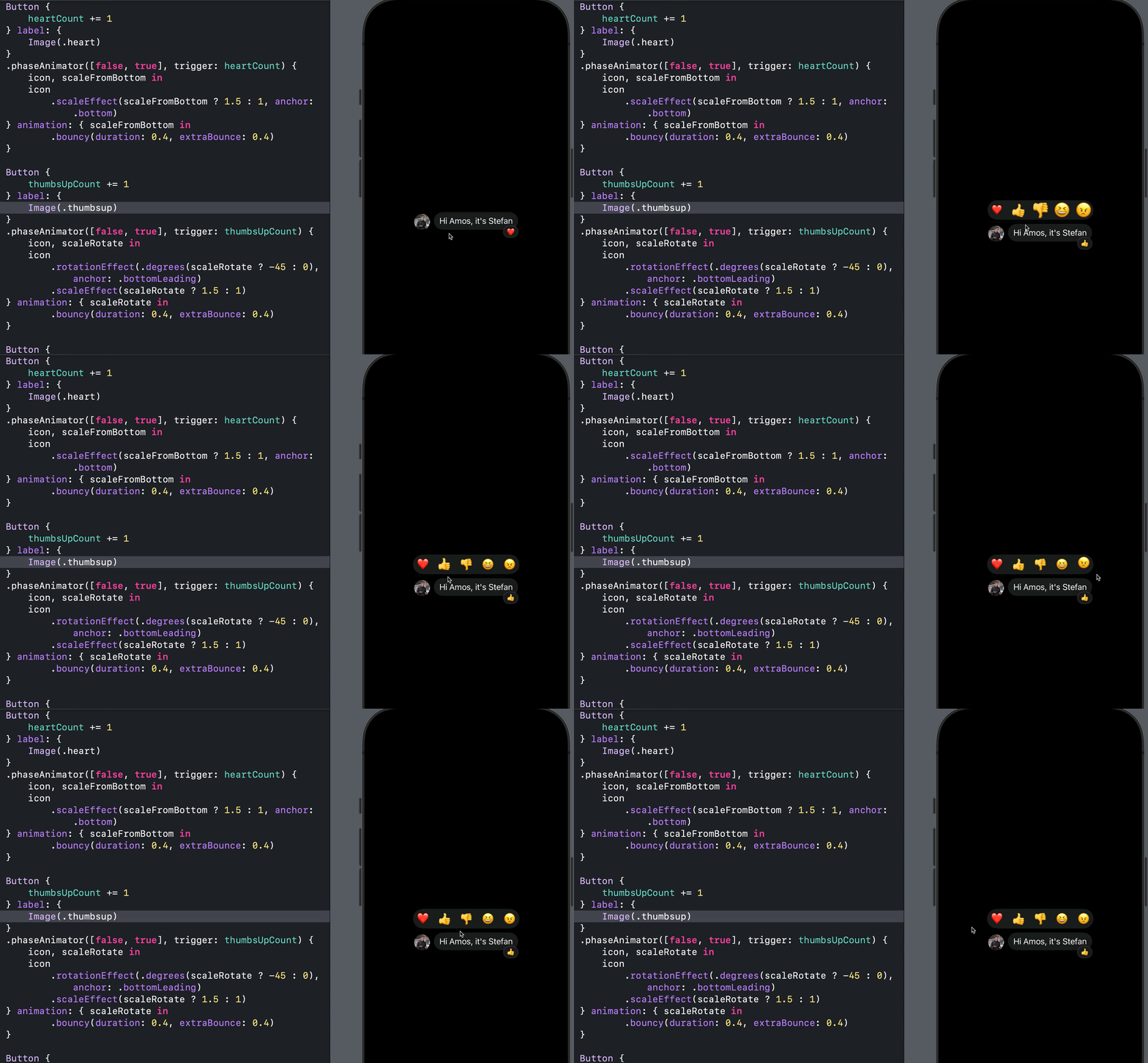
Expressive Reactions: IncomingMessageView.swift 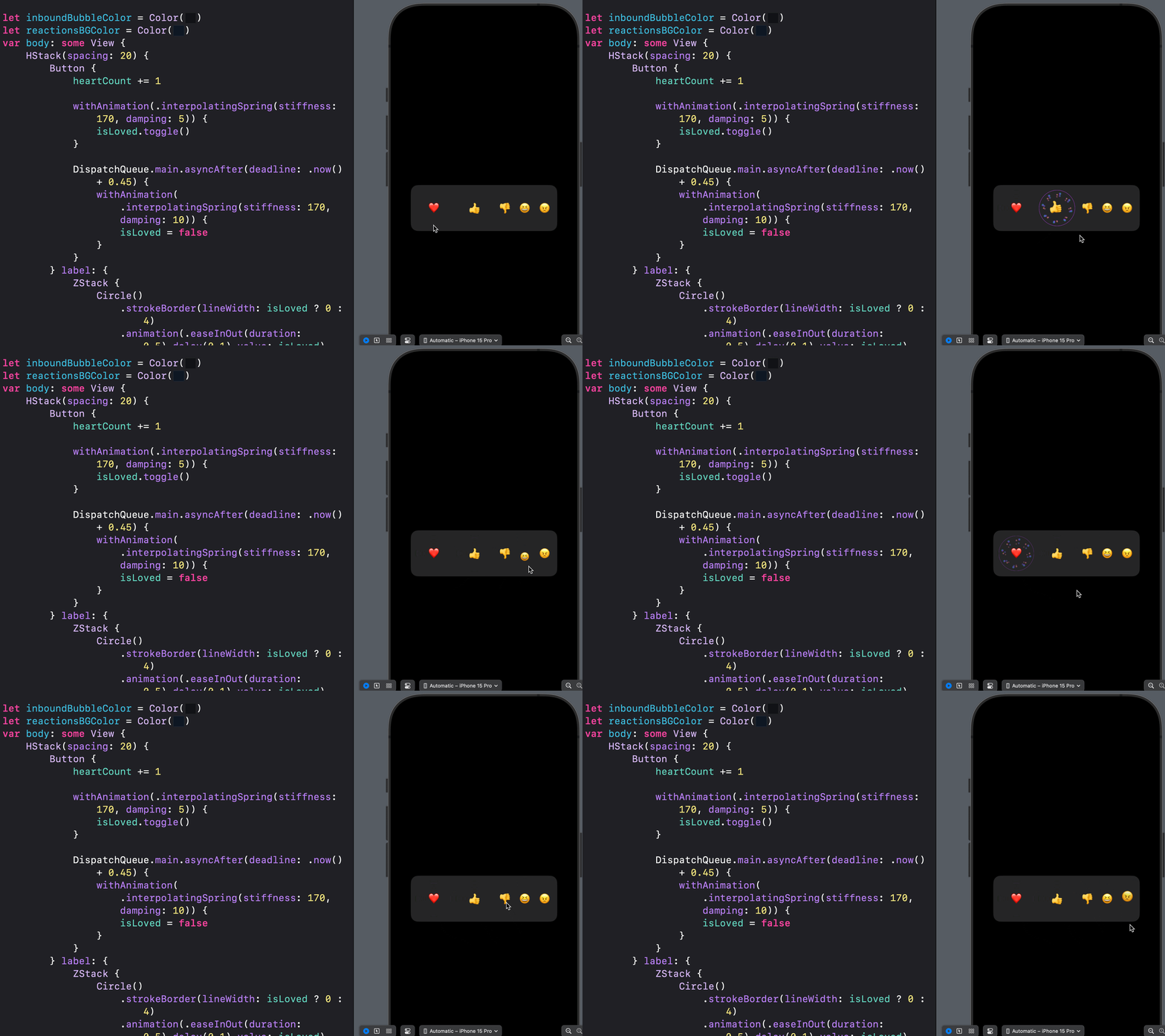
Content Transition: Smooth Symbols Swapping: [Add soon]() 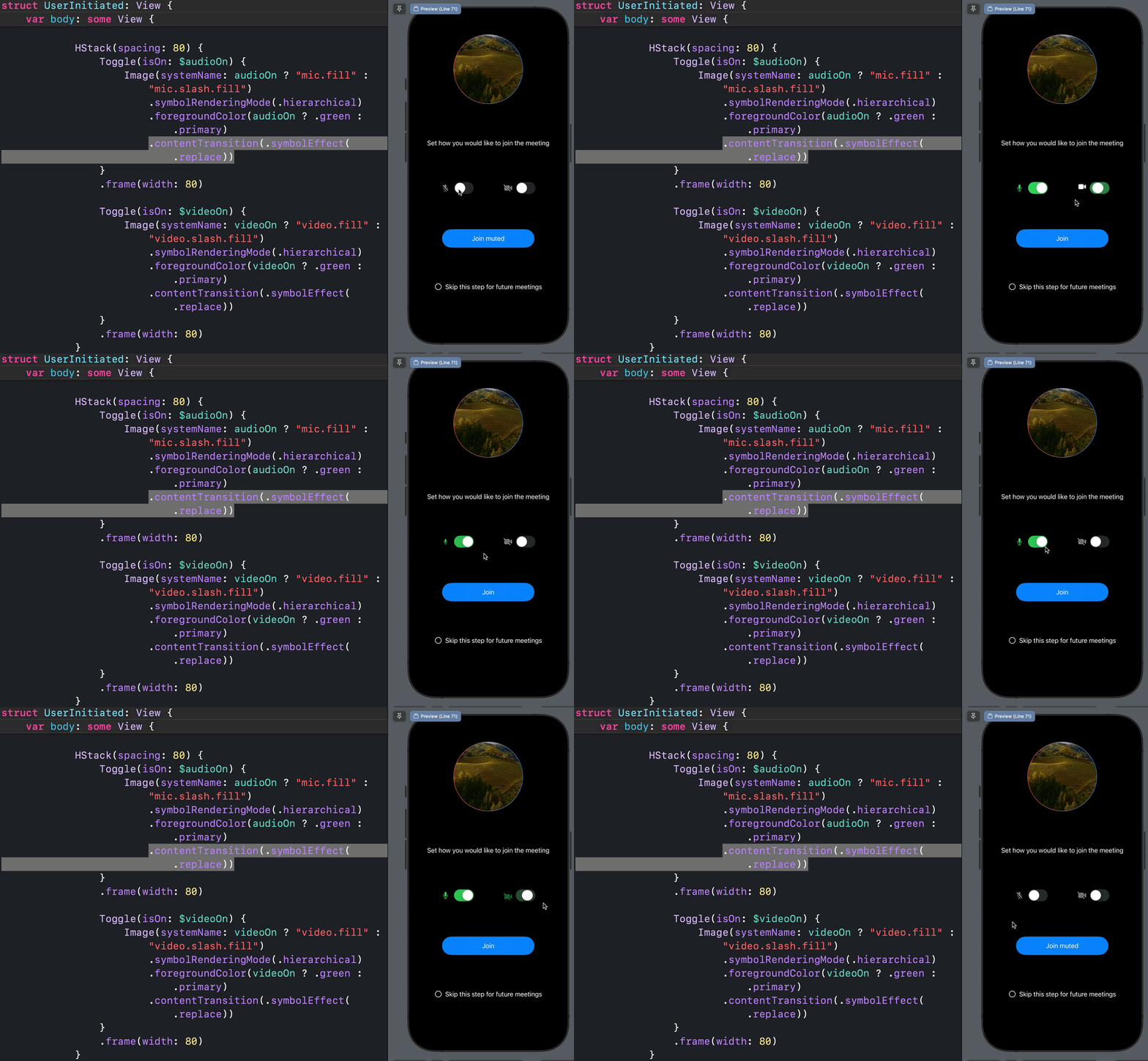
**Content Transition, Phase Animator with Springs: Create seamless icon replacement: [Add soon]() 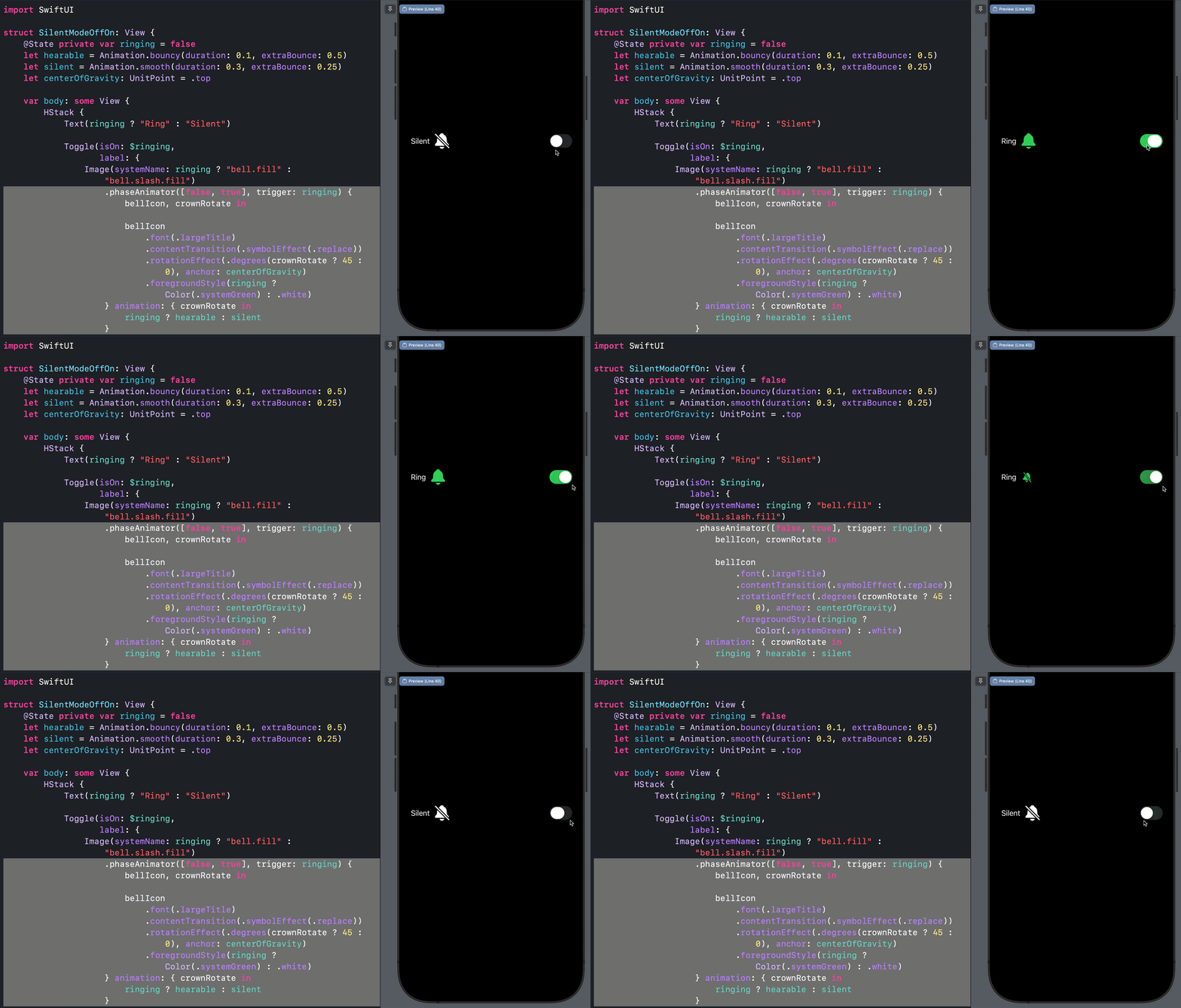
X Like Animation: XLike Animation 
Animating Achors: [Add soon]() 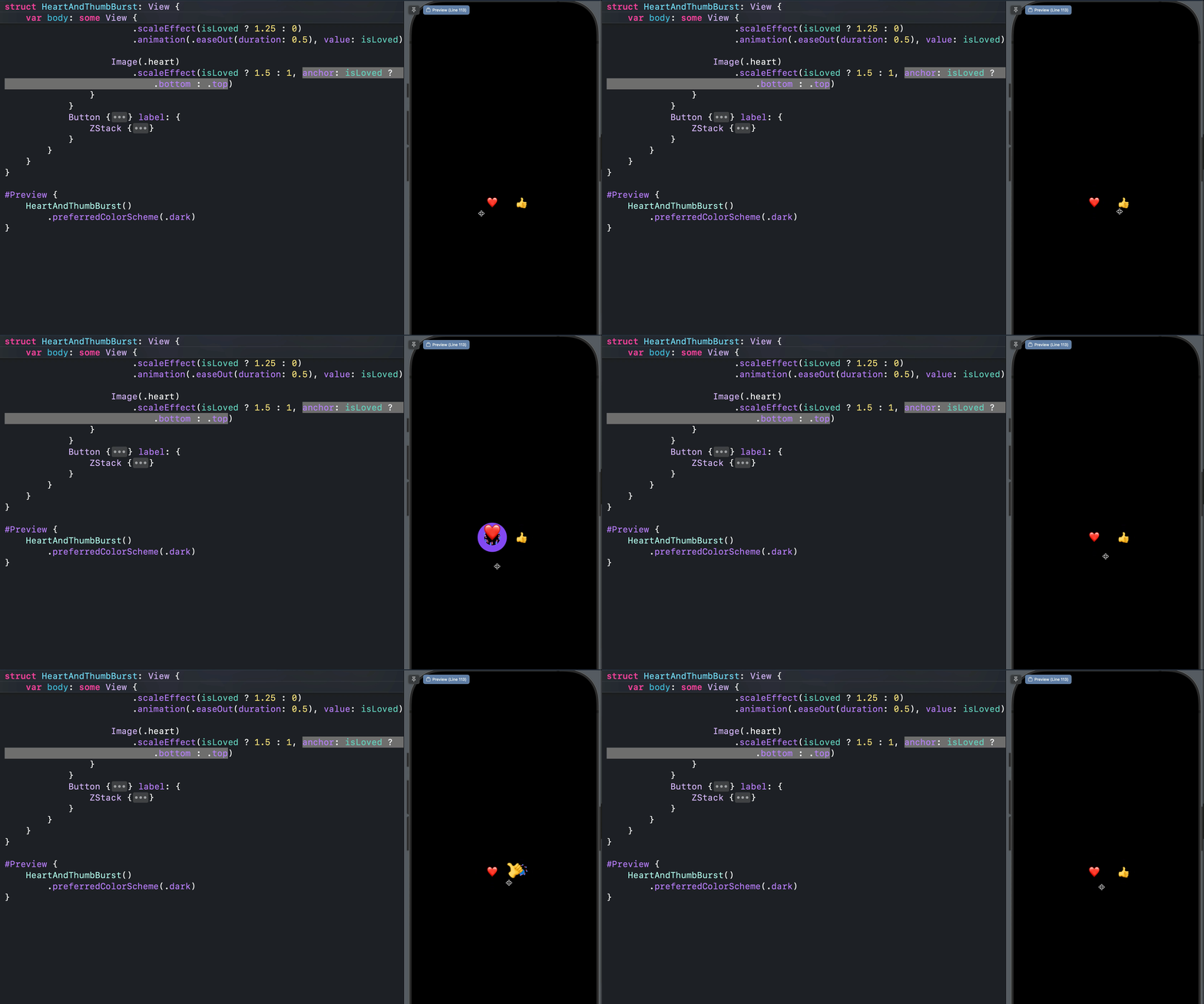
Achieving Bounce: [Add soon]() 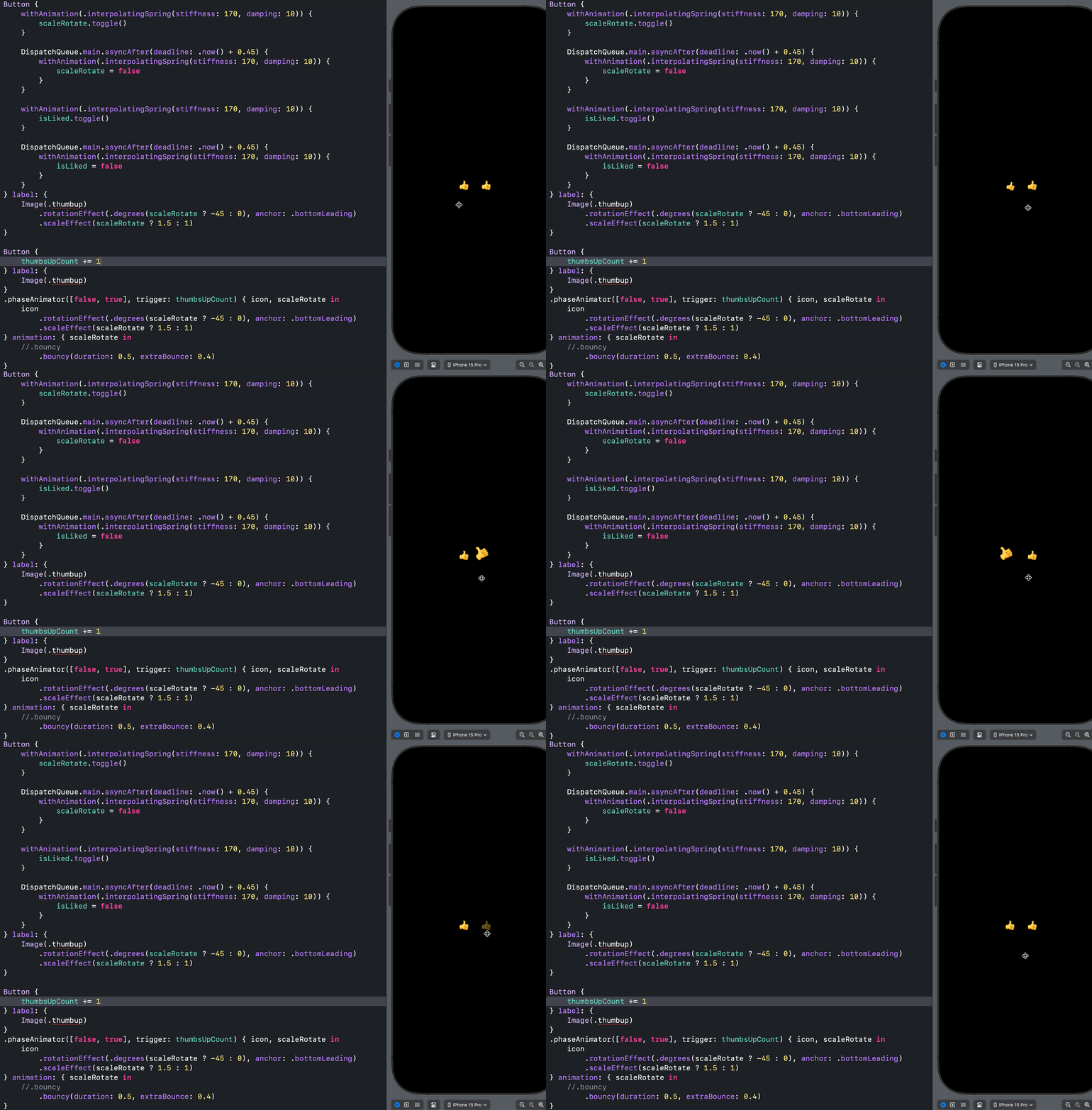
3D Y-Rotation - visionOS: [Add soon]() 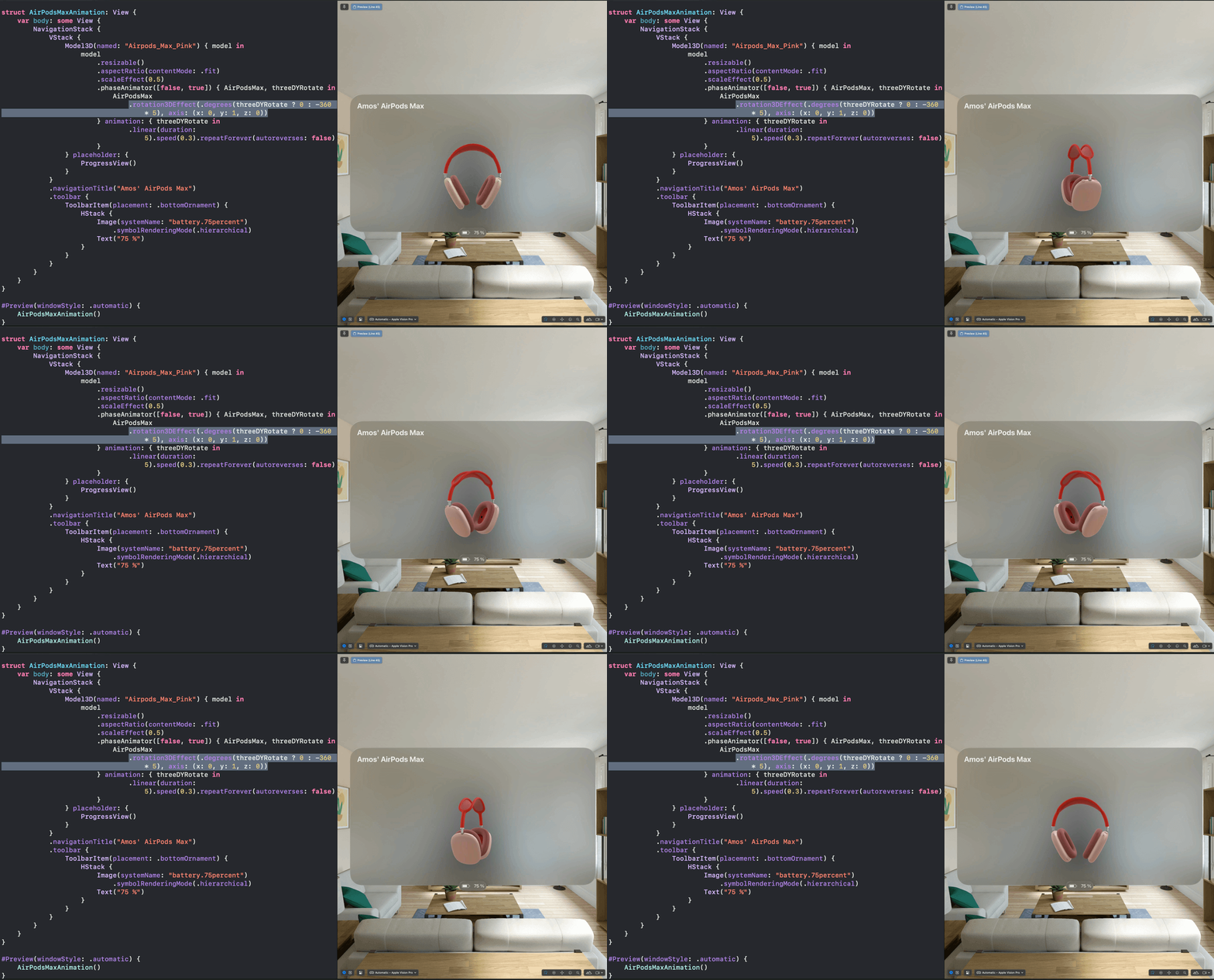
Incoming call animation, symbol effect with variable color and hue rotation: IncomingCall.swift