
Experiments with writing Android apps in Nim
Last updated Feb 24, 2026
88
Stars
4
Forks
2
Issues
0
Stars/day
Attention Score
12
Language breakdown
No language data available.
▸ Files
click to expand
README
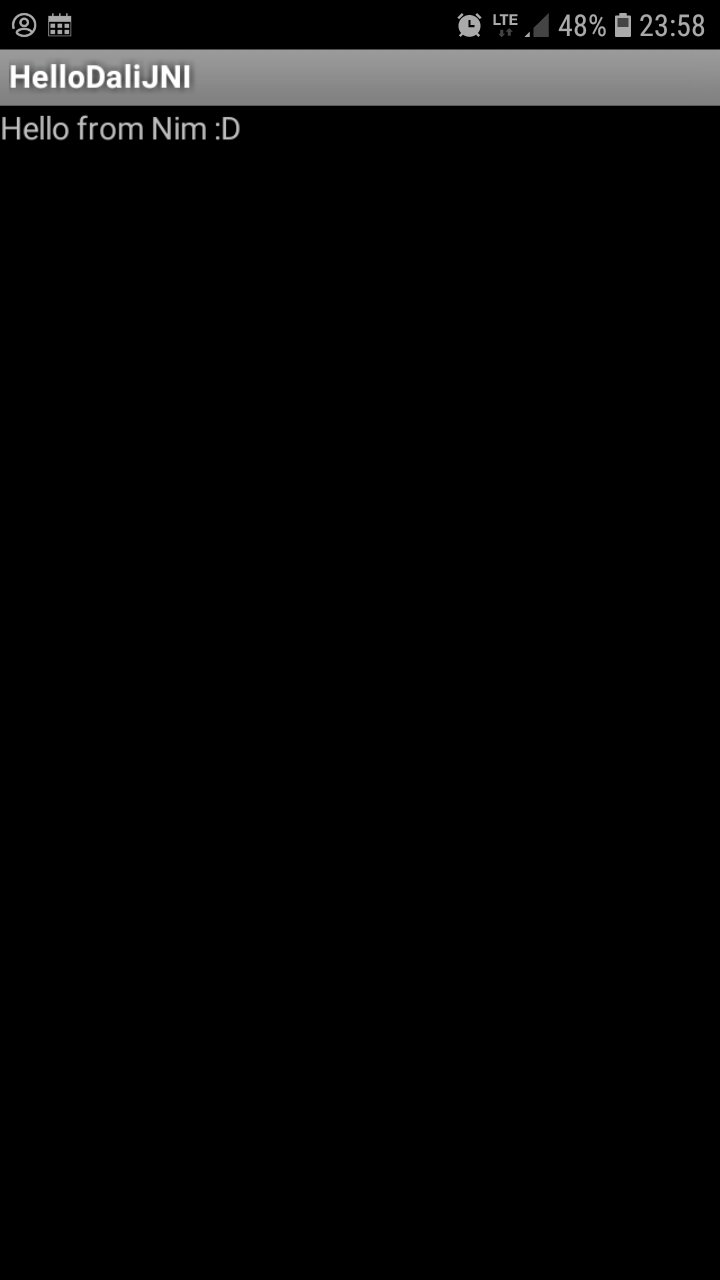
HelloWorld.apk built with Nim and no Android Studio ===================================================
To build the project, you will currently need the following prerequisites:
- Nim compiler - Go compiler (TODO: remove this dependency — at least provide prebuilt binaries of apksigner) - [Android NDK][ndk] (the elephant in the room...) - standalone toolchain — just [download][ndk] and unpack somewhere, no installation required afterwards (still, ~2.5GB unpacked) - ...and: NO Java, NO JRE, NO Android Studio, NO Android SDK! 🎉
[ndk]: https://developer.android.com/ndk/downloads
Build Steps
- Compile the native JNI code, using Nim + Android NDK:
nim.cfg: change --clang.path=... to a correct path to clang in your Android NDK directory.
# Also: remove .cmd suffixes in nim.cfg if you are on Linux.
$ cd hellomello
$ nim c --app:lib --os:android --cpu=arm -d:noSignalHandler --hint[CC]:on hello.nim
$ mkdir lib
$ mkdir lib/armeabi-v7a
$ mv libhello.so lib/armeabi-v7a/libhello-mello.so
$ cd ..
- Assemble the Dalvik bytecode (required to wrap the JNI library), using dali:
- Compile the manifest file to binary format, using marco:
- Build an unsigned .apk, using OS-provided zip archiver:
- Sign the .apk, using apksigner tool written in Go:
- ...aaand you should have a
hello.apkfile now, ready to be installed
adb logcat (yep,
that requires Android Studio... or you could try
python-adb). I suggest searching for
"InstallInstall" and "InstallFail" messages, verifier/verification messages,
and Java-like exception stack traces. You're welcome to post your problems as
issues on this repository, but I can't promise I will be able to help you in
any way. We can treat them as "observations" or "reports". Maybe someone else
will come by and suggest some steps for future experimenters.
/Mateusz Czapliński. 2019-05-06


