
Android APP缺省页的正确打开方式 高度解耦、低侵入、易拓展 多状态视图状态切换器
MultiStatePage



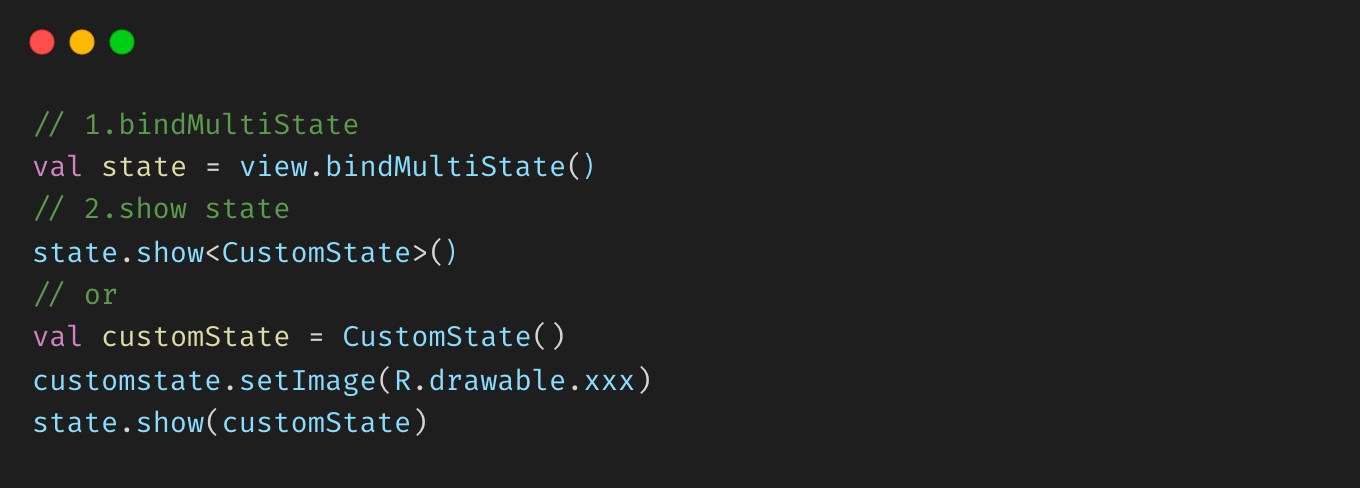
| Activity | Fragment | View | ViewPager2 | |:---------------------------------------------------------------:|:------------------------------------------------------------------:|:----------------------------------------------------------:|:-----------------------------------------------------------------:| | 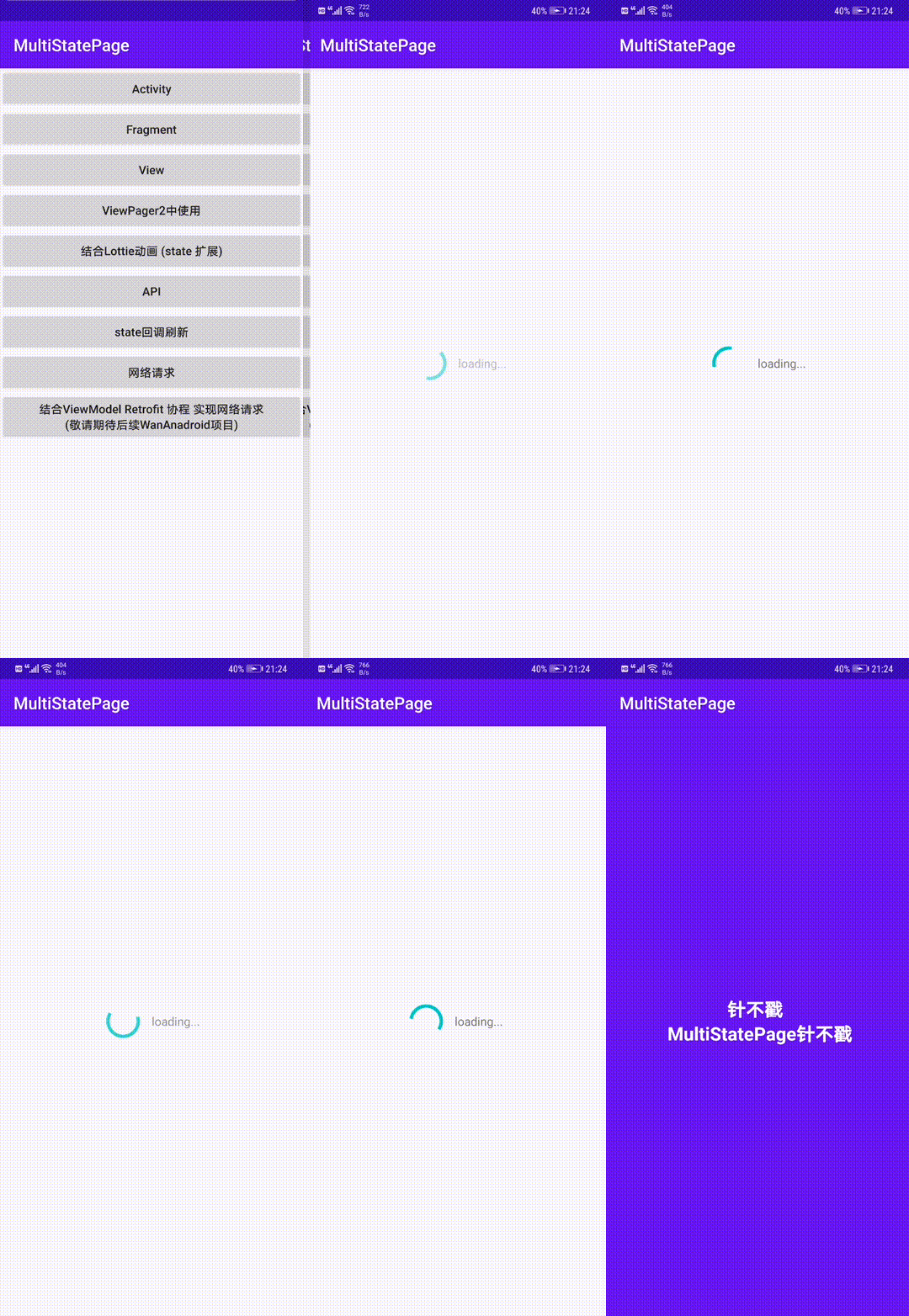 |
|  |
|  |
|  |
|
| Lottie拓展(自定义State) | State刷新 | 网络请求 | sample | |:------------------------------------------------------------------------:|:----------------------------------------------------------------:|:--------------------------------------------------------:|:------------------------------------------------------:| |  |
| 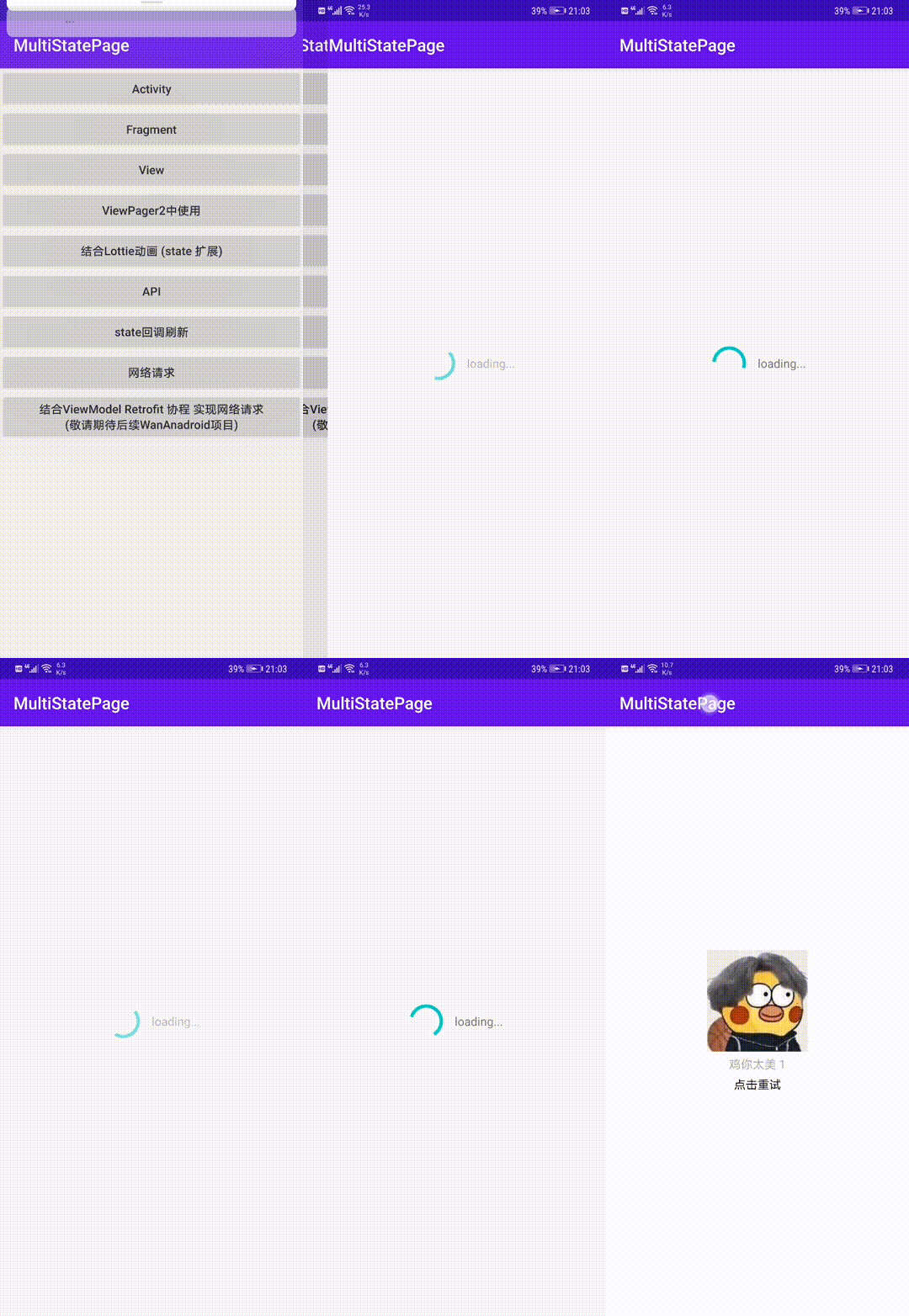 |
|  |
| 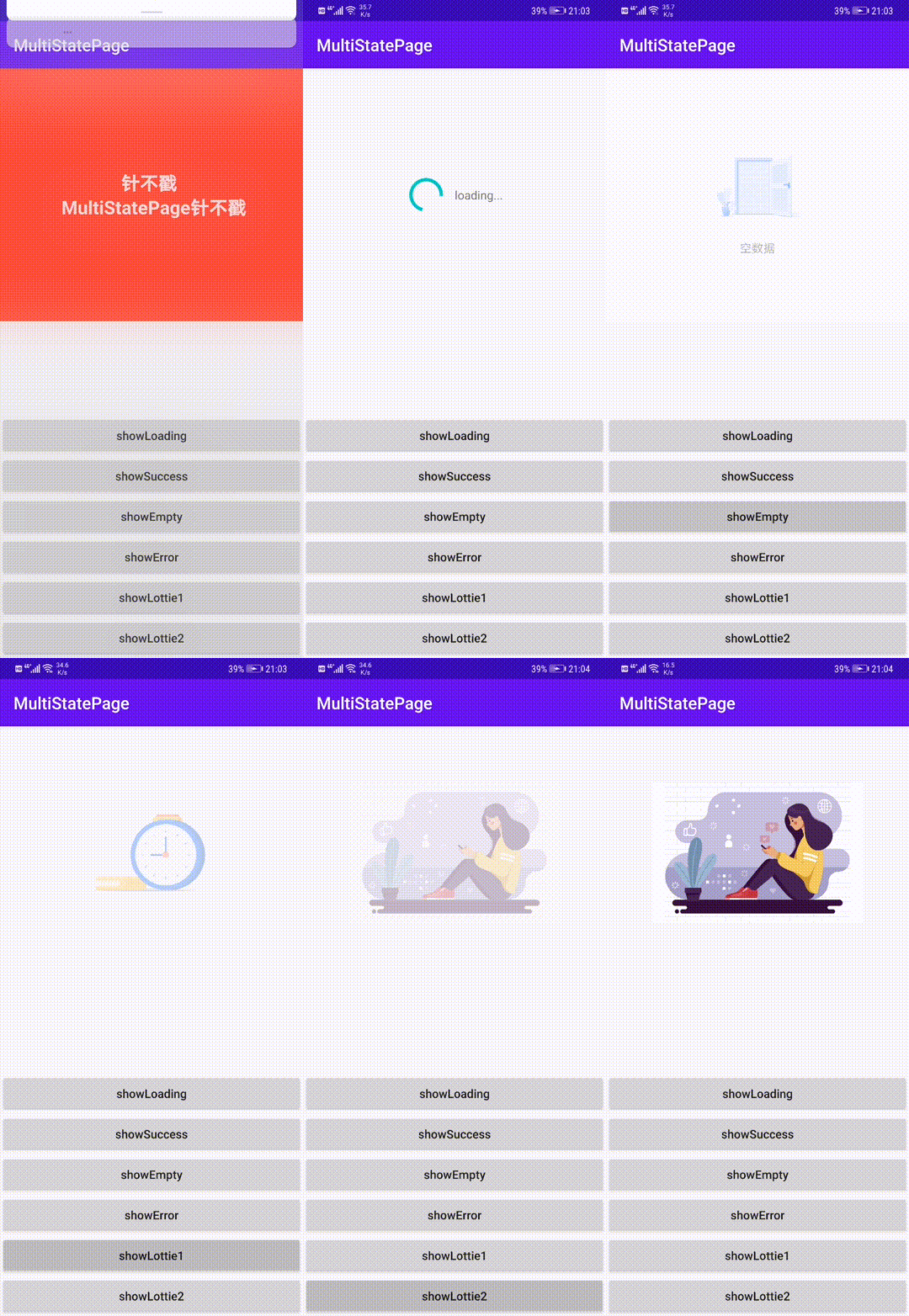 |
|
MultiStatePage的功能及特点
- 无需在布局添加视图代码
- 可显示自定义状态视图,任意拓展
- 可用于 Activity、Fragment、或指定的 View
- 自定义重新请求监听
- 支持xml直接嵌套且不限制要展示状态内容
- 可动态更新视图样式
- 可结合第三方控件使用
- 支持状态回调监听
- kotlin开发更易用的API
开始
添加依赖
Step1. Add the JitPack repository to your build file
allprojects {
    repositories {
        maven { url 'https://jitpack.io' }
    }
}
Step2. Add the dependency
dependencies {
    implementation 'com.github.Zhao-Yan-Yan:MultiStatePage:2.0.6'
}
1.生成MultiStateContainer
在View上使用
val multiStateContainer = MultiStatePage.bindMultiState(view)
// 或
val multiStateContainer = view.bindMultiState()
在Activity根View中使用
val multiStateContainer = MultiStatePage.bindMultiState(this)
// 或
val multiStateContainer = bindMultiState()
在Fragment根View中使用
class MultiStateFragment : Fragment {
private lateinit var multiStateContainer: MultiStateContainer
override fun onCreateView(inflater: LayoutInflater, container: ViewGroup?, savedInstanceState: Bundle?): View? {         val root = inflater.inflate(R.layout.fragment, container, false)         multiStateContainer = MultiStatePage.bindMultiState(root)         // 或         multiStateContainer = root.bindMultiState()         return multiStateContainer     } }
xml中引用
<com.zy.multistatepage.MultiStateContainer
    android:id="@+id/container"
    android:layoutwidth="matchparent"
    android:layoutheight="matchparent">
<androidx.recyclerview.widget.RecyclerView         android:id="@+id/recycler_view"          android:layoutwidth="matchparent"         android:layoutheight="matchparent" />
</com.zy.multistatepage.MultiStateContainer>
2.切换状态
multiStateContainer.show<CustomState>()
// 或
multiStateContainer.show(CustomState())
更新state信息
multiStateContainer.show<ErrorState> { errorState ->
    errorState.setErrorMsg("xxx出错了")
}
如何添加重试事件(建议自定义State实现)参考 ErrorState
class ErrorState : MultiState() {
private lateinit var tvRetry: TextView
private var retry: OnRetryClickListener? = null
override fun onCreateView(         context: Context, inflater: LayoutInflater, container: MultiStateContainer     ): View {         return inflater.inflate(R.layout.multstateerror, container, false)     }
override fun onViewCreated(view: View) {         tvRetry = view.findViewById(R.id.tv_retry)         tvRetry.setOnClickListener { retry?.retry() }     }
fun retry(retry: OnRetryClickListener) {         this.retry = retry     }
fun interface OnRetryClickListener {         fun retry()     } }
multiStateContainer.show<ErrorState> { state ->
    state.retry { do () }
}
// 或
val state = ErrorState().apply {
    retry { do () }
}
multiStateContainer.show(state)
如何设置默认State
利用kotlin拓展函数可以很轻松的实现
val multiStateActivityRoot = bindMultiState().apply { showEmpty() }自定义State
继承MultiState
class LottieWaitingState : MultiState() {
    override fun onCreateView(context: Context, inflater: LayoutInflater, container: MultiStateContainer): View {
        // your state view
        return inflater.inflate(R.layout.multilottiewaiting, container, false)
    }
override fun onViewCreated(view: View) {         //逻辑处理     }
override fun onHiddenChanged(hide: Boolean) {         if (hide) {             // State 隐藏         } else {             // State 显示         }     } }
结合ViewBidng 参考 demo MultiStateBinding 和 WithBindingState
使用内置状态配置
默认内置3种状态(强烈建议您自定义State)
val multiStateContainer = MultiStatePage.bindMultiState(view)
//成功页
multiStateContainer.show<SuccessState>()
//错误页
multiStateContainer.show<ErrorState>()
//空页面
multiStateContainer.show<EmptyState>()
//加载状态页
multiStateContainer.show<LoadingState>()
更换默认资源
class App : Application() {
    override fun onCreate() {
        super.onCreate()
        val config = MultiStateConfig.Builder()
            .alphaDuration(300)
            .errorIcon(R.mipmap.state_error)
            .emptyIcon(R.mipmap.state_empty)
            .emptyMsg("emptyMsg")
            .loadingMsg("loadingMsg")
            .errorMsg("errorMsg")
            .build()
        MultiStatePage.config(config)
    }
}
| Methods | Description | |:-------------:|:---------------:| | alphaDuration | alpha动画时长 | | errorIcon | 错误状态默认图标 | | emptyIcon | 空数据状态默认图标 | | emptyMsg | 空数据状态默认提示信息 | | errorMsg | 错误状态默认提示信息 | | loadingMsg | loading状态默认提示信息 |
小技巧
可以借助kotlin的拓展函数封装常用的状态
fun MultiStateContainer.showSuccess(callBack: (SuccessState) -> Unit = {}) {
    show<SuccessState> { callBack.invoke(it) }
}
fun MultiStateContainer.showError(callBack: (ErrorState) -> Unit = {}) {     show<ErrorState> { callBack.invoke(it) } }
fun MultiStateContainer.showEmpty(callBack: (EmptyState) -> Unit = {}) {     show<EmptyState> { callBack.invoke(it) } }
fun MultiStateContainer.showLoading(callBack: (LoadingState) -> Unit = {}) {     show<LoadingState> { callBack.invoke(it) } }
val multiStateContainer = bindMultiState()
multiStateContainer.showLoading()
multiStateContainer.showSuccess()
下载Demo
点击或者扫描二维码下载

Thanks
License
Copyright (C) 2020. ZhaoYan
Licensed under the Apache License, Version 2.0 (the "License"); you may not use this file except in compliance with the License. You may obtain a copy of the License at
http://www.apache.org/licenses/LICENSE-2.0
Unless required by applicable law or agreed to in writing, software distributed under the License is distributed on an "AS IS" BASIS, WITHOUT WARRANTIES OR CONDITIONS OF ANY KIND, either express or implied. See the License for the specific language governing permissions and limitations under the License.


