
🎛 QGrid: The missing SwiftUI collection view.
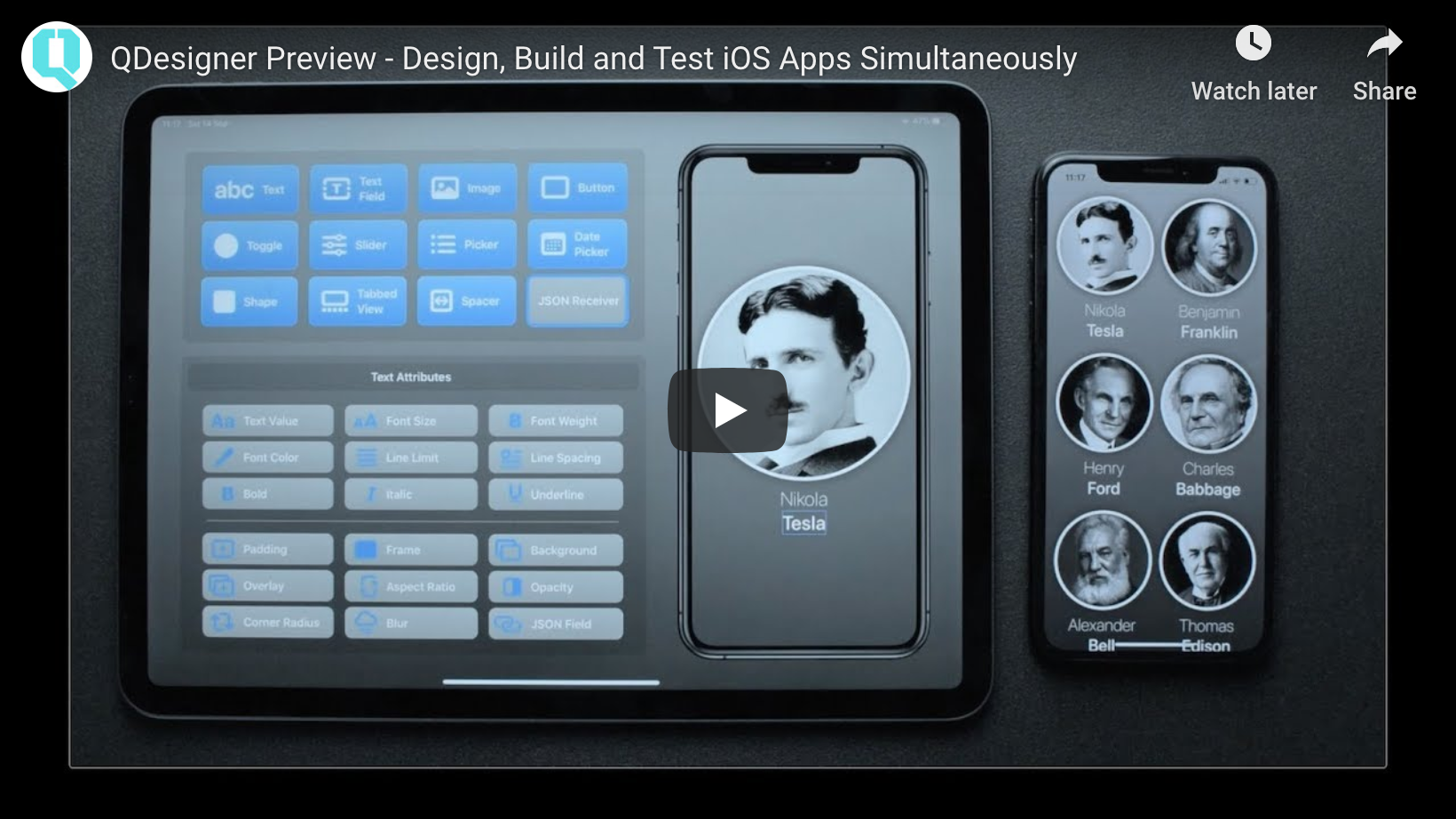
[NOTE] If you'd like to see QGrid in action, check out this demo of QDesigner (see video below). Install QDesigner: https://apps.apple.com/us/app/qdesigner/id1500810470 Install a companion QDesigner Client on iPhone, to see your UI design on a target device, updated in real-time: https://apps.apple.com/us/app/qdesignerclient/id1500946484
Learn more at: https://Q-Mobile.IT/Q-Designer







QGrid is the missing SwiftUI collection view. It uses the same approach as SwiftUI's List view, by computing its cells from an underlying collection of identified data.
🔷 Requirements
✅ macOS 10.15+ ✅ Xcode 11.0 ✅ Swift 5+ ✅ iOS 13+ ✅ tvOS 13+
🔷 Installation
QGrid is available via Swift Package Manager.
Using Xcode 11, go to File -> Swift Packages -> Add Package Dependency and enter https://github.com/Q-Mobile/QGrid
🔷 Usage
✴️ Basic scenario:
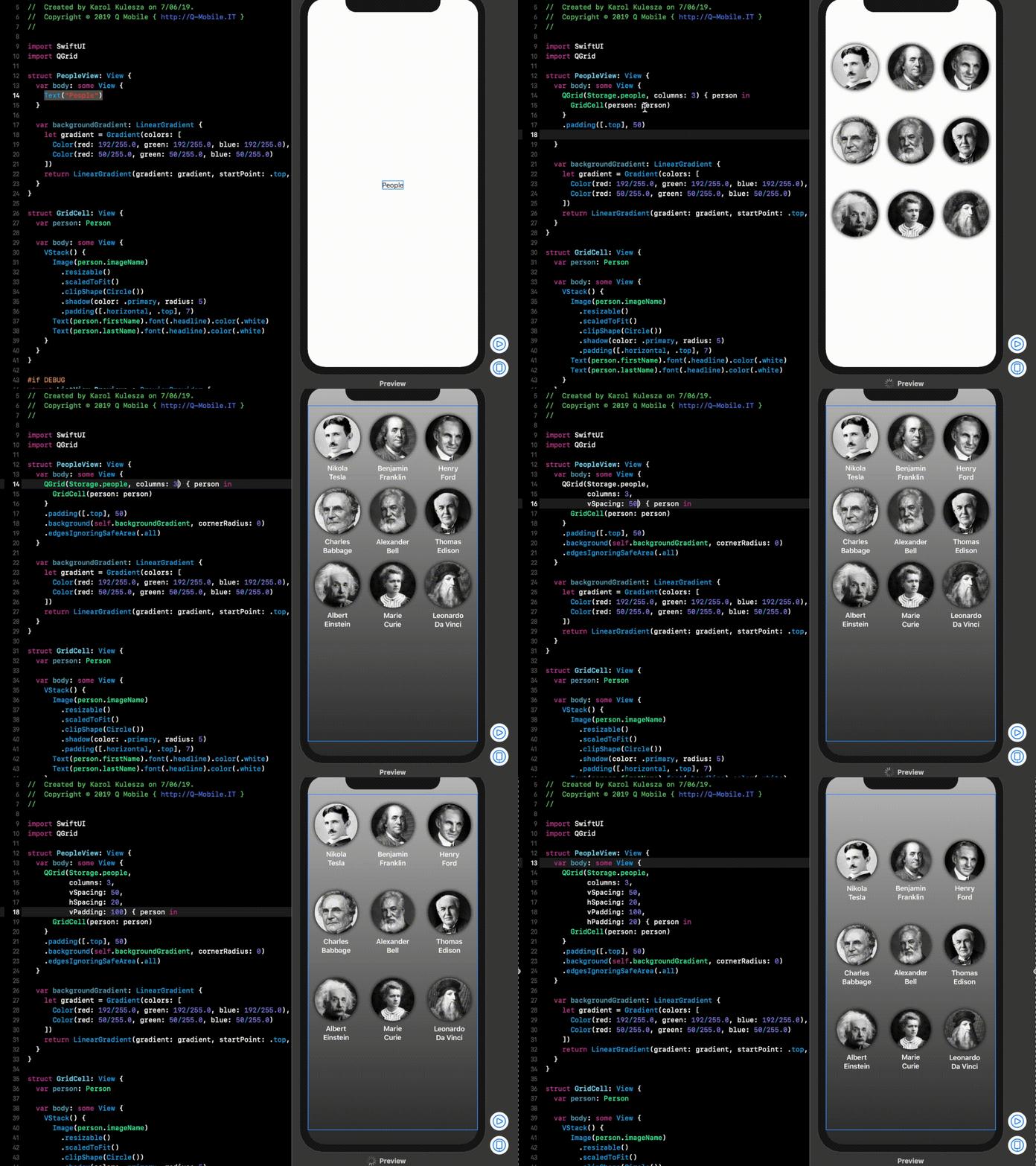
In its simplest form, QGrid can be used with just this 1 line of code within the body of your View, assuming you already have a custom cell view:
struct PeopleView: View {
  var body: some View {
    QGrid(Storage.people, columns: 3) { GridCell(person: $0) }
  }
}
struct GridCell: View {   var person: Person
var body: some View {     VStack() {       Image(person.imageName)         .resizable()         .scaledToFit()         .clipShape(Circle())         .shadow(color: .primary, radius: 5)         .padding([.horizontal, .top], 7)       Text(person.firstName).lineLimit(1)       Text(person.lastName).lineLimit(1)     }   } }
✴️ Customize the default layout configuration:
You can customize how QGrid will layout your cells by providing some additional initializer parameters, which have default values:
struct PeopleView: View {
  var body: some View {
    QGrid(Storage.people,
          columns: 3,
          columnsInLandscape: 4,
          vSpacing: 50,
          hSpacing: 20,
          vPadding: 100,
          hPadding: 20) { person in
            GridCell(person: person)
    }
  }
}
🔷 Example App
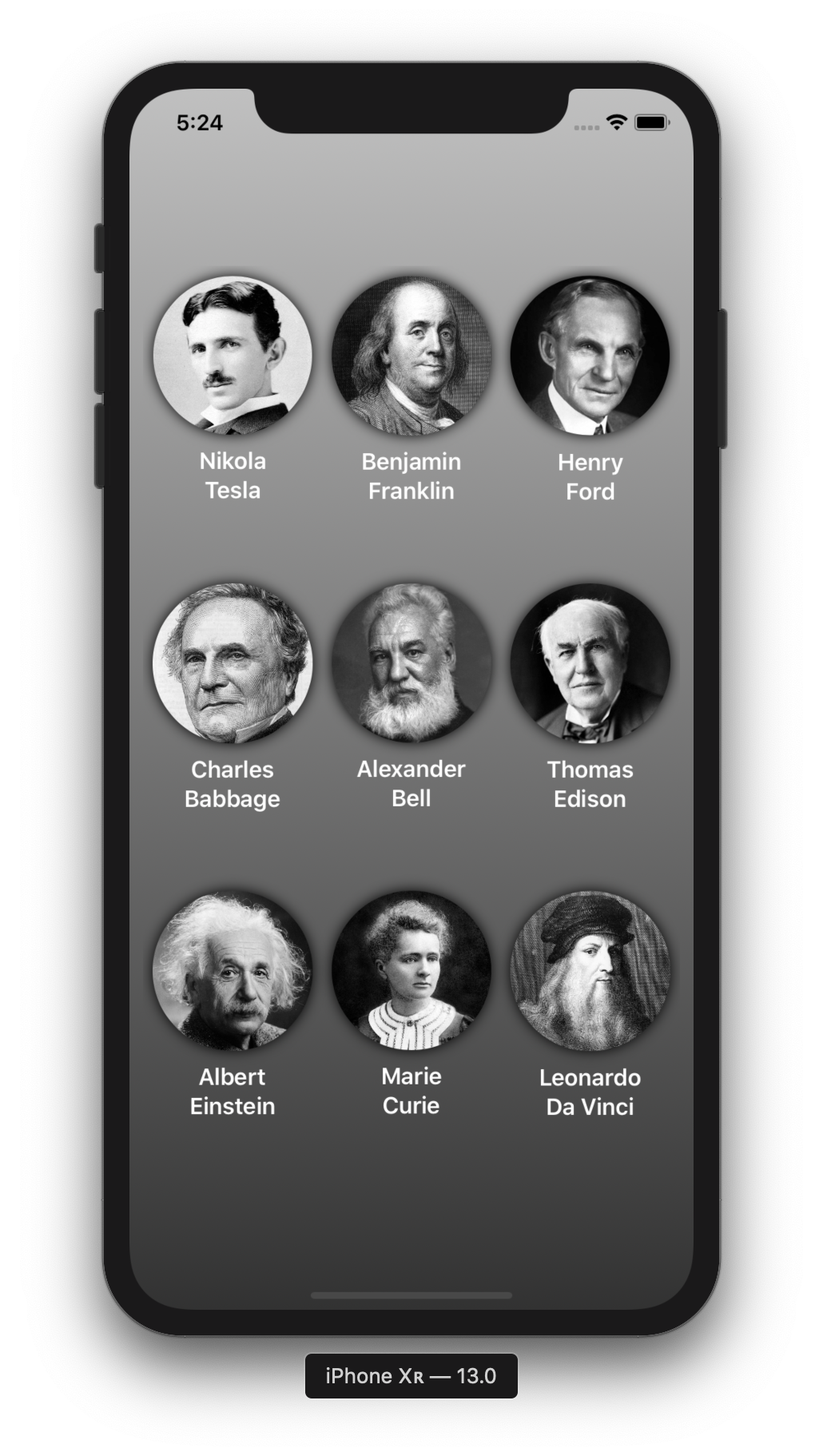
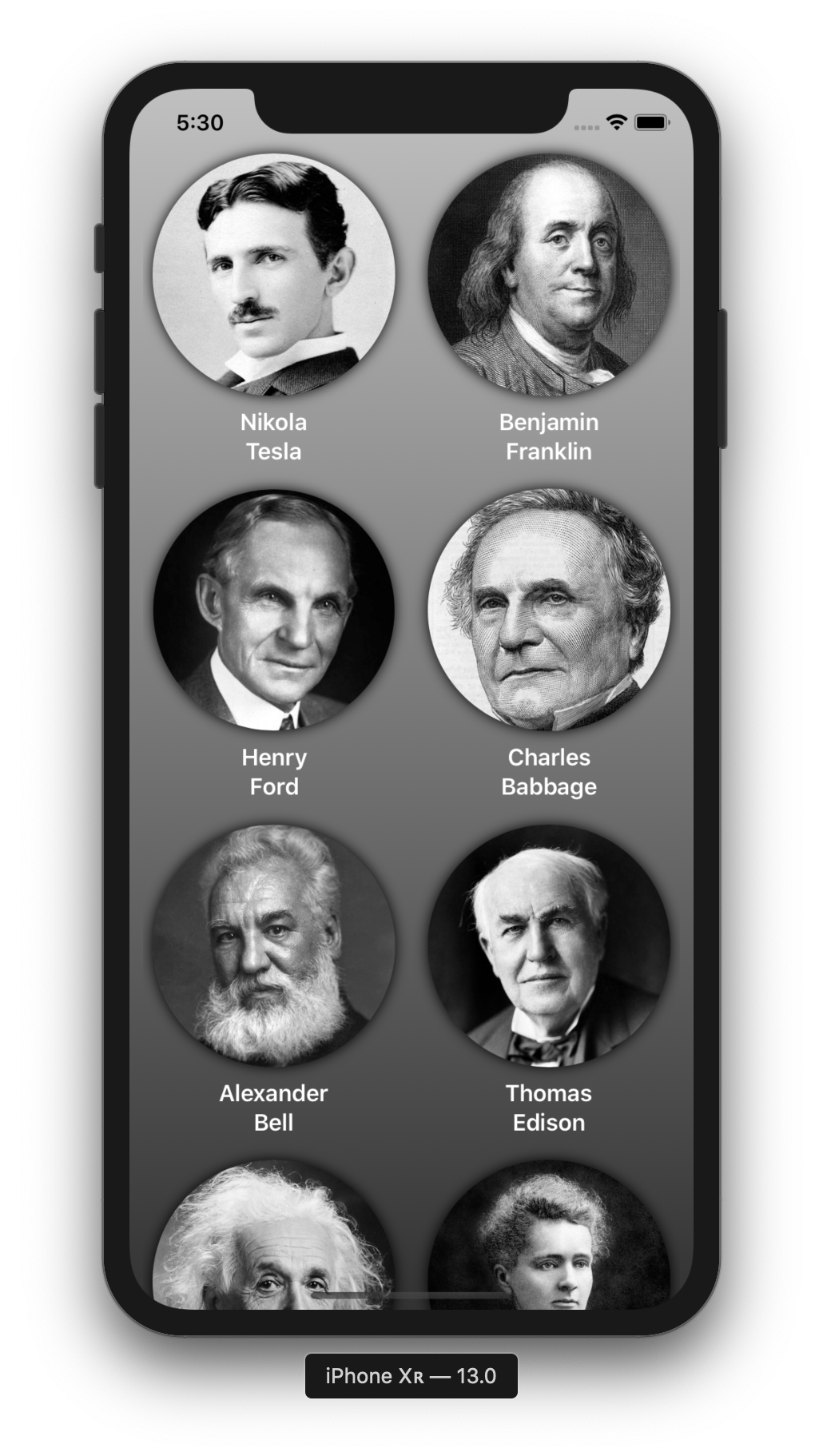
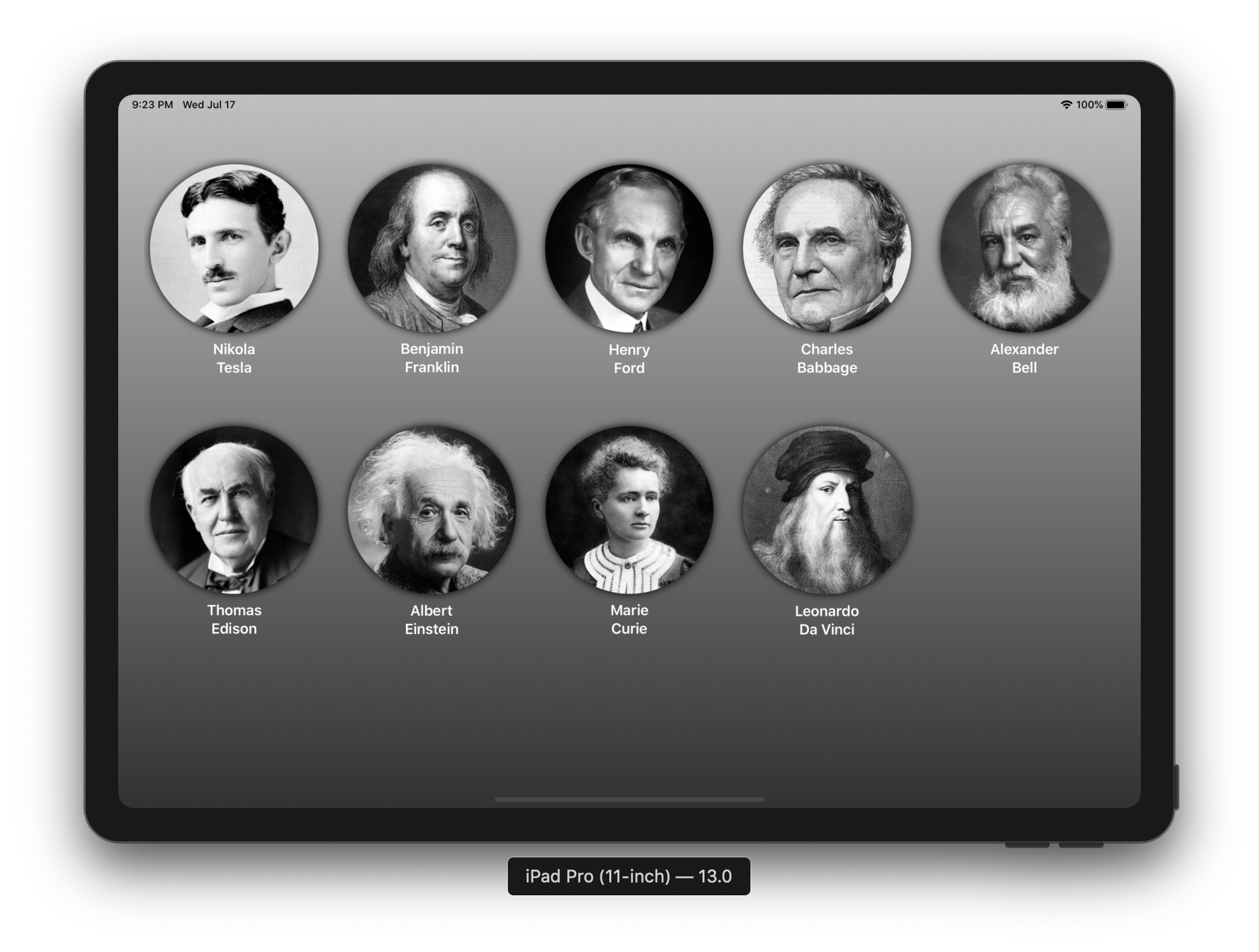
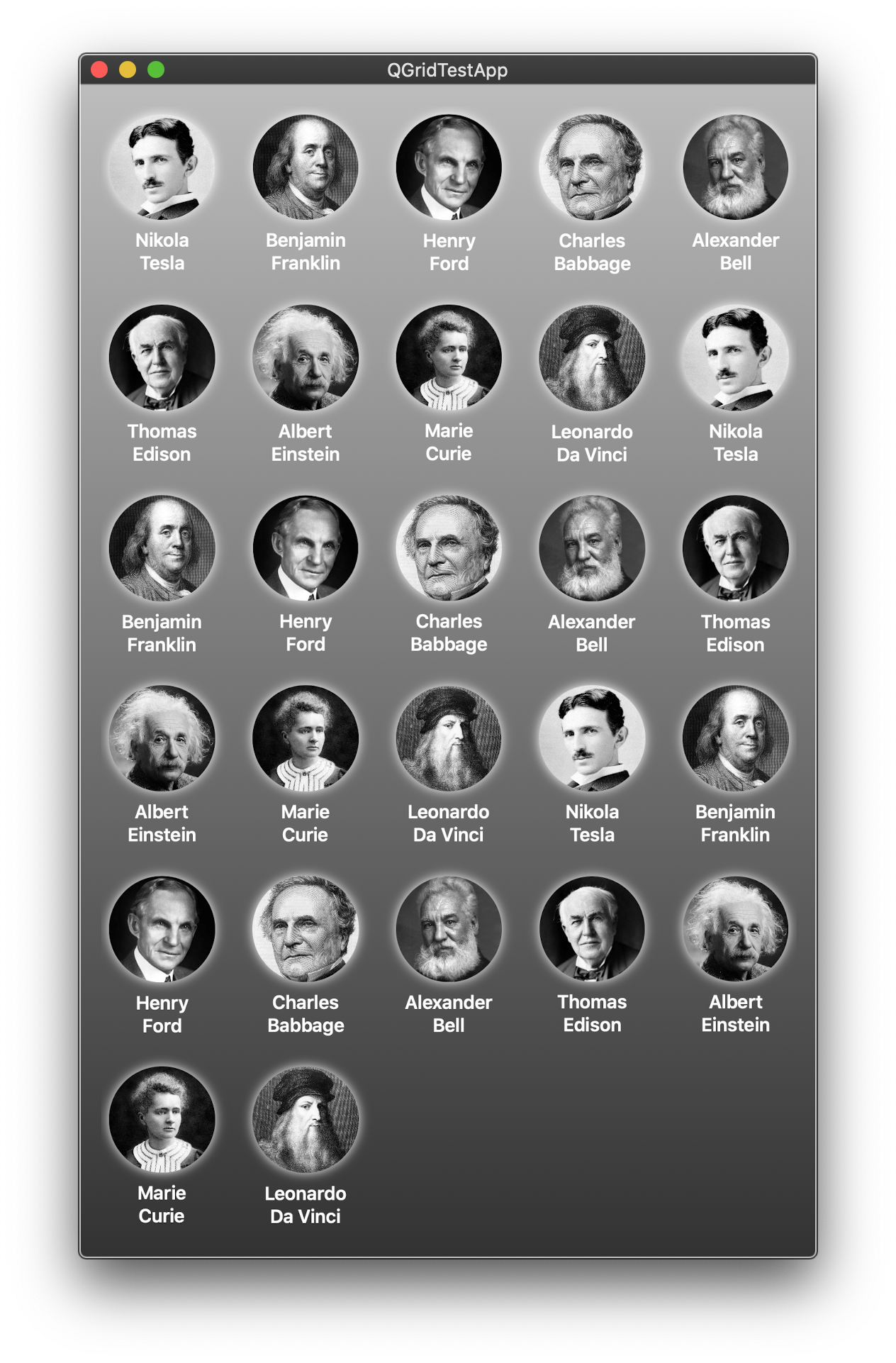
📱QGridTestApp directory in this repository contains a very simple application that uses QGrid. Open QGridTestApp/QGridTestApp.xcodeproj and either use the new Xcode Previews feature or just run the app.
 |  |
|---|
 |
|---|
 |
🔷 QGrid Designer
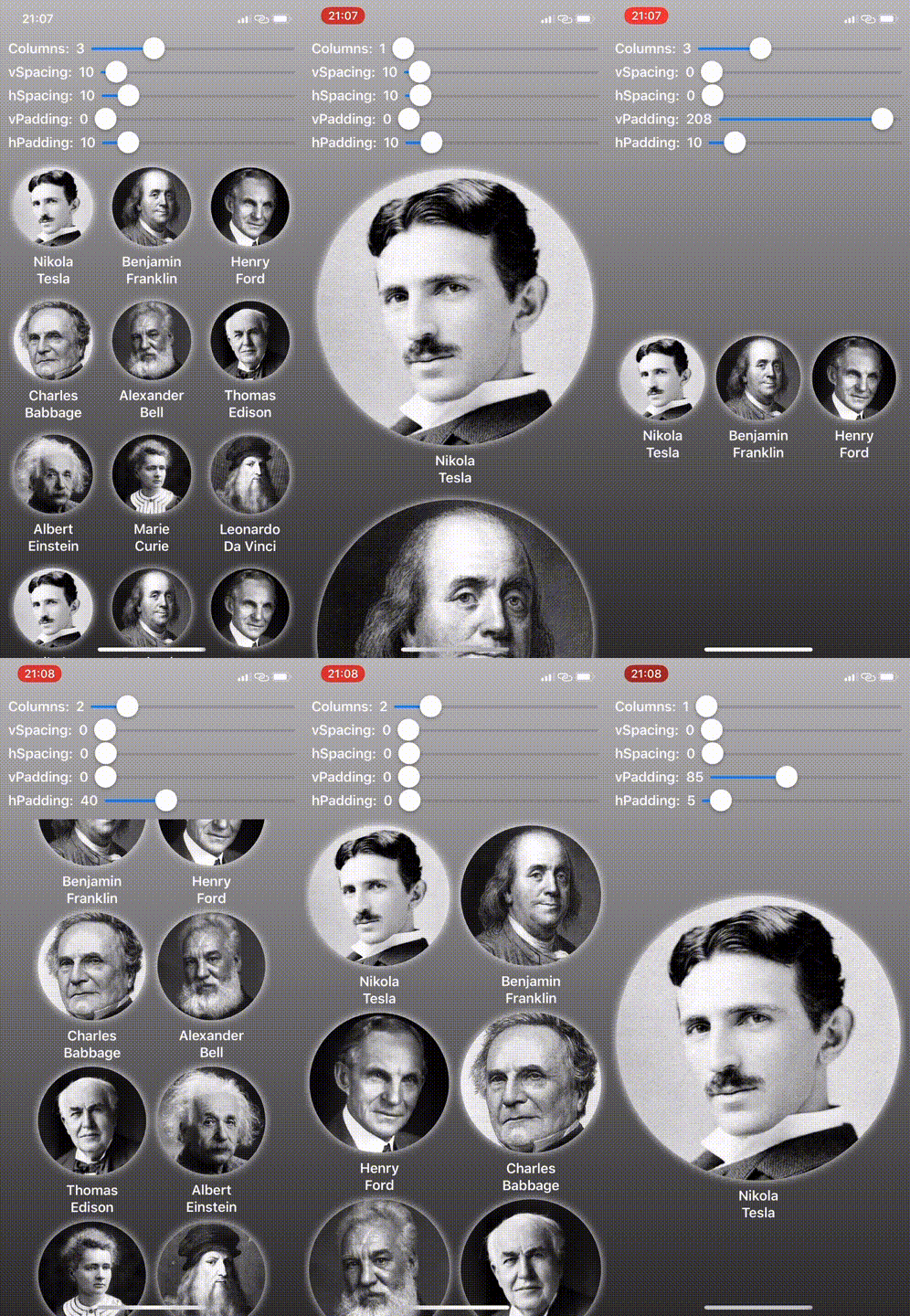
📱QGridTestApp contains also the QGrid Designer area view, with sliders for dynamic run-time configuration of the QGrid view (with config option to hide it). Please refer to the following demo executed on the device:
🔷 Roadmap / TODOs
Version 0.1.1 of QGrid contains a very limited set of features. It could be extended by implementing the following tasks:
☘️ Parameterize spacing&padding configuration depending on the device orientation ☘️ Add the option to specify scroll direction ☘️ Add content-only initializer to QGrid struct, without a collection of identified data as argument (As in SwiftUI’s List) ☘️ Add support for other platforms (watchOS) ☘️ Add Stack layout option (as in UICollectionView) ☘️ Add unit/UI tests ☘️ ... many other improvements
🔷 Contributing
👨🏻🔧 Feel free to contribute to QGrid by creating a pull request, following these guidelines:
- Fork
QGrid - Create your feature branch
- Commit your changes, along with unit tests
- Push to the branch
- Create pull request
🔷 Author
👨💻 Karol Kulesza (@karolkulesza)
🔷 License
📄 QGrid is available under the MIT license. See the LICENSE file for more info.


