Music streaming app for Android compatible with Navidrome, Jellyfin and OpenSubsonic servers or a local library
Wavio

Music streaming app for Android compatible with Navidrome, Jellyfin and OpenSubsonic servers or a local library.

Table of contents
How to install
For now you can only install the app from the releases page.
Two versions are available for 64bit (arm64-v8a) and 32bit (armeabi-v7a) architectures. If in doubt try arm64-v8a first. Simulator architetures (x86, x86_64) are not provided.
You can also apply for the closed testing beta on the Google Play Store in order for the app to be published. To do that I need your email address, so I can send you the link to the beta testing page.
Use Android Auto with a APK install
Android Auto doesn't detect Wavio automatically if you installed the app via APK on Github, Android Auto detects only Play Store apps automatically. To see Wavio with a APK install on Android Auto :
- On the phone, open Android Auto settings (Settings → Connected devices → Android Auto, or open the standalone Android Auto app's settings, varies by phone).
- Scroll to the bottom and tap "Version" ~10 times until it says developer mode is enabled.
- Tap the ⋮ overflow menu (top right) → Developer settings.
- Turn on "Unknown sources" (sometimes worded "Add new apps to launcher" or "Unknown sources").
- Reconnect the phone to the car (unplug/replug, or restart the Android Auto session).
- If it still doesn't show, check Customize launcher in Android Auto settings and make sure Wavio is enabled/checked.
Features
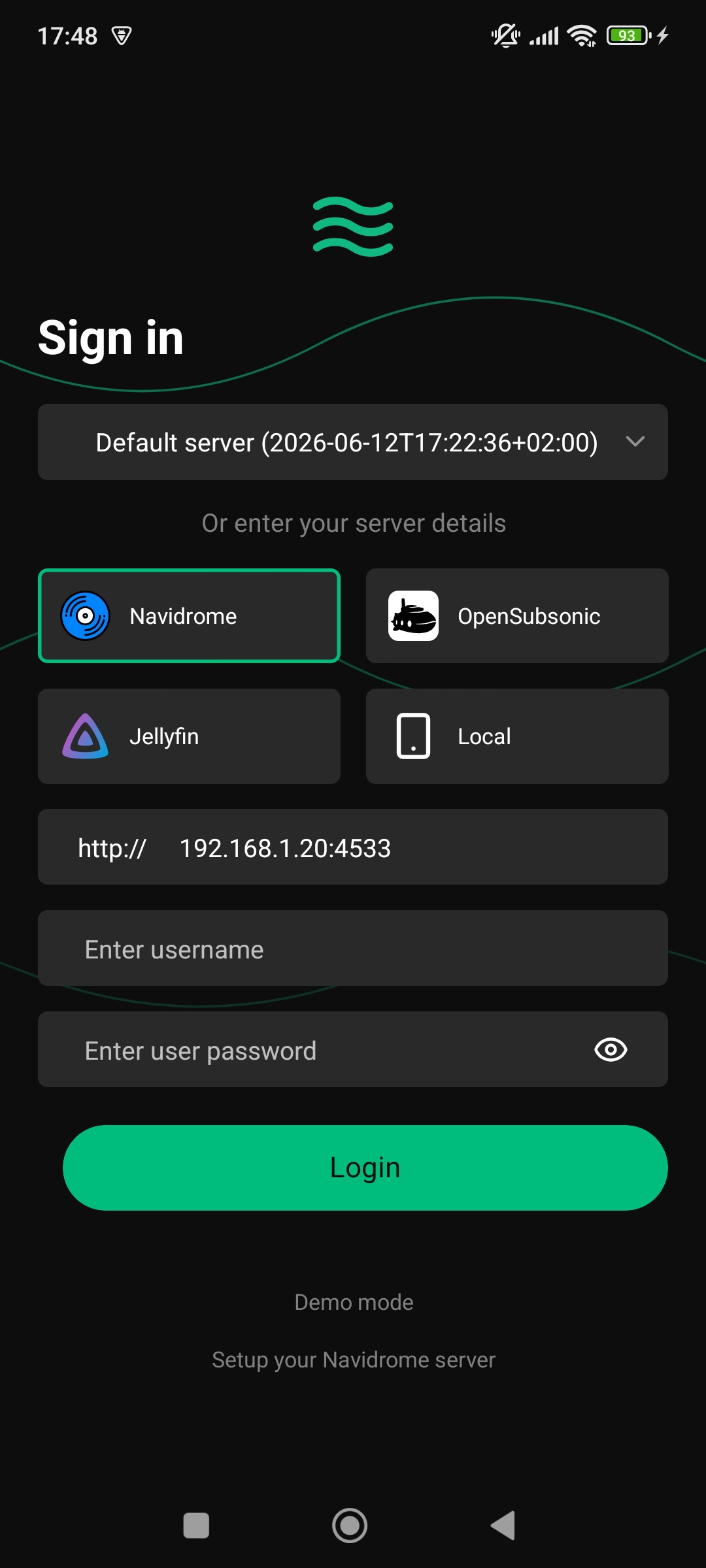
- Supports Navidrome, OpenSubsonic and Jellyfin servers or a local library
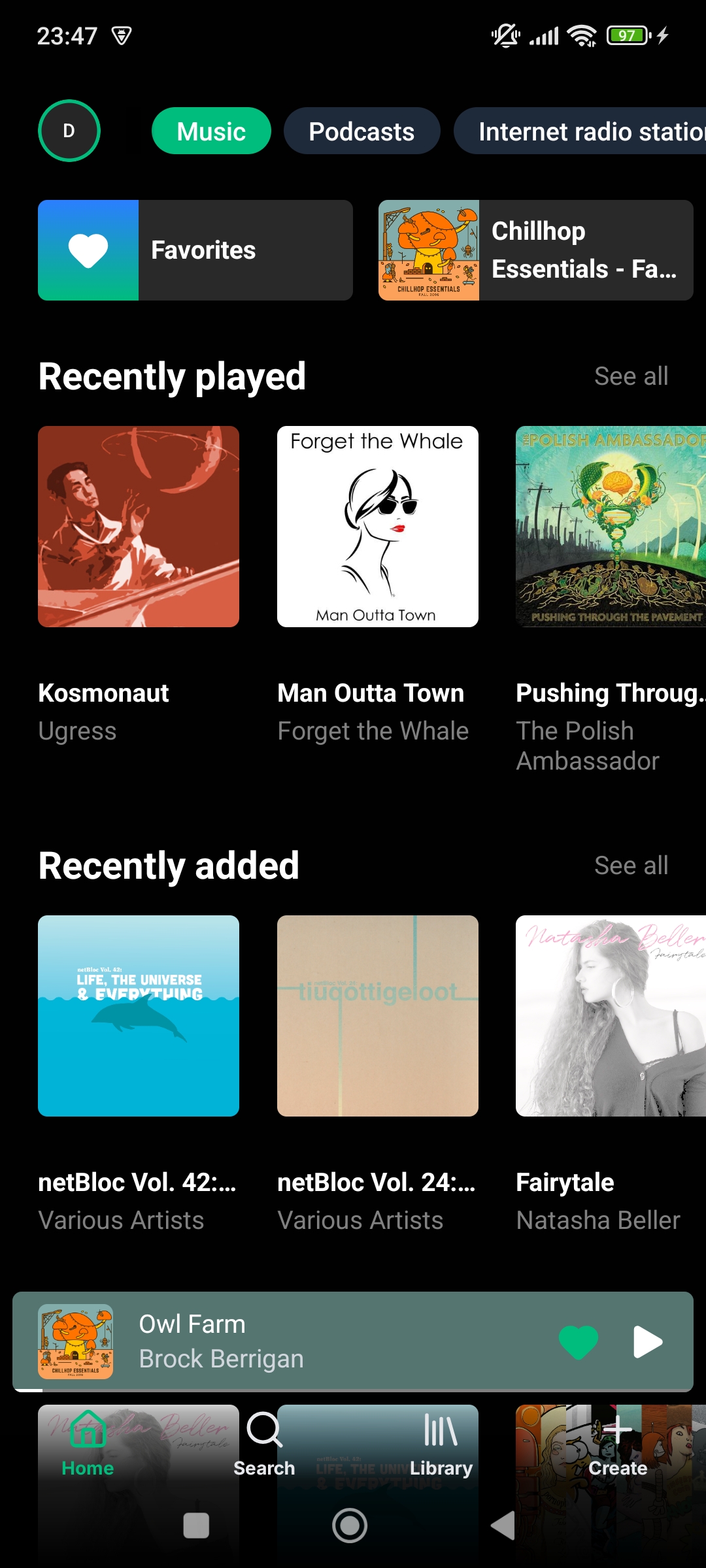
- Home screen with shortcuts and recently played, recently added, most played, more from artist, highest rated, random and internet radio stations sections
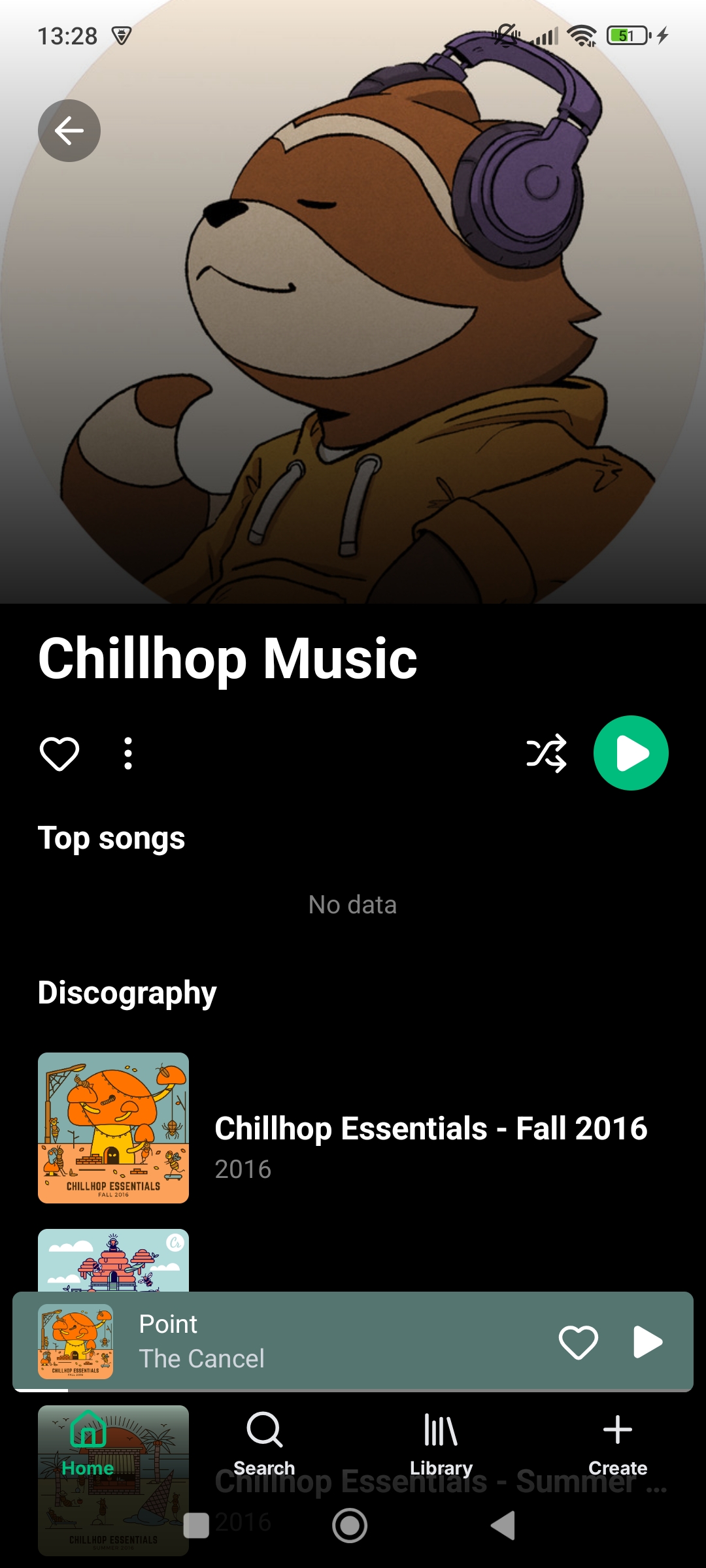
- Artist screen with albums, songs, liked songs, and similar artists
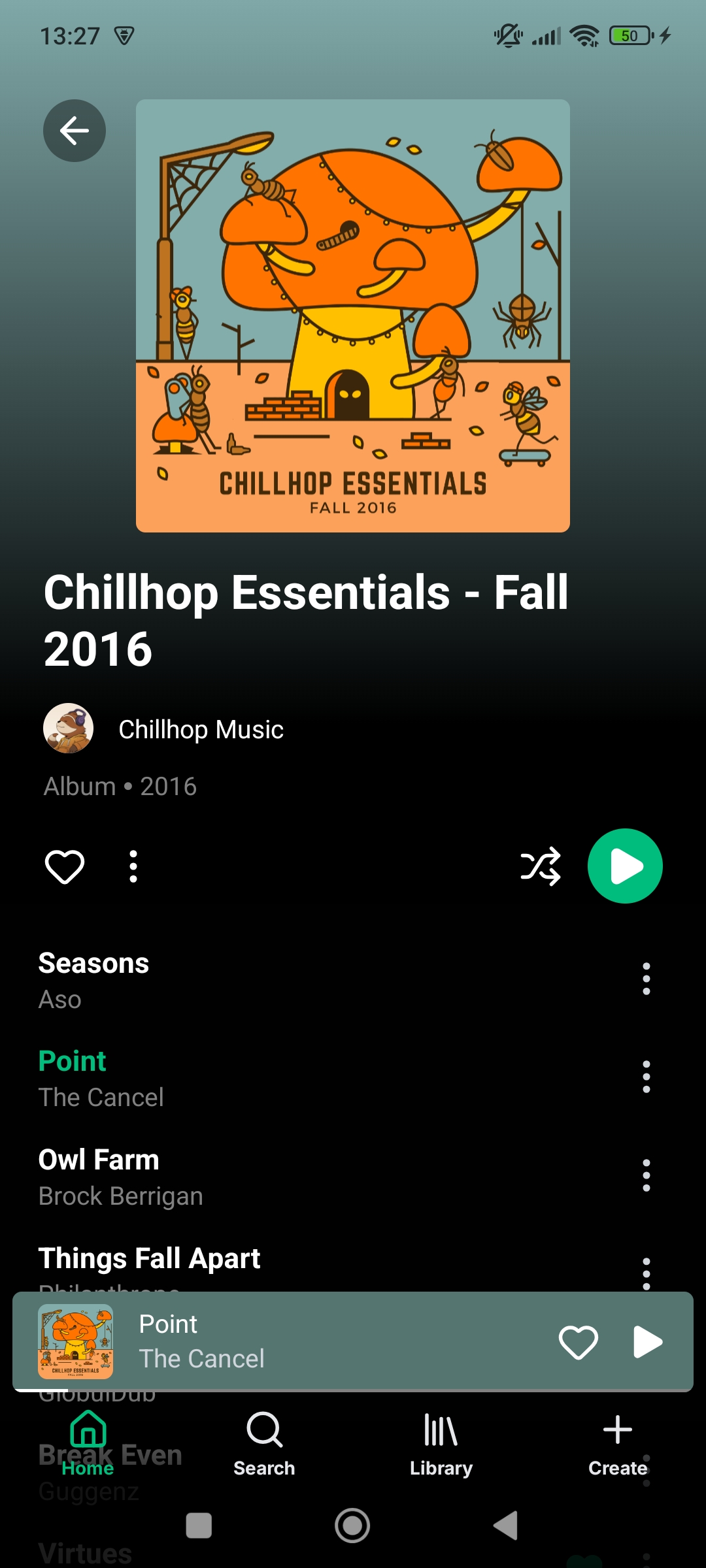
- Album screen with songs and similar albums
- Playlist screen with songs list and editing
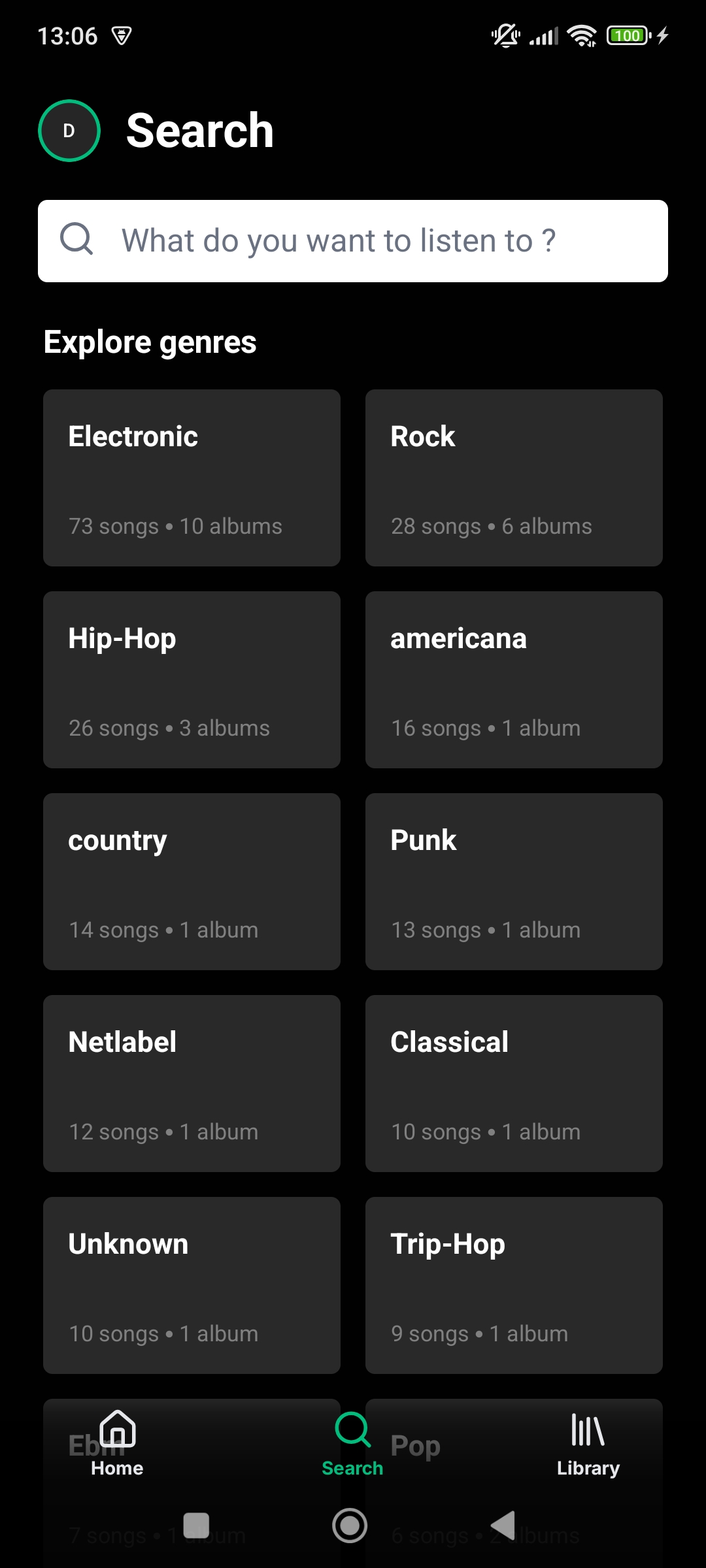
- Search screen with genres, artists, albums, and songs
- Recent searches history
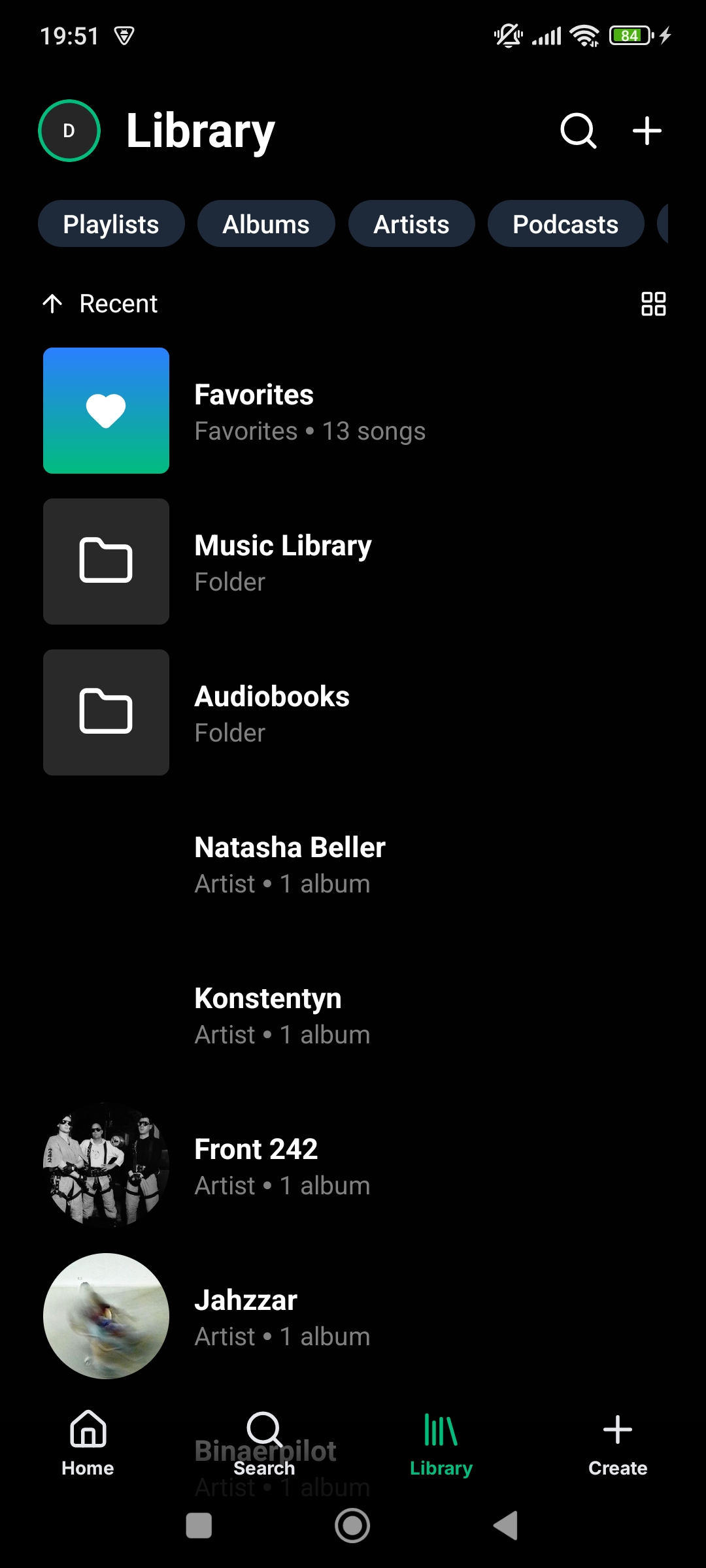
- Library screen with starred, playlists, albums, and artists
- Liked songs screen
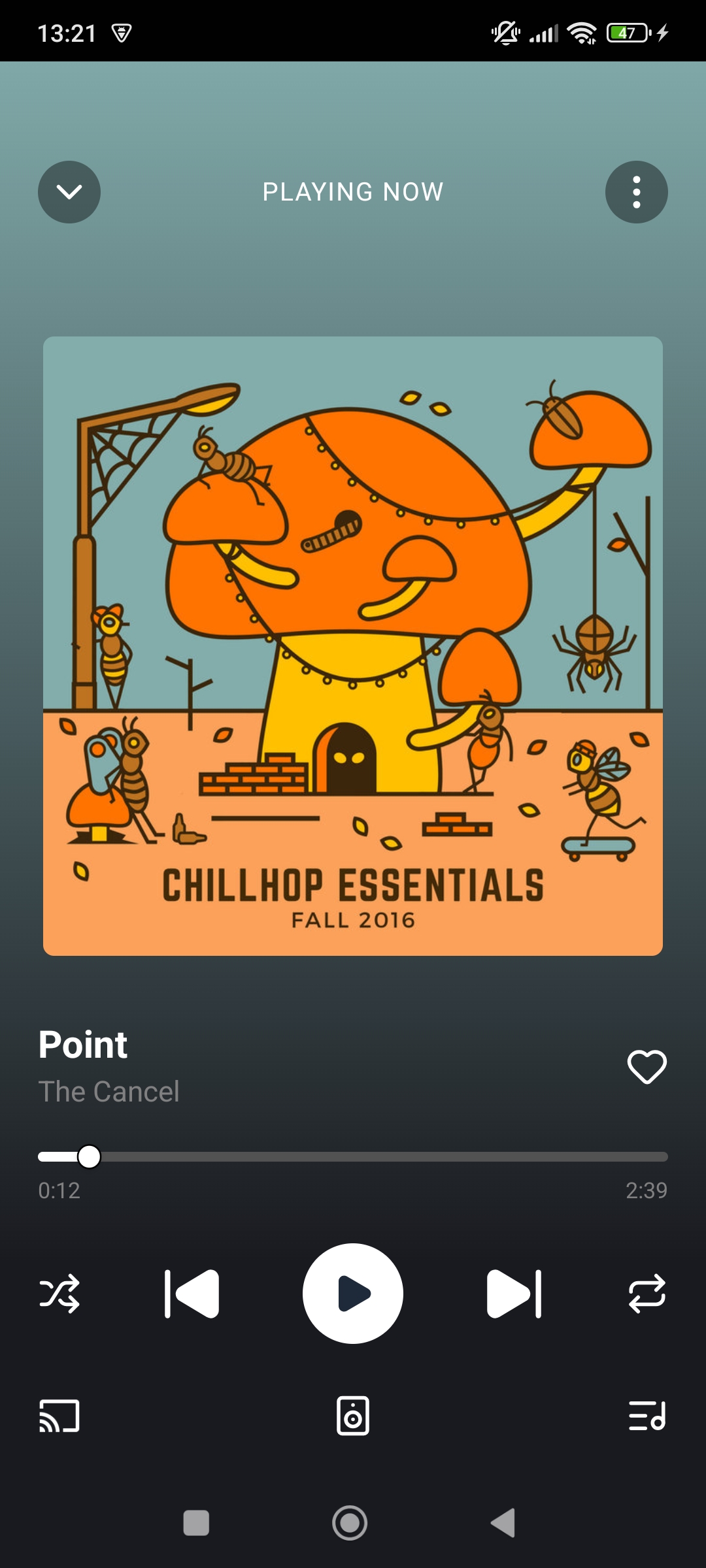
- Player screen with audio controls and synchronized lyrics
- Floating player for easy access to the currently playing song
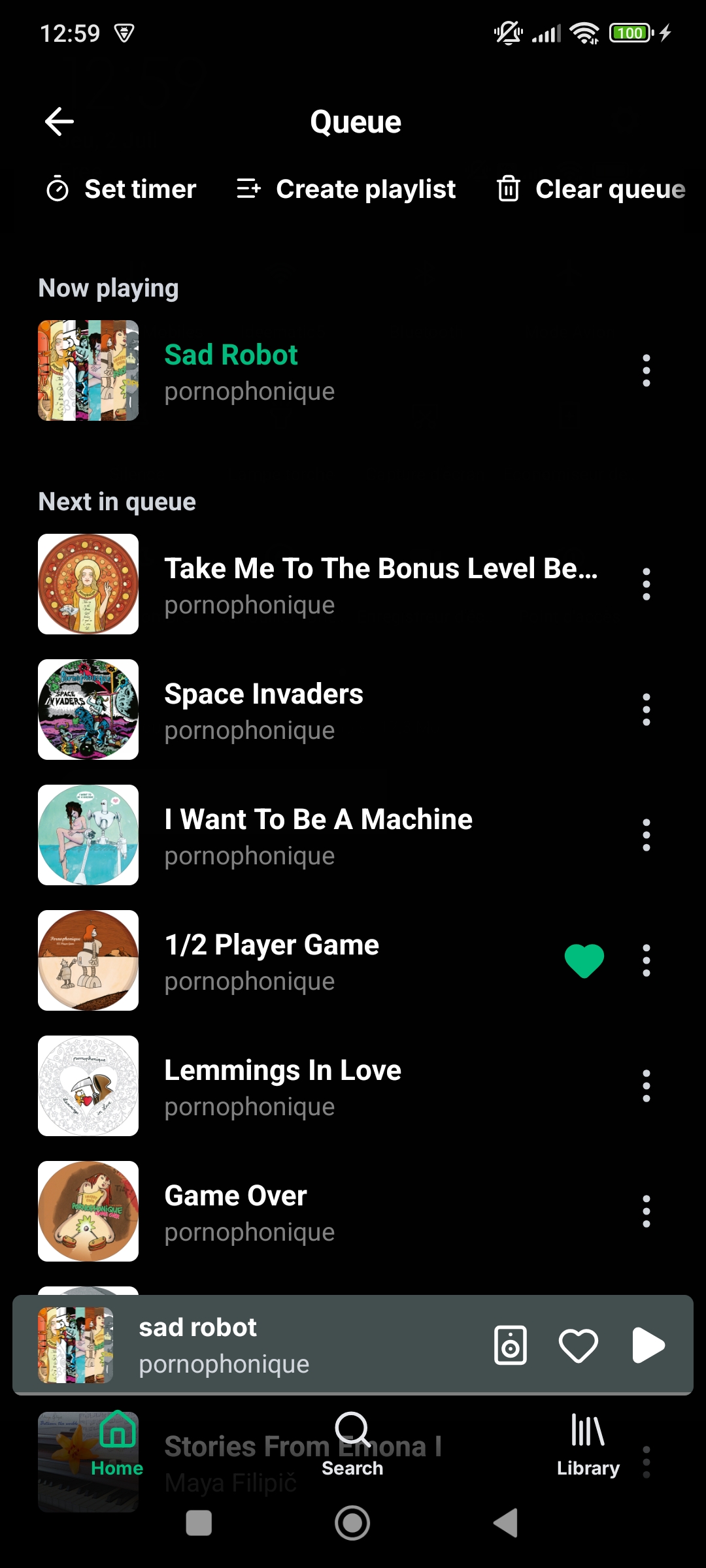
- Queue screen with clearing, editing and reordering support
- Similar songs screen with songs similar to the selected song
- AudioMuse-AI support for AI powered sonic similarity. (Navidrome and Jellyfin only)
- Octo-Fiesta proxy server support. Automatically fetch songs not in your library. (Navidrome and OpenSubsonic only)
- Podcasts screen with search, podcast series and episodes (provided by Taddy API, 500 monthly free requests)
- Internet radio stations, listen to radio streams, browse and search (provided by the Radio Browser API, free for non-commercial use)
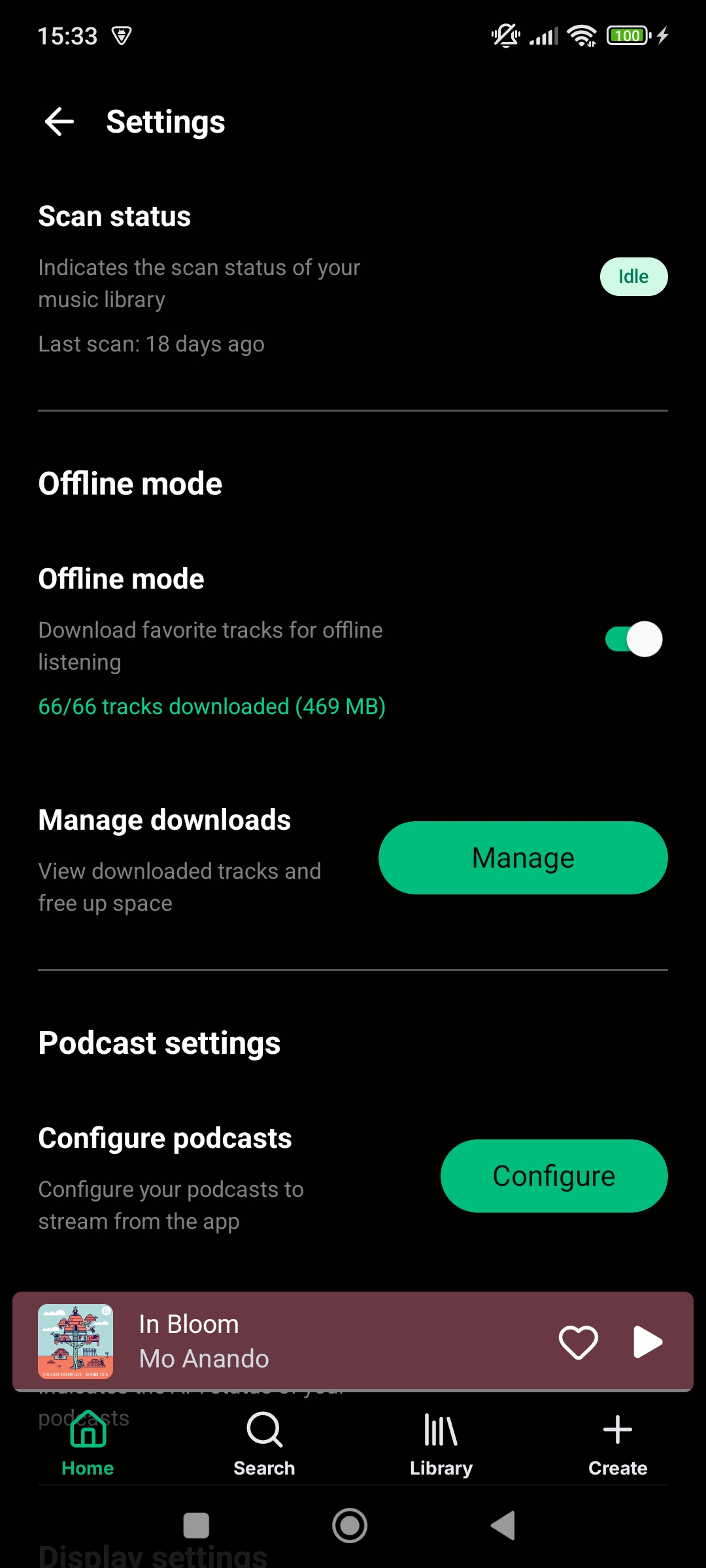
- Offline downloads of albums and playlists and tracks, offline actions, automatic dowload of favorite songs, downloads management screen, queued changes screen
- Music folders (libraries) discovery and filtering across home, search, and library
- Activity screen with now playing users
- Share screen with shareable links
- Servers screen with multiple servers support
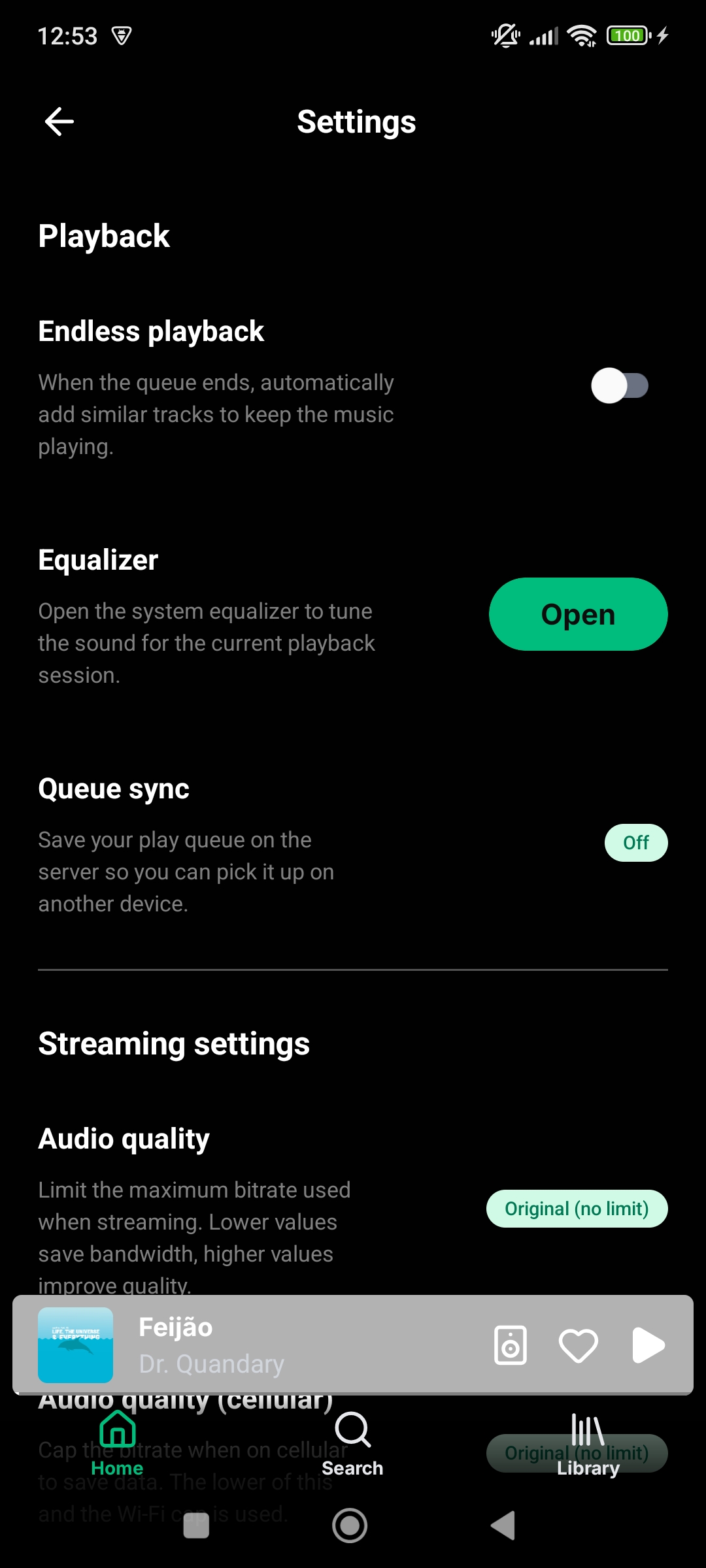
- Settings screen with server scanning, offline downloads, playback, content, display and backup settings
- Audio quality settings, endless playback, replay gain, equalizer and sleep timer
- Profile screen with user playlists
- Edit profile screen with account info and password change
- Synced lyrics support and retrieval through lrclib.net
- Bookmarks support. Easy access to a song or podcast favorite parts
- Landscape mode support
- Android homescreen widgets
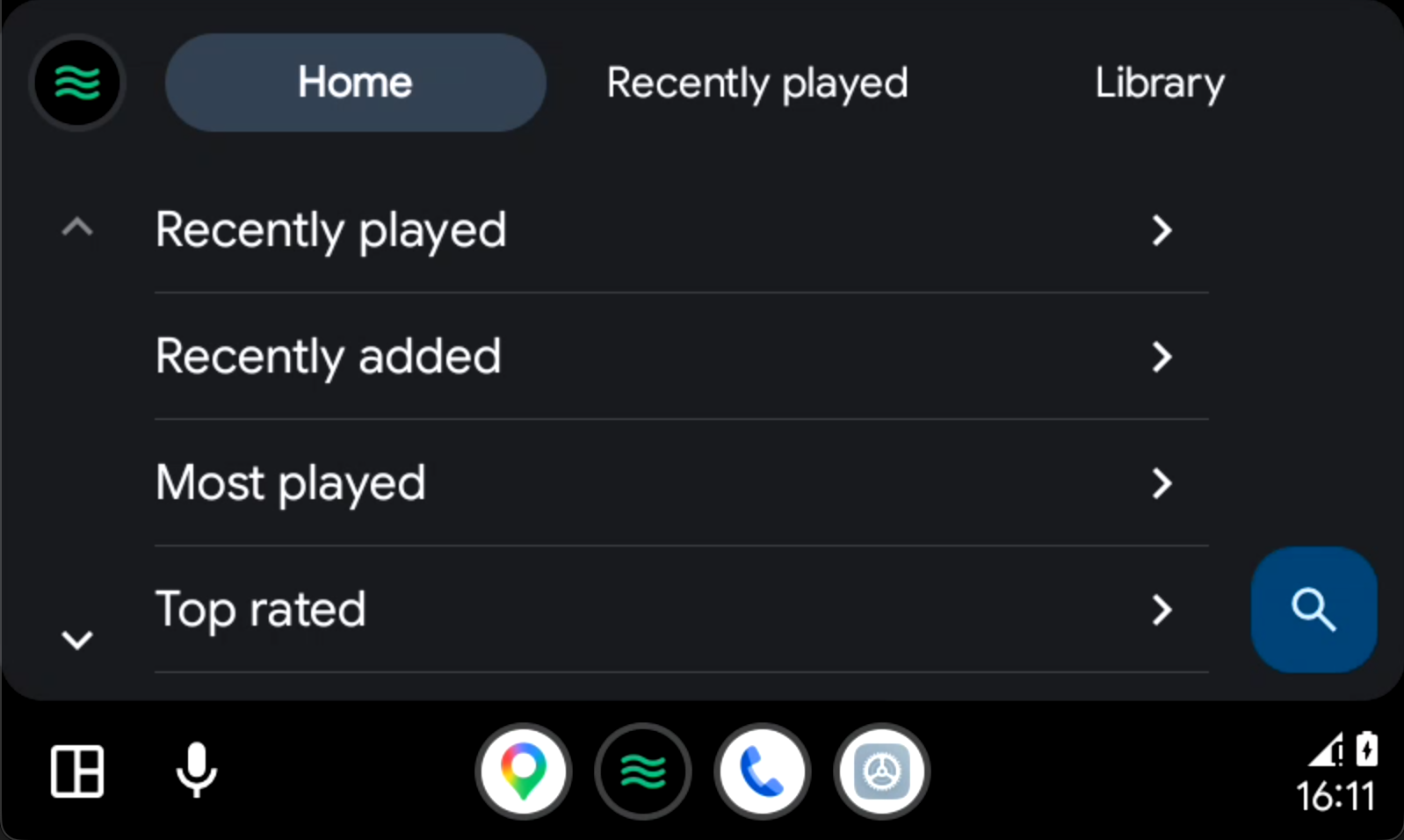
- Android Auto support
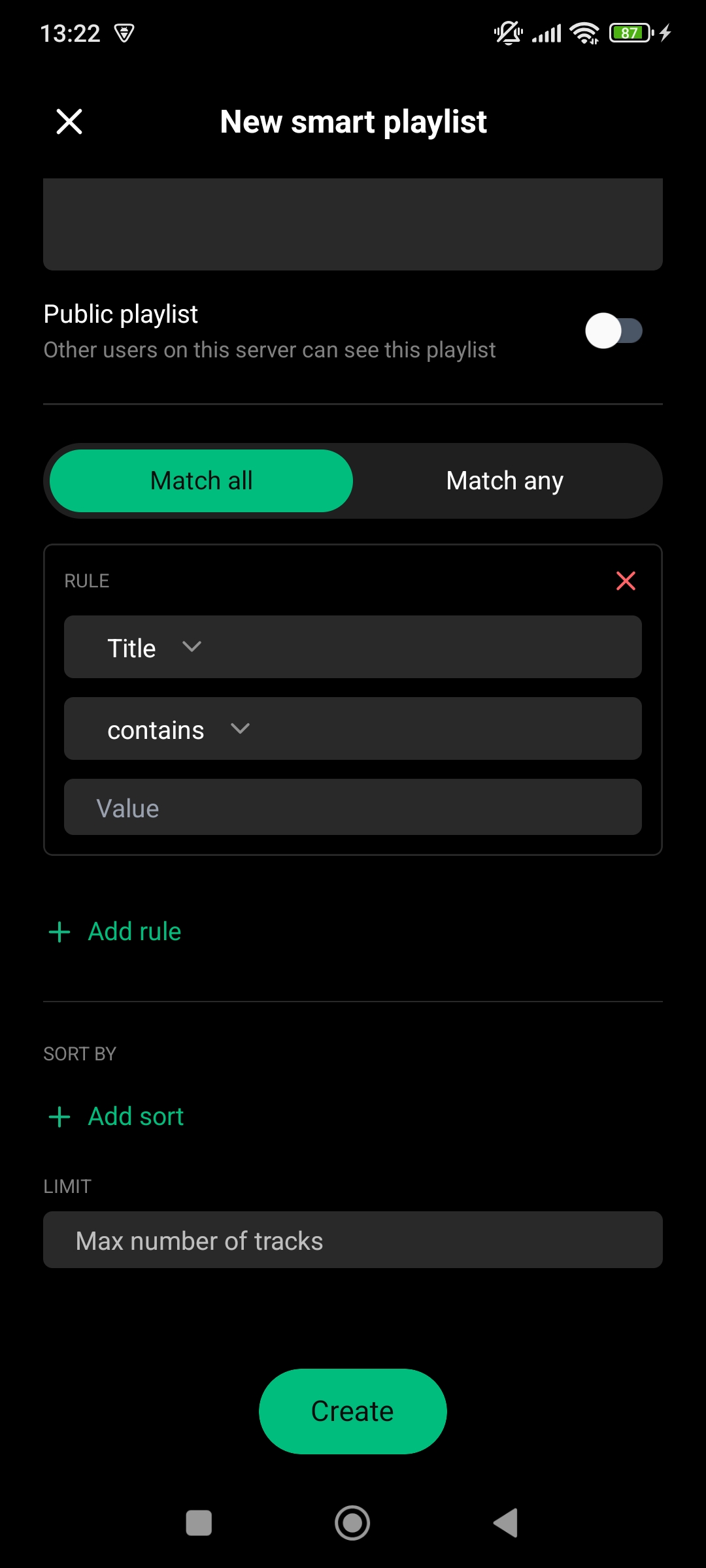
- Navidrome smart playlists beta support
- Navidrome/Opensubsonic jukebox mode support
- Backup and restore
- Automatic metadata extraction from local files, uses embedded metadata if available or falls back to file system and file name heuristics
- English, French, German, Italian, Chinese and Russian translations
Translations
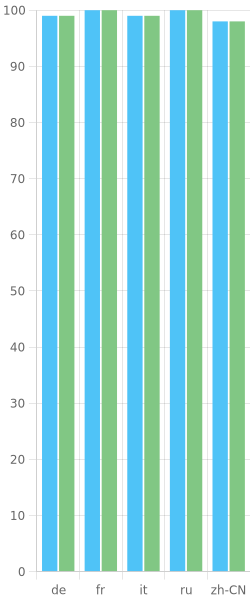
Wavio is available in multiple languages thanks to the community. If you want to help translate the app, please join the Crowdin project and help us translate the app to your language.
If your language isn't listed, please open an issue to request it.

Currently supported languages: English, French, German, Italian, Chinese, Russian.
Development
This repository is a Bun workspace monorepo with two workspaces:
apps/mobile— the Expo mobile appapps/landing— the Astro marketing website
bun install at the repo root installs both. Most scripts are exposed at the root as mobile: / landing: (which delegate to the relevant workspace), or you can run a workspace's own scripts with bun run --cwd apps/<workspace> <script>.
Getting started
- Clone the repository
- Make sure you have Node v22+ installed
- Make sure you have bun installed
- Install dependencies with
bun install(from the repo root) - Set environment variables in EAS secrets (see
.env.example) - Prebuild the native development app with
bun run mobile:prebuild - Run the app with
bun run mobile:startand make sure you have a development build for the targetted platform (bun run mobile:androidorbun run mobile:ios)
Android
- Make sure you have the correct environnement for building on Android (Android Studio, SDK, Java, etc.)
- Make sure you are have the SENTRYAUTHTOKEN and are logged in to the sentry-cli with
sentry-cli login - Make sure you are logged in to Expo with
eas login(check witheas whoami) - Build the app with the desired profile
bun run mobile:build:android:<profile> - Install the app on your device with the generated APK file
Android Auto
In order to test Android Auto, you need to :
- Install the Android Auto Desktop Head Unit Emulator via Android Studio in SDK Manager > SDK Tools > Android Auto Desktop Head Unit Emulator.
- Make sure to enable the developer mode in your devices Android Auto settings by tapping the version number 10 times.
- Run the head unit server in the Android Auto settings
- On your development machine, run
adb forward tcp:5277 tcp:5277and start the emulator with~/Library/Android/sdk/extras/google/auto/desktop-head-unit - Enable
Unknown sourcesin Android Auto's developer settings (⋮ menu > Developer settings > Unknown sources) if the app doesn't show up in the emulator - You can check the logs related to the android auto service with
adb logcat -c && adb logcat ReactNativeJS:V CarAuto:V "*:S"
iOS
Mostly functional, no carplay or widgets support yet. No plan yet to publish to the App Store.
Marketing website (apps/landing)
The landing page is a static Astro site (Tailwind v4, en/fr i18n), independent from the mobile app.
- Install dependencies with
bun install(from the repo root, shared with the app) - Start the local dev server with
bun run landing:dev(defaults tolocalhost:4321) - Build the production site with
bun run landing:build(output toapps/landing/dist/) - Preview the built site with
bun run landing:preview
cd apps/landing && bun run astro ....
E2E tests
The mobile app has E2E tests that are powered by Maestro. To run the tests, you need to have the Maestro CLI installed and need access to a iOS or Android simulator. The test scenarios are defined in apps/mobile/maestro/flows. Each flow is a sequence of steps that are executed in order. To run the tests, run maestro test apps/mobile/maestro/ from the repo root. You can find more information about the test scenarios in the E2E tests README.
Useful commands
Run from the repo root:
bun run mobile:start: Start the app in development modebun run mobile:android: Start the app in development mode on Androidbun run mobile:ios: Start the app in development mode on iOSbun run mobile:web: Start the app in development mode with web supportbun run mobile:prebuild: Prebuild the native development appbun run mobile:typecheck: Type-check the appbun run mobile:lint: Lint the codebasebun run mobile:lint:fix: Fix linting issuesbun run mobile:test: Run the test suitebun run landing:dev: Start the marketing site dev serverbun run landing:build: Build the marketing sitebun run landing:preview: Preview the built marketing sitebun run doctor(insideapps/mobile): Check the app for any potential issueseas build --profile preview --platform android(insideapps/mobile): Build the app for Android with the desired profile and platform (add--localto build locally)eas whoami: Check the current usereas login: Login to Expo
Useful links
- OpenSubsonic API documentation
- Navidrome documentation
- Jellyfin documentation
- Expo documentation
- React Native documentation
Gallery