
🔥一款汇总了郭霖,鸿洋,以及自己平时收集的自定义控件集合库(小红书)







最新动态-网页动态背景“五彩蛛网”
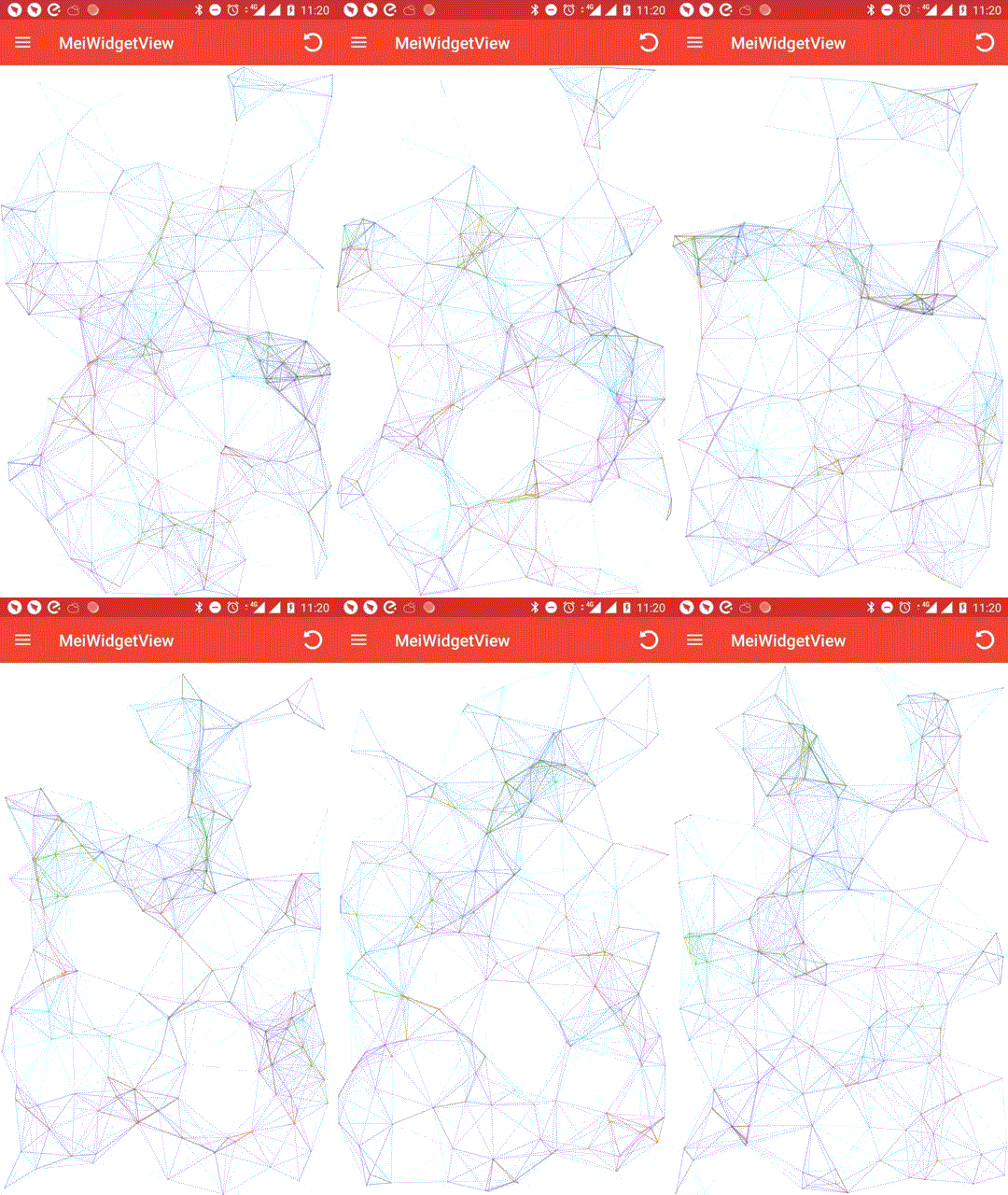
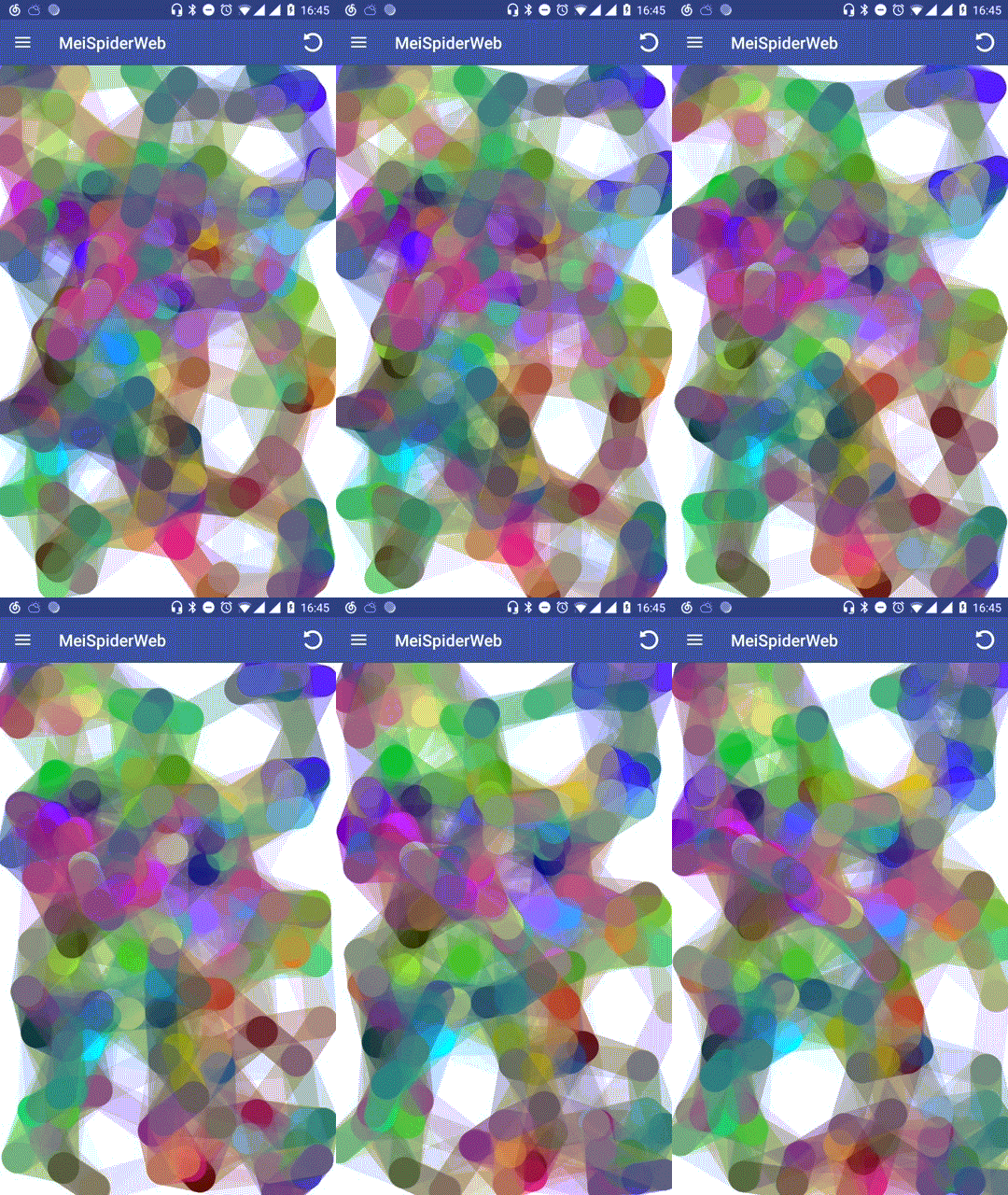
想了解更多大厂炫酷控件,请关注微信公众号:控件人生

自定义LayoutManager
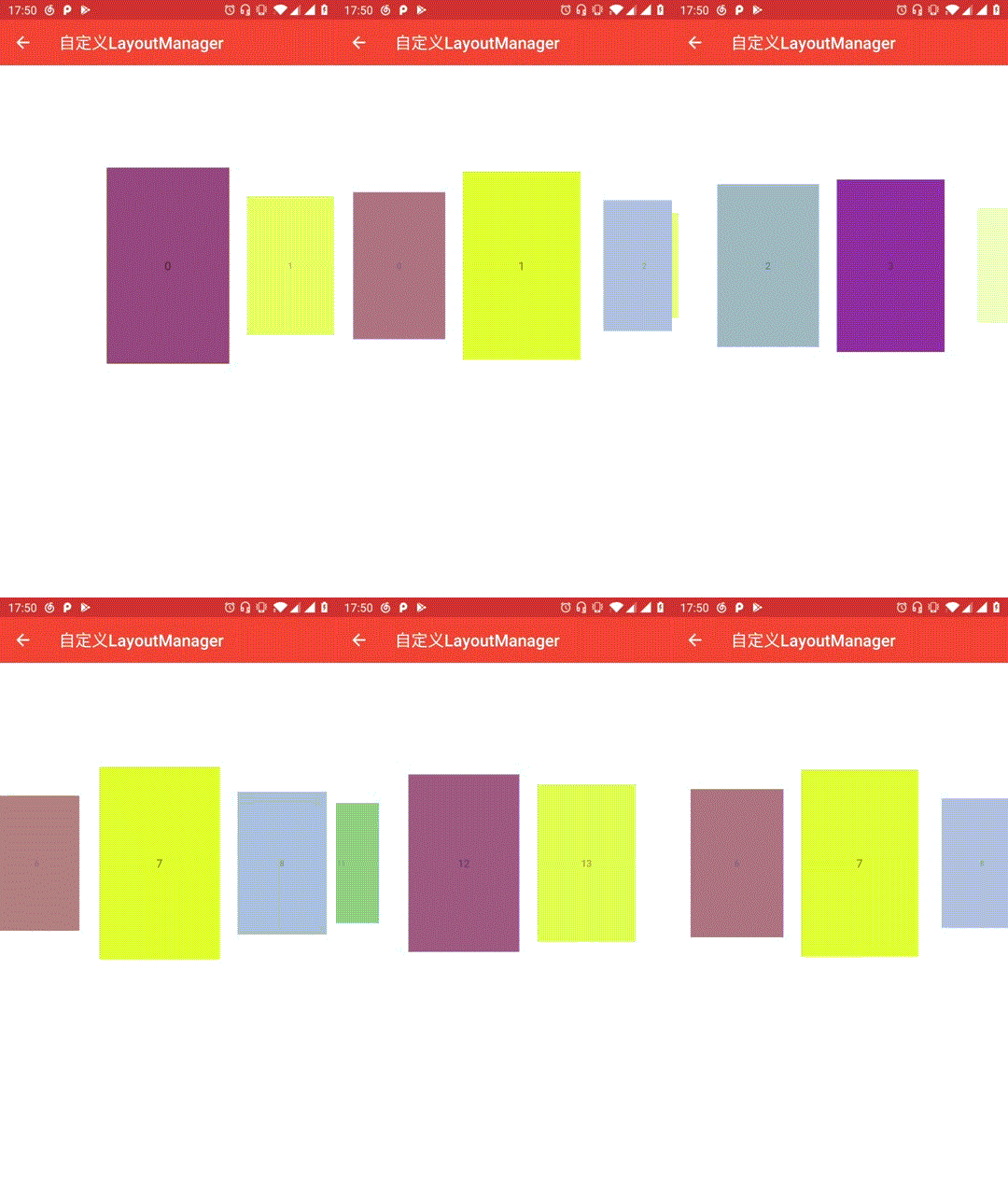
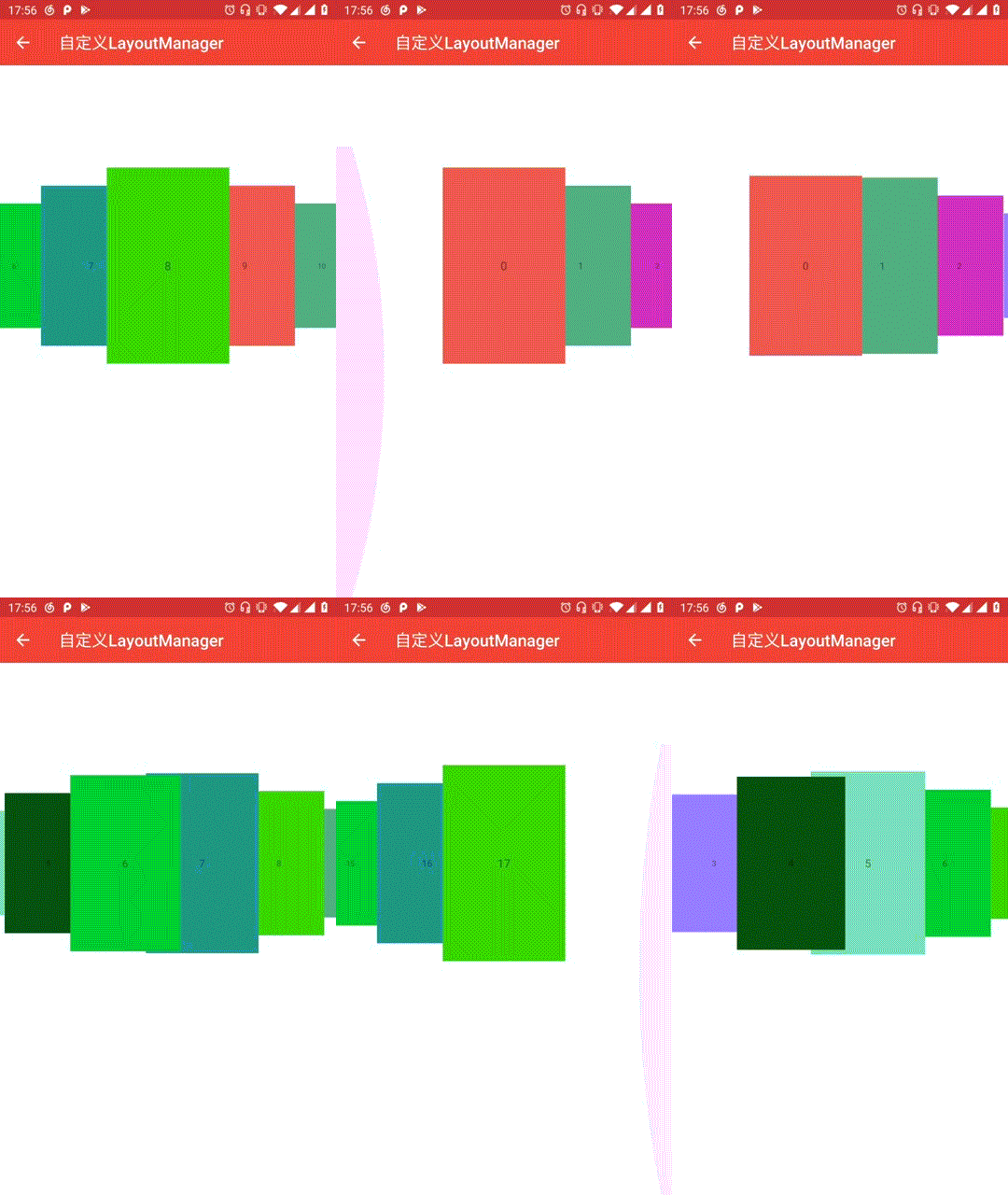
博客地址:Android自定义控件进阶篇,自定义LayoutManager
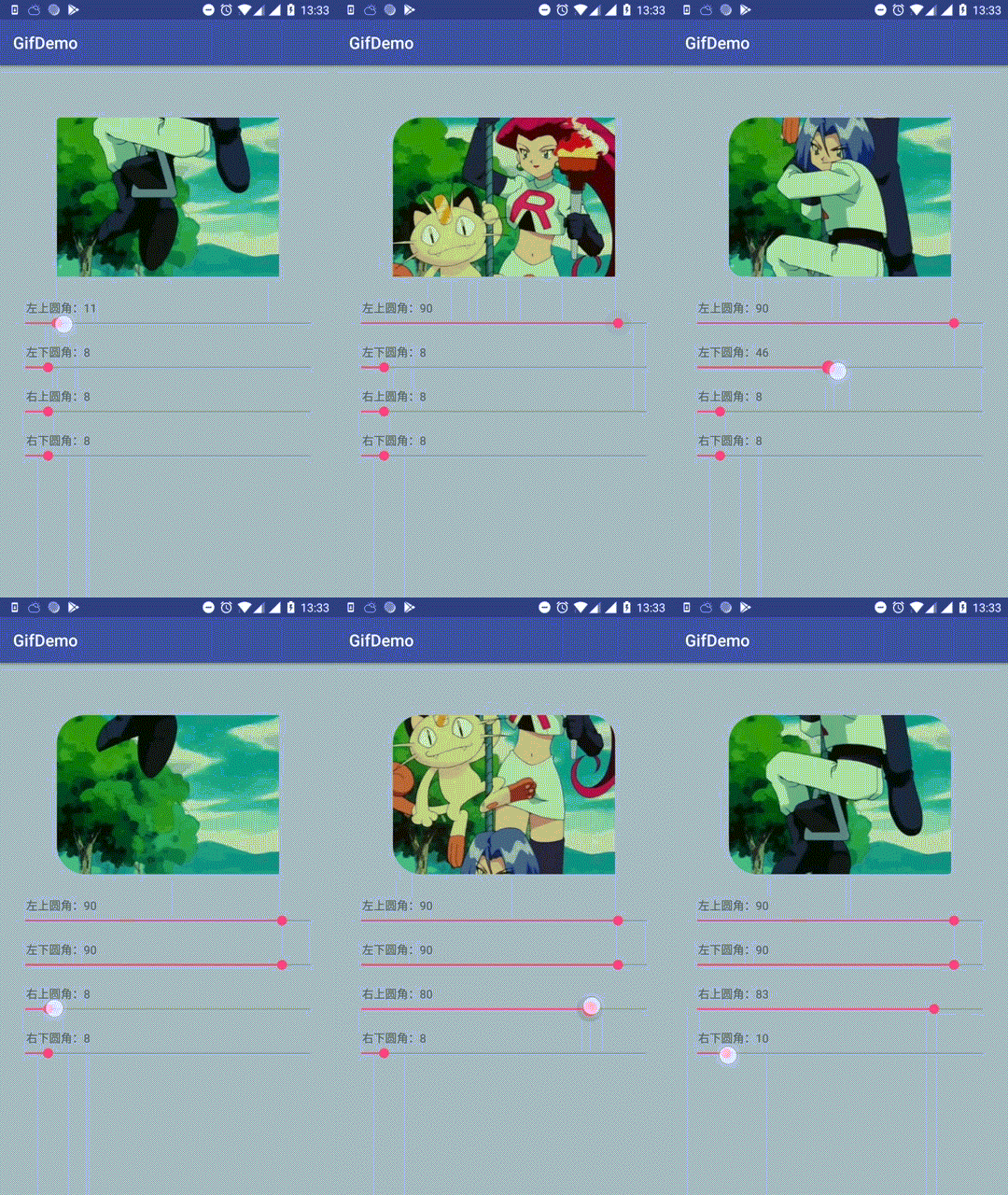
GIF圆角控件
小红书任意拖拽标签控件
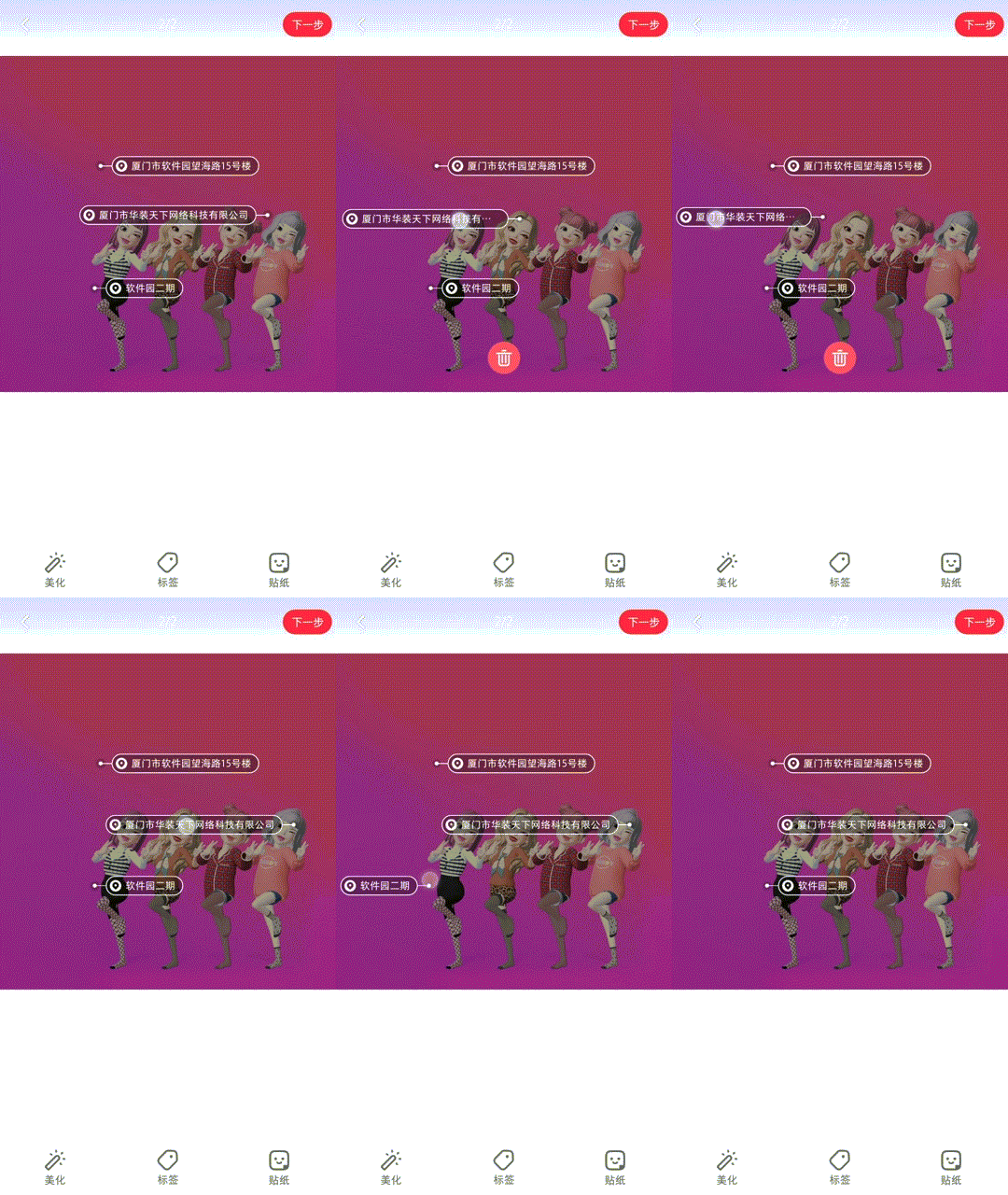
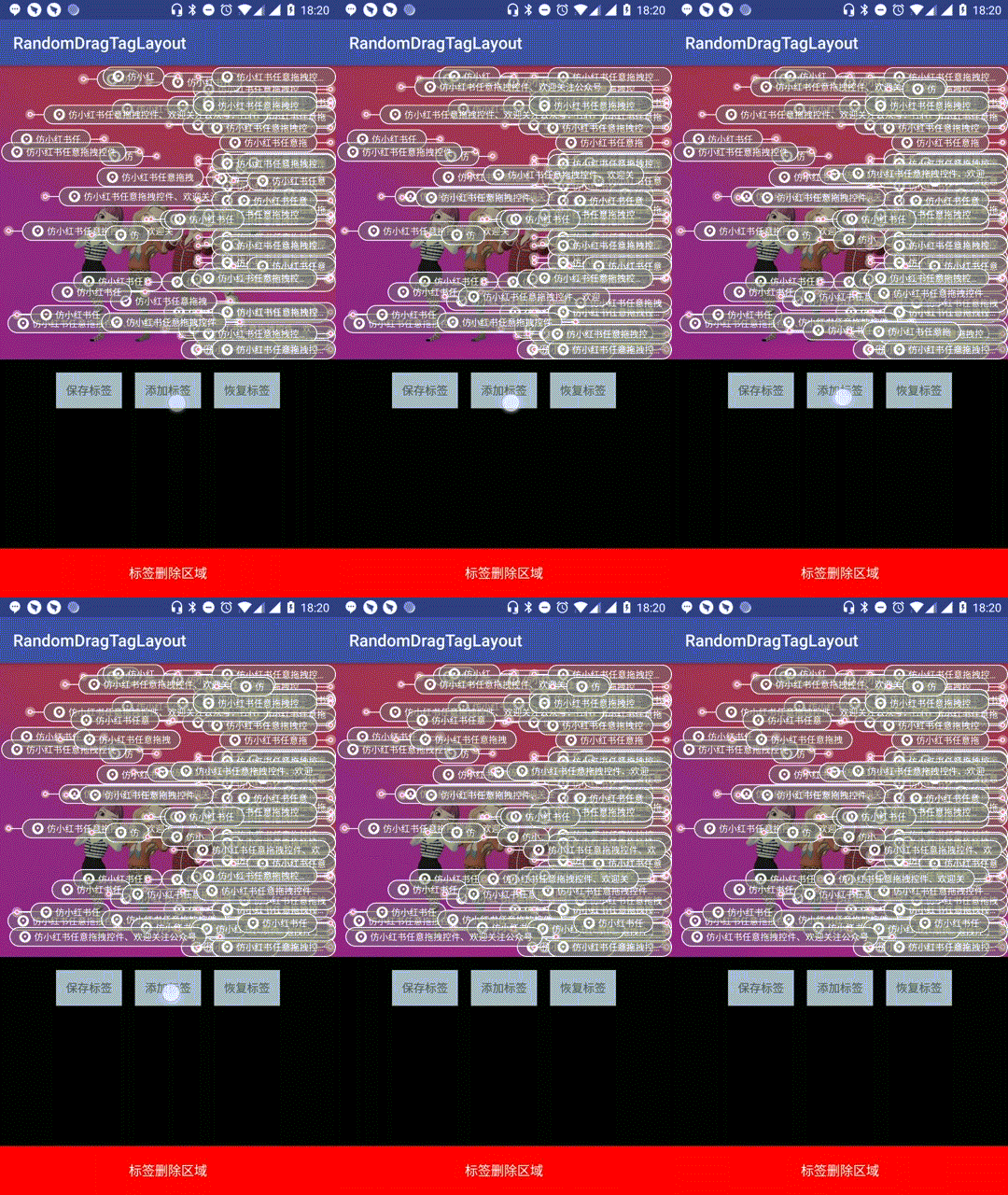
博客地址:Android控件人生第一站,小红书任意拖拽标签控件
小红书自定义CoordinatorLayout联动效果
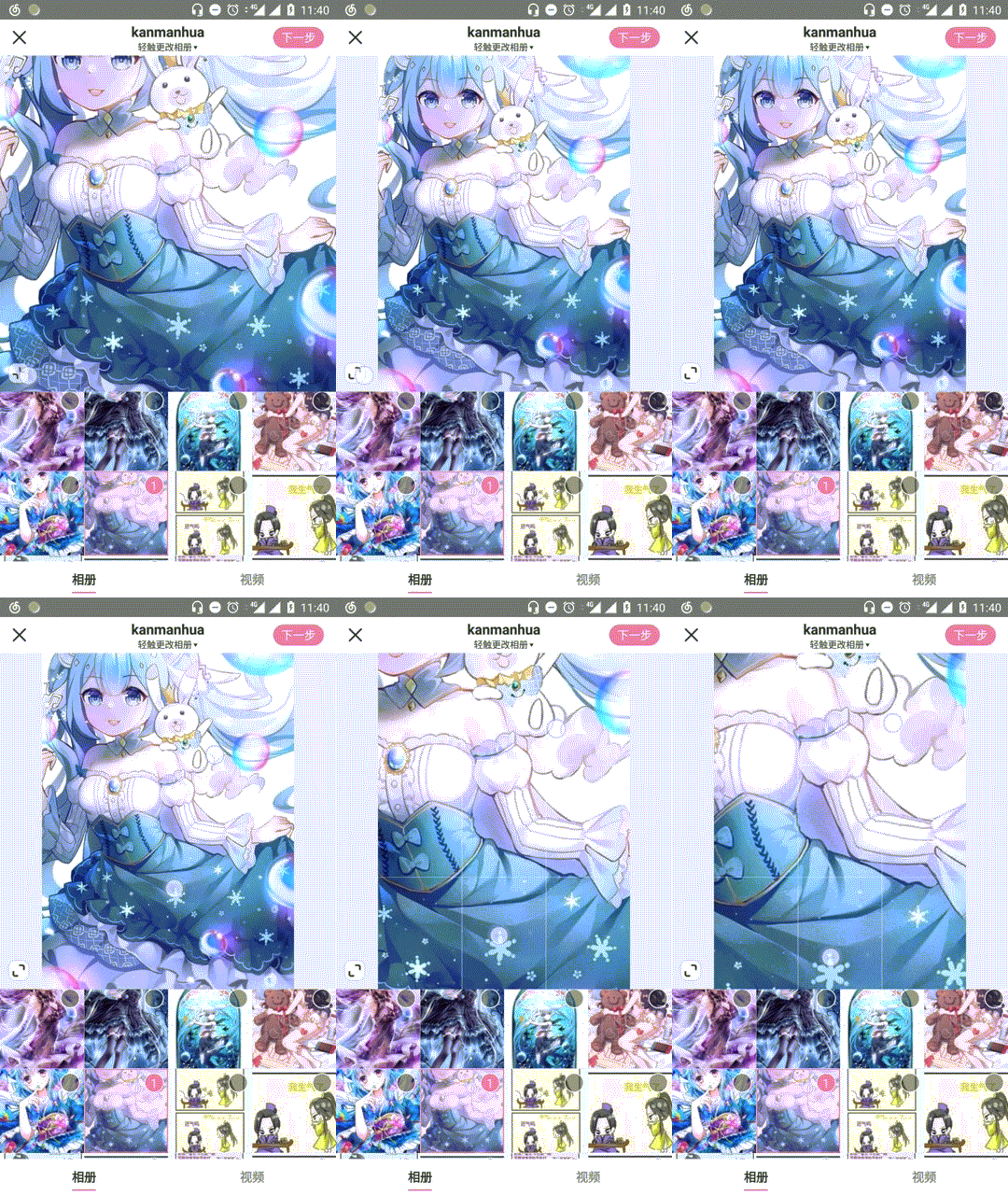
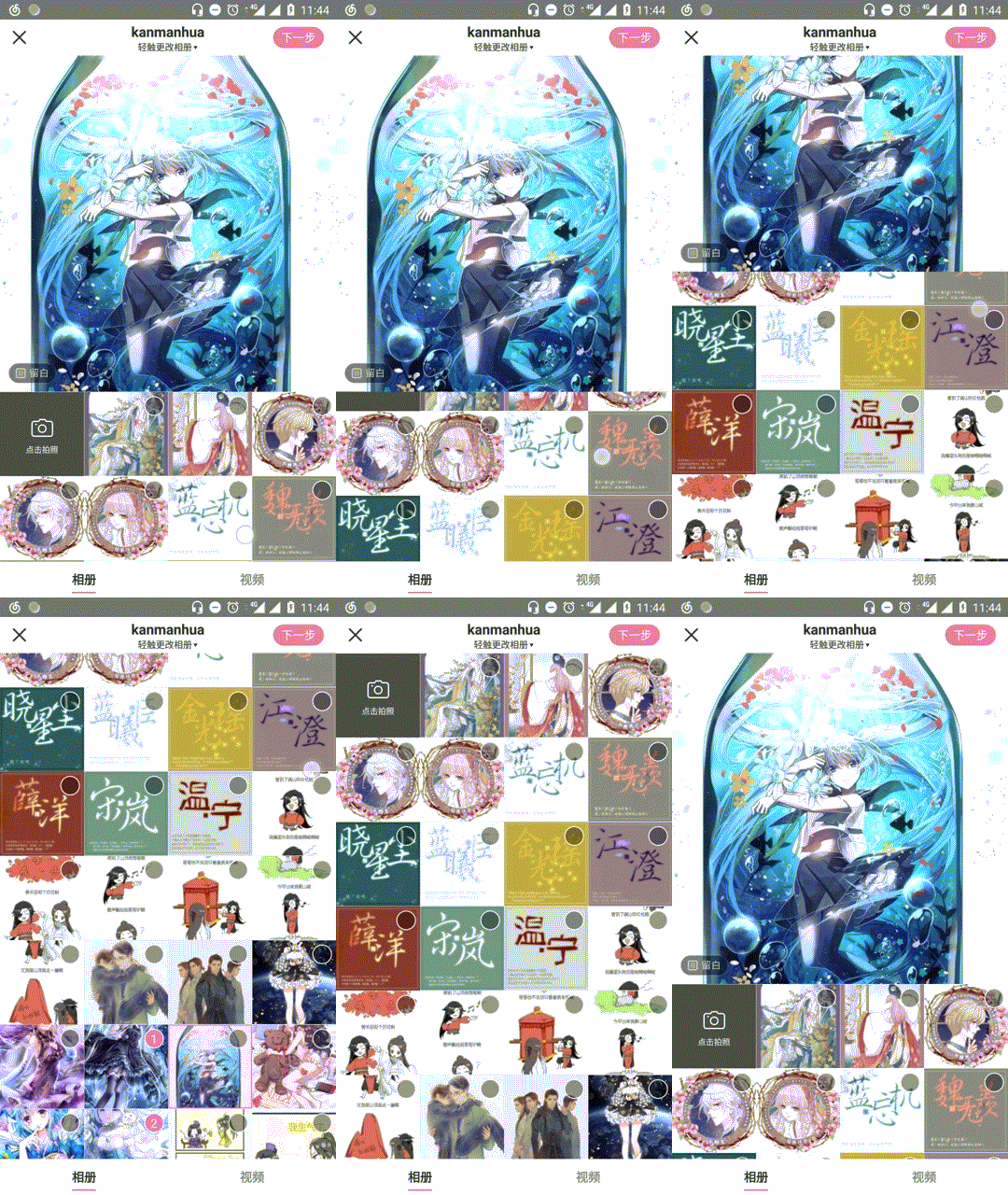
博客地址:第一站小红书图片裁剪控件之二,自定义CoordinatorLayout联动效果
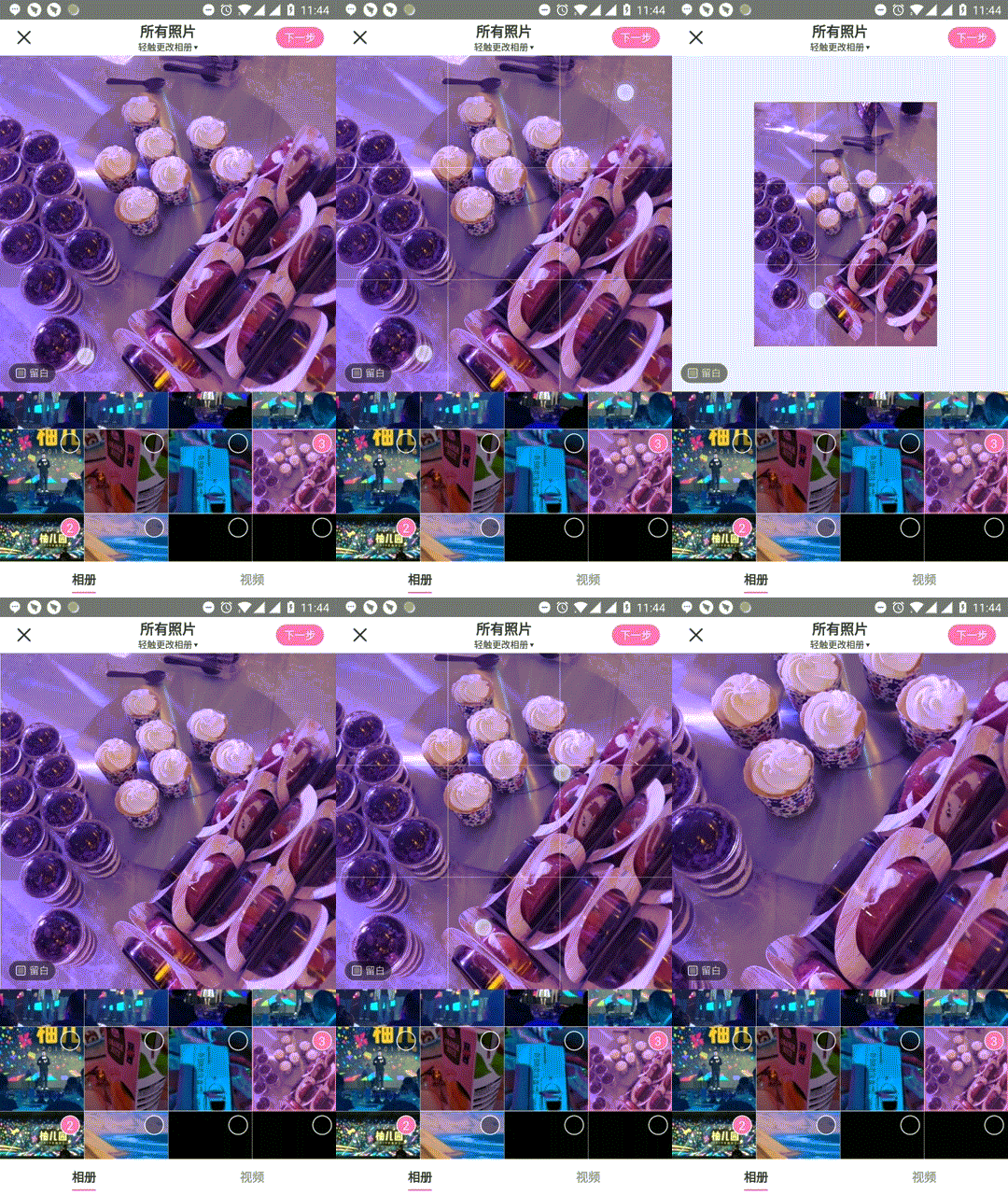
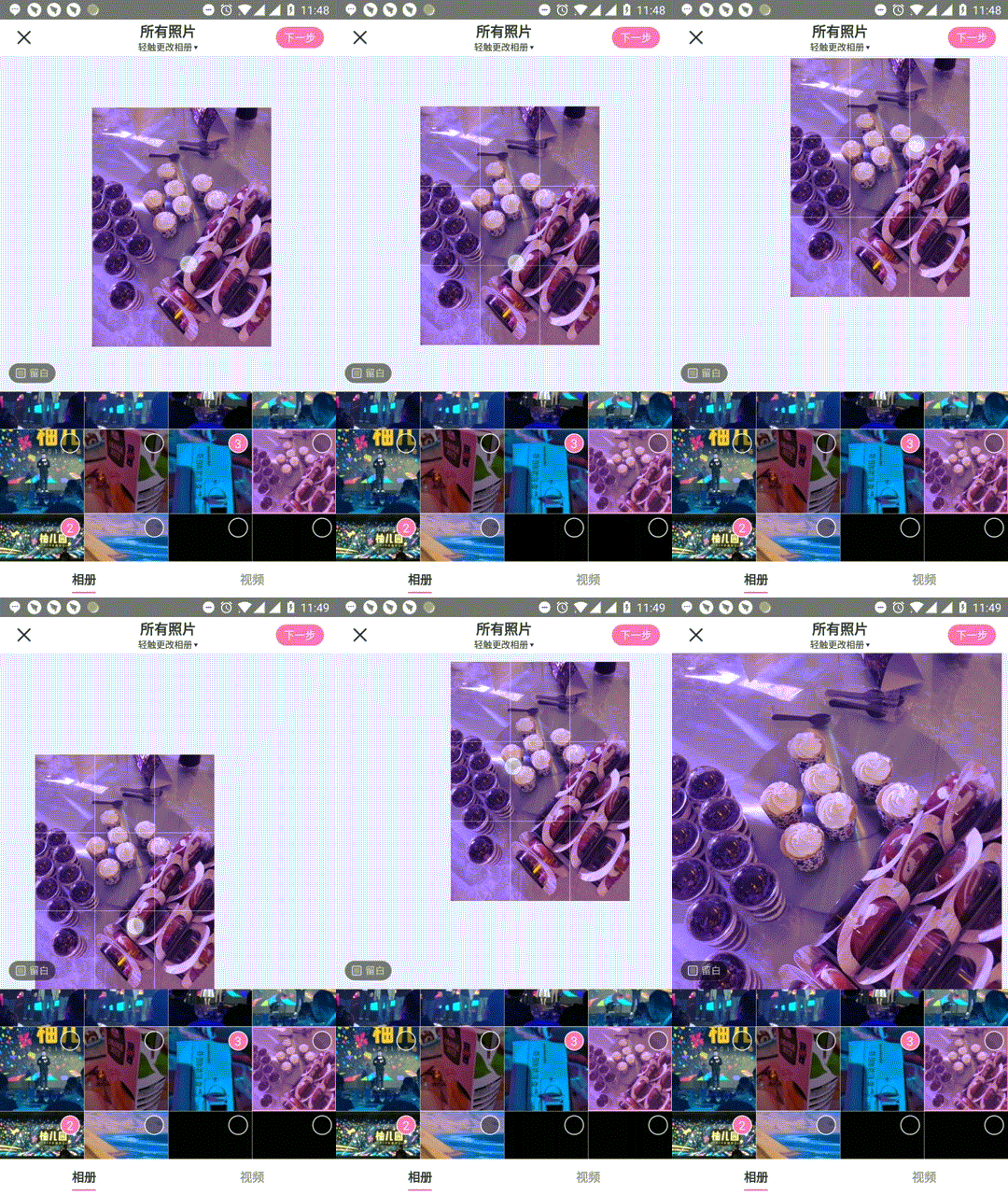
小红书图片裁剪控件
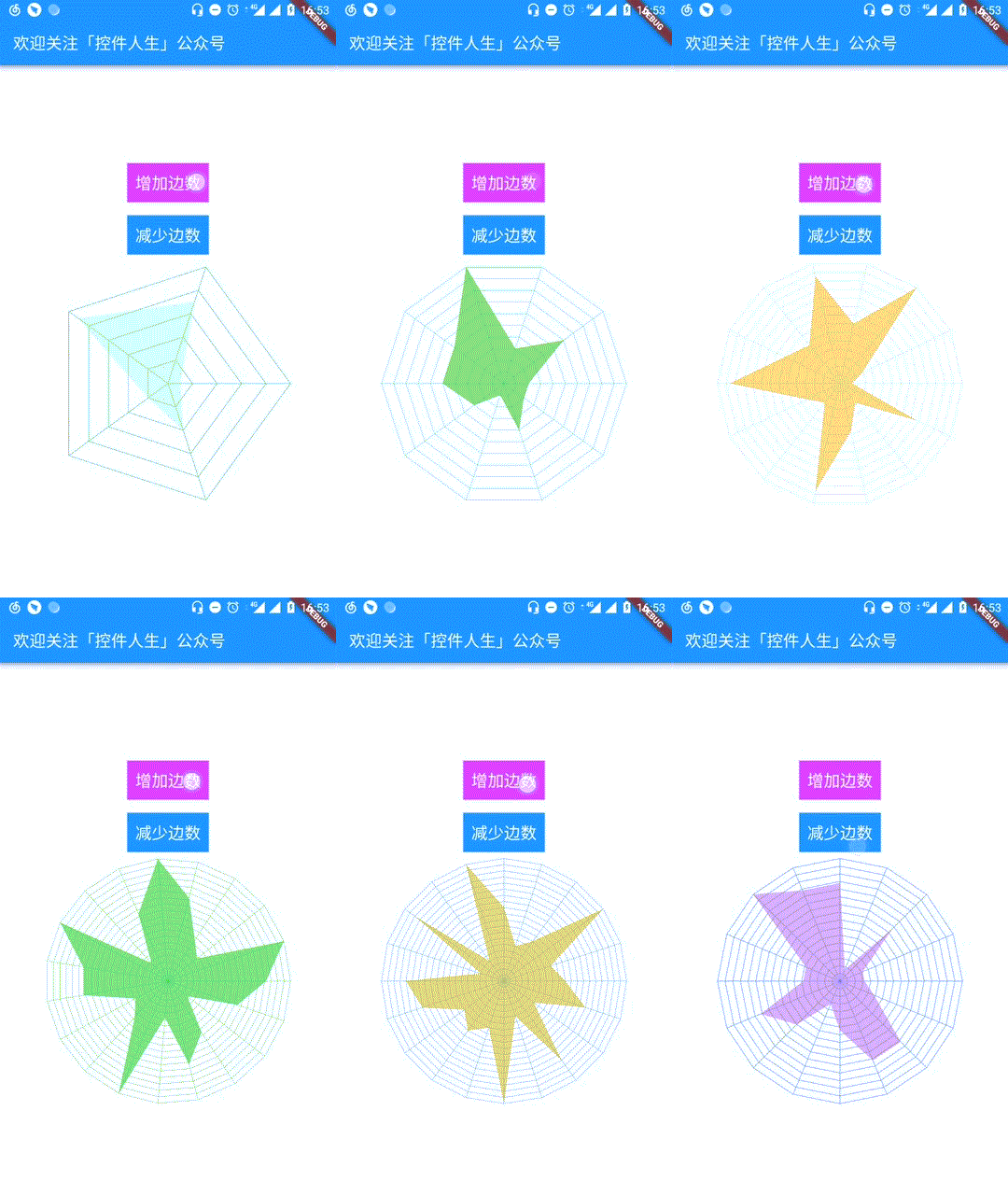
Flutter“蛛网”控件
MeiWidgetView
一款汇总了郭霖,鸿洋,以及自己平时收集的自定义控件的集合库。主旨帮助大家学习自定义控件中的一些技巧,分析问题解决问题的一种思路。
引入
Step 1. Add the JitPack repository to your build file
root build.gradle
allprojects {
repositories {
...
maven { url "https://jitpack.io" }
}
}</code></pre>
Step 2. Add the dependency
app build.gradle
dependencies {
implementation 'com.github.HpWens:MeiWidgetView:v0.1.6'
}</code></pre>
Download APK
使用
1、文字路径
a、效果预览

b、xml布局
<com.meis.widget.MeiTextPathView
...
android:layoutwidth="matchparent"
android:layoutheight="wrapcontent"/></code></pre>
c、xml属性
<declare-styleable name="MeiTextPathView">
<!-- 路径文字 -->
<attr name="text" format="string"/>
<!-- 路径文字大小 -->
<attr name="textSize" format="dimension"/>
<!-- 路径文字颜色 -->
<attr name="textColor" format="color"/>
<!-- 路径绘制时长 -->
<attr name="duration" format="integer"/>
<!-- 文字的描边宽度 -->
<attr name="strokeWidth" format="dimension"/>
<!-- 是否循环绘制 -->
<attr name="cycle" format="boolean"/>
<!-- 是否自动开始播放 -->
<attr name="autoStart" format="boolean"/>
</declare-styleable></code></pre>
d、参考文章
2、弹跳小球
a、效果预览

b、xml布局
<com.meis.widget.ball.BounceBallView
...
android:layoutwidth="matchparent"
android:layoutheight="wrapcontent"></code></pre>
c、属性
- bounce_count :小球弹跳次数
- ball_color:小球颜色
- ball_count:小球数量
- ball_radius:小球半径
- ball_delay:小球出现时间间隔(当小球数大于1时)
- anim_duration:小球一次动画时长
- physic_mode : 开启物理效果(下落加速上升减速)
- random_color: 开启小球颜色随机
- random_radius: 开启小球大小随机(在基础大小上下浮动)
- random_path: 开启小球路径随机(在基础路径坐标上下浮动)
d、参考文章
3、扩散圆(主题切换)
a、效果预览

b、xml布局
<com.meis.widget.MeiRippleView
...
android:layoutwidth="matchparent"
android:layoutheight="wrapcontent" /></code></pre>
c、相关方法
/**
* @param startX 被点击view相对屏幕的 view中心点x坐标
* @param startY 被点击view相对屏幕的 view中心点y坐标
* @param startRadius 开始扩散的半径
*/
public void startRipple(int startX, int startY, int startRadius)</code></pre>
d、参考文章
Android自定义View实现炫酷的主题切换动画(仿酷安客户端)
4、酷炫的路径
a、效果预览

b、xml布局
<com.meis.widget.MeiLinePathView
...
android:layoutwidth="matchparent"
android:layoutheight="wrapcontent" /></code></pre>
c、相关方法
//设置路径
public void setPath(Path path) {
mKeyframes = new Keyframes(path);
mAlpha = 0;
}</code></pre>
d、参考文章
5、MEI-图片滚动视差控件
a、效果预览

b、xml布局
<com.meis.widget.MeiScrollParallaxView
...
android:layoutwidth="matchparent"
android:layoutheight="wrapcontent"/></code></pre>
c、属性
<declare-styleable name="MeiScrollParallaxView">
<!-- 滚动速率 (0~1) 值越大滚动视差越明显 -->
<attr name="parallaxRate" format="float"/>
<!-- 滑动是否显示视差 默认 true -->
<attr name="enableParallax" format="boolean"/>
<!-- 圆角宽度 默认 0 若通过修改父类来实现 则不需要设置此值-->
<attr name="roundWidth" format="dimension"/>
<!-- 是否显示圆形 默认 0 若通过修改父类来实现 则不需要设置此值-->
<attr name="enableCircle" format="boolean"></attr>
<!--圆角外的颜色 默认白色 若通过修改父类来实现 则不需要设置此值-->
<attr name="outRoundColor" format="color"/>
</declare-styleable></code></pre>
d、参考文章
打造丝滑的滑动视差控件(ScrollParallaxView)
6、MEI-直播间送爱心
a、效果预览

b、xml布局
<com.meis.widget.heart.MeiHeartView
...
android:layoutwidth="matchparent"
android:layoutheight="wrapcontent"/></code></pre>
c、属性
<declare-styleable name="MeiHeartView">
<!--爱心动画时长-->
<attr name="heartDuration" format="integer"/>
<!--是否显示透明度动画-->
<attr name="heartEnableAlpha" format="boolean"/>
<!--是否显示缩放动画-->
<attr name="heartEnableScale" format="boolean"/>
</declare-styleable></code></pre>
d、参考文章
7、Mei-selector控件集
a、效果预览

通过 xml 布局的方式替换掉 selector 文件 , 这么做的优势在于 , 减少 apk 体积 , 避免后期维护大量的 selector 文件 , 扩展性更强 , 易修改 , 直观 , 功能更加强大
b、特性
- 支持圆角(单独设定四个角角度,圆角半径是高度的一半)
- 支持背景Pressed,Disabled,Selected,Checked四种状态切换
- 支持描边(虚线,四种状态切换)
- 支持文本(四种状态切换)
- 支持涟漪(水波纹)
- 支持leftDrawable,topDrawable,rightDrawable,bottomDrawable四种状态切换
c、支持原生控件
- RadiusTextView
- RadiusCheckBox
- RadiusEditText
- RadiusFrameLayout
- RadiusLinearLayout
- RadiusRelativeLayout
d、扩展
委托的扩展方式(Delegate), 参考的是(AppCompatActivity实现方式), 具体请参考(RadiusTextView)
8、MEI-仿百度浏览器图片拖拽控件
a、效果预览

b、xml布局
//PhotoDragRelativeLayout 继承 RelativeLayout 委托的方式 易扩展
<com.meis.widget.photodrag.PhotoDragRelativeLayout xmlns:android="http://schemas.android.com/apk/res/android"
xmlns:app="http://schemas.android.com/apk/res-auto"
android:id="@+id/pdr_content"
android:layoutwidth="matchparent"
android:layoutheight="matchparent"
android:background="#000">
<android.support.v7.widget.Toolbar android:id="@+id/toolbar" android:layoutwidth="matchparent" android:layoutheight="wrapcontent" android:background="@color/colorPrimary" app:navigati app:title="仿百度浏览器图片拖拽控件" app:titleTextColor="#FFF" />
<me.relex.photodraweeview.PhotoDraweeView android:id="@+id/pdv_photo" android:layoutwidth="matchparent" android:layoutheight="matchparent" android:layout_below="@+id/toolbar" android:src="@mipmap/icmeiripple" />
</com.meis.widget.photodrag.PhotoDragRelativeLayout></code></pre>
c、相关代码
mPdrLayout.setDragListener(new PhotoDragHelper().setOnDragListener(new PhotoDragHelper.OnDragListener() {
@Override
public void onAlpha(float alpha) {
//透明度的改变
mPdrLayout.setAlpha(alpha);
}
@Override
public View getDragView() {
//返回需要拖拽的view
return mPdvView;
}
@Override
public void onAnimationEnd(boolean isRestoration) {
//isRestoration true 执行恢复动画 false 执行结束动画
if (!isRestoration) {
finish();
overridePendingTransition(0, 0);
}
}
}));</code></pre>
9、MEI-仿头条小视频拖拽控件
针对头条效果做了如下优化
- 列表图片没有完全展示点击的转场动画图片明显变形压缩
- 详情页往顶部拖拽有明显的卡顿现象
a、效果预览

b、xml布局
<com.meis.widget.photodrag.VideoDragRelativeLayout
...
android:layoutwidth="matchparent"
android:layoutheight="matchparent"/></code></pre>
c、属性
<declare-styleable name="VideoDragRelativeLayout">
<!-- 统一前缀 mei 当前父控件是否拦截事件 默认true--> <attr name="meiselfintercept_event" format="boolean"></attr>
<!-- 进入动画时长 默认 400 --> <attr name="meistartanim_duration" format="integer"></attr>
<!-- 结束动画时长 默认 400 --> <attr name="meiendanim_duration" format="integer"></attr>
<!-- 恢复系数有关[0~1] 恢复系数越大则需要拖动越大的距离 --> <attr name="meirestorationratio" format="float"></attr>
<!-- y轴偏移速率 值越大偏移越慢 默认2 --> <attr name="meioffsetrate_y" format="integer"></attr>
<!-- y轴开始偏移系数 默认0.5 --> <attr name="meistartoffsetratioy" format="float"></attr>
<!-- 开始动画是否进入 默认true --> <attr name="meistartanim_enable" format="boolean"></attr>
</declare-styleable></code></pre>
VideoDragRelativeLayout 继承 RelativeLayout 默认拦截并消费事件 , 若子控件想消费事件请在 xml 布局文件中设置子控件 android:tag="dispatch"
d、回调接口
public interface OnVideoDragListener {
//开始拖拽 void onStartDrag();
/** * 释放拖拽 * @param isRestoration 是否恢复 true 则执行恢复动画 false 则执行结束动画 */ void onReleaseDrag(boolean isRestoration);
/** * 动画结束 * @param isRestoration 是否恢复 true 执行的恢复动画结束 false执行的结束动画结束 */ void onCompleteAnimation(boolean isRestoration); }</code></pre>
10、仿膜拜单车贴纸效果
基于jbox2d引擎实现 , 文中有相应的代码注释请查阅
a、效果图

b、xml布局
<com.meis.widget.mobike.MoBikeView
android:layout_width="0dp"
android:layout_height="0dp"
...
/></code></pre>
11、LOVE玫瑰
a、效果预览

b、xml布局
<com.meis.widget.rose.RoseGiftSurfaceView
android:id="@+id/rose"
android:layout_width="0dp"
android:layout_height="0dp"
... /></code></pre>
c、开始动画
mRoseGiftSurfaceView.startAnimation();</code></pre>
12、浮动粒子
通过三阶贝塞尔曲线,绘制每个粒子的运动轨迹

b、xml布局
<com.meis.widget.particle.FireflyView
android:id="@+id/firfly"
android:layout_width="0dp"
android:layout_height="0dp"
... /></code></pre>
c、属性
<declare-styleable name="FireflyView">
<!-- 浮点粒子数量 默认400 -->
<attr name="firefly_num" format="integer"></attr>
<!-- 浮点粒子的最大半径 默认5 -->
<attr name="fireflymaxradius" format="integer"></attr>
<!-- 浮点粒子的移动速率 默认5 越大移动越慢 -->
<attr name="fireflymoverate" format="integer"></attr>
</declare-styleable></code></pre>
13、直播间点赞控件
贝塞尔曲线来计算点赞小图标的位置

b、相关代码
// 初始化
mPraiseAnimator = new BezierPraiseAnimator(this);
// 开始动画
mPraiseAnimator.startAnimation(mIvPraise);</code></pre>
14、文本跳动控件
一款炫酷的文本跳动控件

文章博客地址:一篇文本跳动控件,为你打开一扇大门,学会这两点心得,控件你也会写
15、豆瓣弹性滑动控件

文章博客地址:仿豆瓣弹性滑动控件,史上最全方位讲解事件滑动冲突
Contact
QQ群:478720016
wiki
欢迎发邮件或者提issue
LICENSE
Copyright 2018 文淑
Licensed under the Apache License, Version 2.0 (the "License"); you may not use this file except in compliance with the License. You may obtain a copy of the License at
http://www.apache.org/licenses/LICENSE-2.0
Unless required by applicable law or agreed to in writing, software distributed under the License is distributed on an "AS IS" BASIS, WITHOUT WARRANTIES OR CONDITIONS OF ANY KIND, either express or implied. See the License for the specific language governing permissions and limitations under the License.</code></pre>


