
A custom reusable circular / progress slider control for iOS application.
HGCircularSlider





 [
[ ]()
]() 



Example
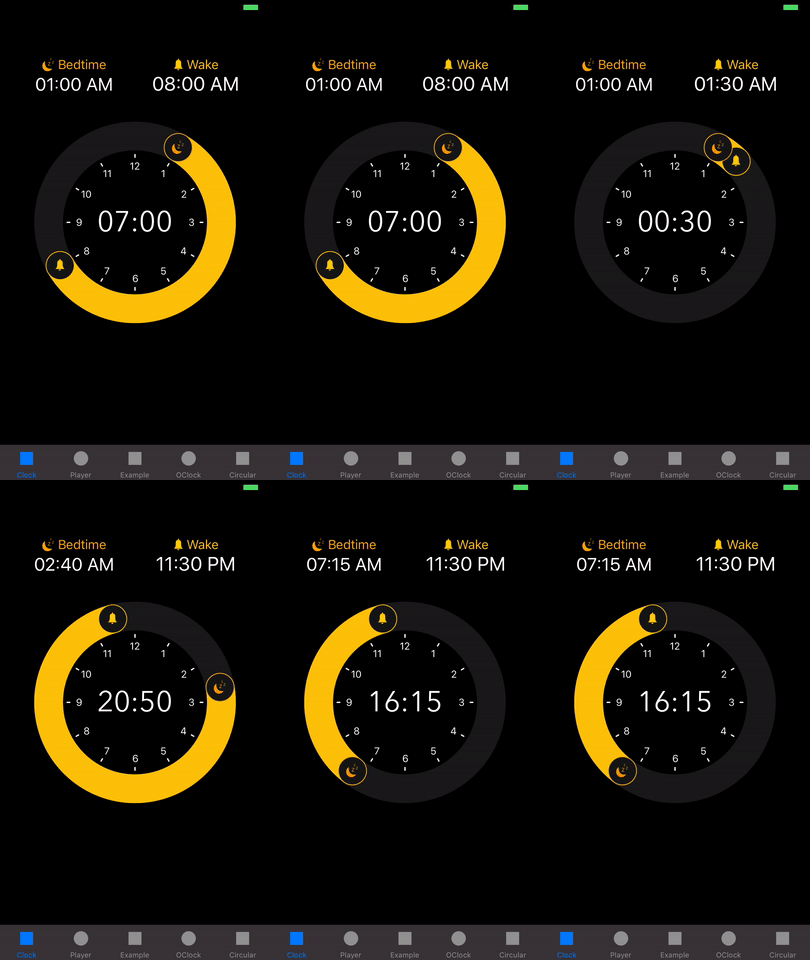
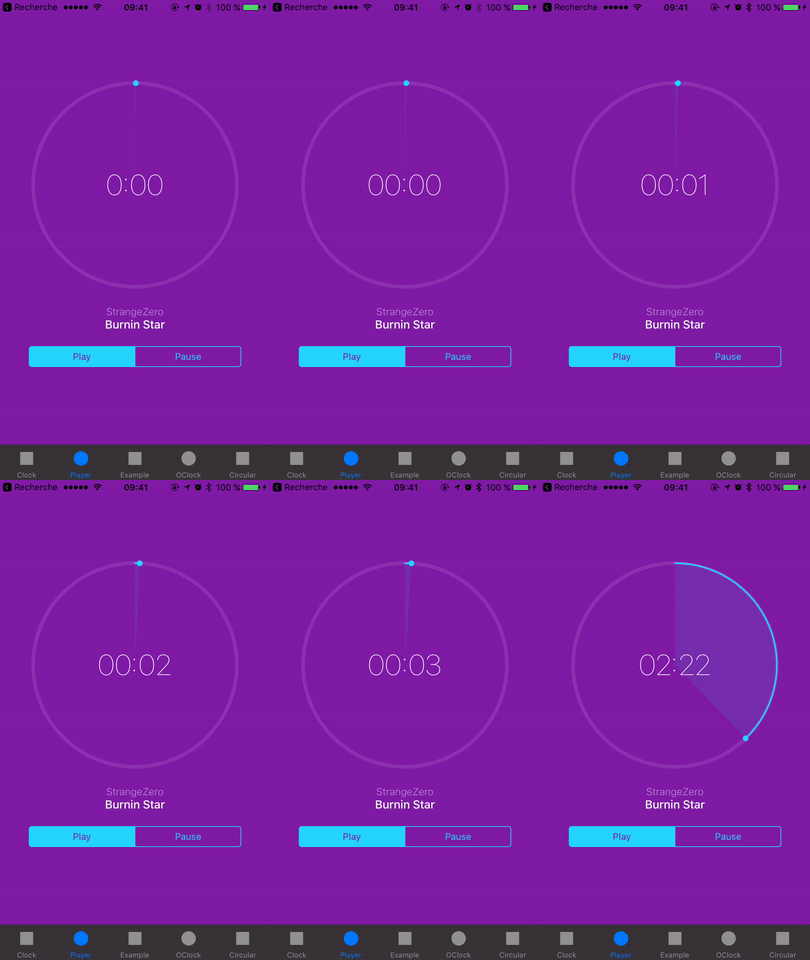
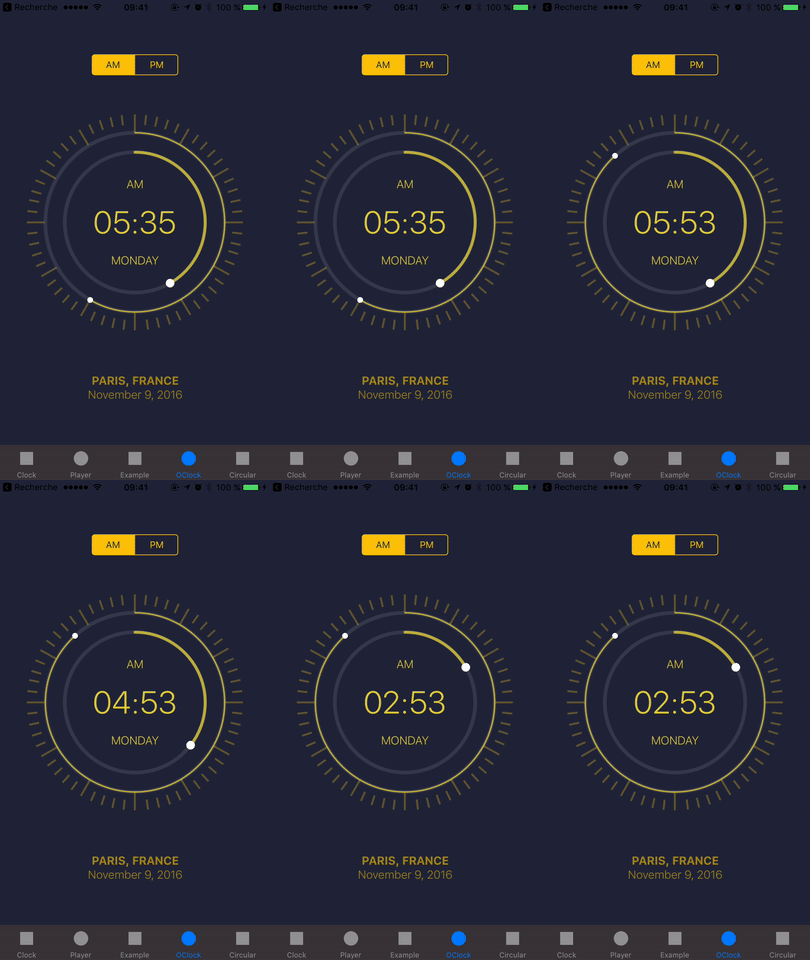
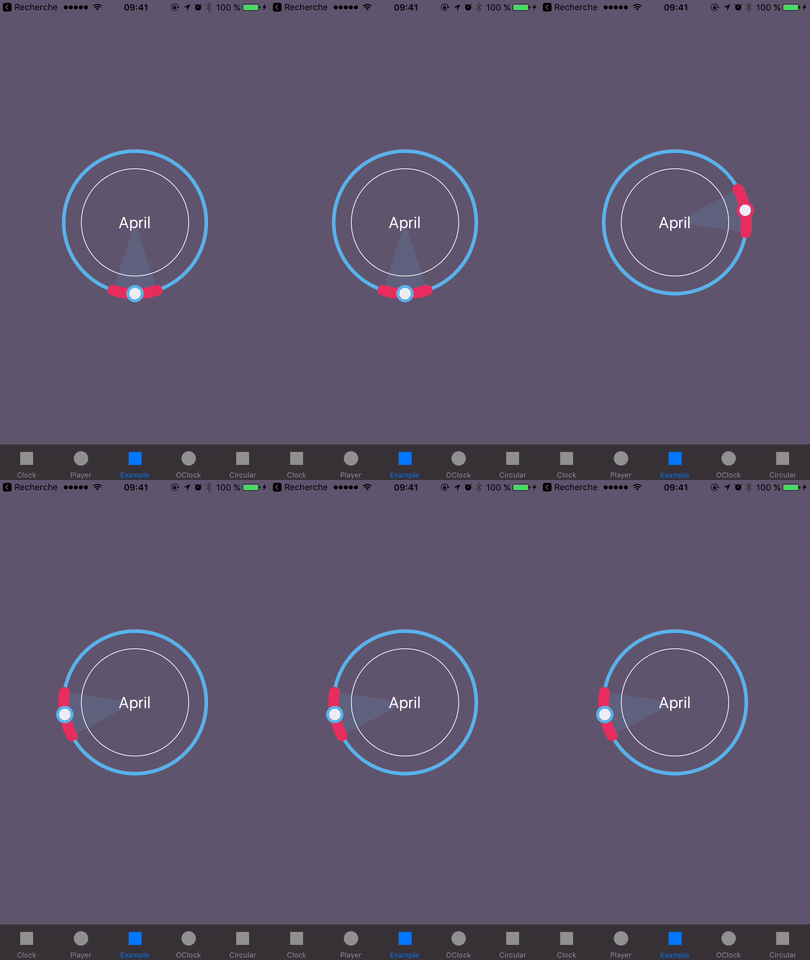
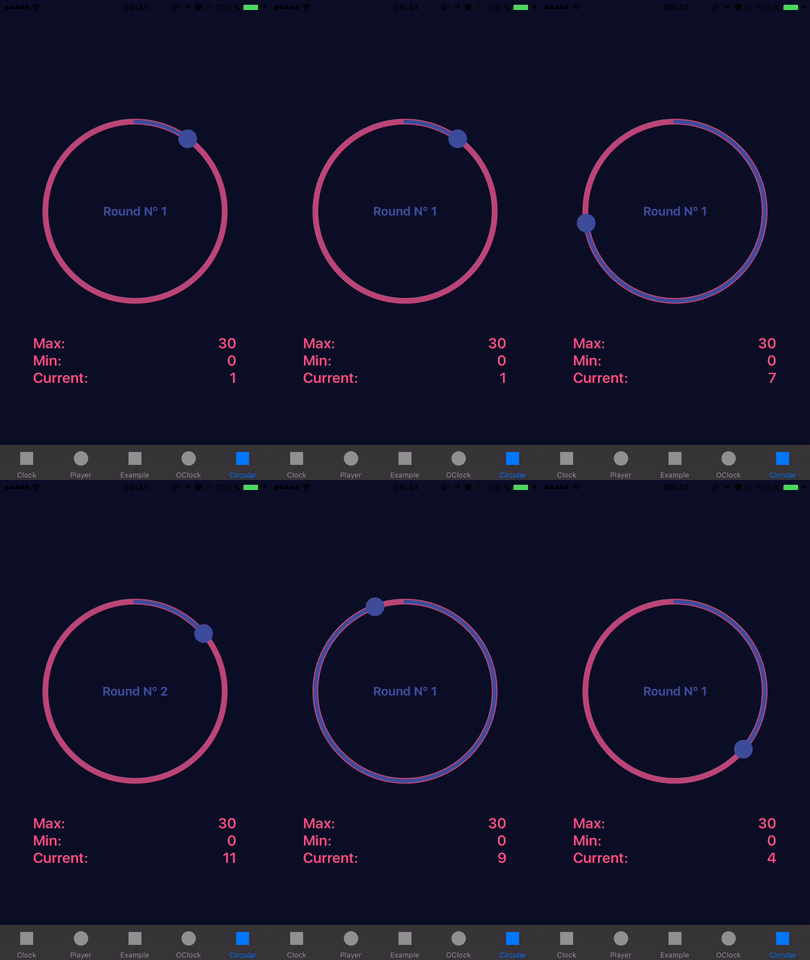
To run the example project, clone the repo, and run pod install from the Example directory first.
You also may like
- HGPlaceholders - Nice library to show placeholders for any UITableView in your project
- HGRippleRadarView - A beautiful radar view to show nearby users with ripple animation, fully customizable
Requirements
- iOS 9.0+
- Xcode 11.4
Installation
HGCircularSlider is also available through Swift Package Manager
Follow this doc.
HGCircularSlider is also available through CocoaPods. To install it, simply add the following line to your Podfile:
ruby
pod 'HGCircularSlider', '~> 2.2.1'
HGCircularSlider is also available through Carthage. To install it, simply add the following line to your Cartfile:
ruby
github "HamzaGhazouani/HGCircularSlider"
Usage
- Change the class of a view from UIView to CircularSlider, RangeCircularSlider or MidPointCircularSlider
- Programmatically:
let circularSlider = CircularSlider(frame: myFrame)
circularSlider.minimumValue = 0.0
circularSlider.maximumValue = 1.0
circularSlider.endPointValue = 0.2let circularSlider = RangeCircularSlider(frame: myFrame)
circularSlider.startThumbImage = UIImage(named: "Bedtime")
circularSlider.endThumbImage = UIImage(named: "Wake")
let dayInSeconds = 24 60 60 circularSlider.maximumValue = CGFloat(dayInSeconds)
circularSlider.startPointValue = 1 60 60 circularSlider.endPointValue = 8 60 60 circularSlider.numberOfRounds = 2 // Two rotations for full 24h range
let circularSlider = MidPointCircularSlider(frame: myFrame) circularSlider.minimumValue = 0.0 circularSlider.maximumValue = 10.0 circularSlider.distance = 1.0 circularSlider.midPointValue = 5.0If you would like to use it like a progress view
let progressView = CircularSlider(frame: myFrame) progressView.minimumValue = 0.0 progressView.maximumValue = 1.0 progressView.endPointValue = 0.2 // the progress progressView.userInteractionEnabled = false // to remove padding, for more details see issue #25 progressView.thumbLineWidth = 0.0 progressView.thumbRadius = 0.0Documentation
Full documentation is available on CocoaDocs.You can also install documentation locally using jazzy.
References
The UI examples of the demo project inspired from Dribbble.The project is Inspired by UICircularSlider
Author
Hamza Ghazouani, hamza.ghazouani@gmail.com
License
HGCircularSlider is available under the MIT license. See the LICENSE file for more info.


