A Python-based, open source, desktop application to import, read and analyse excel files in order to create and display multiple charts.
Last updated Nov 11, 2025
17
Stars
5
Forks
0
Issues
0
Stars/day
Attention Score
32
Topics
Language breakdown
No language data available.
▸ Files
click to expand
README
Anaxcel
A Python-based, open source, desktop application to import, read and analyse excel files in order to create and display multiple charts. Anaxcel is Free Software under a GPLv2 license.Getting Started
These instructions will get you a copy of the project up and running on your local machine for development and testing purposes. See deployment for notes on how to deploy the project on a live system.Prerequisites
To be able to run this Program make sure you have the necessary packages installed on your machine: ####PyQt5: Mainly use the following command under the cmdpip install PyQt5pip install openpyxlpip install pillowRunning
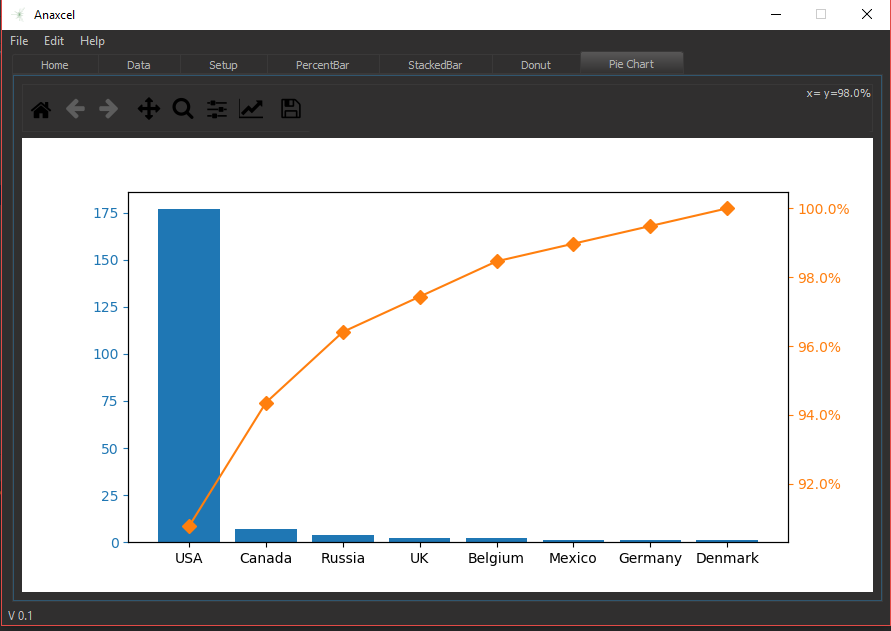
Simply run the main scriptpython anaxcel.py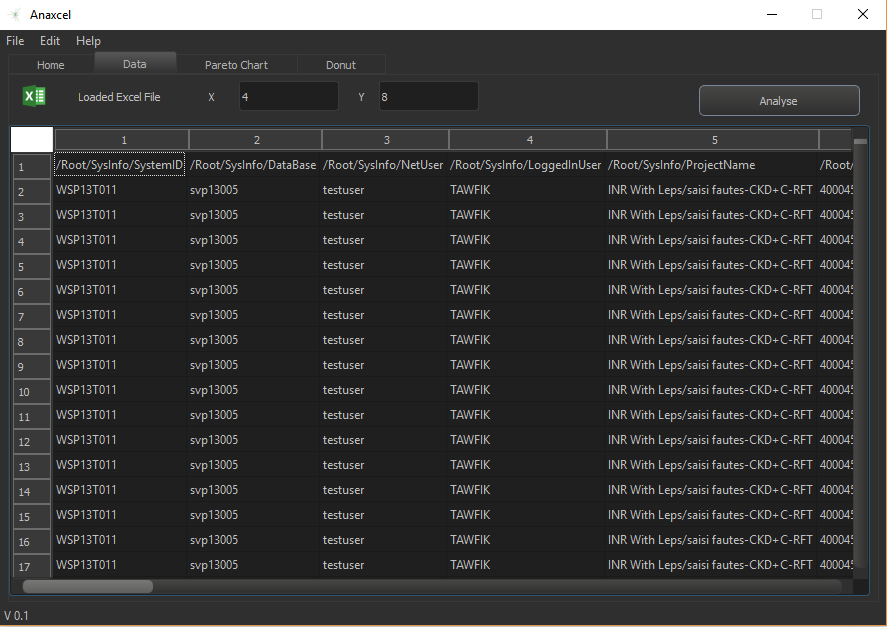 Select what columns you wish to be the axis of the chart then hit analyse.The program will set focus on the newly generated Pareto Chart.
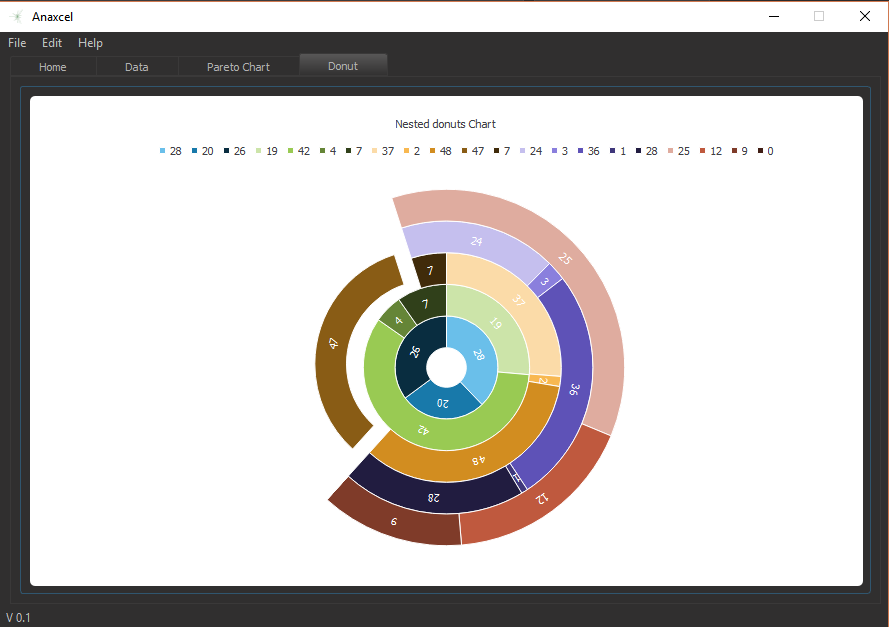
 As a bonus we wanted to include multiple charts such the Donut chart. Unfortunatly , this is still a work in progress.