
Click-to-run debian 13 with desktop environment on android!
Tiny Container
[!NOTE]
Linux is powerful. Linux can also be easy to use.
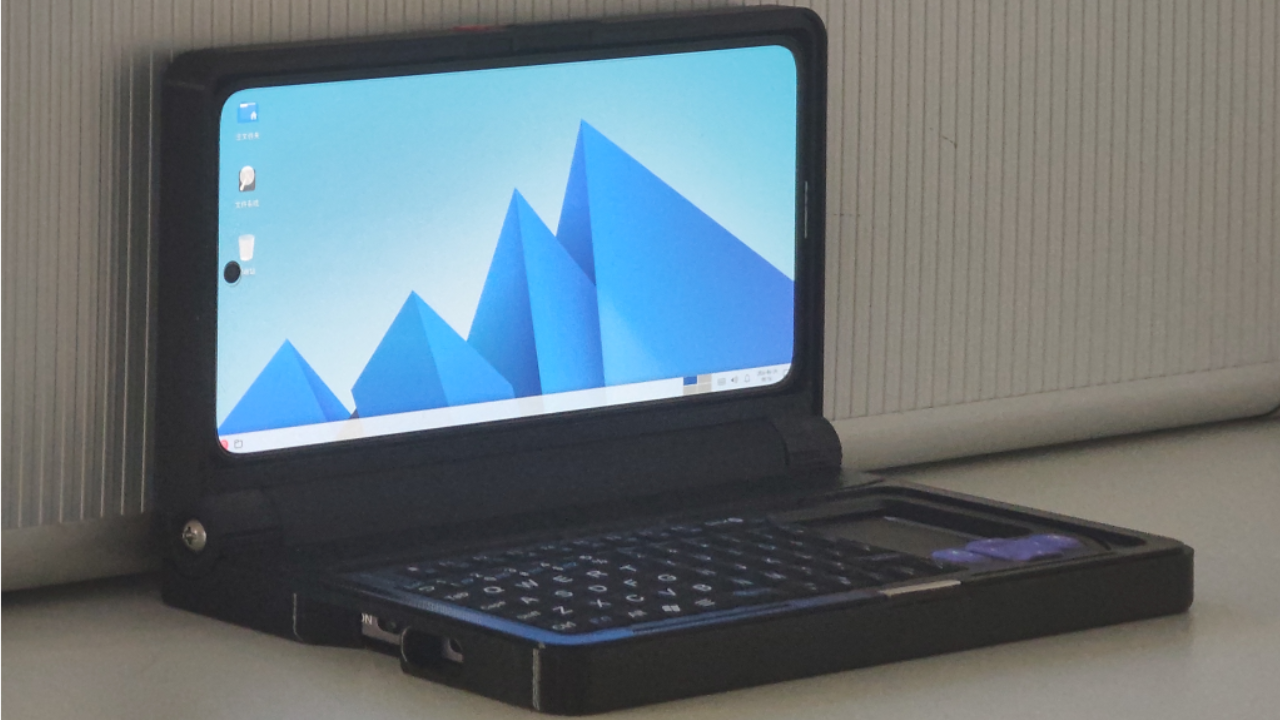
Install Tiny Container and instantly get a Linux computer* — run PC software right on your phone or tablet!
Features
Designed for ordinary users. You don't need to know Linux...
- Install the app and open it — no manual steps required*. After a 5-minute initialization, you'll be at the desktop.
- Installation commands for common software are already prepared for you. Just tap, and the app handles the rest.
- The UI is designed to be as friendly as possible, not just "good enough to have a UI". AI-powered translations are available in many languages. Even RTL layout is supported!
Also a toy for geeks — built-in terminal, rich container configuration options!
- Containers and configurations can be freely shared!
- Cutting-edge features from the Termux community are ready to go! No need to learn how to install containers, start graphical sessions, configure audio, and all that tedious stuff. The following features work out of the box:
- Features only possible in a single app!
- Won't conflict with Termux!
[!CAUTION]
This project makes heavy use of AI. Given the level of completion, it's kind of unavoidable... isn't it? ^_^
This includes code logic, layouts, translations, and more. There may be unexpected bugs in some places. Please be aware.
What I won't do:
- Support chroot containers. For the first three years of this project, people occasionally asked me to support it, usually citing "better performance".
- Support Mali GPU acceleration; Wayland; Docker, systemd; GNOME; some specific distro; camera, serial port, etc... (^-^*)
Download
APKs are available on the releases page.
Build
After cloning the repository, download the prebuilt library jniLibs.zip from the releases page and extract it to app/src/main/jniLibs/arm64-v8a. Then you can open and build the project normally in Android Studio. For automatic container installation on first launch, rename your container to rootfs.tar.zst and place it in app/src/main/assets. For container information, including how to make your own containers and some pre-built containers I've already prepared, check out this repository.
The jniLibs.zip prebuilt libraries come from my fork of termux-packages. My main modifications there are:
- scripts/generate-bootstraps.sh, to directly generate the required packages. I manually renamed the needed files to .so and packaged them. You should be able to easily see which .so files correspond to which files in the bootstraps.
- packages/proot/build.sh, to use my fork of proot (the changes there are a bit messy, nothing worth looking at).
Documentation?
Not ready yet — please wait just a little bit longer...
- If the screen appears too large or too small, adjust the display scaling in Features -> AVNC.
- Android storage is mounted at /mnt/sdcard by default. Don't forget to grant storage access permission.
- If a Linux app can't detect the microphone, check that the microphone is selected (Tiny Microphone Input), or try restarting that Linux app.
What about the old code?
The Tiny Computer code is preserved on the v1tinycomputer branch. Tiny Container is a complete rewrite of Tiny Computer, and I likely won't maintain Tiny Computer going forward. So, use Tiny Container!


