
💾 A collection of classic-style UI components for iOS
Last updated Jun 19, 2026
2.2k
Stars
53
Forks
3
Issues
0
Stars/day
Attention Score
68
Language breakdown
Swift 88.9%
Ruby 11.1%
▸ Files
click to expand
README

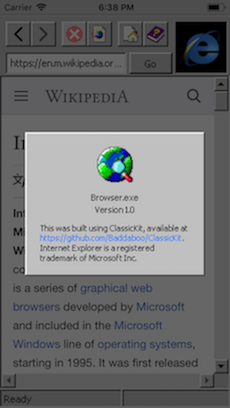
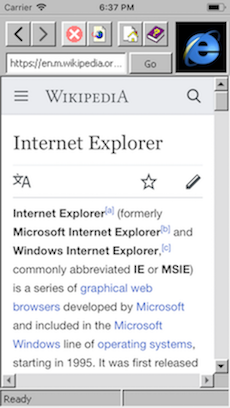
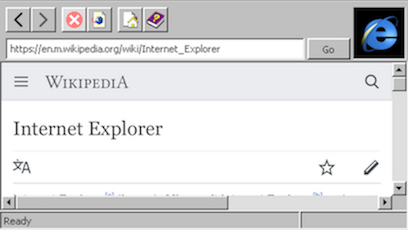
Introduction
This is a little exploration into applying '90s-era design & principles into a modern platform with some primitive components. The assets and design metrics were (for the most part) taken from an actual installation of Windows 95. These are pixel-accurate renditions of the original design: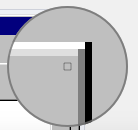
Update:
- (3/17) Added a simple Blue Screen of Death! Simply shake the device vigorously.
Usage
- The
Browserexample can be run out-of-the-box. - You should be able to include some or all of the files under
/Componentsin your project. - Each component is intended to be used like their UIKit counterparts. For example,
CKButtonshould respond to gesture events just asUIButtonwould. - These are
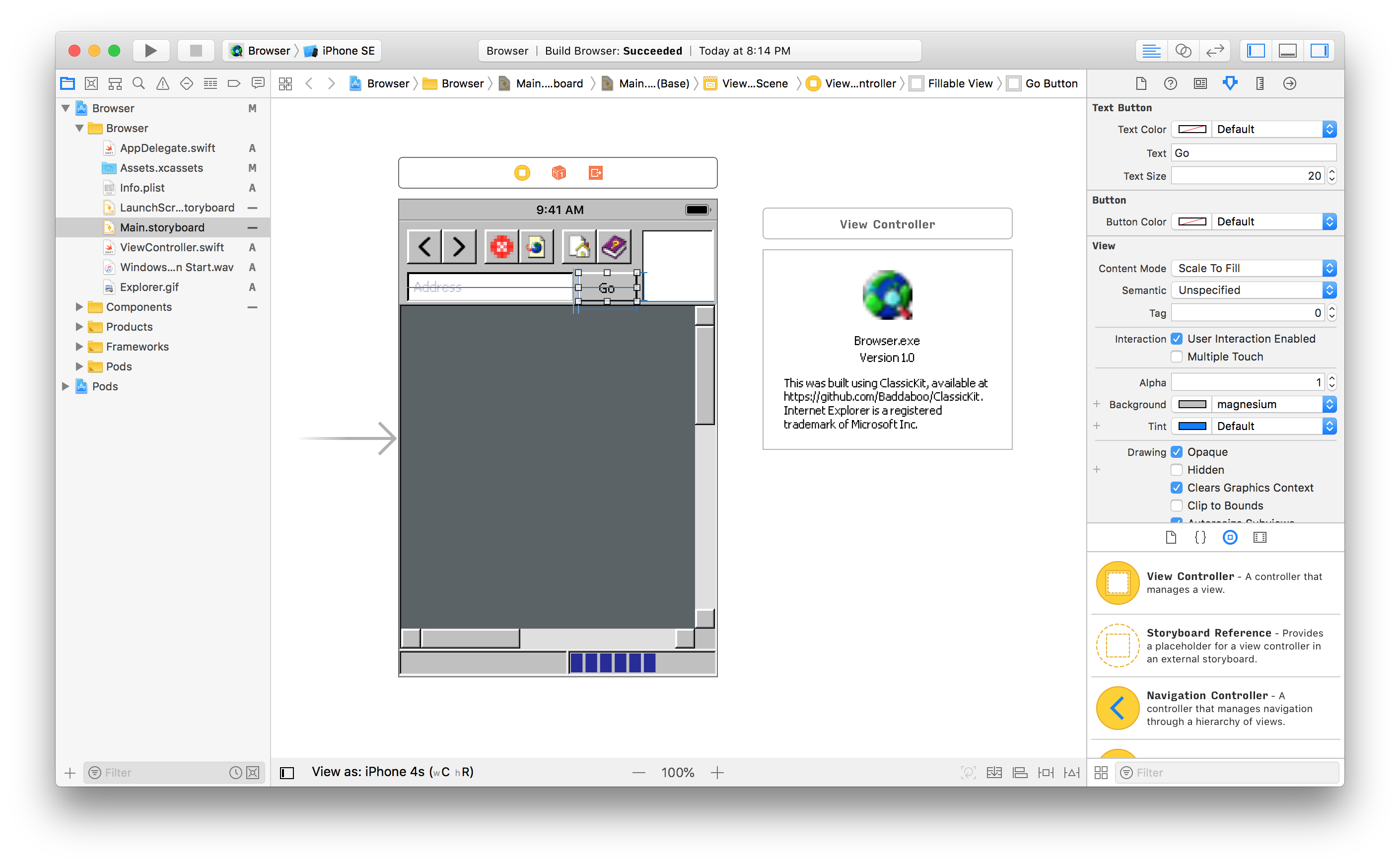
@IBDesignablecomponents! That means you can lay out your entire app with these components in Interface Builder and Xcode will render them for you:
Notes & FAQ
- This project is very much a work-in-progress. Although it was designed with modularity and robustness in mind, there are no guarantees on reliability.
- Q: Why did you do this?
- Q: If this project is made for Apple devices, why based it on Microsoft's design?
- Q: Why isn't the UI rendering in my Storyboard?
- Q: Why do I need YYImage?
YYImage is used in CKImageView to animate the throbber animation in the Browser example, but you can remove the reference in CKImageView.swift. Eventually this dependency will be removed.
- Please let me know if you have any questions or comments! I'd also love to chat about design or tech nostalgia 🙂


