
ChartView made in SwiftUI
SwiftUICharts
SwiftUICharts is a composable, SwiftUI-native chart library for iOS 13+.
2.0.0 is a major release focused on immutable configuration, environment-driven composition, and modifier-based APIs.
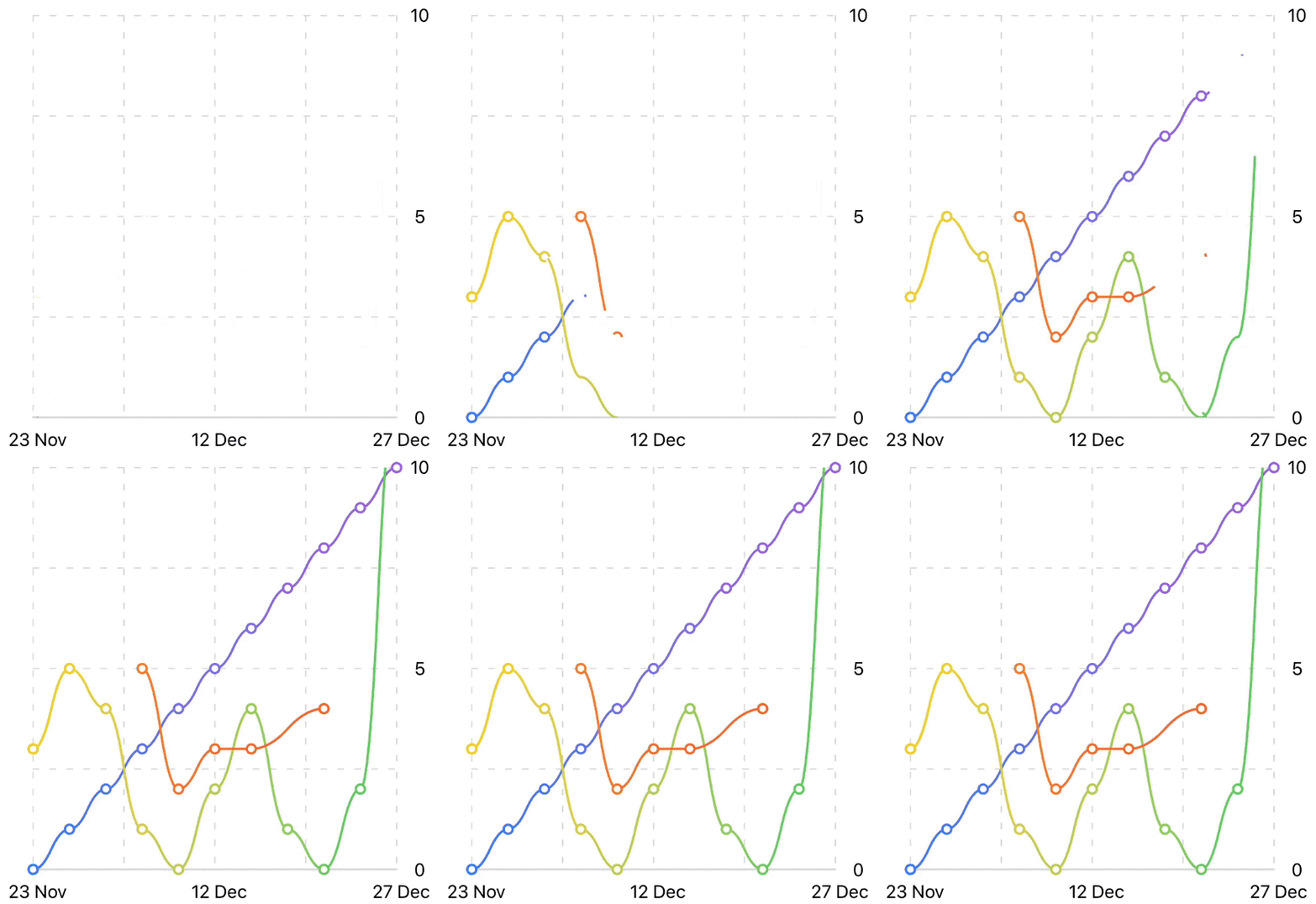
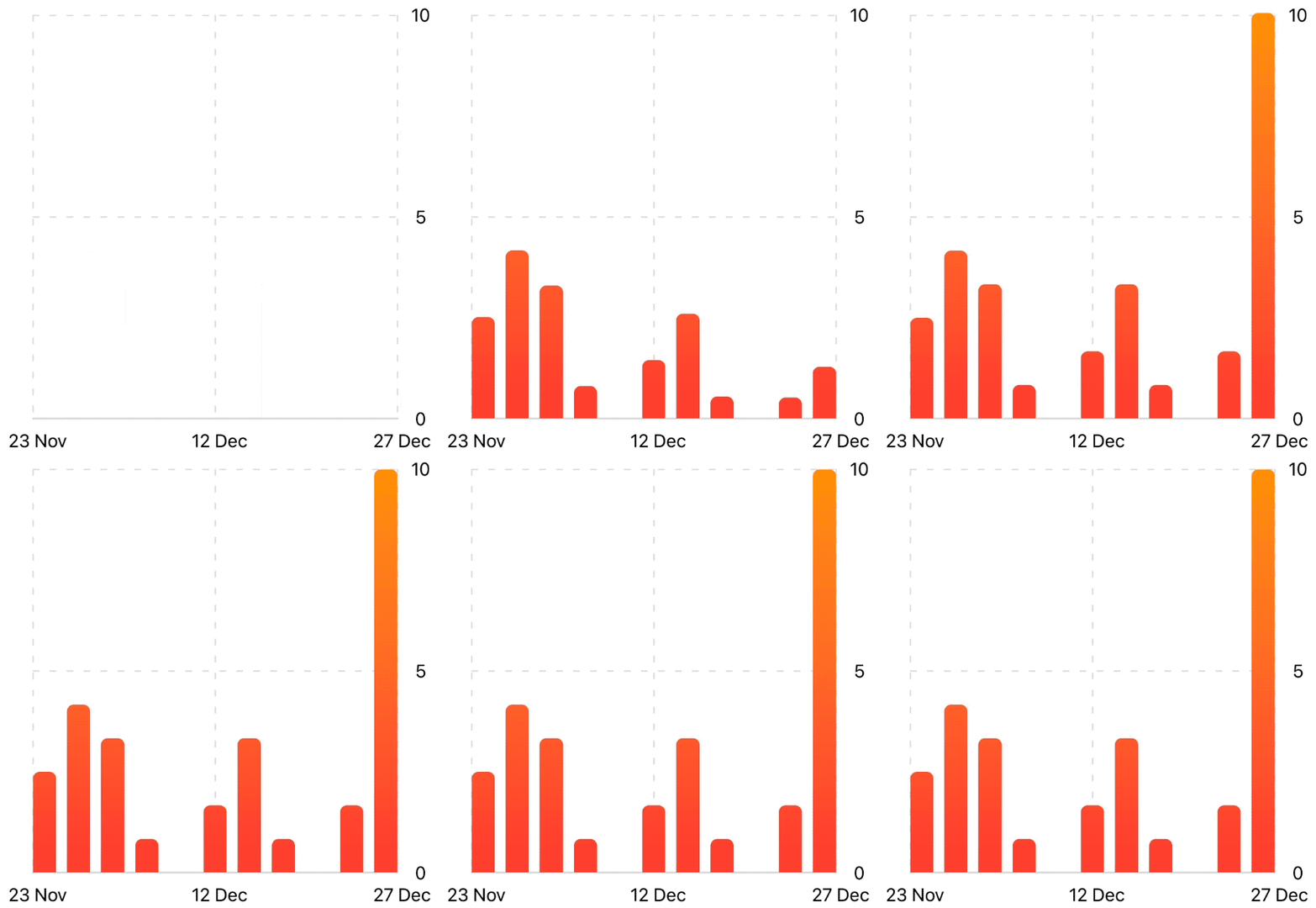

AI Agent Quick Context
Use this section when an AI agent generates code against this package.
API contract
- Use only
2.xcomposable APIs. - Do not use legacy
1.xtypes or mutating chains. - Build charts with
ViewModifiercomposition. - Keep data source semantics explicit:
chartData([Double]) = categorical slots
- chartData([(Double, Double)]) = numeric/continuous domain
Use these APIs
| Task | API | | --- | --- | | Set data | chartData(...) | | Set ranges | chartXRange(...), chartYRange(...) | | Style chart | chartStyle(...) | | Grid config | chartGridLines, chartGridStroke, chartGridBaseline | | Axis labels/ticks | chartXAxisLabels, chartYAxisLabels, chartXAxisAutoTicks, chartYAxisAutoTicks | | Line tuning | chartLineWidth, chartLineStyle, chartLineMarks, chartLineAnimation | | Shared interaction | chartInteractionValue(...) | | Callback interaction | chartSelectionHandler { event in ... } | | Streaming data | ChartStreamingDataSource + chartData(stream) | | Large datasets | chartPerformance(...) |
Avoid these legacy APIs
LineChartView,BarChartView,PieChartView,MultiLineChartView.data(...),.rangeX(...),.rangeY(...).setAxisXLabels(...),.setNumberOfHorizontalLines(...).showChartMarks(...)(old form)
Installation
Add with Swift Package Manager:
https://github.com/AppPear/ChartView
For this release, use tag 2.0.0 (or from: "2.0.0" up to next major).
30-Second Quick Start
import SwiftUI
import SwiftUICharts
struct DemoView: View {     var body: some View {         AxisLabels {             ChartGrid {                 LineChart()                     .chartData([12, 34, 23, 18, 36, 22, 26])                     .chartYRange(10...40)                     .chartLineMarks(true, color: ColorGradient(.blue, .purple))                     .chartStyle(                         ChartStyle(                             backgroundColor: .white,                             foregroundColor: ColorGradient(.blue, .purple)                         )                     )             }             .chartGridLines(horizontal: 5, vertical: 6)         }         .chartXAxisLabels(["M", "T", "W", "T", "F", "S", "S"])         .chartAxisColor(.secondary)         .chartAxisFont(.caption)         .frame(height: 220)         .padding()     } }
Feature Recipes
1) Mixed bar + line
AxisLabels {
    ChartGrid {
        BarChart()
            .chartData([2, 4, 1, 3, 5])
            .chartStyle(ChartStyle(backgroundColor: .white,
                                   foregroundColor: ColorGradient(.orange, .red)))
LineChart()             .chartData([2, 4, 1, 3, 5])             .chartLineMarks(true)             .chartStyle(ChartStyle(backgroundColor: .white,                                    foregroundColor: ColorGradient(.blue, .purple)))     }     .chartGridLines(horizontal: 5, vertical: 5) } .chartXAxisLabels([(0, "A"), (1, "B"), (2, "C"), (3, "D"), (4, "E")], range: 0...4)
2) Shared interaction state
let selected = ChartValue()
VStack(alignment: .leading) {     ChartLabel("Weekly Sales", type: .title)     ChartLabel("Drag bars", type: .legend, format: "%.1f")
BarChart().chartData([14, 22, 18, 31, 26, 19, 24]) } .chartInteractionValue(selected)
3) Callback-based interaction
BarChart()
    .chartData([8, 11, 13, 9, 12])
    .chartSelectionHandler { event in
        guard event.isActive,
              let value = event.value,
              let index = event.index else { return }
        print("selected", index, value)
    }
4) Dynamic streaming data
@ObservedObject private var stream = ChartStreamingDataSource(
    initialValues: [18, 23, 20, 27, 29, 24],
    windowSize: 6,
    autoScroll: true
)
LineChart()     .chartData(stream)     .chartYRange(stream.suggestedYRange)
5) Performance mode for large datasets
LineChart()
    .chartData(largeSeries)
    .chartPerformance(.automatic(threshold: 600,
                                 maxPoints: 180,
                                 simplifyLineStyle: true))
Migration
This is a major breaking release.
- Full migration guide: MIGRATION.md
- Quick examples: example.md
Documentation Map
- Wiki index: docs/wiki/README.md
- Getting started: docs/wiki/01-getting-started.md
- Modifiers: docs/wiki/02-composable-modifiers.md
- Interaction: docs/wiki/03-interaction-and-selection.md
- Streaming: docs/wiki/04-dynamic-and-streaming-data.md
- Performance: docs/wiki/05-performance-and-large-datasets.md
- Axis alignment: docs/wiki/06-unified-axis-and-label-alignment.md
- Migration summary: docs/wiki/07-migration-from-1x.md
Example App
The showcase app demonstrates all major features:
Examples/SwiftUIChartsShowcase
Release Notes
- Changelog: CHANGELOG.md
- Includes Apple privacy manifest:
Sources/SwiftUICharts/PrivacyInfo.xcprivacy


