
DLiPA
An iOS app inspired by the ipatool project. It allows users to download, install, and share App Store applications using their Apple ID, with support for downloading older versions — no jailbreak required.
Last updated Jul 7, 2026
810
Stars
42
Forks
5
Issues
+20
Stars/day
Attention Score
85
Topics
Language breakdown
No language data available.
▸ Files
click to expand
README
DLiPA
An iOS app inspired by the ipatool project. It allows users to download, install, and share App Store applications using their Apple ID, with support for downloading older versions — no jailbreak required.
Supported: iOS 13+
Screenshots
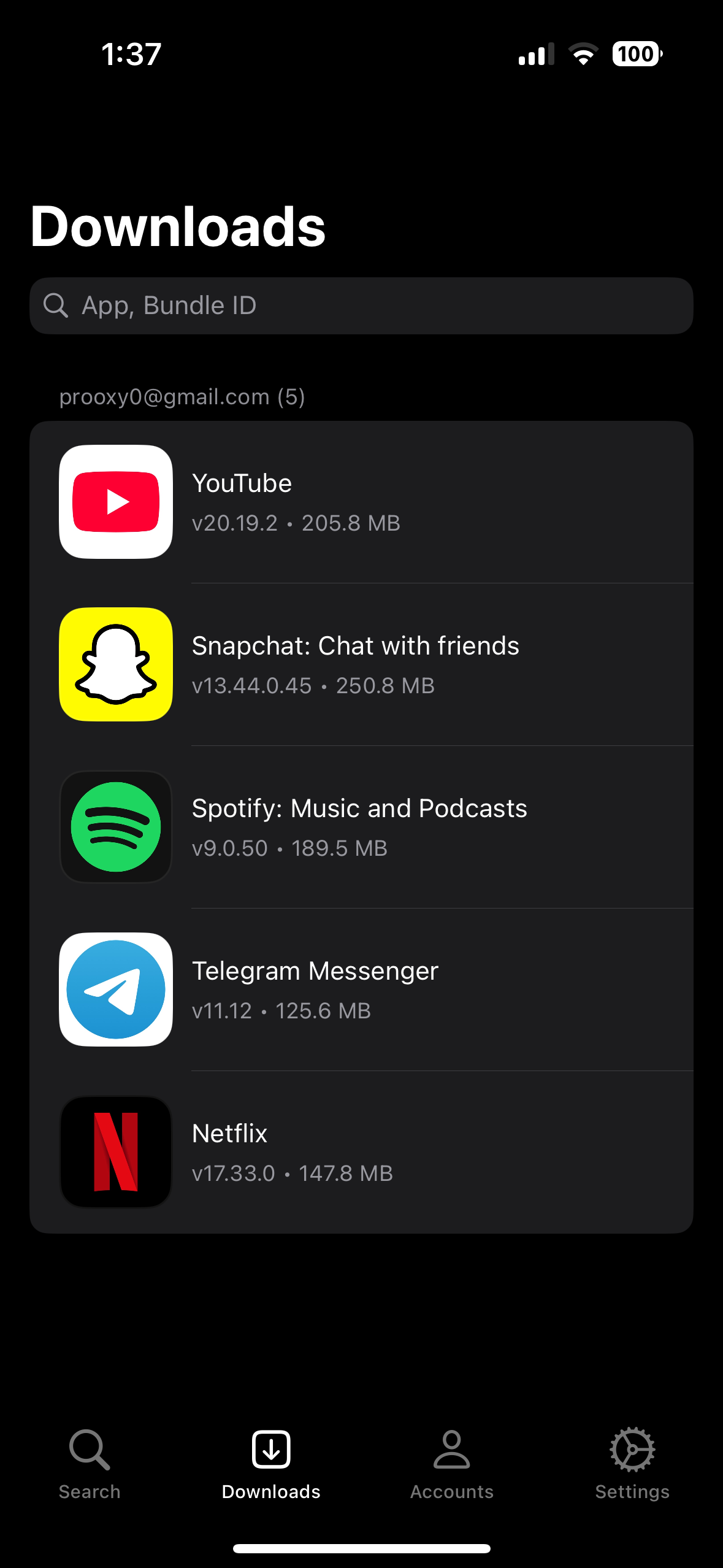
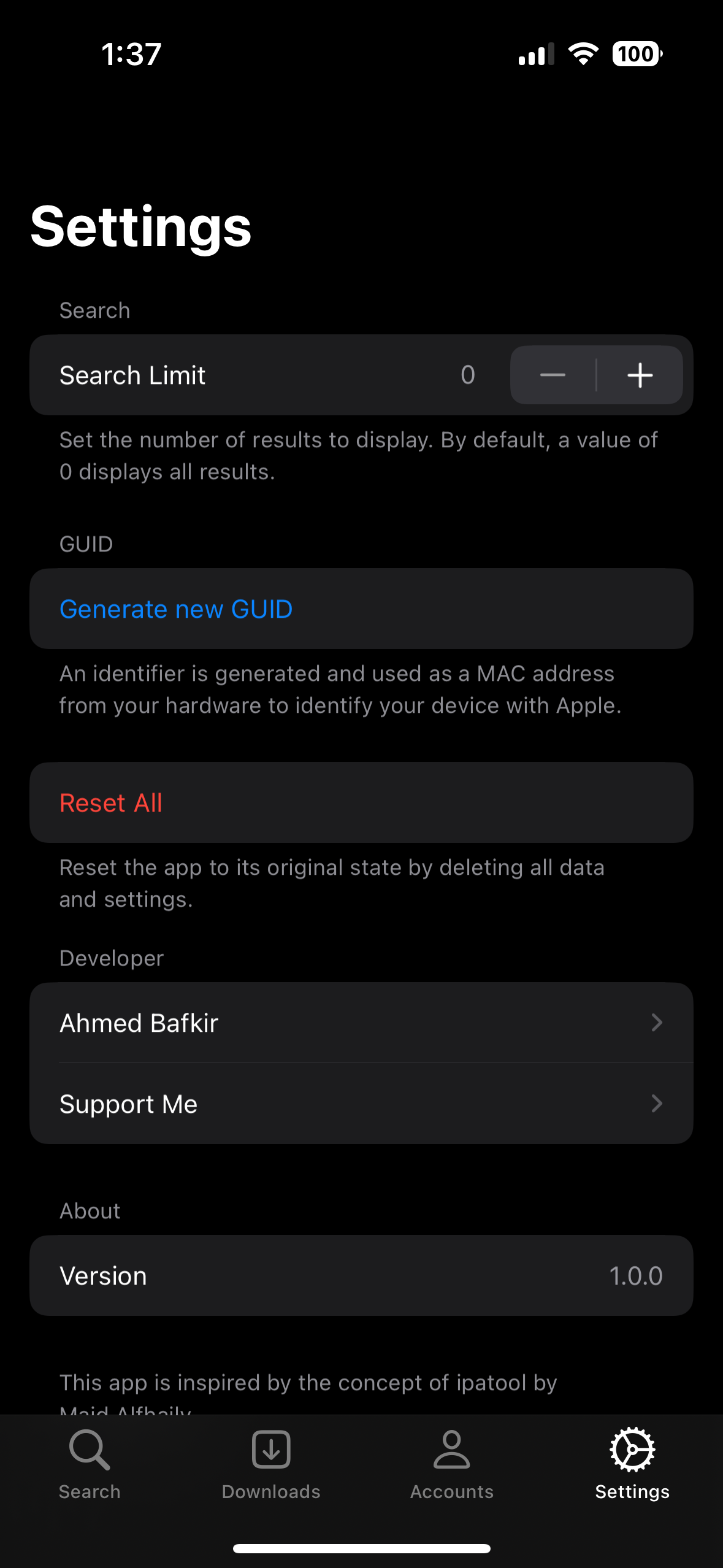
Features
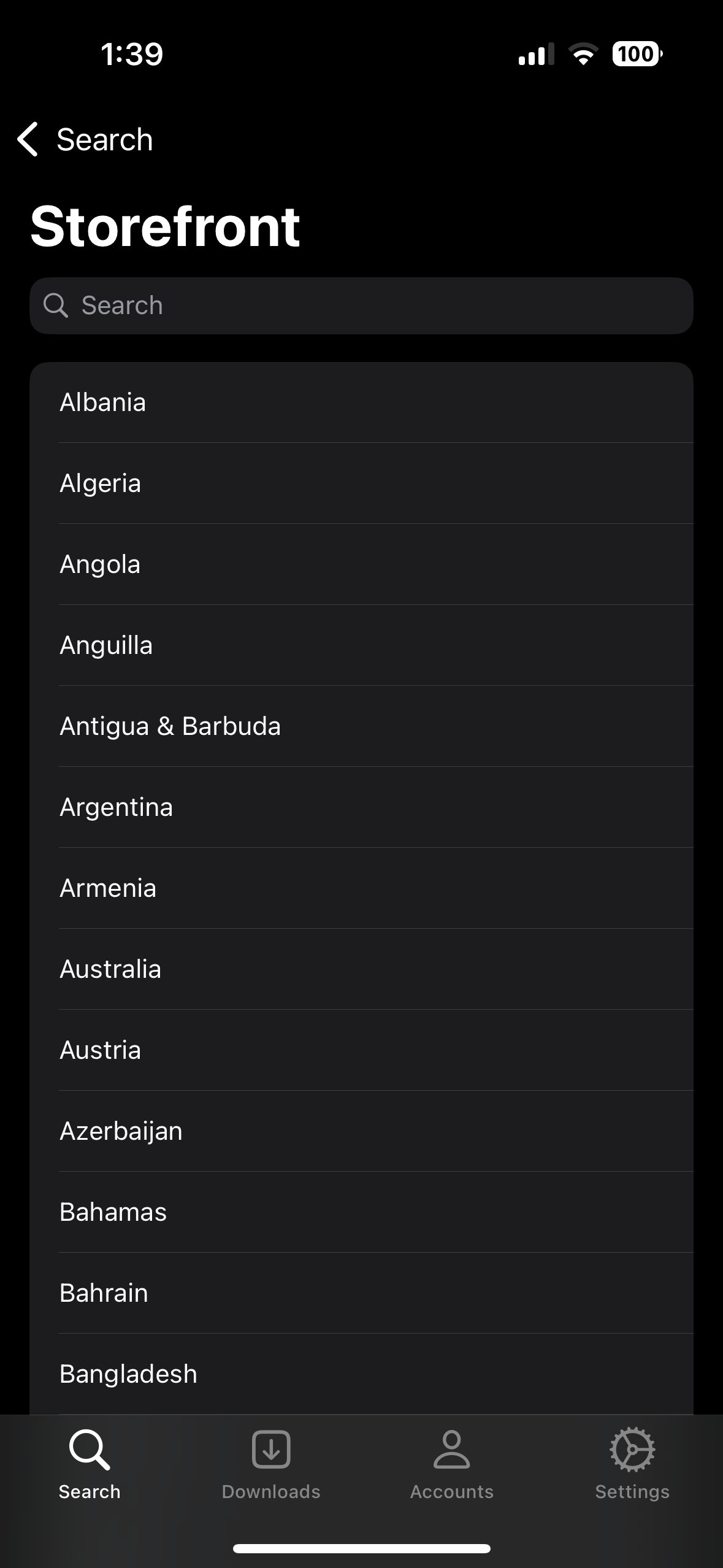
- [x] Select an available storefronts.
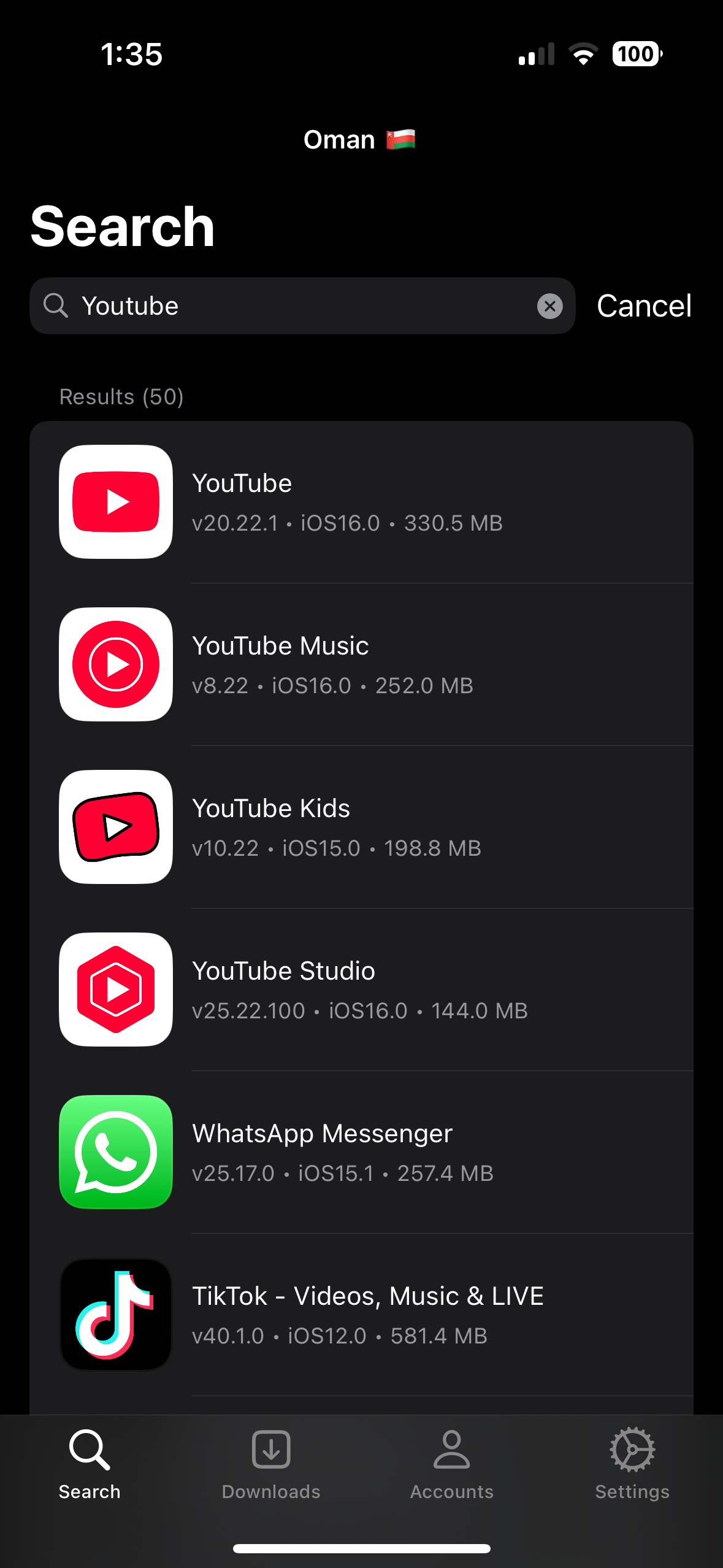
- [x] Search for applications with name, Bundle-id, link.
- [x] Ability to copy such as Bundle-id, application-id, link.
- [x] Multiple account support.
- [x] Purchase only free apps.
- [x] Download apps as an ipa file.
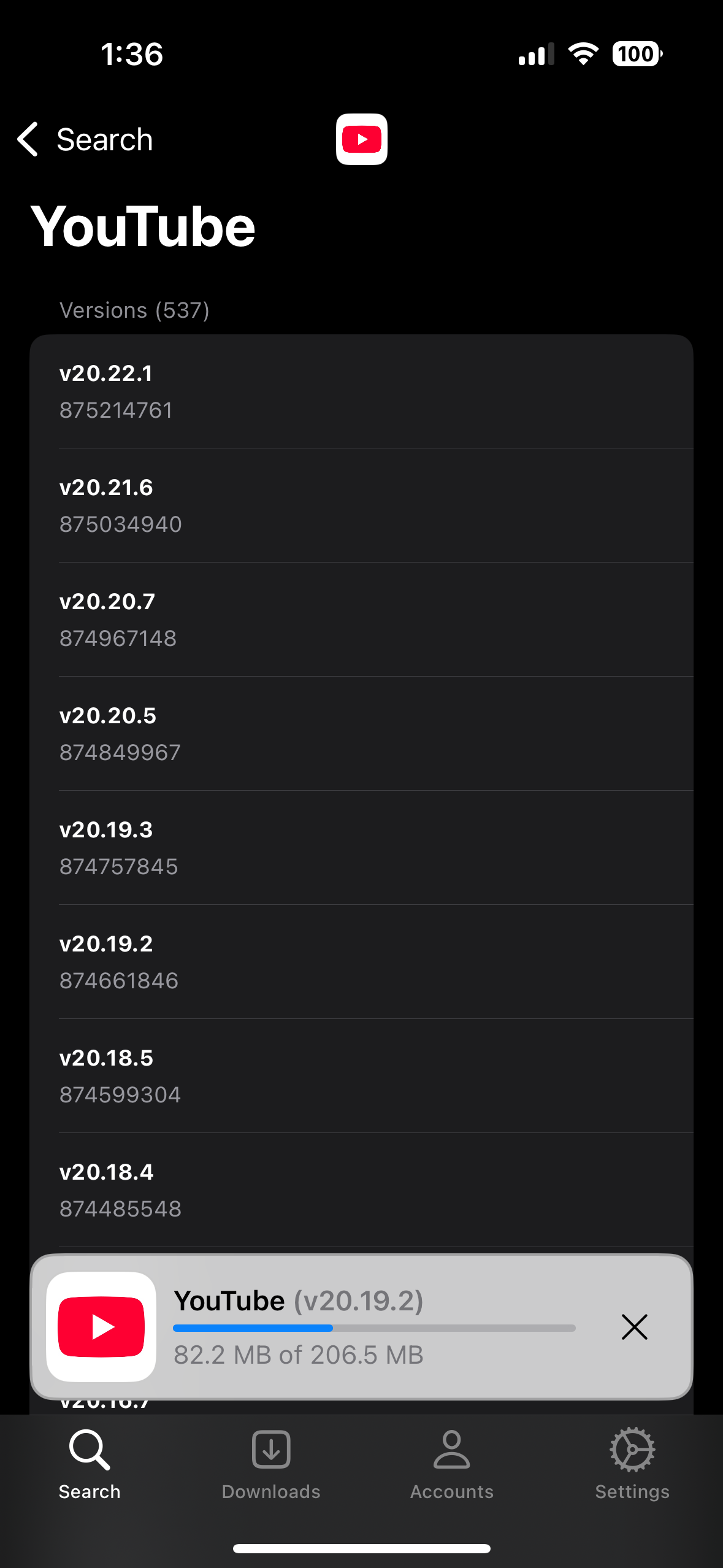
- [x] Download apps with older versions.
- [x] Download specific app versions via Version ID.
- [x] Each account has separate downloads.
- [x] Share apps as an ipa file.
- [x] Install apps on device.
- [x] Supports for non jailbroken devices.
⚠️ Note: Installing apps directly from within the app may cause issues such as missing automatic updates.
For best results, use AirDrop to install them by sharing from another device.
Install DLiPA
Download the latest version from Releases.
AltStore
Requirements:
- A computer running macOS or Windows
- Internet connection
- Apple ID (email & password)
- If you are on iOS 16, you may need to enable Developer Mode. (Settings > Privacy & Security > Developer Mode)
Install:
- Download and install AltServer from here
- Right-click on the AltServer icon with your phone connected and choose "Install AltStore", then the name of your phone. When prompted sign in with your Apple ID. Two-factor Authentication is supported, but app-specific passwords are not.
- Download the IPA file from the Releases and copy it to your phone, using iCloud Drive, AirDrop, or any other method. Open AltStore and navigate to the "My Apps" tab. Choose the plus in the top right corner and open the IPA file. When prompted sign in with your Apple ID. Two-factor Authentication is supported, but app-specific passwords are not.
iOS App Signer
See all instructions from here
Acknowledgements
Special thanks to ipatool by Majd Alfhaily


